
1. Введение
This manual provides essential information for setting up, operating, maintaining, and troubleshooting your Sharp Aquos QLED 55 Inch 4K Ultra HD Xumo Smart TV. Please read this manual thoroughly before using your television and retain it for future reference.
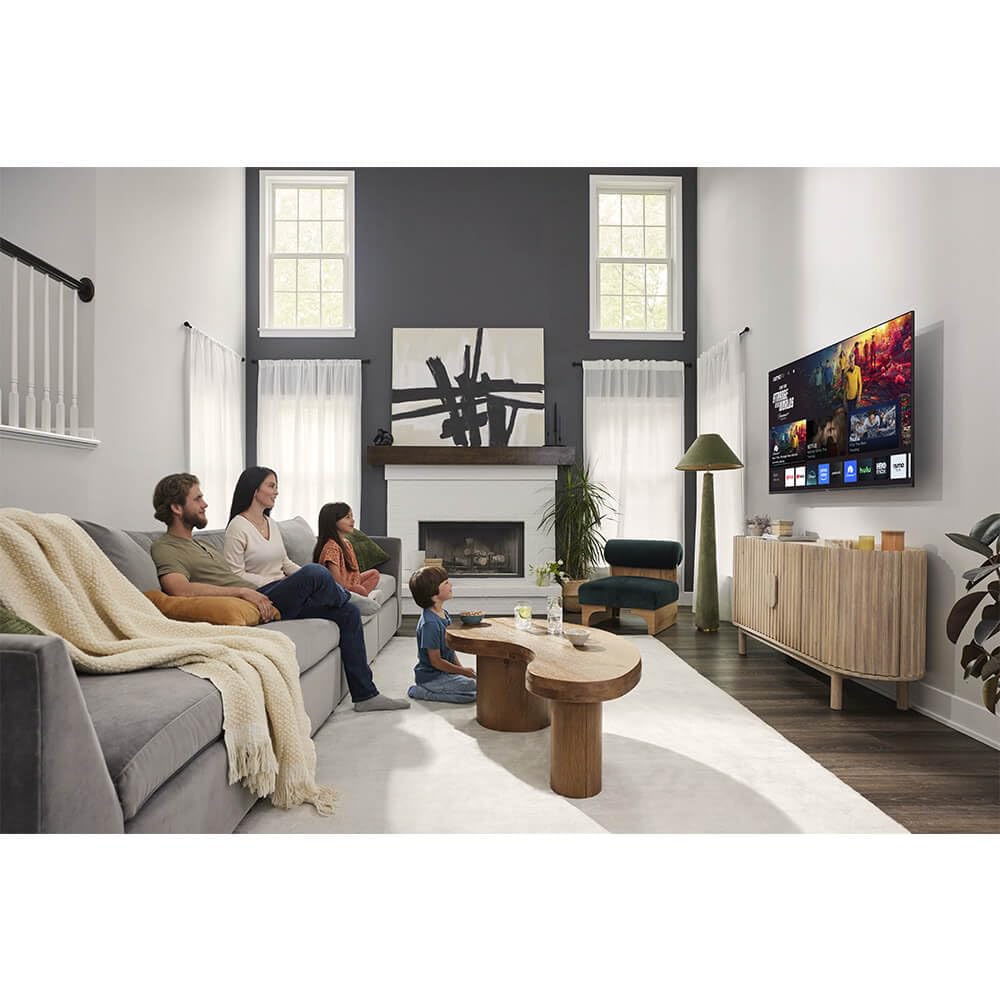
Изображение: Спереди view of the Sharp Aquos QLED 55 Inch 4K Ultra HD Xumo Smart TV.
2. Информация по технике безопасности
Always follow basic safety precautions when using this television to reduce the risk of fire, electric shock, and injury. Keep the television away from moisture, direct sunlight, and heat sources. Ensure proper ventilation and do not block any ventilation openings. Use only the power cord and accessories specified by the manufacturer. Refer to the full safety guidelines in the included printed manual.
3. Что в коробке
Your Sharp Aquos QLED 55 Inch 4K Ultra HD Xumo Smart TV package includes:
- Sharp Aquos QLED 55 Inch 4K Ultra HD Xumo Smart TV
- Голосовое дистанционное управление
- Подставка под телевизор (2 шт.)
- Винты для подставки под телевизор
- Шнур питания
- Руководство пользователя (этот документ)
- Краткое руководство пользователя
4. Настройка
4.1 Крепление подставки под телевизор
- Осторожно положите телевизор экраном вниз на мягкую ровную поверхность, чтобы не повредить его.
- Совместите каждую часть подставки с соответствующими отверстиями для винтов в нижней части телевизора.
- Закрепите каждую деталь подставки с помощью прилагаемых винтов. Убедитесь, что они надежно затянуты.
4.2 Настенный монтаж (опционально)
If you choose to wall mount your TV, ensure you use a VESA-compatible wall mount kit (sold separately) that supports the 55-inch screen size and weight. Follow the instructions provided with your wall mount kit. Remove the TV stand before mounting.
4.3 Подключение устройств
Connect your external devices (cable box, gaming console, soundbar, etc.) to the appropriate ports on the back of the TV. The Sharp Aquos QLED TV features multiple HDMI inputs for versatile connectivity.

Изображение: сзади view of the Sharp Aquos QLED TV showing cable management through the stand.
4.4 Подключение питания
Plug the power cord into the TV's power input, then into a wall outlet. The TV is now ready for initial setup.
5. Инструкция по эксплуатации
5.1 Первоначальная настройка и подключение к сети
Upon first power-on, the TV will guide you through the initial setup process. This includes selecting your language, connecting to your Wi-Fi network (dual-band Wi-Fi supported for reliable streaming), and agreeing to terms and conditions. Follow the on-screen prompts.
5.2 Функции дистанционного управления
The included voice remote allows for intuitive navigation. Use the directional pad to move through menus, the OK button to select, and dedicated buttons for popular streaming services. The built-in voice search feature provides hands-free control for launching apps, adjusting volume, and switching inputs.
5.3 Xumo Smart TV Platform
The Xumo Smart TV system offers fast and intuitive access to your favorite streaming applications. The clean home screen allows for easy navigation and personalized content recommendations.
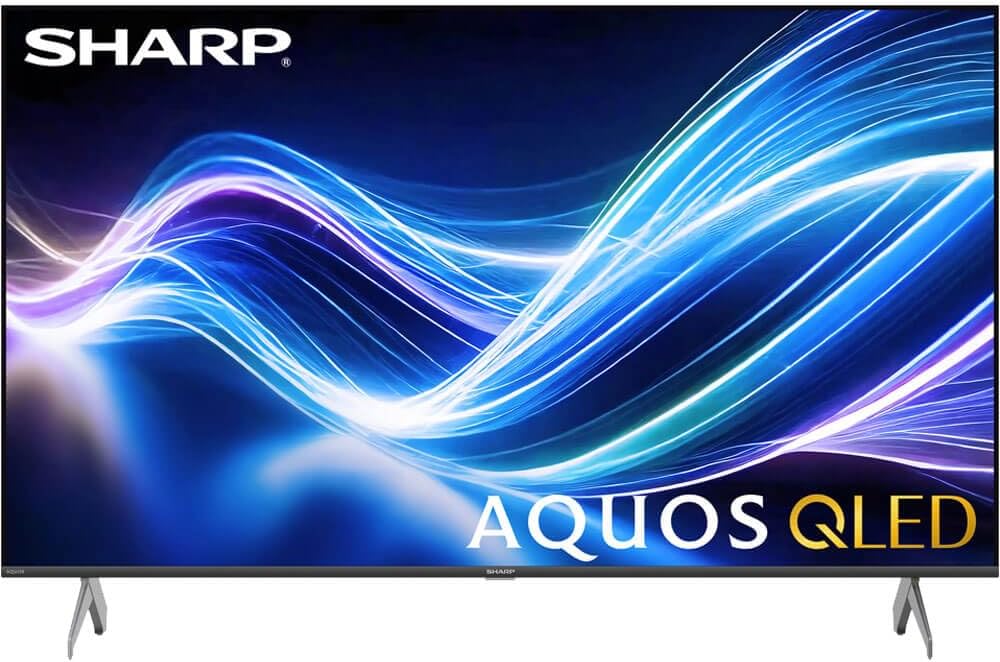
Image: The Xumo Smart TV home screen displaying various streaming apps and voice search functionality.
5.4 Настройки изображения и звука
Your Sharp Aquos QLED TV supports advanced picture and sound technologies:
- 4K QLED-дисплей: Enjoy vibrant, lifelike images with Quantum Dot color and enhanced brightness.
- Dolby Vision и HDR10: These premium HDR formats optimize contrast, depth, and clarity for cinematic picture quality. Access picture settings via the TV menu to fine-tune brightness, contrast, color, and sharpness.
- Иммерсивный звук: The TV features optimized sound processing for clear dialogue and enhanced bass. Connect Bluetooth headphones or speakers for wireless listening. Adjust audio modes (Standard, Music, Movie, Speech, Custom) in the sound settings.
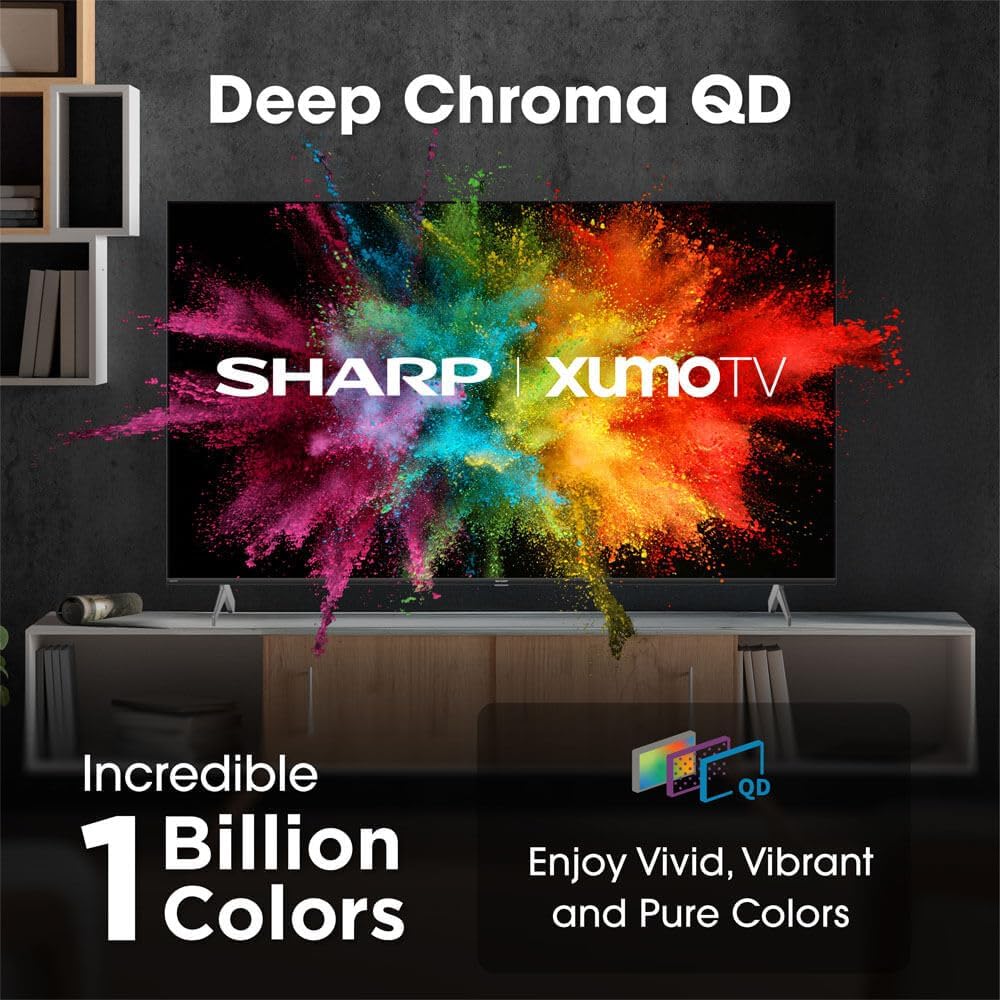
Image: Comparison of Dolby Vision enhanced picture quality against a standard display.

Image: Visual representation of Dolby Atmos creating immersive sound in a living room setting.
6. Техническое обслуживание
6.1 Чистка телевизора
Чтобы очистить экран, аккуратно протрите его мягкой тканью без ворса. Для удаления стойких загрязнений слегка потрите.ampen the cloth with water or a screen-cleaning solution. Never spray liquid directly onto the screen. Clean the TV's exterior with a soft, dry cloth.
6.2 Обновления программного обеспечения
Ваш телевизор может получать автоматические обновления программного обеспечения для повышения производительности и добавления новых функций. Убедитесь, что телевизор подключен к интернету для получения этих обновлений. Вы также можете вручную проверить наличие обновлений в меню настроек телевизора.
7. Поиск Неисправностей
| Проблема | Возможная причина | Решение |
|---|---|---|
| Нет электричества | Power cord not connected, power outlet not working. | Проверьте подключение шнура питания, попробуйте другую розетку. |
| Нет изображения/звука | Incorrect input selected, external device off/disconnected. | Verify input source, check device power and connections. |
| Пульт не работает | Batteries low/dead, obstruction between remote and TV. | Замените батарейки, устраните препятствия, при необходимости повторно выполните сопряжение пульта дистанционного управления. |
| Проблемы с подключением Wi-Fi | Router issues, incorrect password, weak signal. | Restart router, re-enter Wi-Fi password, move TV closer to router or use Ethernet. |
8. Технические характеристики
- Бренд: Острый
- Номер модели: 4TC55HP7050U
- Размер экрана: 55 дюйма
- Технология отображения: QLED Smart
- Разрешение: 4K Ультра HD
- Частота обновления: 60 Гц
- Особые характеристики: Flat, Dolby Vision, HDR10, Xumo Smart TV, Voice Remote, Bluetooth, Dual-band Wi-Fi
- Технологии подключения: RCA, HDMI (multiple ports)
- Поддерживаемые интернет-сервисы: Netflix, Hulu, Amazon Prime Video (and more via Xumo platform)
- Вес товара: 32 фунта
- Цвет: Черный
9. Гарантия и поддержка
Для получения информации о гарантии и технической поддержке обратитесь к гарантийному талону, прилагаемому к вашему изделию, или посетите официальный сайт Sharp. webСохраните чек о покупке в качестве подтверждения покупки для предъявления гарантийных претензий.