
1. Продукт закончилсяview
The SGIN Y101 is a 15.6-inch laptop designed for everyday computing tasks, featuring a Core i3 processor, 16GB RAM, and a 1024GB SSD. It operates on Windows 11 Home and includes a backlit keyboard, WiFi 6 connectivity, and a 180-degree hinge for flexible use.

Image: SGIN Y101 Laptop highlighting its Core i3 processor, Windows 11, 7000mAh battery, backlit keyboard, WiFi 6, 180-degree hinge, 16GB RAM, and 1024GB SSD.
2. Что в коробке
- 1 x SGIN Y101 Laptop
- 1 x Адаптер питания/зарядное устройство
- 1 x Руководство пользователя (этот документ)
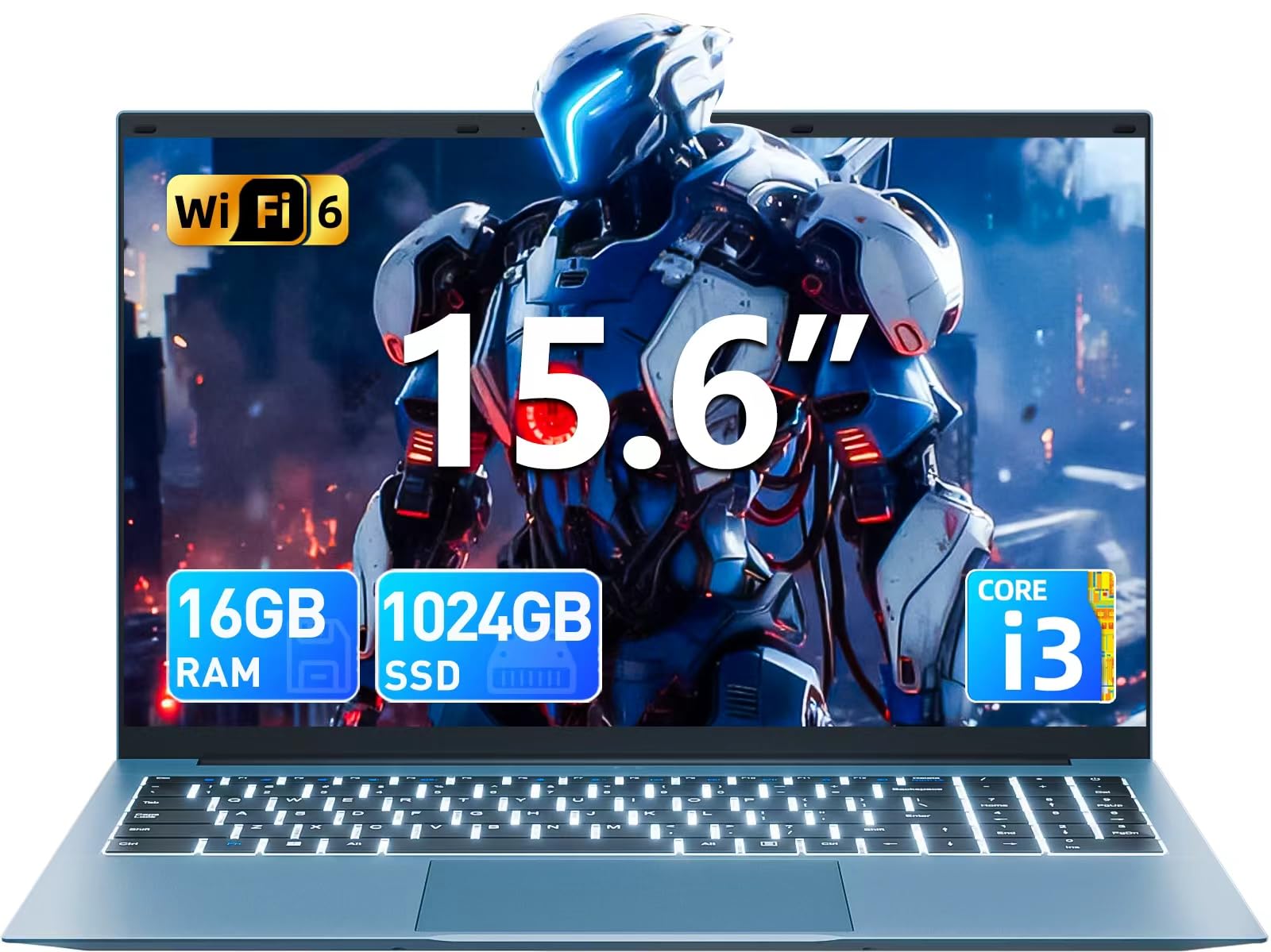
Image: The SGIN Y101 laptop, its power adapter, and the user manual as typically found in the product packaging.
3. Настройка
3.1 Первоначальная зарядка и включение
- Подключите адаптер питания: Подключите адаптер питания к разъему постоянного тока на боковой панели ноутбука, а затем к розетке.
- Зарядите аккумулятор: Дайте ноутбуку заряжаться не менее 30 минут перед первым использованием или пока индикатор батареи не покажет достаточный уровень заряда.
- Включение питания: Open the laptop lid and press the power button, usually located on the top right of the keyboard, to turn on the device.
3.2 Настройка Windows 11
Follow the on-screen instructions to complete the initial Windows 11 Home setup. This typically includes:
- Выбор региона и раскладки клавиатуры.
- Connecting to a Wi-Fi network (WiFi 6 supported).
- Вход в систему или создание учетной записи Microsoft.
- Установка PIN-кода или пароля.
3.3 Подключение периферийных устройств
The SGIN Y101 laptop offers various ports for connecting external devices:
Изображение: подробное view of the laptop's multiple interfaces, including DC jack, Type-C, HDMI, USB 3.2, Security lock, TF card slot, 3.5mm Headphone jack, and RJ45 Ethernet port.
- Порты USB 3.0/3.2: Для подключения USB-устройств, таких как мыши, клавиатуры или внешние накопители.
- Порт HDMI: Подключитесь к внешнему монитору или телевизору для расширения зоны отображения.
- Порт Type-C: For data transfer and potentially charging compatible devices.
- Слот для Micro SD: Insert a TF card for expanded storage up to 1TB.
- Разъем для наушников 3.5 мм: Подключите наушники или внешние динамики.
- Ethernet-порт RJ45: Для проводного подключения к Интернету.
- Слот для замка Кенсингтона: Для физической безопасности.
4. Работа с ноутбуком
4.1 Клавиатура и сенсорная панель
The laptop features a full-size keyboard with a numeric keypad and a large touchpad for navigation. The keyboard is backlit for use in low-light conditions.
- Подсветка клавиатуры: Нажимать Фн + Ф5 to toggle the keyboard backlight on or off.
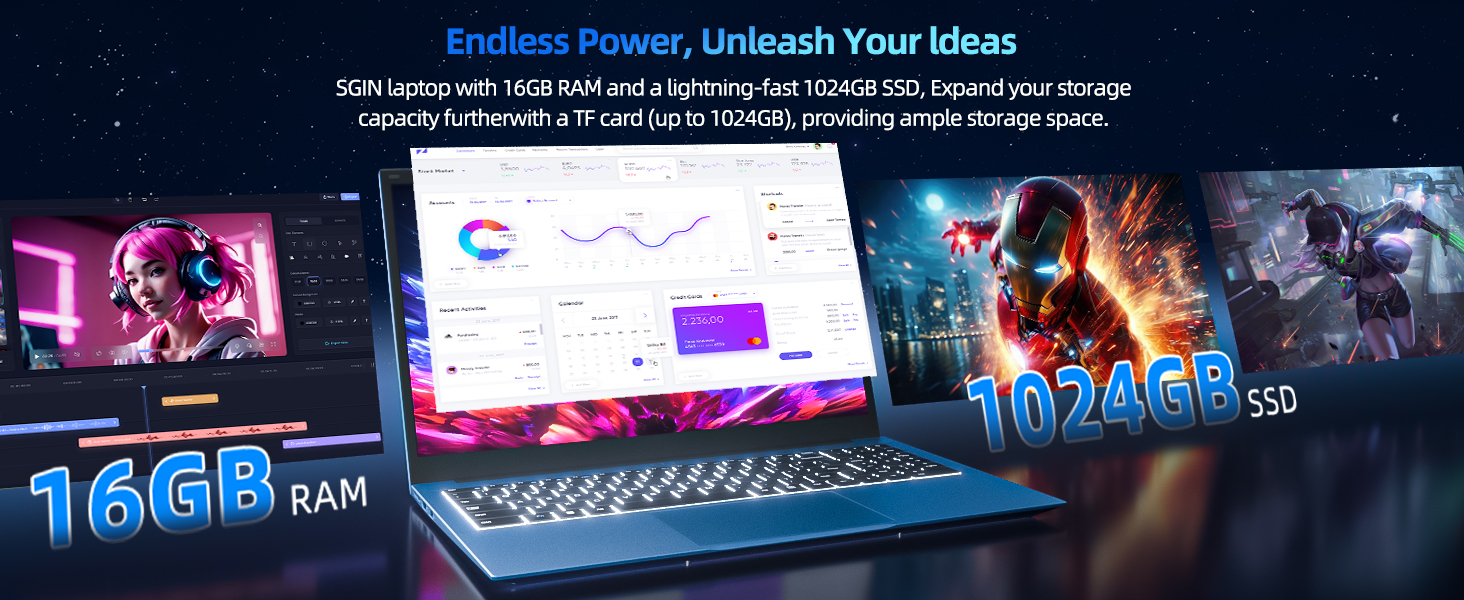
Image: Close-up of the SGIN Y101 laptop's backlit keyboard and numeric keypad, illustrating the Fn+F5 shortcut for backlight control.
4.2 Функции дисплея
The 15.6-inch Full HD (1920x1080) IPS screen provides clear visuals and wide viewing angles. The laptop also features a 180-degree hinge, allowing the screen to lay flat for easy sharing and collaboration.
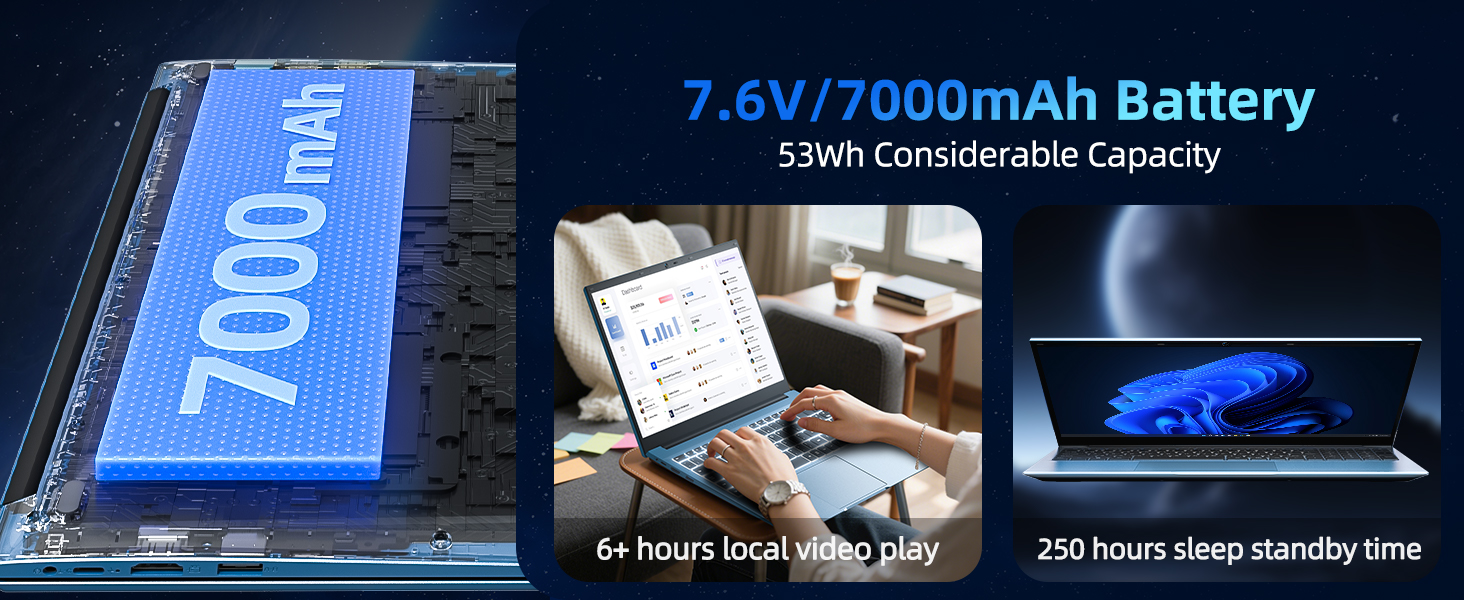
Image: The SGIN Y101 laptop displaying vibrant visuals on its 15.6-inch Full HD IPS screen.
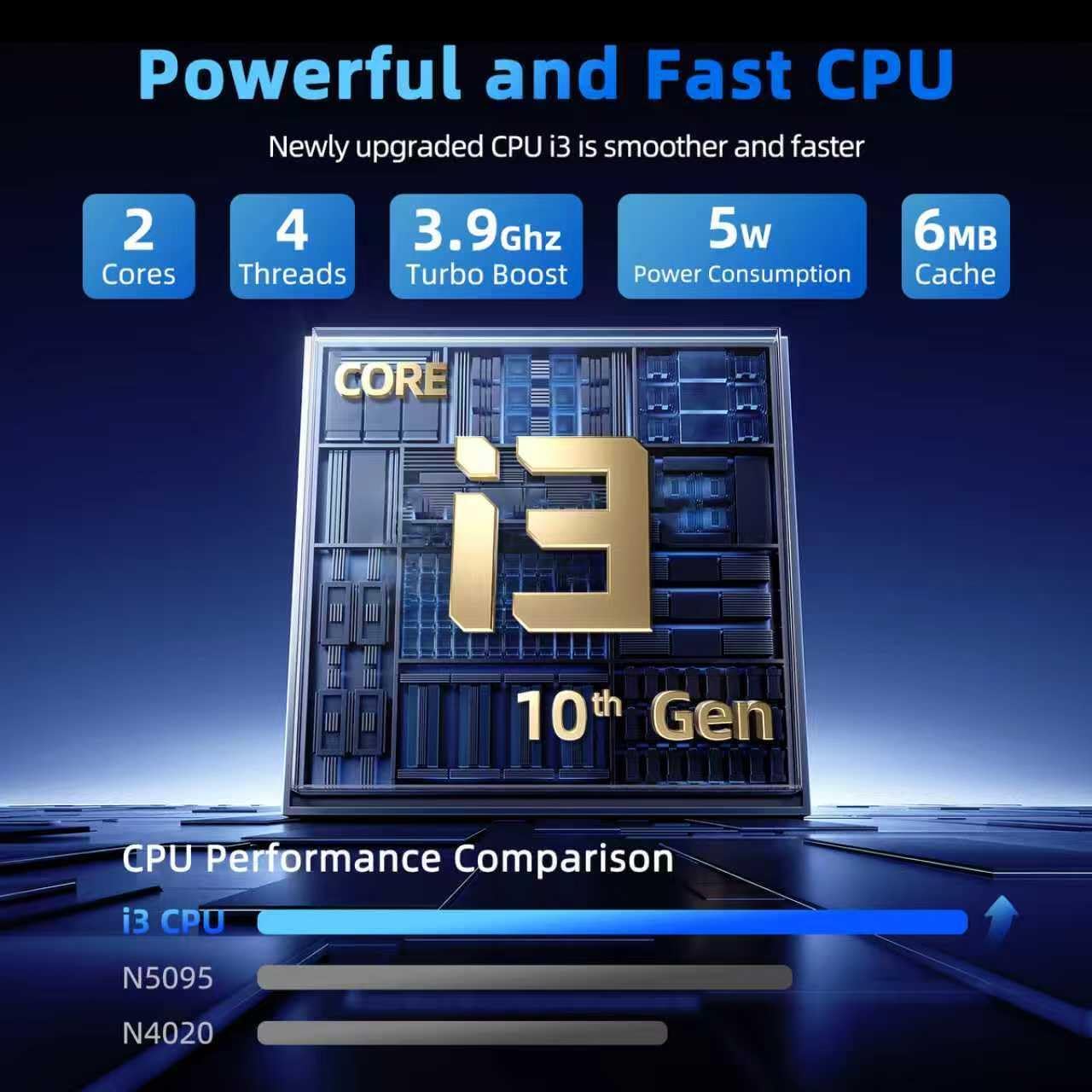
Image: The SGIN Y101 laptop open, illustrating its 180-degree hinge design for flexible viewинг и обмен.
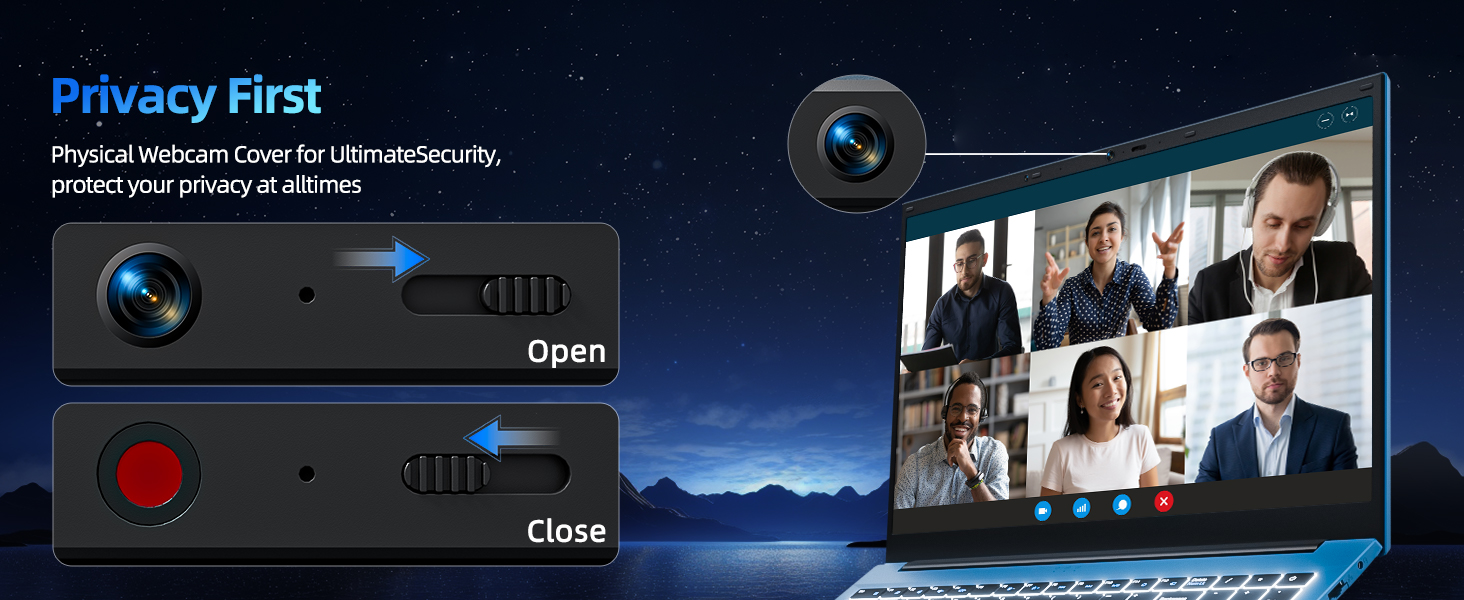
4.3 Конфиденциальность Webкрышка кулачка
For enhanced privacy, the laptop includes a built-in physical webcam switch. Slide the cover to open or close the webкамера по необходимости.
5. Техническое обслуживание
5.1 Общий уход
- Не подвергайте ноутбук воздействию экстремальных температур, прямых солнечных лучей или высокой влажности.
- Держите жидкости подальше от устройства.
- Обращайтесь с ноутбуком бережно, чтобы избежать механических повреждений.
5.2 Очистка
- Для очистки экрана и внешней поверхности используйте мягкую ткань без ворса.
- Для стойких пятен слегка разотритеampсмочите ткань водой или безопасным для экранов чистящим средством.
- Do not spray cleaners directly onto the laptop.
5.3 Уход за аккумулятором
- Чтобы продлить срок службы аккумулятора, избегайте его частой полной разрядки.
- Если вы не используете ноутбук в течение длительного времени, храните его в прохладном, сухом месте.
- The 7000mAh/53.2Wh battery provides up to 8 hours of typical use.
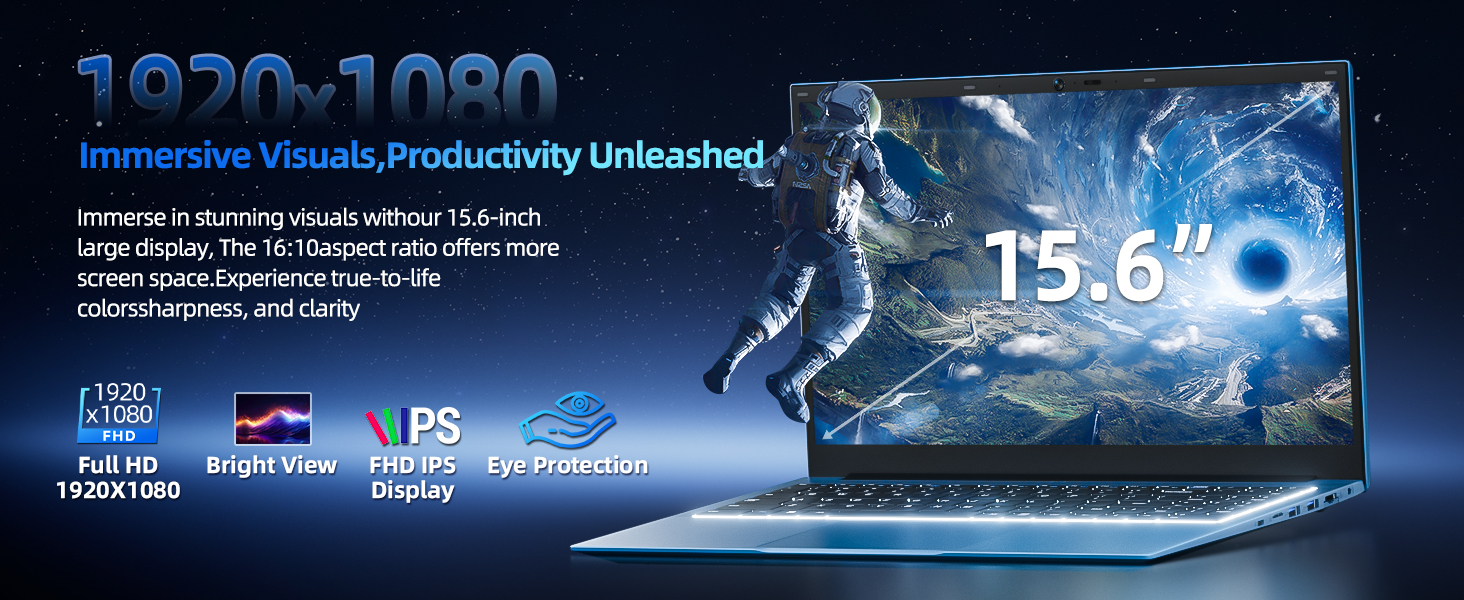
Image: Visual representation of the SGIN Y101 laptop's 7000mAh/53.2Wh large capacity battery, indicating its suitability for extended use.
6. Поиск Неисправностей
This section addresses common issues you might encounter with your SGIN Y101 laptop.
6.1 Проблемы с питанием и загрузкой
- Ноутбук не включается: Убедитесь, что адаптер питания надежно подключен и батарея достаточно заряжена. Попробуйте использовать другую розетку.
- Laptop turns on but screen is black: Connect to an external monitor via HDMI to check if the display is the issue. Restart the laptop.
6.2 Дисплей и графика
- Screen flickering or unusual display: Update graphics drivers. If connecting to an external display, ensure the cable is secure.
- Screen appears dim or too bright: Adjust brightness settings in Windows or using keyboard function keys.
6.3 Проблемы с подключением
- Wi-Fi не подключается: Check if Wi-Fi is enabled in Windows settings. Restart your router and the laptop. Ensure correct password entry.
- USB-устройства не распознаны: Попробуйте использовать другой USB-порт. Убедитесь, что установлены драйверы устройства.
6.4 Клавиатура и сенсорная панель
- Клавиатура не отвечает: Restart the laptop. Ensure no foreign objects are under the keys.
- Сенсорная панель не работает: Check Windows settings to ensure the touchpad is enabled. Restart the laptop.
- Подсветка не работает: Нажимать Фн + Ф5 to ensure it's toggled on.
If you encounter persistent issues not covered here, please refer to the support section for assistance.
7. Технические характеристики
| Особенность | Деталь |
|---|---|
| Название модели | SGIN-Y101 |
| Процессор | Intel Core i3-10100 (2-core, 4-thread, 6MB cache, up to 3.9GHz) |
| БАРАН | 16 ГБ DDR3 SDRAM |
| Хранилище | 1024GB SSD (expandable with TF card up to 1TB) |
| Отображать | 15.6-дюймовый Full HD (1920x1080) IPS-экран |
| Операционная система | Windows 11 Домашняя |
| Аккумулятор | 7000mAh / 53.2Wh (up to 8 hours battery life) |
| Беспроводное подключение | Wi-Fi 6 (802.11ax) |
| Порты | USB 3.0, HDMI, Micro SD slot, Type-C, Kensington lock, 3.5mm Headphone jack, RJ45 Ethernet |
| Размеры (ДxШxВ) | 15.6 x 9 x 0.6 дюйма |
| Масса | 4.97 фунта |
| Цвет | Серый |
8. Гарантия и поддержка
Your SGIN Y101 laptop comes with comprehensive support and warranty:
- 1-летняя защита: Enjoy a 1-year protection plan covering manufacturing defects.
- 1-летняя гарантия на ремонт: The product includes a 1-year repair service.
- Политика возврата в течение 30 дней: Возврат возможен в течение 30 дней с момента покупки.
- Круглосуточная поддержка клиентов: Access instant customer help for any queries or issues.
For support, please contact SGIN customer service through the official channels provided at the time of purchase or on the SGIN webсайт.
9. Видеодемонстрация продукта
Watch this official video for a visual guide on the SGIN 15.6 Inch Laptop Computer's features and connectivity options.
Видео: Оверview and demonstration of the SGIN 15.6-inch laptop, showcasing its design, features, and available ports.