
Introduction to the OPPO Find X9 Series
This manual provides a detailed guide to understanding and utilizing the full capabilities of your OPPO Find X9 Series smartphone, including the Find X9 and Find X9 Pro models. It covers essential functions, advanced features, and practical tips to enhance your user experience. The goal is to help you navigate your device efficiently and securely.
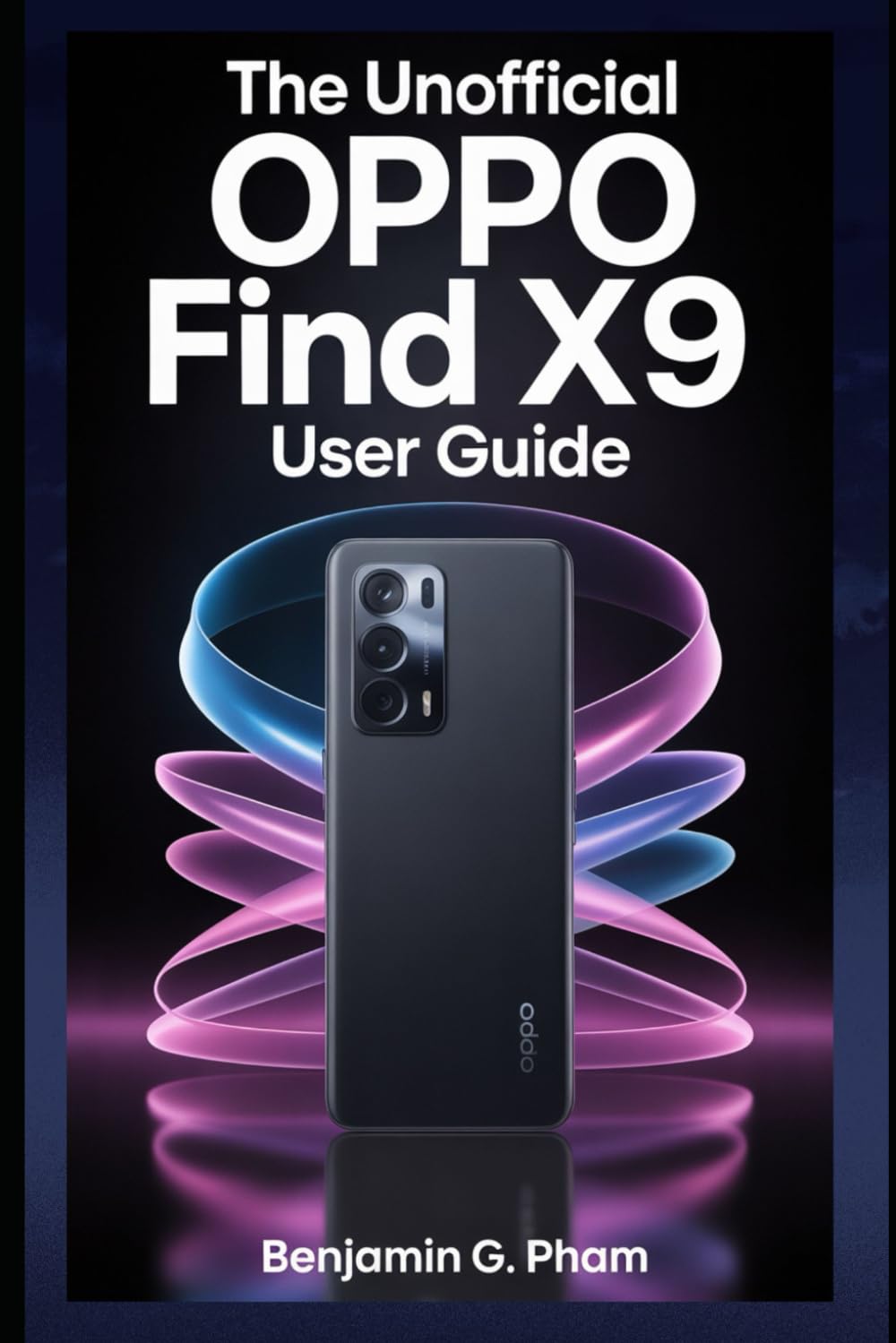
Image: Front cover of the user manual for the OPPO Find X9 Series, displaying the title and design.
1. Первоначальная настройка и конфигурация
Upon first powering on your OPPO Find X9 Series device, you will be guided through a series of steps to set up your phone. This section outlines the process for initial configuration.
- Включение питания: Press and hold the power button until the OPPO logo appears.
- Выбор языка: Выберите предпочитаемый вами язык из списка.
- Выбор региона: Select your geographical region.
- Wi-Fi-соединение: Connect to a stable Wi-Fi network to download necessary updates and complete setup.
- Настройка учетной записи Google: Войдите в свою учётную запись Google или создайте новую. Это необходимо для доступа к Google Play Store и другим сервисам Google.
- Передача данных (необязательно): Follow prompts to transfer data from an old device if desired.
- Настройка безопасности: Configure screen lock methods such as PIN, pattern, password, fingerprint, or facial recognition.
- Review и закончить: Accept terms and conditions, and complete the setup process.
2. Основные операции и навигация
Familiarize yourself with the fundamental operations and navigation gestures of your OPPO Find X9 Series device.
- Главный экран: Доступ к приложениям, виджетам и уведомлениям. Для перемещения между главными экранами проведите пальцем влево или вправо.
- Панель приложений: Проведите пальцем вверх от нижней части экрана, чтобы получить доступ ко всем установленным приложениям.
- Панель уведомлений: Проведите вниз от верхней части экрана, чтобы view уведомления и быстрые настройки.
- Последние приложения: Проведите пальцем вверх и удерживайте от нижнего края экрана (или нажмите кнопку последних приложений), чтобы view и управлять недавно использованными приложениями.
- Жесты: Customize navigation gestures in Settings > System Settings > System Navigation.
3. Camera Features and Photography
The OPPO Find X9 Series offers advanced camera capabilities. This section guides you through various camera modes and settings to capture high-quality photos and videos.
- Режимы камеры: Explore modes such as Photo, Video, Portrait, Night, Pro, Panorama, and Slow-motion.
- Настройки: Adjust resolution, aspect ratio, timer, grid lines, and advanced camera parameters.
- Усовершенствования ИИ: Utilize AI Scene Enhancement for optimized photo quality based on detected subjects.
- Советы экспертов: Learn about composition, lighting, and focus techniques for improved photography.
4. AI Tools and Smart Settings
Discover the integrated AI features and smart settings designed to personalize and optimize your device's performance and user experience.
- Умная боковая панель: Access frequently used apps and tools quickly.
- Flexible Windows: Utilize split-screen and floating windows for enhanced multitasking.
- AI System Booster: Optimize system performance and app launch speeds.
- Персонализация: Customize themes, wallpapers, always-on display, and icon styles.
5. Productivity Tools and Connectivity
Enhance your productivity with various built-in tools and seamless connectivity options.
- File Поделиться: Use Nearby Share or OPPO Share for quick file передача между устройствами.
- Multi-Screen Connect: Mirror your phone screen to a PC or tablet for a larger workspace.
- Цифровое благополучие: Отслеживайте и контролируйте время, проведенное за экраном, и использование приложений.
- Облачные сервисы: Sync data and back up your device using Google Drive or OPPO Cloud.
6. Безопасность и конфиденциальность
Protect your personal data and maintain your privacy with the security features available on your OPPO Find X9 Series device.
- Биометрическая безопасность: Configure and manage fingerprint and facial recognition for secure unlocking and app access.
- Блокировка приложения: Protect individual applications with a password or biometric authentication.
- Частный сейф: Securely store private photos, videos, and documents.
- Менеджер разрешений: Control which apps have access to your device's features and data.
- Панель управления конфиденциальностью: Monitor app access to sensitive permissions.
7. Обслуживание устройства
Regular maintenance helps ensure optimal performance and longevity of your OPPO Find X9 Series smartphone.
- Обновления программного обеспечения: Регулярно проверяйте наличие и устанавливайте обновления системы через Настройки > Об устройстве > Актуально.
- Оптимизация батареи: Manage battery usage in Настройки> Батарея для продления срока службы батареи.
- Управление хранилищем: Очистить ненужное fileи кэш для освобождения места на диске.
- Уборка: Для очистки экрана и корпуса устройства используйте мягкую безворсовую ткань. Избегайте использования агрессивных химикатов.
8. Устранение распространенных неполадок
В этом разделе рассматриваются распространенные проблемы, с которыми вы можете столкнуться, и предлагаются решения.
| Проблема | Решение |
|---|---|
| Устройство не включается | Убедитесь, что батарея заряжена. Нажмите и удерживайте кнопку питания не менее 10 секунд. |
| Приложения вылетают или зависают | Очистите кэш приложения (Настройки > Приложения > Управление приложениями > [Название приложения] > Использование хранилища > Очистить кэш). Перезагрузите устройство. |
| Плохое время работы батареи | Check battery usage in settings to identify power-hungry apps. Reduce screen brightness. Disable unnecessary features like GPS or Bluetooth when not in use. |
| Проблемы с подключением к сети | Включите и выключите Wi-Fi/мобильные данные. Перезагрузите устройство. Сбросьте сетевые настройки.Настройки > Системные настройки > Резервное копирование и сброс > Сброс телефона > Сброс сетевых настроек). |
9. Product Specifications (OPPO Find X9 Series)
This manual details the specifications of the OPPO Find X9 and Find X9 Pro models. For precise technical specifications, please refer to the official OPPO website or the packaging of your specific device model.
Note: As this document is a general guide, specific hardware details such as processor type, RAM, storage, and camera sensor models are covered within the guide's content rather than listed here.
ISBN for this user guide: 979-8270541873

Image: Back cover of the user manual, showing the ISBN barcode and additional details.
10. Гарантия и поддержка
For information regarding your device's warranty, please refer to the warranty card included with your OPPO Find X9 Series smartphone or visit the official OPPO support website. For technical assistance, contact OPPO customer service through their official channels.
- Официальный сайт OPPO Webсайт: For product information, FAQs, and support resources.
- Обслуживание клиентов: Contact details for phone, chat, or email support can be found on the official webсайт.