
1. Введение
This manual provides essential information for setting up, operating, maintaining, and troubleshooting your NIMO 15.6-inch Laptop N152. Please read this manual thoroughly before using your device to ensure proper functionality and longevity.

Image 1.1: NIMO 15.6-inch Laptop, top-down view.
2. Настройка
2.1 Распаковка и первоначальный осмотр
Carefully remove all components from the packaging. Verify that all items listed in the 'What's in the Box' section (Section 6) are present and undamaged. If any items are missing or damaged, contact customer support.
2.2 Зарядка ноутбука
Before first use, fully charge your NIMO laptop. Connect the provided 65W USB-C PD Fast Charger to the laptop's USB-C port and then to a power outlet. The charging indicator light will illuminate. A 15-minute charge provides approximately 2 hours of use.

Image 2.1: The 65W USB-C PD Fast Charger can charge multiple devices.
2.3 Включение и начальная настройка
Press the power button to turn on the laptop. Follow the on-screen instructions to complete the Windows 11 Home setup, including language selection, network connection, and user account creation. You can set up the fingerprint reader during this process for secure login.
3. Инструкция по эксплуатации
3.1 Клавиатура и сенсорная панель
The NIMO N152 features an ergonomic backlit keyboard. To adjust the backlight brightness or toggle it on/off, use the dedicated function keys (Fn + F-key combination, refer to keyboard legends). The touchpad supports multi-touch gestures for enhanced navigation.
3.2 считывателей отпечатков пальцев
The fingerprint reader is integrated into the touchpad for secure and instant login. Once configured, simply place your registered finger on the sensor to unlock your device.
3.3 Функции дисплея
The 15.6-inch Full HD (1920x1080) IPS anti-glare display offers clear visuals. The 180° hinge allows the screen to lay completely flat, useful for sharing content or collaborating.

Image 3.1: The 180° lay-flat hinge for versatile viewинж.
3.4 Связь
The laptop is equipped with various ports for external devices:
- USB 3.0 Порты: Для высокоскоростной передачи данных.
- Порт USB 2.0: Для стандартных USB-устройств.
- HDMI: Подключайтесь к внешним дисплеям или проекторам.
- Порты Type-C: Для зарядки и передачи данных.
- Micro SD Reader: Для расширения хранилища или переноса fileс карт памяти.
- Аудиоразъем: Для наушников или внешних динамиков.
- Кенсингтонский замок: Для физической безопасности.
Изображение 3.2: вид сбоку view of the NIMO laptop showing available ports.
For wireless connectivity, the laptop supports Wi-Fi 6 for stable, high-speed internet and Bluetooth 5.2 for connecting wireless peripherals.
4.Основные характеристики
4.1 Производительность
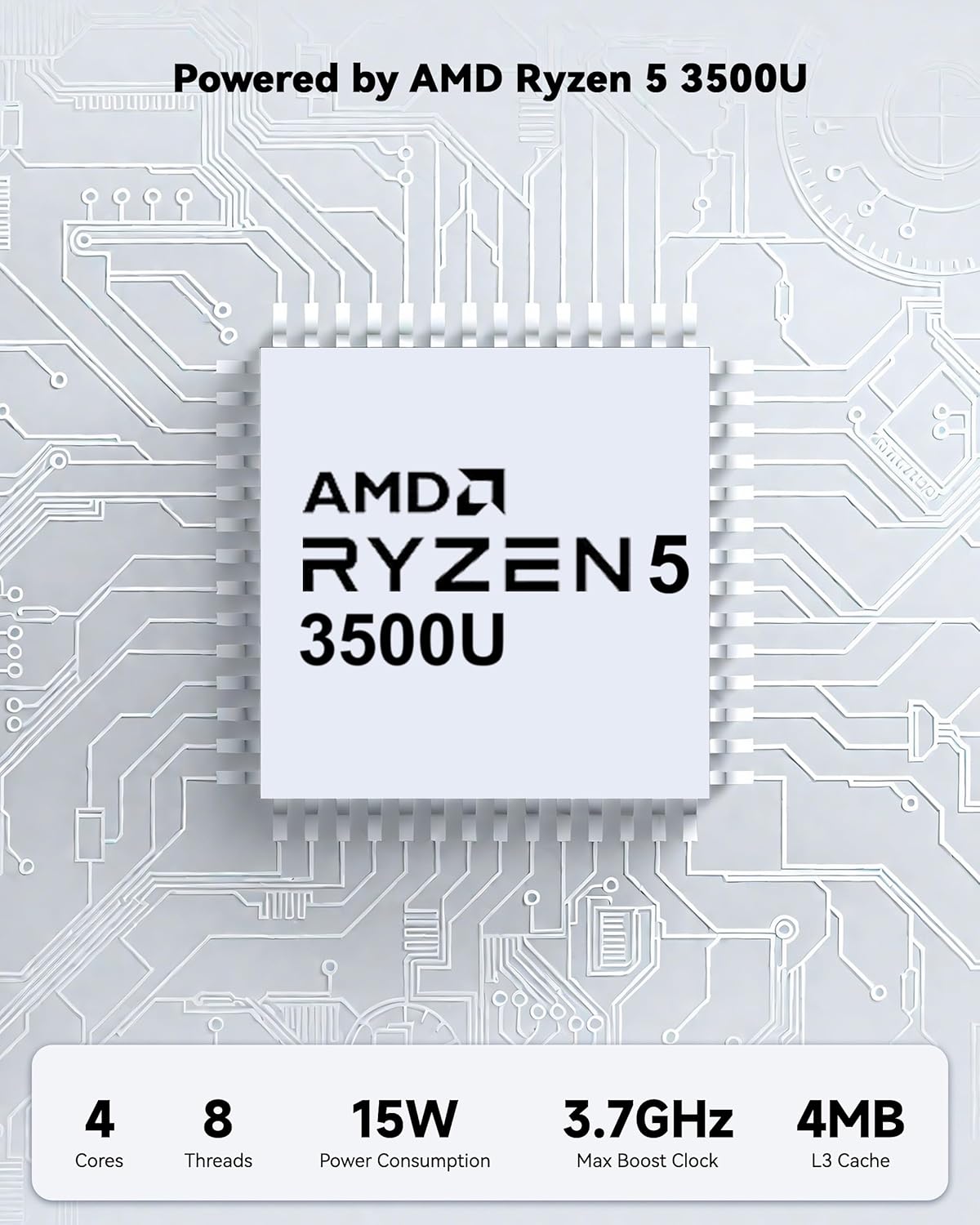
Powered by an AMD Ryzen 5 processor with 4 cores up to 3.7GHz and 16GB DDR4 RAM, the NIMO N152 is designed for efficient multitasking. The 512GB PCIe SSD ensures fast boot-ups and quick file transfers. The RAM is upgradable for future needs.

Image 4.1: AMD Ryzen 5 processor details.
4.2 Visuals and Audio
The 15.6-inch Full HD (1920x1080) IPS anti-glare display provides vibrant visuals with an 85% screen-to-body ratio. The integrated 2MP webcam allows for clear video calls.
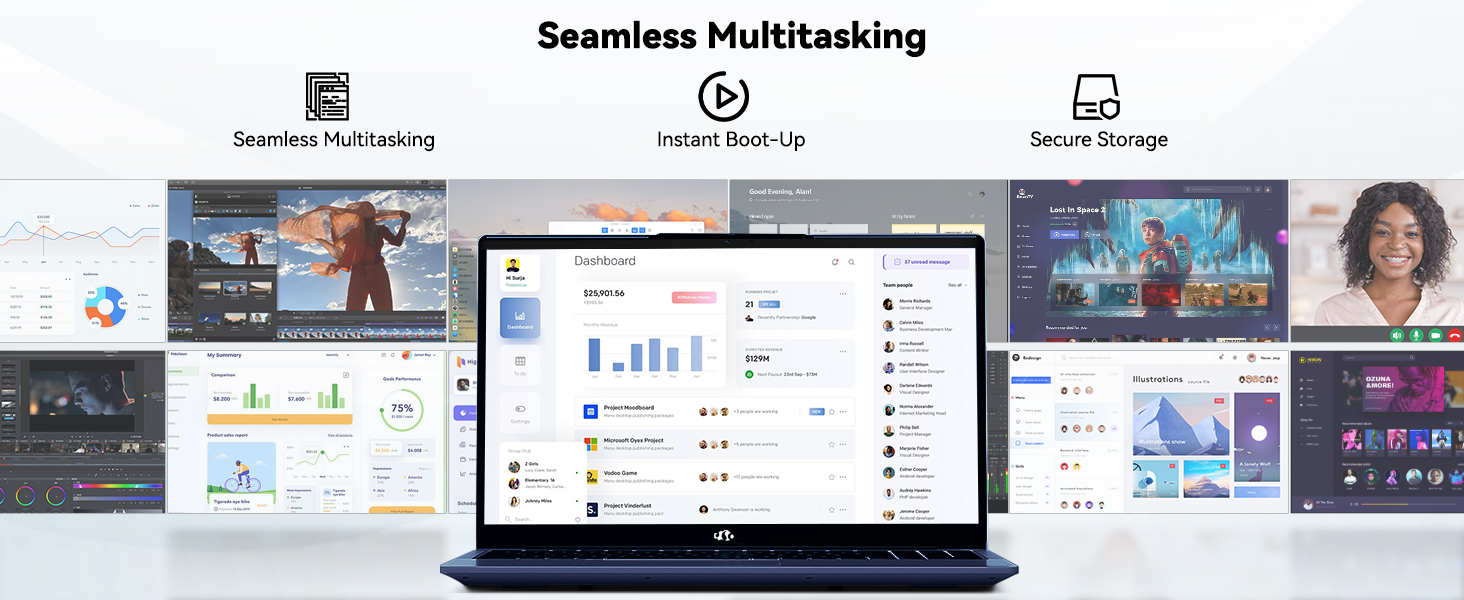
Image 4.2: The laptop's stunning Full HD display.

Image 4.3: The 1080p FHD camera for clear video conferencing.
4.3 Срок службы батареи
The laptop features a 54WH battery with smart battery optimization for extended lifespan and efficient power control, providing approximately 9 hours of average battery life.

Image 4.4: Smart Battery Optimization features.
4.4 Дизайн и портативность
The NIMO N152 has a durable metal A-shell and a slim, lightweight design, weighing approximately 3.75 pounds.

Image 4.5: The NIMO laptop's lightweight and slim profile.
4.5 продукта болееview Видео
Видео 4.1: Генералview of the NIMO 15.6-inch laptop, highlighting its features and design.
4.6 Power and Portability Video
Video 4.2: This video demonstrates the power and portability aspects of the NIMO 15.6-inch laptop.
5. Техническое обслуживание
5.1 Очистка
- Для очистки экрана и внешней поверхности используйте мягкую ткань без ворса.
- Для удаления стойких пятен слегка потритеampсмочите ткань водой или безопасным для экранов чистящим средством.
- Избегайте использования агрессивных химикатов, абразивных материалов и растворителей.
- Keep vents clear of dust and debris to ensure proper airflow.
5.2 Уход за аккумулятором
- Избегайте частой полной разрядки аккумулятора.
- Если ноутбук не используется в течение длительного времени, храните его в прохладном, сухом месте.
- Use only the provided NIMO charger.
5.3 Обновления программного обеспечения
Regularly update your operating system and drivers to ensure optimal performance and security. Windows 11 Home will prompt you for updates.
6. Поиск Неисправностей
6.1 Ноутбук не включается
- Убедитесь, что зарядное устройство надежно подключено как к ноутбуку, так и к исправной розетке.
- Проверьте работоспособность розетки, подключив к ней другое устройство.
- Allow the laptop to charge for at least 30 minutes before attempting to power on again.
6.2 Проблемы с экраном
- If the screen is blank, try connecting an external monitor to check if the display output is working.
- Отрегулируйте яркость экрана с помощью функциональных клавиш.
- Перезагрузите ноутбук.
6.3 Проблемы с подключением
- Wi-Fi: Check your router and internet connection. Ensure Wi-Fi is enabled on the laptop.
- Bluetooth: Verify Bluetooth is enabled and devices are in pairing mode.
- USB-устройства: Try connecting the device to a different USB port or another computer to rule out device issues.
6.4 Низкая производительность
- Закройте ненужные приложения, работающие в фоновом режиме.
- Проверьте наличие и установите все ожидаемые обновления Windows.
- Убедитесь, что на SSD достаточно свободного места.
- Запустите проверку на вирусы.
7. Технические характеристики
| Особенность | Спецификация |
|---|---|
| Название модели | NIMO N152 |
| Размер экрана | 15.6 дюйма |
| Разрешение экрана | 1920 x 1080 пикселей (Full HD IPS) |
| Процессор | AMD Ryzen 5 (4 Cores, up to 3.7 GHz) |
| БАРАН | 16 GB DDR4 (Upgradable) |
| Скорость памяти | 3200 МГц |
| Жесткий диск | 512 GB SSD (PCIe) |
| Графический сопроцессор | AMD Integrated graphics |
| Операционная система | Windows 11 Домашняя |
| Тип беспроводной связи | Wi-Fi 6 (802.11a/b/g/n/ac), Bluetooth 5.2 |
| Порты USB 2.0 | 1 |
| Порты USB 3.0 | 3 |
| Средний срок службы батареи | 9 часов |
| Вес товара | 3.75 фунта |
| Размеры продукта | 14.07 x 8.98 x 0.76 дюйма |
| Цвет | Синий |
| Задний WebРазрешение камеры | 2 МП |
| Особые возможности | Backlit Keyboard, Fingerprint Reader, HD Audio, Numeric Keypad |
7.1 Что в коробке
- 1 x NIMO N152 Laptop
- 1 x Type-C 65W PD Fast Charger
- 1 х Руководство пользователя
- Windows 11 Home (Pre-installed)
8. Гарантия и поддержка
Your NIMO N152 laptop comes with a 2-летняя гарантия производителя. Additionally, NIMO offers a 90-day hassle-free return and exchange policy. For any product-related questions, technical assistance, or warranty claims, please contact NIMO customer service.
8.1 Контактная информация
For support, you can reach out to the professional after-sales team via email or phone. Please refer to the official NIMO website or product page for the most current contact details.

Image 8.1: NIMO products are covered by a 2-year support.

Image 8.2: 90-Day Return policy.