
Введение
The Jabra Evolve3 75 is an on-ear wireless Bluetooth headset designed for modern work environments. It features advanced active noise cancellation, AI-powered voice call technology, and a lightweight, comfortable design. This manual provides detailed instructions for setting up, operating, maintaining, and troubleshooting your headset.
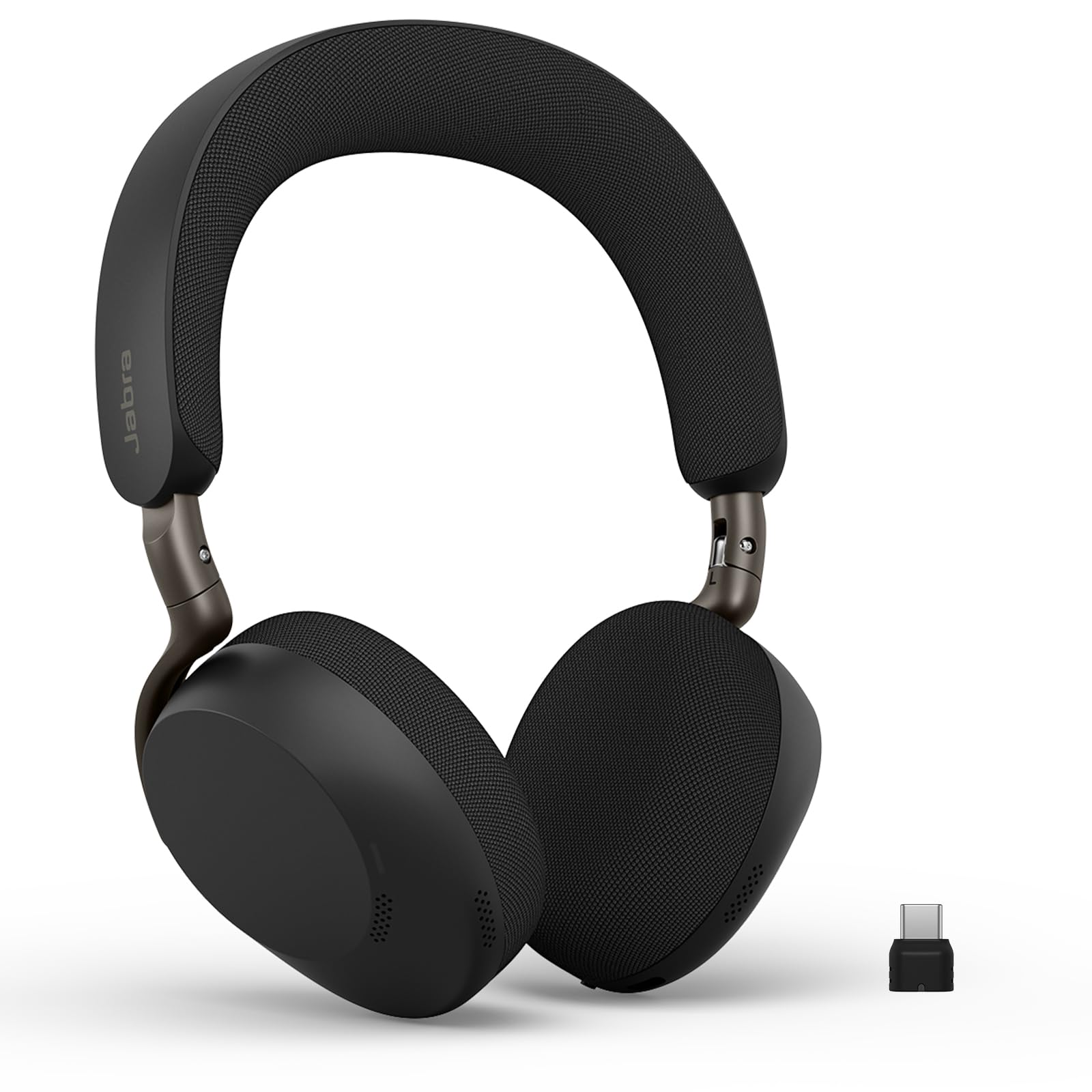
Image: Jabra Evolve3 75 Wireless Headset, showcasing его элегантный дизайн.
Что в коробке?
Your Jabra Evolve3 75 package includes the following items:
- Jabra Evolve3 75 Headset
- Защитный чехол
- Зарядный кабель USB-C - USB-C
- USB-C Dongle (Link390c)
- Информация и заявления по безопасности

Image: All components included in the Jabra Evolve3 75 package, neatly arranged.
Настраивать
1. Зарядка гарнитуры
Before first use, fully charge your headset. The Jabra Evolve3 75 offers two charging methods:
- Кабель USB-C: Connect the provided USB-C to USB-C cable to the headset's USB-C port and to a power source.
- Беспроводная зарядка (если применимо): Place the right ear cup onto a compatible wireless charging pad. Note that not all SKUs include a wireless charger.
A 5-minute rapid charge provides up to 5 hours of power. A full charge offers up to 22 hours of talk time or 110 hours of music playback.

Image: Jabra Evolve3 75 headset on a charging stand, illustrating its battery life and rapid charge capability.
2. Подключение к устройствам
Your headset can connect to your devices via Bluetooth or the included USB-C dongle.
- Bluetooth-соединение: Slide the Power/Bluetooth pairing switch to the Bluetooth position and hold until the LED indicator flashes blue. Select 'Jabra Evolve3 75' from your device's Bluetooth menu.
- Адаптер USB-C: Plug the USB-C dongle (Jabra Link390c) into your computer's USB-C port. The headset will automatically connect to the dongle. This provides enhanced connectivity and mute status synchronization with online meeting applications.
The headset supports Fast Pair for quick connection and dual connectivity, allowing simultaneous connection to your laptop and phone.
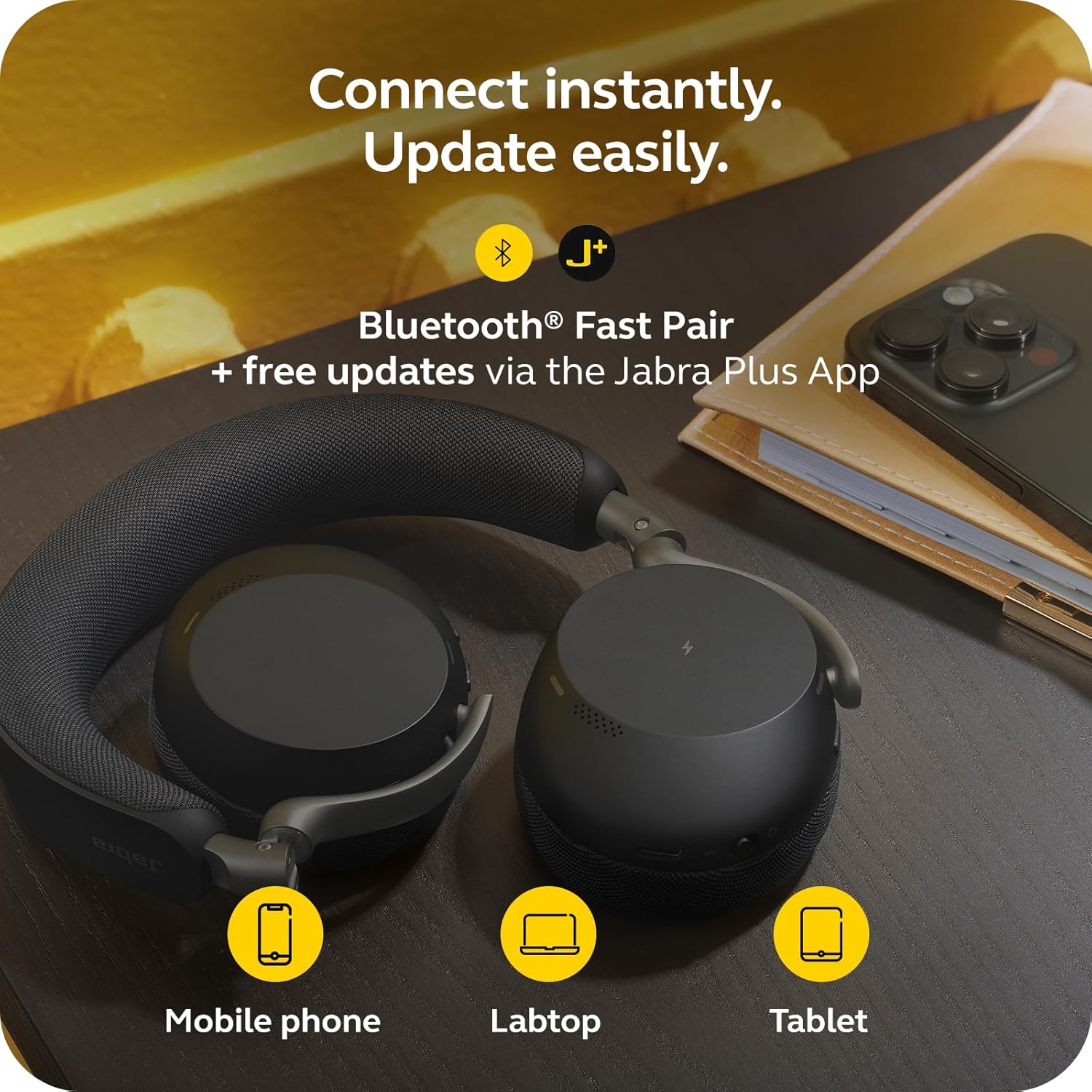
Image: Jabra Evolve3 75 headset alongside a mobile phone, laptop, and tablet, demonstrating its versatile connectivity options and the Jabra Plus App.
3. Jabra Plus App
Download the Jabra Plus App for mobile or Jabra Direct for desktop to manage settings, personalize your sound, and receive firmware updates to keep your headset current and optimized.
Управление гарнитурой
Контролируетview
The Jabra Evolve3 75 features intuitive physical buttons for easy control. Refer to the diagram below for button locations and functions.

Image: A collage highlighting key features of the Jabra Evolve3 75, including ClearVoice, ANC, fast charge, and 360° busylight.
- Power On/Off & Bluetooth Pairing: Slide switch on the right ear cup.
- Увеличение/уменьшение громкости: Buttons on the right ear cup.
- Воспроизведение/Пауза музыки: Нажмите один раз на многофункциональную кнопку.
- Ответить/завершить вызов: Нажмите один раз на многофункциональную кнопку.
- Отклонить вызов: Дважды нажмите многофункциональную кнопку.
- Отключение/включение микрофона: Dedicated button on the left ear cup.
- Голосовой помощник: Press the dedicated button to activate your device's voice assistant.
- ANC/HearThrough Toggle: Button on the left ear cup to cycle between Active Noise Cancellation, HearThrough, and Off modes.
Основные характеристики
- Jabra ClearVoice™: AI-powered technology isolates your speech and reduces background noise for clear communication.
- Jabra Advanced ANC™: Dynamically adjusts to your surroundings to block distractions and maintain focus.
- Enhanced Spatial Sound: Provides a more immersive audio experience for calls and music.
- 360° Busylight: Integrated light indicates when you are on a call or busy, minimizing interruptions.
Видео: Официальная версия продуктаview of the Jabra Evolve3 75, highlighting its key features and benefits for modern work environments.
Обслуживание
Proper maintenance ensures the longevity and optimal performance of your Jabra Evolve3 75 headset.
- Уборка: Gently wipe the ear cushions and headband with a soft, dry cloth. For deeper cleaning, use a slightly damp cloth with mild soap, ensuring no moisture enters the speaker grilles or ports.
- Уход батареи: The headset features a replaceable battery. To maximize battery life, avoid extreme temperatures and store the headset with a partial charge if not used for extended periods.
- Хранилище: Store the headset in its protective case when not in use to prevent damage.
Поиск неисправностей
If you encounter issues with your Jabra Evolve3 75, try the following solutions:
- Нет питания: Ensure the headset is fully charged using the USB-C cable or wireless charging pad.
- Невозможно выполнить сопряжение: Make sure the headset is in Bluetooth pairing mode (flashing blue LED). Turn off and on your device's Bluetooth, then try pairing again. For PC, ensure the USB-C dongle is properly connected.
- Плохое качество звука: Check the connection. If using Bluetooth, try moving closer to your device. If using the dongle, ensure it's securely plugged in. Update firmware via the Jabra Plus App.
- Проблемы с микрофоном: Ensure the microphone is not muted. Check your device's audio settings to confirm the Jabra Evolve3 75 is selected as the input device.
- Функция активного шумоподавления не работает: Ensure ANC is enabled via the dedicated button or Jabra Plus App. Adjust the headset fit for optimal seal.
For further assistance, consult the Jabra Plus App or visit the official Jabra support webсайт.
Технические характеристики
| Особенность | Спецификация |
|---|---|
| Бренд | Джабра |
| Название модели | Развитие3 75 |
| Номер модели | 37599-989-899 |
| Расположение ушей | На ухо |
| Технология связи | Беспроводная связь (Bluetooth 5.3) |
| Диапазон Bluetooth | 100 футов |
| Контроль шума | Активное шумоподавление |
| Время работы аккумулятора (в режиме разговора) | До 22 часов |
| Время работы батареи (музыка) | До 110 часов |
| Время зарядки аккумулятора | 180 минуты |
| Вес товара | 180 грамм |
| Размер аудиодрайвера | 32 миллиметра |
| Гарантия | 2-летний производитель |
Гарантия и поддержка
Информация о гарантии
The Jabra Evolve3 75 headset comes with a 2-летняя гарантия производителя. Сохраните чек о покупке для предъявления гарантийных претензий.
Поддержка клиентов
For technical support, product registration, or to access FAQs and additional resources, please:
- Visit the official Jabra support webсайт: www.jabra.com/support
- Use the Jabra Plus App for personalized assistance and device management.