
1. Введение
This manual provides comprehensive instructions for setting up, operating, and maintaining your RUPA Android TV Box 14.0. Please read this manual carefully before using the device to ensure optimal performance and safety. Keep this manual for future reference.
The RUPA Android TV Box 14.0 is a high-performance streaming media player designed to transform your television into a smart entertainment hub. Featuring the powerful RK3518pro chipset, 2 ГБ ОЗУ, и 32 ГБ встроенной памяти, it delivers smooth operation and supports stunning 4K and 8K Ultra HD resolutions. С Андроид 14.0, Wi-Fi 6, dual-band connectivity, Блютус 5.0, and a voice-controlled remote, it offers a rich and interactive viewопыт.

Image: An illustration of the RK3518pro chipset, highlighting its core processing unit, 2GB RAM, and 32GB internal storage, which are crucial for the TV box's performance.
2. Содержимое упаковки
Carefully unpack your RUPA Android TV Box and verify that all items listed below are included and in good condition. If any items are missing or damaged, please contact customer support.
- RUPA Android TV Box Unit
- Голосовое дистанционное управление
- HDMI-кабель
- Адаптер питания
- Руководство пользователя (этот документ)

Image: The complete contents of the RUPA Android TV Box package, laid out on a surface. This includes the main TV box unit, a voice-controlled remote, an HDMI cable, a power adapter, and the printed user manual.
3. Продукт закончилсяview
Familiarize yourself with the main components and ports of your Android TV Box.

Image: The RUPA Android TV Box, a compact black square device, shown alongside its voice-controlled remote. The remote features a circular navigation pad and dedicated buttons for popular streaming services.
3.1. Порты и индикаторы устройства
The Android TV Box features various interfaces for connectivity:
- Порт HDMI: For connecting to your television or display.
- LAN Port (Ethernet): For a wired network connection (10/100M Ethernet).
- USB-порты: Multiple USB ports (including USB 3.0) for connecting external storage, keyboards, mice, or other peripherals.
- Потребляемая мощность: Для подключения прилагаемого адаптера питания.
4. Руководство по установке
Follow these steps to set up your RUPA Android TV Box:
- Подключение к ТВ: Connect one end of the HDMI cable to the HDMI port on the Android TV Box and the other end to an available HDMI input on your television.
- Подключите питание: Подключите адаптер питания к порту DC IN на телевизионной приставке, затем подключите адаптер к розетке.
- Включение питания: Turn on your television and select the correct HDMI input source using your TV's remote control. The Android TV Box should automatically power on and display the boot screen.
- Начальная настройка: Следуйте инструкциям на экране, чтобы завершить первоначальную настройку, которая обычно включает выбор языка, подключение к сети (Wi-Fi или Ethernet) и вход в учетную запись Google.
- Сопряжение дистанционного управления: If your voice remote control is not automatically paired, follow the instructions provided on-screen or in the remote control section of this manual to pair it.
5. Инструкция по эксплуатации
5.1. Основная навигация
Use the directional pad (up, down, left, right) and the "OK" button on your remote control to navigate through menus and select items. The "Back" button returns to the previous screen, and the "Home" button takes you to the main Android TV home screen.
5.2. Управление приложениями
The RUPA Android TV Box runs on the latest Android 14.0 system, providing access to a vast library of applications via the Google Play Store. You can download and install your favorite streaming services, games, and utility apps.
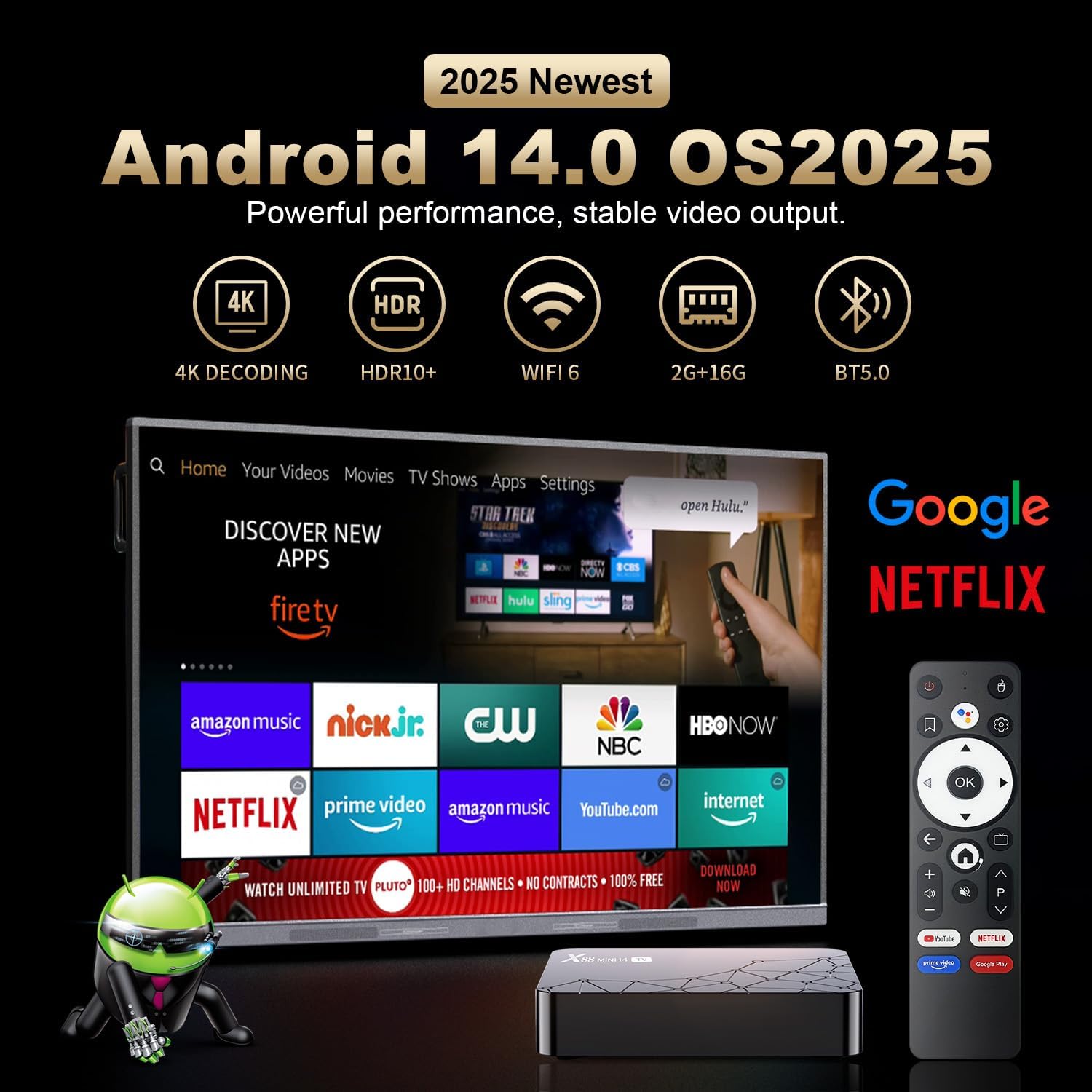
Image: A television screen displaying the Android 14.0 operating system interface. Various popular streaming applications such as Netflix, YouTube, Amazon Prime Video, and Google Play are visible, indicating broad app compatibility and access to the Google Play Store.
5.3. Голосовое управление
The included remote control features voice control capabilities. Press the dedicated voice button on the remote and speak your commands to search for content, open applications, or control playback. This feature enhances user interaction and convenience.

Image: A voice-controlled remote for the Android TV Box, positioned next to a television displaying various streaming app icons. A speech bubble indicates the voice command "Ask Google for a little help on your big screen," highlighting the remote's functionality for voice search and control.
The remote also supports motion sensing operating, utilizing a gyroscope for gesture recognition, providing an alternative method for navigation and control.
5.4. Зеркальное отображение экрана
The Android TV Box supports screen mirroring technologies like Airplay and Airscreen, allowing you to cast content from your mobile phone, tablet, or laptop directly to your television screen for a larger viewопыт.
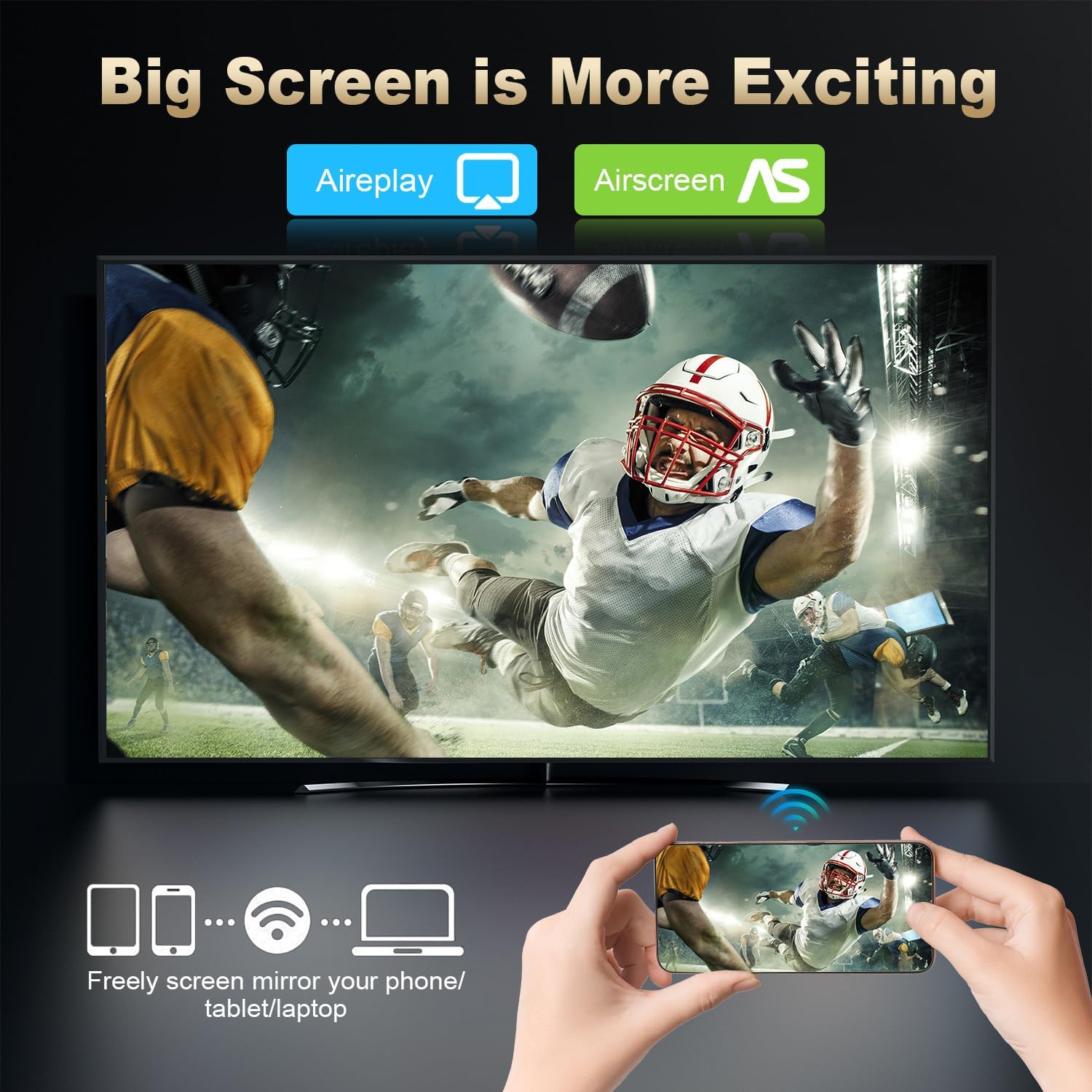
Image: A large television screen displaying a sports event, with a smartphone in the foreground showing the same content. Text indicates "Airplay" and "Airscreen" support, illustrating the screen mirroring capability from mobile devices to the TV.
6. Сетевое подключение
Your RUPA Android TV Box offers flexible network connection options for stable and fast internet access:
- Wi-Fi: Supports WIFI6 dual-band Wi-Fi (2.4 GHz and 5.8 GHz) for reliable wireless internet access, reducing interference from external signals.
- Ethernet: A 100M Ethernet port is available for a direct, wired internet connection, providing maximum stability and speed for streaming and online activities.
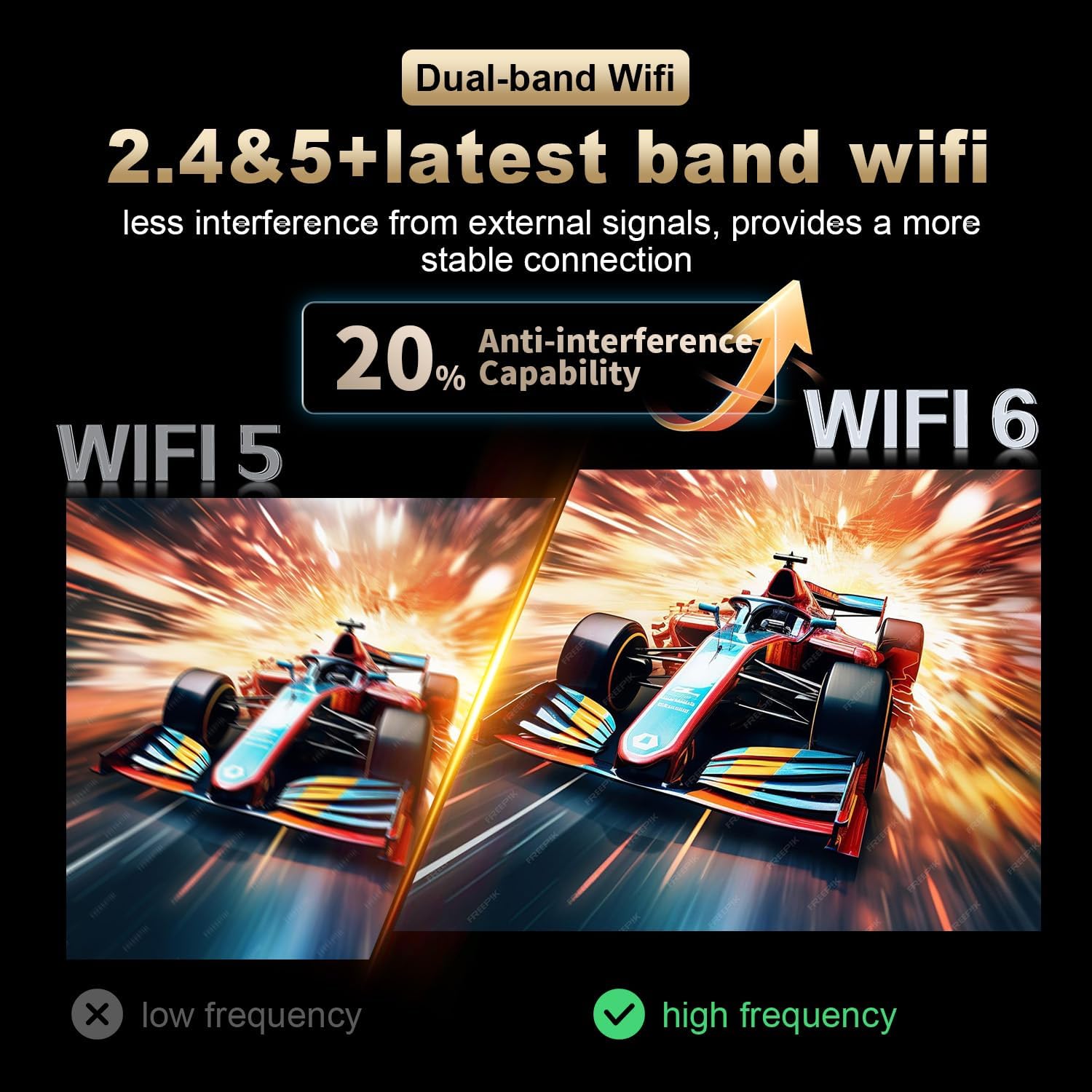
Image: A visual comparison illustrating the improved anti-interference capability of WiFi 6 (2.4 & 5.8 GHz dual-band) compared to older WiFi 5 technology, indicating a more stable and reliable wireless connection for the Android TV Box.
7. Display and Resolution
The RUPA Android TV Box supports advanced display technologies for a superior viewопыт работы:
- Разрешение: Supports up to 4K and 8K Ultra HD resolutions, providing sharp and vivid images for movies, TV shows, and games.
- HDR10+: Enhances picture quality with improved contrast, brightness, and color accuracy, delivering a more immersive visual experience.

Image: A visual representation comparing the clarity and detail of 1080P, 4K, and 8K resolutions. The image highlights the significant visual improvement offered by 8K Ultra HD and HDR10+, showcasing a vibrant floral display on a television screen.
8. Техническое обслуживание
To ensure the longevity and optimal performance of your RUPA Android TV Box, follow these maintenance guidelines:
- Уборка: Use a soft, dry cloth to clean the device. Do not use liquid cleaners, abrasive materials, or aerosols.
- Вентиляция: Ensure the device is placed in a well-ventilated area to prevent overheating. Do not block any ventilation openings on the device.
- Выключение: When not in use for extended periods, it is recommended to power off the device and unplug it from the power outlet to conserve energy and protect the device.
- Обновления программного обеспечения: Regularly check for and install system updates to ensure you have the latest features, performance enhancements, and security patches.
9. Поиск Неисправностей
If you encounter issues with your RUPA Android TV Box, refer to the following common problems and solutions:
| Проблема | Возможное решение |
|---|---|
| Нет питания/устройство не включается |
|
| Нет изображения на телевизоре |
|
| Пульт не отвечает |
|
| Проблемы с подключением Wi-Fi |
|
| Приложения зависают или дают сбой |
|
10. Технические характеристики
| Особенность | Деталь |
|---|---|
| Бренд | РУПА |
| Модель | RK3518pro |
| Операционная система | Андроид 14.0 |
| Процессор | RK3518pro Chipset |
| БАРАН | 2 ГБ |
| Внутреннее хранилище | 32 ГБ |
| Поддержка резолюции | Up to 8K Ultra HD, 4K, 1080P |
| Поддержка HDR | HDR10+ |
| Wi-Fi | WIFI 6, Dual-Band (2.4 GHz / 5.8 GHz) |
| Ethernet | 10/100M LAN Port |
| Bluetooth | Блютус 5.0 |
| USB-порты | Multiple (including USB 3.0) |
| Видеовыход | HDMI |
| Тип контроллера | Voice Remote Control (with motion sensing) |
| Размеры продукта | 7.2 x 4.4 x 2.2 дюйма (18.3 x 11.2 x 5.6 см) |
| Вес товара | 10.6 унций (0.3 килограмма) |
| Первая доступная дата | 16 сентября 2025 г. |
11. Информация по технике безопасности
Пожалуйста, соблюдайте следующие меры предосторожности, чтобы предотвратить повреждение устройства или травмы:
- Не подвергайте устройство воздействию воды, влаги или экстремальных температур.
- Не размещайте устройство рядом с источниками тепла или под прямыми солнечными лучами.
- Не пытайтесь вскрывать или ремонтировать устройство самостоятельно. По всем вопросам обслуживания обращайтесь к квалифицированному персоналу.
- Используйте только прилагаемый адаптер питания. Использование неоригинальных адаптеров может привести к повреждению устройства и аннулированию гарантии.
- Храните устройство и его аксессуары в недоступном для детей месте.
- Обеспечьте надлежащую вентиляцию вокруг устройства во избежание перегрева.
12. Гарантия и поддержка
Для получения информации о гарантии и технической поддержке, пожалуйста, обратитесь к документации, прилагаемой к вашей покупке, или свяжитесь напрямую с производителем.
Производитель: Shenzhen Hugsun Technology Co., Ltd.
Контактный адрес электронной почты: contact@hugsun.com
For additional support and resources, you may visit the RUPA Store on Amazon: RUPA Store