
1. Введение
Welcome to your new NIMO 15.6" IPS FHD Student Laptop, Model N154. This manual provides essential information to help you get started, operate, and maintain your device. Designed for both home and business use, this laptop combines performance with user-friendly features to enhance your productivity and entertainment experience.
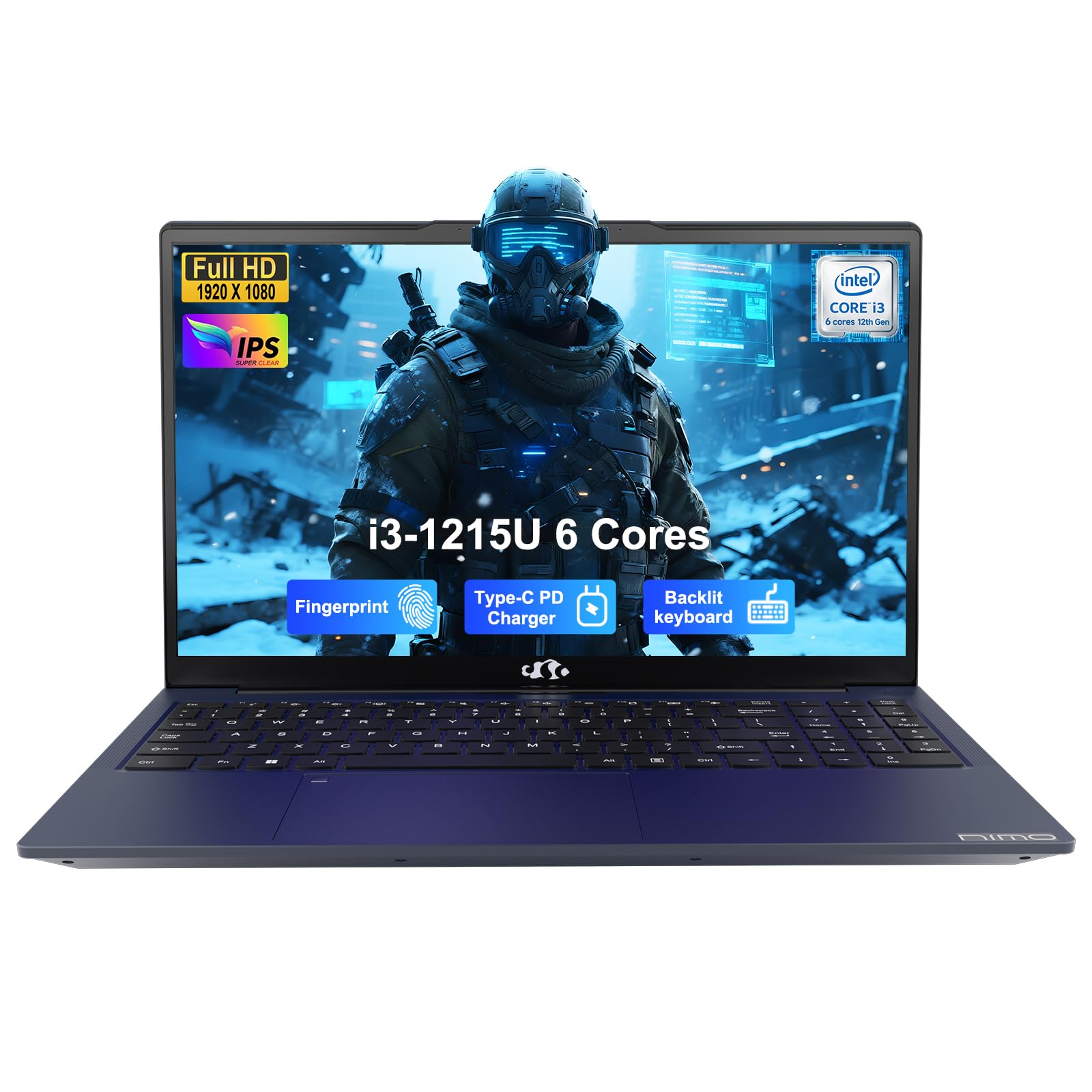
Image: The NIMO 15.6-inch IPS FHD Student Laptop, showcasing его элегантный дизайн.
2. Что в коробке
Пожалуйста, проверьте содержимое упаковки, чтобы убедиться в наличии всех предметов:
- 1 x NIMO N154 Laptop
- 1 x Type-C 65W PD Fast Charger
- 1 x Руководство пользователя (этот документ)
- Windows 11 Домашняя (предустановленная)
3. Начальная настройка
3.1. Зарядка ноутбука
Before first use, fully charge your NIMO laptop using the included 65W USB-C PD Fast Charger. Connect the charger to the Type-C port on your laptop and a power outlet. The charging indicator light will illuminate.

Image: The 65W USB-C PD Fast Charger, capable of charging the laptop, tablet, and smartphone.
3.2. Включение и начальная настройка
Нажмите кнопку питания, чтобы включить ноутбук. Следуйте инструкциям на экране, чтобы завершить настройку Windows 11 Home, включая выбор языка, подключение к сети и создание учетной записи пользователя.
4. Работа с ноутбуком
4.1. Дисплей
Your laptop features a 15.6-inch Full HD (1920x1080) IPS anti-glare display. This screen provides clear visuals and reduces eye strain during extended use. The 180° open angle allows for flexible viewпозиции.
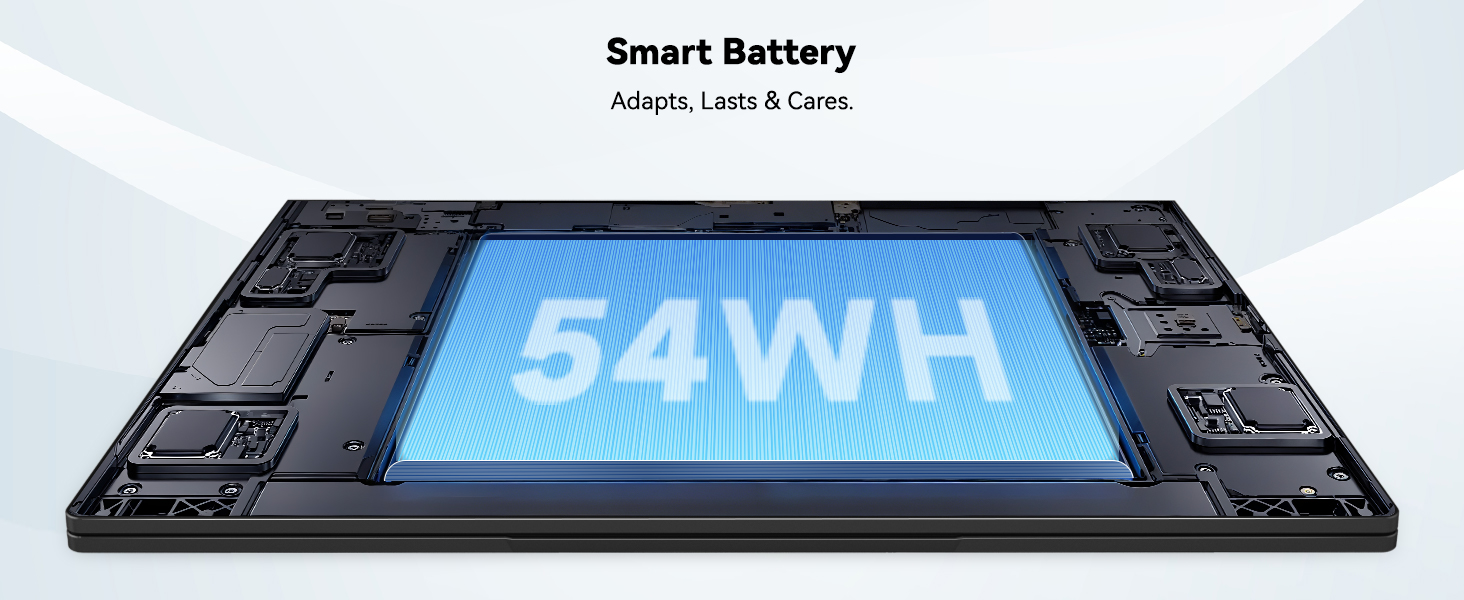
Image: The laptop's 15.6-inch Full HD IPS display with vibrant colors.
4.2. Клавиатура и сенсорная панель
The ergonomic backlit keyboard allows for comfortable typing in various lighting conditions, with adjustable brightness. The touchpad includes an integrated fingerprint sensor for secure, one-touch login.

Image: Features of the laptop's input, including backlit keyboard, webcam shield, fingerprint sensor, and numeric keypad.
4.3. Fingerprint Login
Utilize the fingerprint sensor on the touchpad for quick and secure access to your laptop. Configure your fingerprint in the Windows settings for enhanced security.

Image: Close-up of the integrated fingerprint scanner on the touchpad for secure login.
4.4. Порты и подключение
The NIMO N154 laptop offers a variety of ports for versatile connectivity:
- Порт USB 2.0: 1
- USB 3.0 Порты: 3
- Порт HDMI: Для подключения внешних дисплеев.
- Порт Type-C: Supports 65W Power Delivery for charging and data transfer.
- Слот для карты Micro SD: Для расширения хранилища или переноса files.
- Headphone Combo Jack: Для аудиовхода/выходa.
- Слот для замка Кенсингтона: Для физической безопасности.
The laptop also features Wi-Fi 6 for fast and reliable wireless internet access.

Image: Diagram illustrating the various ports available on the NIMO laptop, including USB, HDMI, Type-C, Micro SD, headphone jack, and Kensington lock.
4.5. Аудио и Webкулачок
Integrated speakers provide clear audio for video calls, online classes, and media consumption. The 2.0MP webcam is suitable for video conferencing, complemented by a privacy switch for enhanced security.
Image: Details on the 1080p FHD camera and privacy camera convenience features.
4.6. Процессор и производительность
Powered by the 6-Core Intel i3-1215U processor, your laptop is designed for efficient multitasking, handling numerous browser tabs, spreadsheets, and video calls without significant slowdowns.
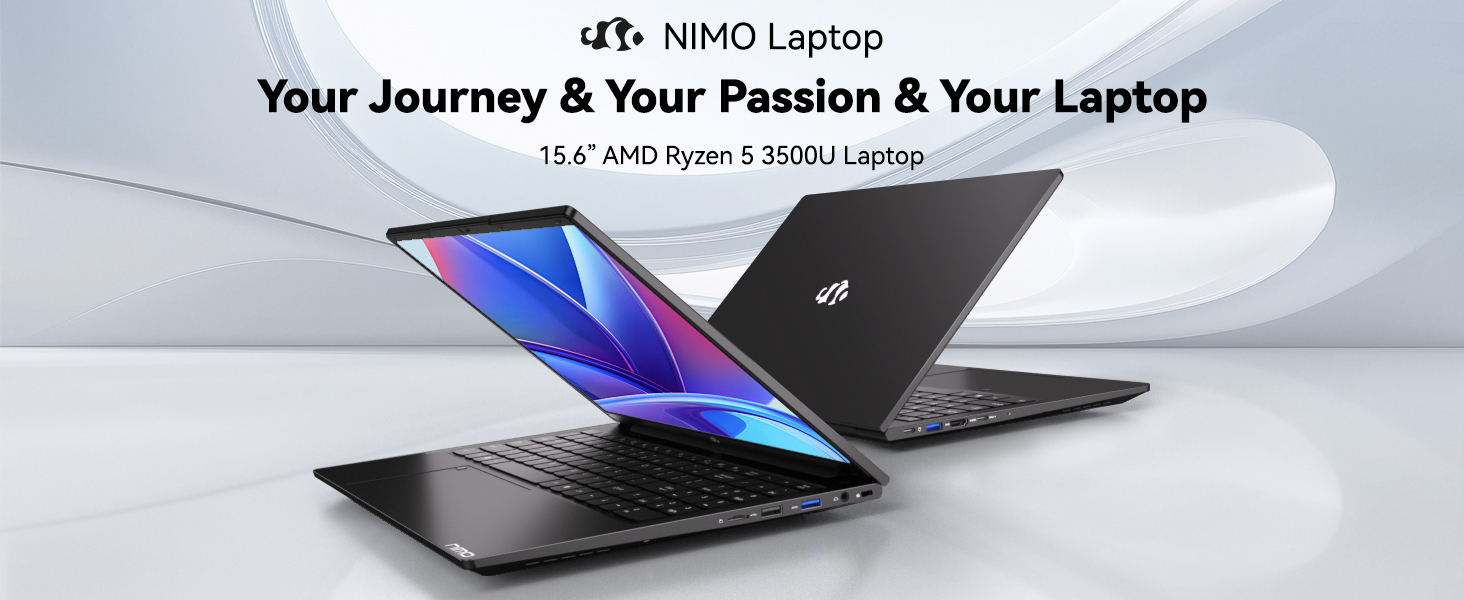
Image: Visual representation of the 12th Gen Intel Core i3-1215U Processor, highlighting its 6 cores, 8 threads, 15W power consumption, and 3.7 GHz Turbo Boost.
5. Техническое обслуживание
5.1. Уборка
Regularly clean your laptop to ensure optimal performance and longevity. Use a soft, lint-free cloth for the screen and exterior. For stubborn marks, dampПротрите ткань небольшим количеством воды или специальным средством для чистки экранов. Избегайте использования агрессивных химикатов.
5.2. Обновления программного обеспечения
Keep your operating system and drivers updated to benefit from the latest security patches and performance improvements. Windows Update can be accessed through the Settings menu.
5.3. Уход за аккумулятором
To maximize battery life, avoid extreme temperatures and fully discharging the battery frequently. For long-term storage, charge the battery to around 50-70%.

Image: An illustration of the laptop's internal battery, labeled 54WH, emphasizing smart battery management.
6. Поиск Неисправностей
6.1. Ноутбук не включается
- Убедитесь, что зарядное устройство надежно подключено как к ноутбуку, так и к исправной розетке.
- Проверьте, правильно ли работает адаптер питания.
- Попробуйте удерживать кнопку питания в течение 10–15 секунд, чтобы выполнить полный сброс настроек.
6.2. Проблемы с подключением к Wi-Fi
- Убедитесь, что Wi-Fi включен в настройках Windows.
- Перезагрузите маршрутизатор и модем.
- Убедитесь, что у вас установлены последние версии драйверов Wi-Fi.
6.3. Низкая производительность
- Закройте ненужные приложения, работающие в фоновом режиме.
- Проверьте наличие и установите все ожидаемые обновления Windows.
- Ensure your storage (SSD) has sufficient free space.
Для получения дополнительной помощи обратитесь к разделу «Гарантия и поддержка».
7. Технические характеристики
| Особенность | Спецификация |
|---|---|
| Название модели | NIMO N154 |
| Размер экрана | 15.6 дюйма |
| Разрешение экрана | 1920 x 1080 пикселей (Full HD) |
| Процессор | Intel Core i3-1215U (6 ядер, до 4.4 ГГц) |
| БАРАН | 8 ГБ DDR4 (3200 МГц) |
| Жесткий диск | SSD-накопитель 512 ГБ |
| Графический сопроцессор | Интегрированная графика |
| Операционная система | Windows 11 Домашняя |
| Тип беспроводной связи | Wi-Fi 6 (802.11a/b/g/n/ac) |
| Порты USB 2.0 | 1 |
| Порты USB 3.0 | 3 |
| Средний срок службы батареи | 9 часов |
| Вес товара | 3.75 фунта |
| Размеры продукта | 14.07 x 8.98 x 0.76 дюйма |
| Особые возможности | Fingerprint Reader, HD Audio, Memory Card Slot, Numeric Keypad |
8. Гарантия и поддержка
NIMO is committed to providing quality products and excellent customer service.
8.1. Информация о гарантии
Your NIMO N154 laptop comes with a comprehensive Гарантия 2 год, covering manufacturing defects and hardware malfunctions under normal use. This warranty ensures your investment is protected.

Image: Text indicating '2-Year Support' for Nimo products.
8.2. Политика возврата
Мы предлагаем 90-дневная политика возврата from the date of purchase. If you are not satisfied with your product, you may return it within this period according to the terms and conditions.

Image: Text indicating '90-Day Return' for Nimo products.
8.3. Обратитесь в службу поддержки
Our dedicated US-based support team is available to assist you with any questions or issues. You can reach us via email at service@nimopc.com. We aim to provide professional and high-quality customer service.

Image: A customer service representative wearing a headset, representing professional customer assistance.