
Введение
This manual provides essential information for the safe and efficient use of your DJI Neo Intelligent Flight Battery. This battery is designed for compatibility with the DJI Neo 2 drone, offering reliable power for your flight experiences. Please read this manual thoroughly before using the product.

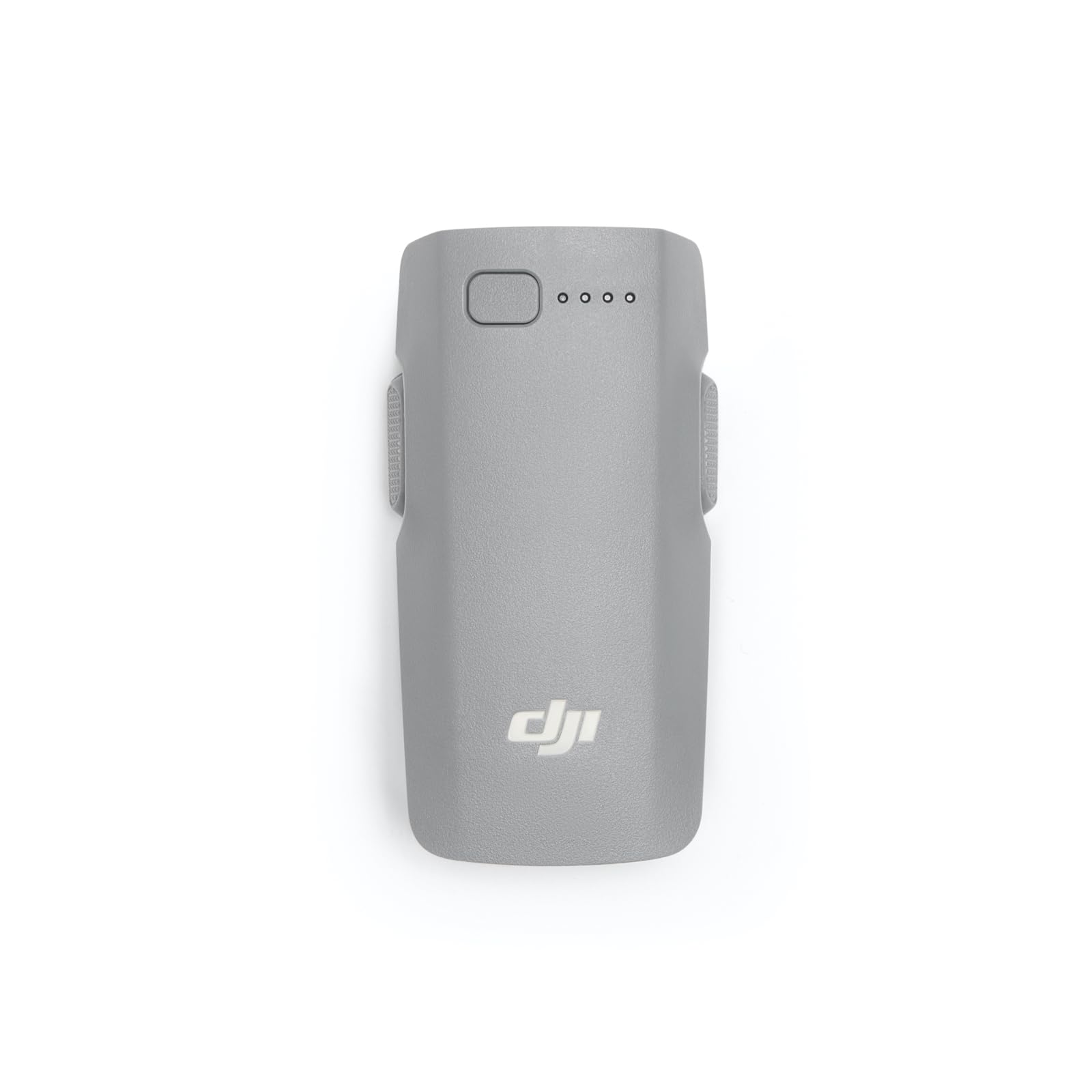
The DJI Neo Intelligent Flight Battery, showcasing its sleek design and the four LED lights that indicate battery charge level.
Настраивать
1. Распаковка
Carefully remove the DJI Neo Intelligent Flight Battery from its packaging. The package should contain one (1) DJI Neo Intelligent Flight Battery.
2. Первоначальная зарядка
Before first use, fully charge the battery using a DJI-approved charging device. Connect the charger to a power source and then connect the battery to the charger. The LED indicators on the battery will show the charging status.
3. Установка аккумулятора
To install the battery into your DJI Neo 2 drone, align the battery with the battery compartment on the drone. Gently push the battery into place until it clicks securely. Ensure it is firmly seated to prevent dislodgement during flight.

The DJI Neo Intelligent Flight Battery positioned beside a compatible DJI Neo 2 drone, illustrating its size and form factor relative to the drone.
Инструкция по эксплуатации
1. Включение и выключение
To power on the battery, press the power button once, then press and hold it for two seconds. The LED indicators will light up. To power off, repeat the same procedure: press the power button once, then press and hold it for two seconds until the LEDs turn off.
2. Проверка уровня заряда батареи
With the battery powered off, a single short press of the power button will illuminate the LED indicators to show the current charge level. Each illuminated LED typically represents approximately 25% of the battery's charge.
3. Flight Time
The DJI Neo Intelligent Flight Battery provides up to 19 minutes of flight time under optimal conditions. Actual flight time may vary based on environmental factors, flight style, and drone payload.
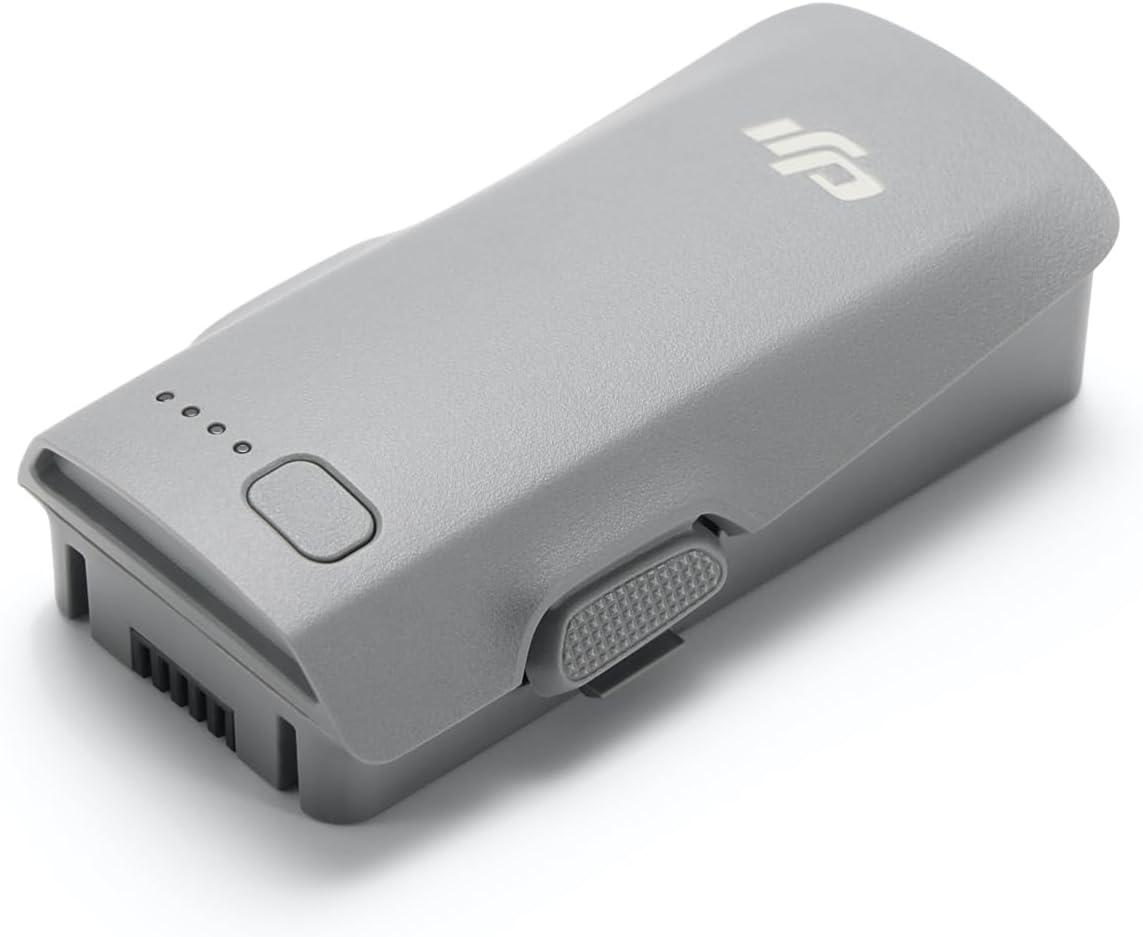
крупный план view of the DJI Neo Intelligent Flight Battery, showing its grey casing, LED indicators, and power button.
Техническое обслуживание и безопасность
1. Передовые методы зарядки
- Always use a DJI-approved charger.
- Не заряжайте аккумулятор без присмотра.
- Избегайте зарядки при экстремальных температурах.
2. Хранение
- Store the battery in a cool, dry place, away from direct sunlight and heat sources.
- For long-term storage, discharge the battery to approximately 50-60% to prolong its lifespan.
- Avoid storing fully charged or fully discharged batteries for extended periods.
3. Уборка
Протирайте поверхность аккумулятора чистой сухой тканью. Не используйте жидкие чистящие средства и не погружайте аккумулятор в воду.
4. Предупреждения о безопасности
Observe the following critical safety warnings to prevent damage or injury:
- Only use DJI approved charging devices.
- DO NOT place the battery in a fire or disassemble, pierce, drop, strike, or short circuit the battery.
- DO NOT use batteries that have been dropped in water.
- Храните аккумулятор в недоступном для детей и домашних животных месте.
- Если батарея вздулась, протекла или повреждена, немедленно прекратите ее использование и утилизируйте надлежащим образом.
Подробный view of the warning label on the DJI Neo Intelligent Flight Battery, displaying important safety instructions, specifications, and certification marks.
Поиск неисправностей
Аккумулятор не заряжается
- Убедитесь, что зарядное устройство правильно подключено к источнику питания и к аккумулятору.
- Verify that you are using a DJI-approved charger.
- Проверьте аккумулятор или зарядное устройство на наличие видимых повреждений.
- Try charging in a different power outlet.
Drone Not Powering On with Battery
- Убедитесь, что аккумулятор полностью заряжен.
- Confirm the battery is correctly installed and securely clicked into the drone's compartment.
- Perform the power-on sequence correctly (press once, then press and hold for two seconds).
Reduced Flight Time
- Extreme temperatures (hot or cold) can affect battery performance.
- Aggressive flight maneuvers or high wind conditions consume more power.
- Перед каждым полетом убедитесь, что аккумулятор полностью заряжен.
- Over time, all batteries experience degradation. If flight time significantly decreases, consider replacing the battery.
Технические характеристики
| Особенность | Деталь |
|---|---|
| Бренд | ДЖИ |
| Номер модели | 6937224131798 |
| Состав аккумуляторной батареи | Литий-ионный |
| Тип элемента батареи | Литий-ионный |
| Томtage | 220 Вольт |
| Вес батареи | 100 грамм |
| Вес товара | 46 грамм |
| Размеры изделия (Д x Ш x В) | 3.05 x 1.6 x 0.8 дюйма |
| Количество батарей | Требуются 1 батарейки типа С (входят в комплект). |
Информация о гарантии
The DJI Neo Intelligent Flight Battery is covered by DJI's standard manufacturer's warranty. Please refer to the official DJI webПодробные условия гарантии, включая срок действия гарантии и порядок подачи претензий, можно найти на сайте или в документах, подтверждающих покупку. Сохраните чек о покупке для гарантийного обслуживания.
Поддержка клиентов
For technical assistance, troubleshooting beyond this manual, or service inquiries, please contact DJI Customer Support. You can find contact information, including phone numbers and online support resources, on the official DJI webсайт.