
Введение
Welcome to your new SGIN 15.6 Inch Laptop Computer. This manual provides essential information for setting up, operating, and maintaining your device. Please read this manual thoroughly before using your laptop to ensure proper function and longevity.
Что в коробке?
- SGIN 15.6 Inch Laptop Computer
- Адаптер питания (зарядное устройство)
- Руководство пользователя (этот документ)
- Windows 11 Home Operating System (pre-installed)
- Warranty Information (1 Year Repair Service, 30 Days Return)
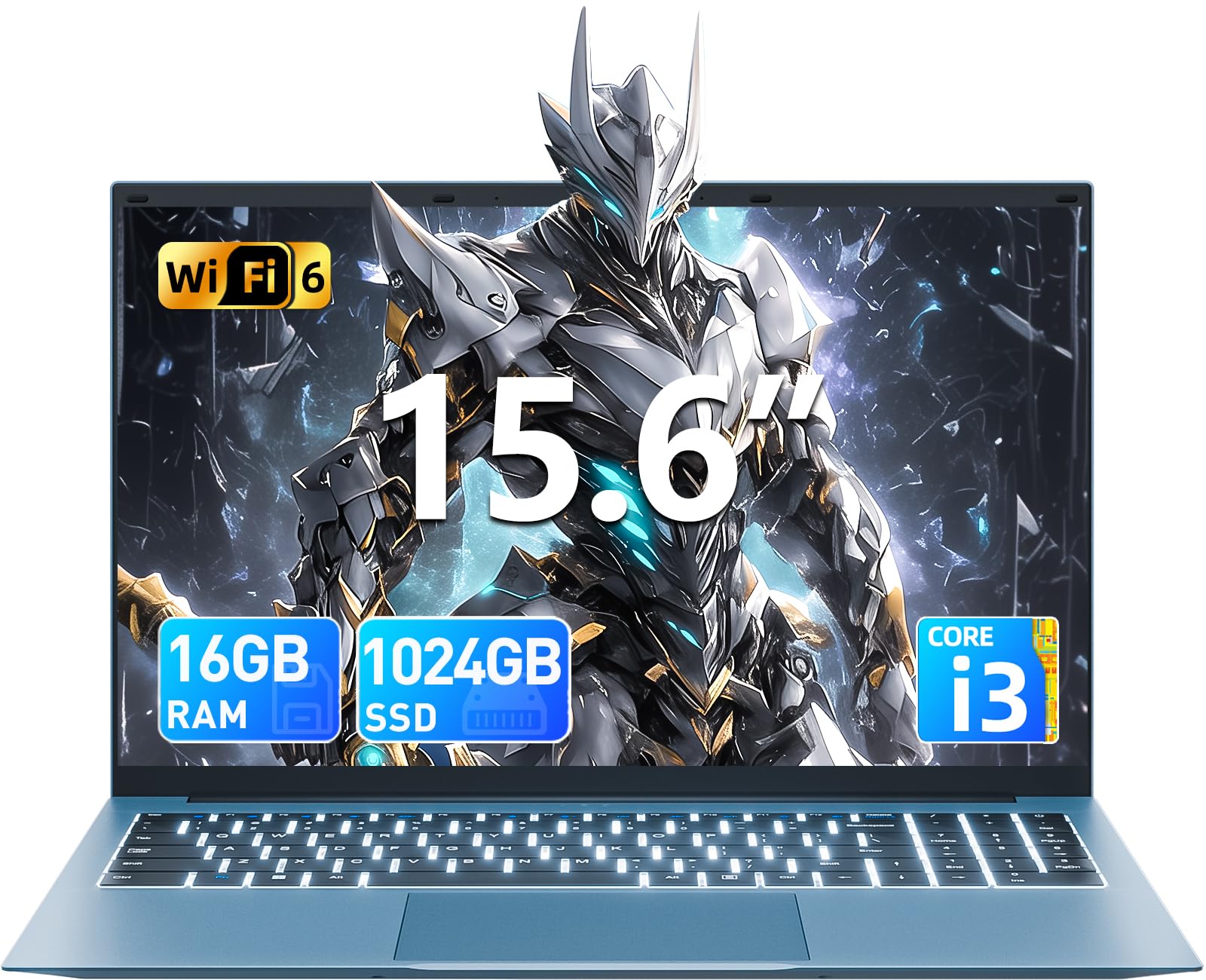
Продукт болееview
Familiarize yourself with the key features and components of your SGIN laptop.
Начальная настройка
Включение питания
Connect the power adapter to the charging port on the laptop and then to a standard electrical outlet. Press the power button, typically located on the top right of the keyboard, to turn on the device.
Настройка операционной системы
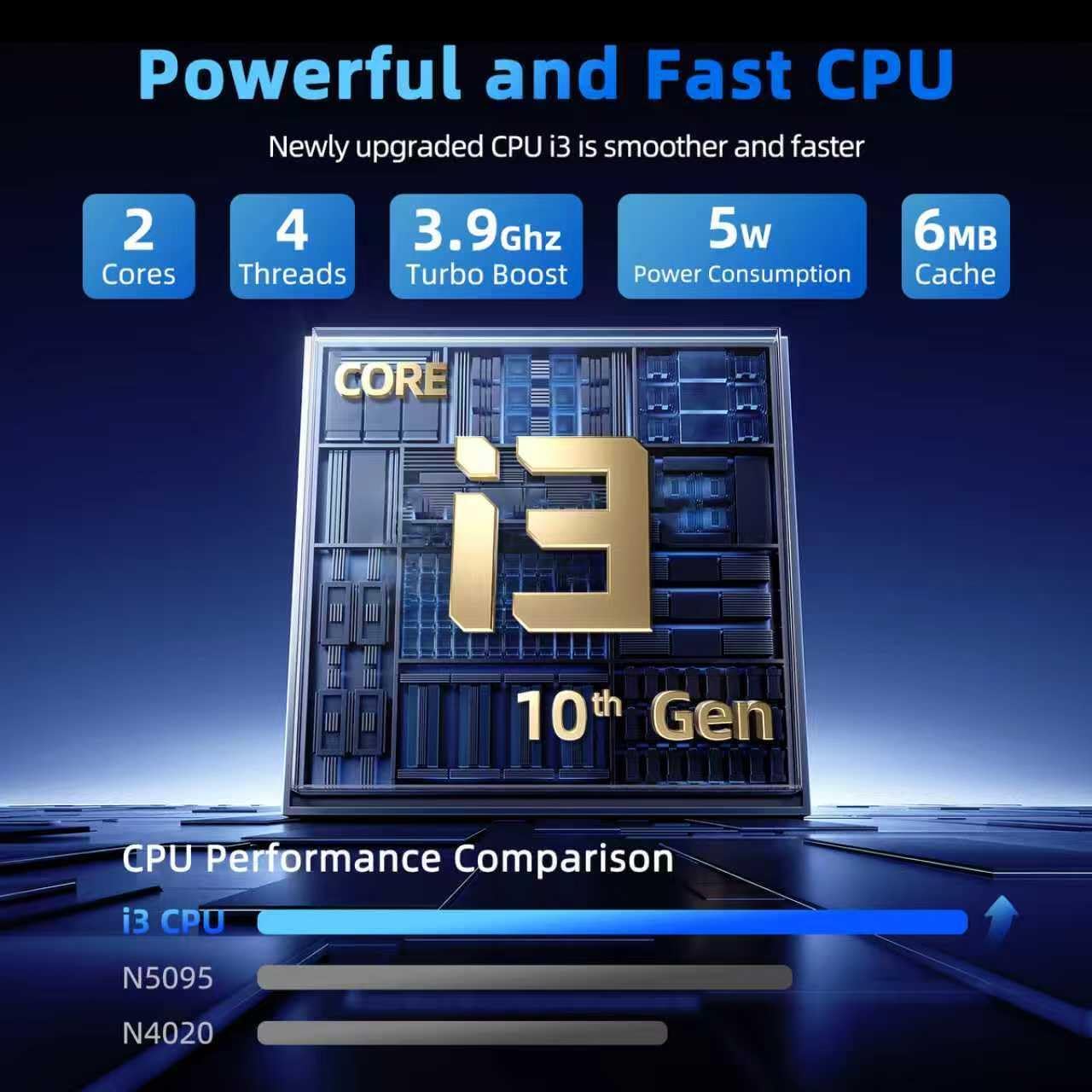
Upon first boot, you will be guided through the Windows 11 Home setup process. Follow the on-screen instructions to configure your language, region, connect to a Wi-Fi network, and create a user account. Ensure you have an active internet connection for updates during this process.
Работа с ноутбуком
Клавиатура и тачпад
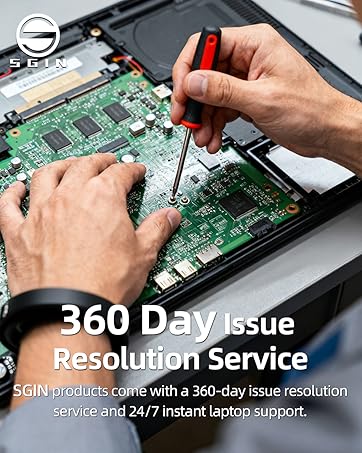
Your laptop features a full-size keyboard and a responsive touchpad for navigation and input.
Backlit Keyboard Function
Чтобы включить или выключить подсветку клавиатуры, нажмите клавишу "Fn" + "F5" keys simultaneously. This feature is useful in low-light environments.
Отображать
The 15.6-inch Full HD (1920x1080) IPS screen delivers vivid colors and sharp details. The display features a 180° hinge, allowing the screen to lay flat for easy sharing and collaboration.
Связность
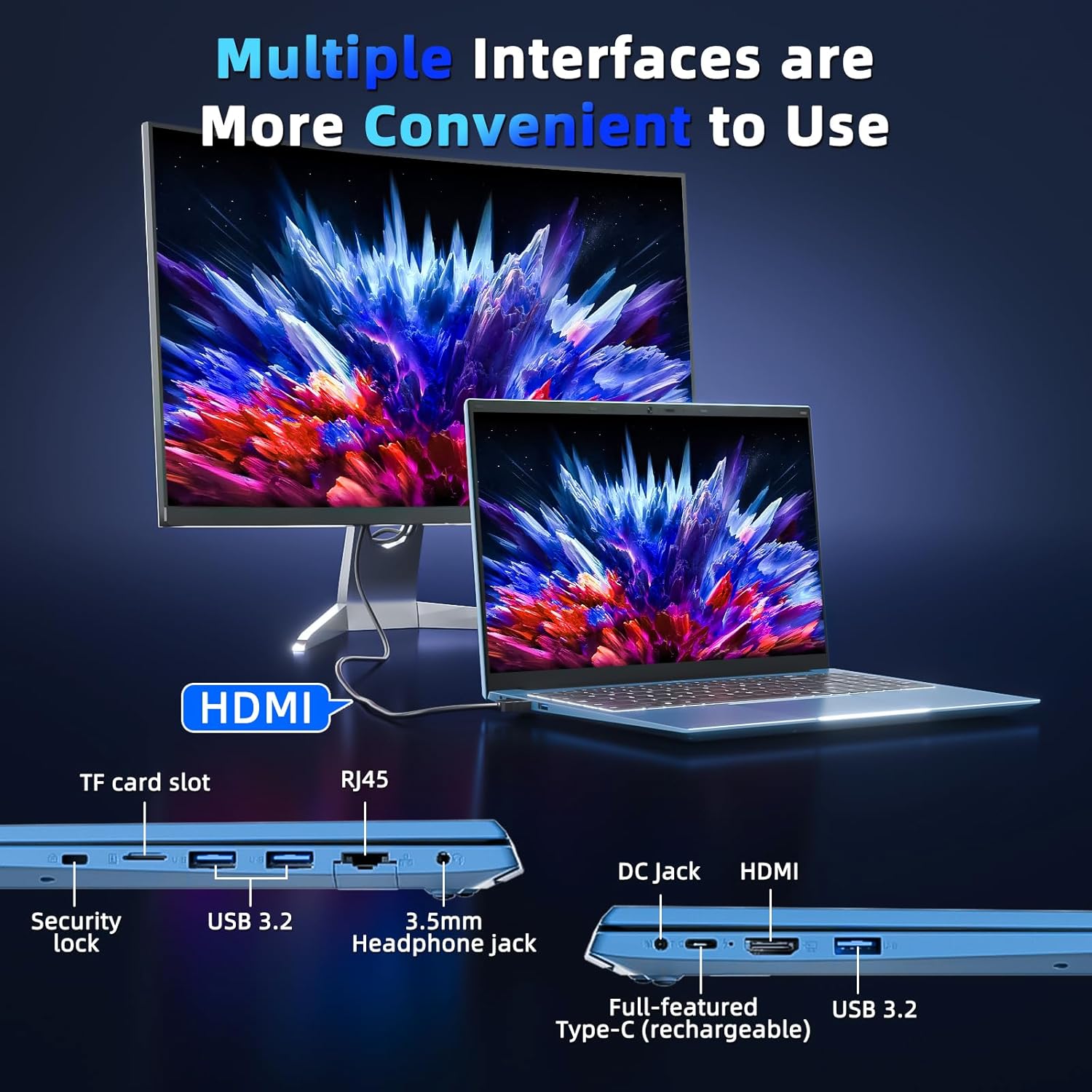
Your laptop is equipped with various ports for connecting external devices and network access:
- USB 3.0 Порты: Для высокоскоростной передачи данных с использованием совместимых устройств.
- Порт HDMI: Подключитесь к внешним мониторам или проекторам.
- Порт Type-C: A versatile port for data, display, and power delivery.
- Слот для Micro SD: Expand storage with a TF card up to 1TB.
- Порт для наушников: Для вывода звука на наушники или внешние динамики.
- Порт Ethernet (RJ45): Для проводных сетевых подключений.
- Слот для замка Кенсингтона: For physical security of your device.
Управление аккумулятором
The integrated 53.2Wh (7000mAh) rechargeable battery provides up to 8 hours of battery life. For optimal battery longevity, ensure the laptop is fully charged before initial use and avoid frequent deep discharges. Disconnect the charger once the battery is full to prevent overcharging.

Технические характеристики
| Особенность | Деталь |
|---|---|
| Название модели | SGIN-Y101 |
| Размер дисплея | 15.6 дюйма |
| Разрешение экрана | 1920 x 1080 пикселей (Full HD) |
| Процессор | Intel Core i3-10100 (up to 3.9GHz) |
| БАРАН | 16 ГБ DDR3 |
| Жесткий диск | SSD-накопитель 1024 ГБ |
| Графический сопроцессор | Интегрированный |
| Операционная система | Windows 11 Домашняя |
| Тип беспроводной связи | Wi-Fi 6, Bluetooth |
| Порты | USB 3.0 (x3), HDMI, Type-C, Micro SD slot, Ethernet (RJ45), Headphone Jack, Kensington Lock |
| Аккумулятор | 53.2Wh (7000mAh) Lithium Ion |
| Вес товара | 4.99 фунта |
| Размеры продукта | 15.6 x 9 x 0.6 дюйма |
Техническое обслуживание и уход
To ensure the longevity and optimal performance of your SGIN laptop, follow these maintenance guidelines:
- Уборка: Gently wipe the screen with a microfiber cloth designed for electronics. For the chassis, use a soft, dry cloth. Avoid harsh chemicals or abrasive materials.
- Среда: Operate the laptop in a clean, dry environment. Avoid exposure to extreme temperatures, direct sunlight, dust, and liquids.
- Вентиляция: Ensure the ventilation openings are not blocked to prevent overheating. Do not use the laptop on soft surfaces like beds or couches that can obstruct airflow.
- Резервное копирование данных: Регулярно создавайте резервные копии важных данных на внешний накопитель или в облачное хранилище, чтобы предотвратить потерю данных в случае непредвиденных проблем.
- Обновления программного обеспечения: Регулярно обновляйте операционную систему и приложения, чтобы воспользоваться последними обновлениями безопасности и улучшениями производительности.
Устранение распространенных проблем
Ноутбук не включается
- Ensure the power adapter is securely connected to both the laptop's charging port and a functional electrical outlet.
- Убедитесь в работоспособности розетки, подключив к ней другое устройство.
- If the battery is completely drained, allow the laptop to charge for at least 30 minutes before attempting to power it on again.
Keyboard Backlight Not Working
- Нажмите "Fn" + "F5" keys simultaneously to toggle the backlight on or off.
- Check your system settings for any keyboard backlight options that might be disabled.
Низкая производительность
- Close any unnecessary applications or browser tabs running in the background.
- Ensure your Windows 11 operating system and device drivers are up to date.
- Run a system scan for malware or viruses that could be impacting performance.
- Verify that your 1024GB SSD has sufficient free space, as a full drive can slow down the system.
Гарантия и поддержка
Your SGIN laptop includes a 1-year protection plan and access to 24/7 customer support. For technical assistance, warranty claims, or service inquiries, please refer to the contact information provided with your product or visit the official SGIN support webсайт.
