
1. Введение
This manual provides detailed instructions for the ETOE Google TV Streaming Device. This device transforms any compatible TV into a smart TV, offering access to a wide range of streaming services, apps, and smart features powered by Google TV. Please read this manual thoroughly before use to ensure proper setup and operation.

Image: The ETOE Google TV Streaming Device connected to a television, showcasing его возможности потоковой передачи.
2. Содержимое упаковки
Проверьте наличие всех предметов в посылке:
- ETOE Google TV Streaming Device (T2 Stick) x1
- Пульт дистанционного управления x1
- Power Cable (Micro USB) x1
- Удлинительный кабель HDMI (1 шт.)
- Руководство пользователя х1
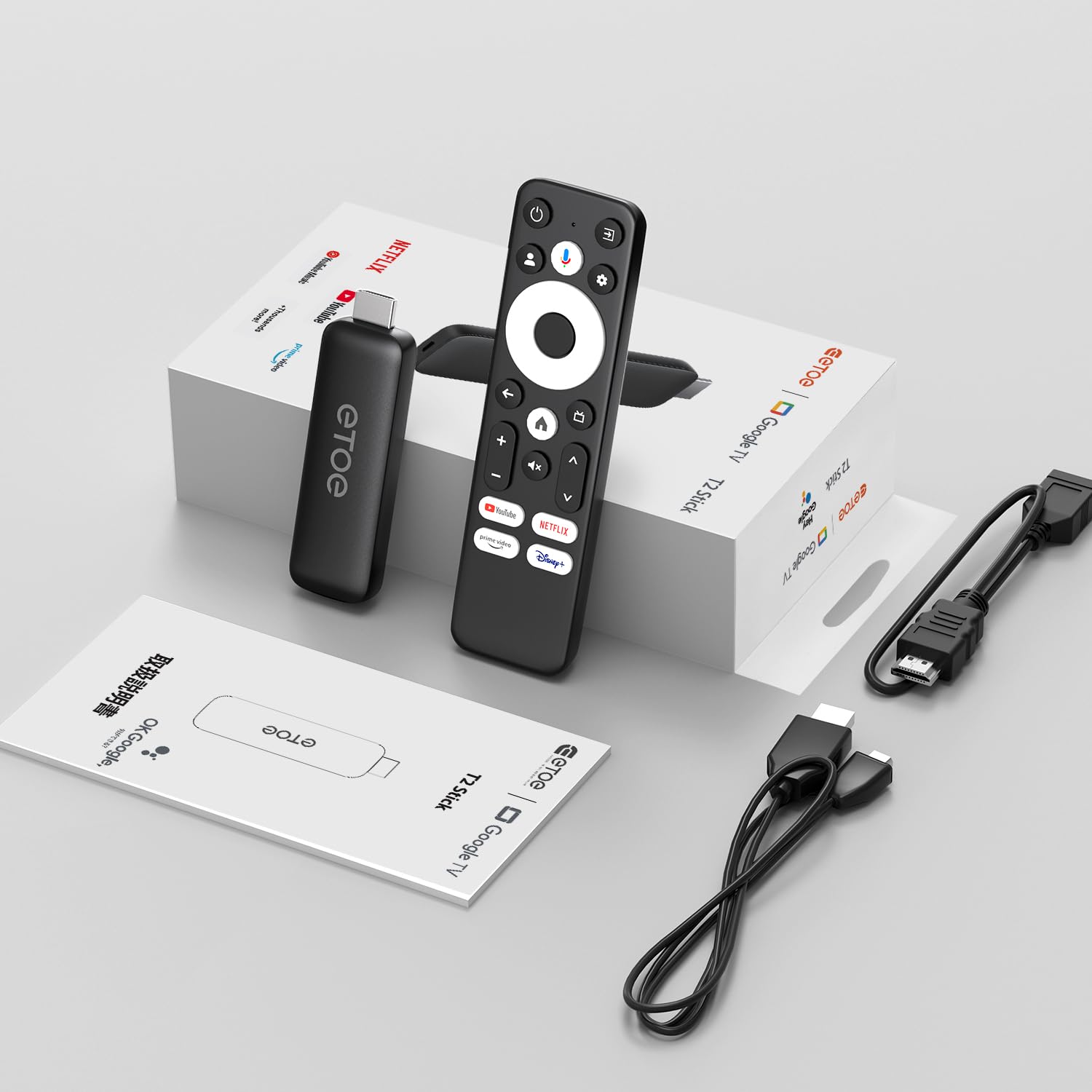
Image: All components included in the ETOE Google TV Streaming Device package.
3. Руководство по установке
Follow these steps to set up your ETOE Google TV Streaming Device:
3.1. Подключите устройство.
- Подключение питания: Connect one end of the USB cable to the TV stick and the other end to a power adapter (not included). Plug the power adapter into a nearby power outlet. Alternatively, you can connect the USB cable directly to a USB port on your TV or monitor for power.
- HDMI-соединение: Insert the TV stick into an available HDMI port on your television. If the HDMI port is difficult to access, use the included HDMI extension cable.
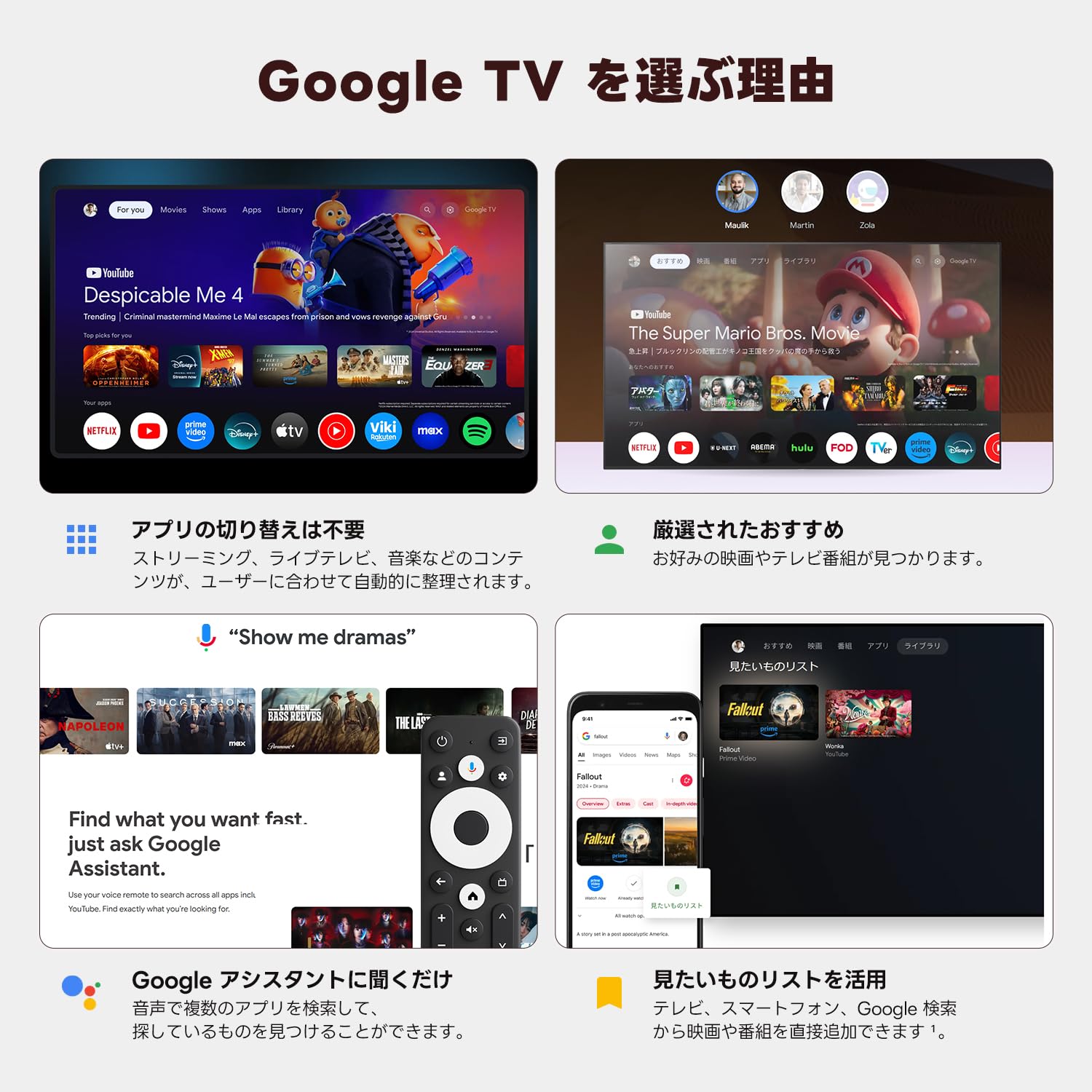
Image: Connection diagram for the ETOE Google TV Streaming Device.
3.2. Первоначальная настройка и удаленное сопряжение
Turn on your TV and select the correct HDMI input. The device will boot up, and you will see a welcome screen. Follow the on-screen instructions to complete the initial setup, which includes pairing your remote control.
Чтобы подключить пульт, нажмите и удерживайте кнопку Дом и Назад buttons simultaneously for approximately 5 seconds, or until the LED on the remote blinks green. Keep the remote within 3 feet of the streaming device during pairing.
3.3. Video Guide: Unboxing and Setup
Video: A short demonstration of unboxing the ETOE Google TV Streaming Device and performing the initial setup steps, including remote pairing and language selection.
4. Инструкция по эксплуатации
Once set up, navigate the Google TV interface using your remote control.
4.1. Навигация по интерфейсу
- Use the directional pad (D-pad) on the remote to move between menu items.
- Нажмите Центр кнопка для выбора элемента.
- Нажмите Назад кнопку для возврата к предыдущему экрану.
- Нажмите Дом button to go to the Google TV home screen.
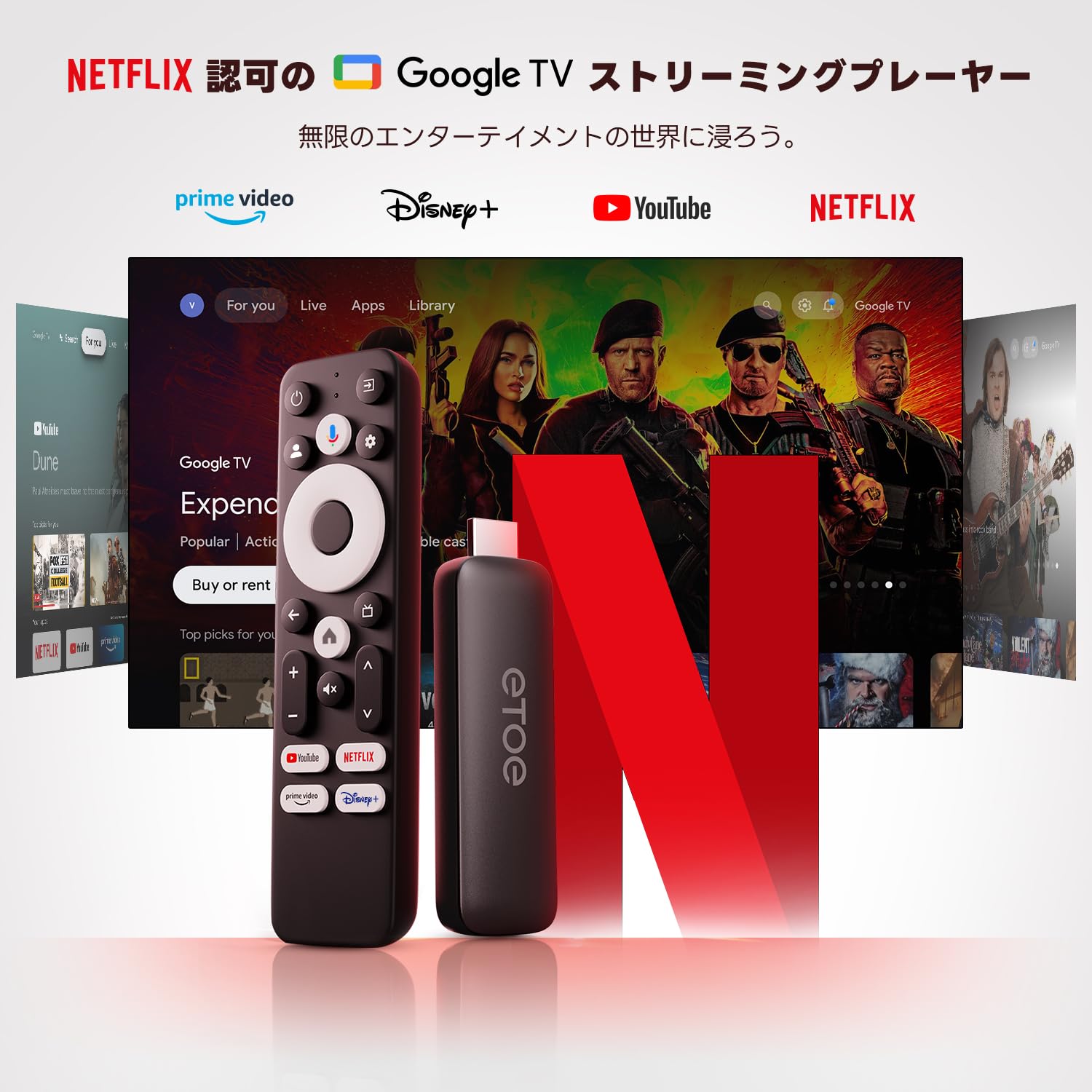
Image: The ETOE Google TV interface with the remote control.
4.2. Голосовое управление с помощью Google Assistant
The ETOE Google TV Streaming Device supports Google Assistant for hands-free control. Press the Google Ассистент button on your remote or say "OK Google" (if enabled) to activate voice commands.
- Искать фильмы и телешоу.
- Открытые приложения.
- Управление воспроизведением (воспроизведение, пауза, пропуск).
- Отрегулируйте громкость.
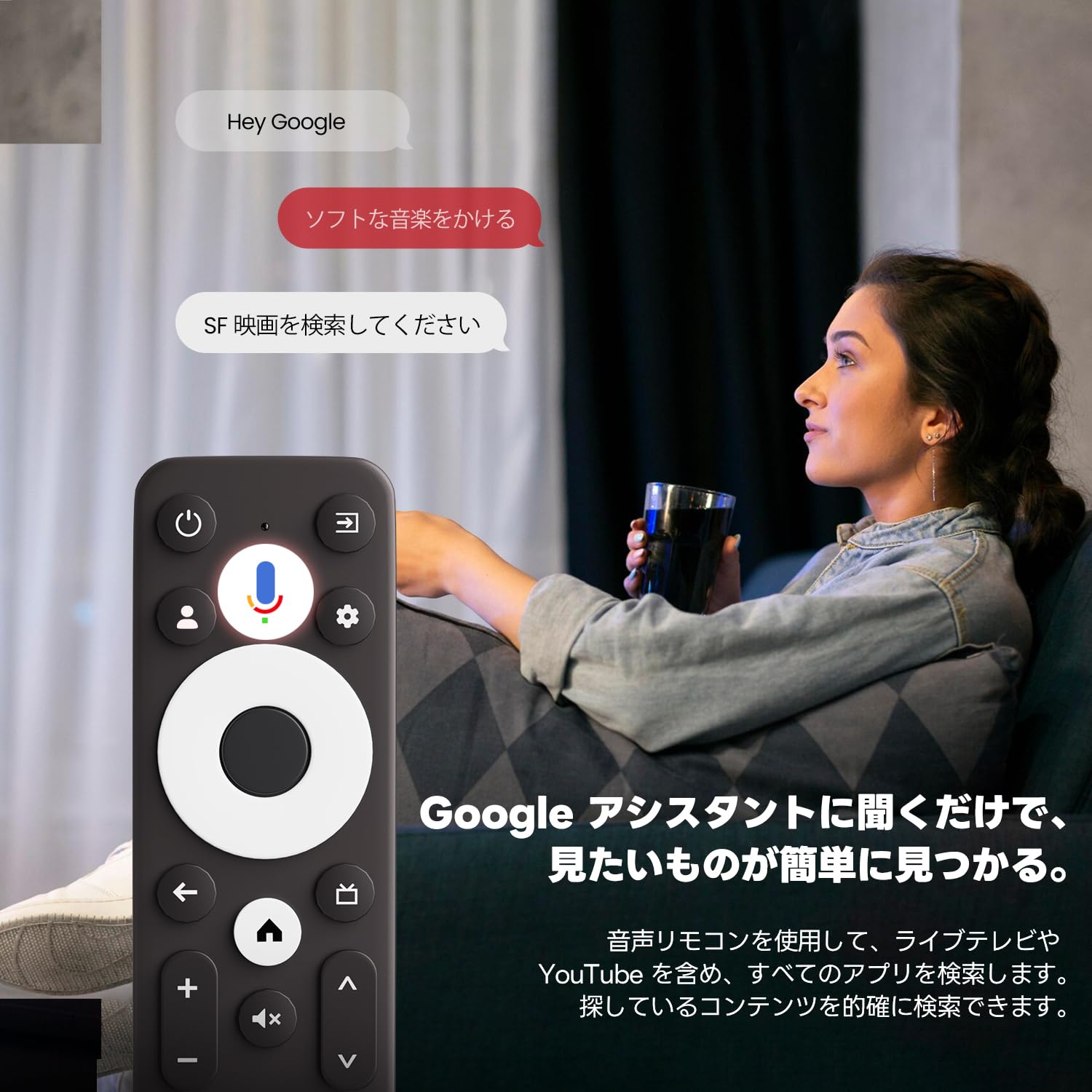
Image: Using voice commands with the ETOE Google TV remote.
4.3. Приложения для потоковой передачи данных
Access a vast library of content from popular streaming services like Netflix, YouTube, Prime Video, Disney+, and many more. The Google TV interface organizes content from all your subscriptions, making it easy to discover new shows and movies.
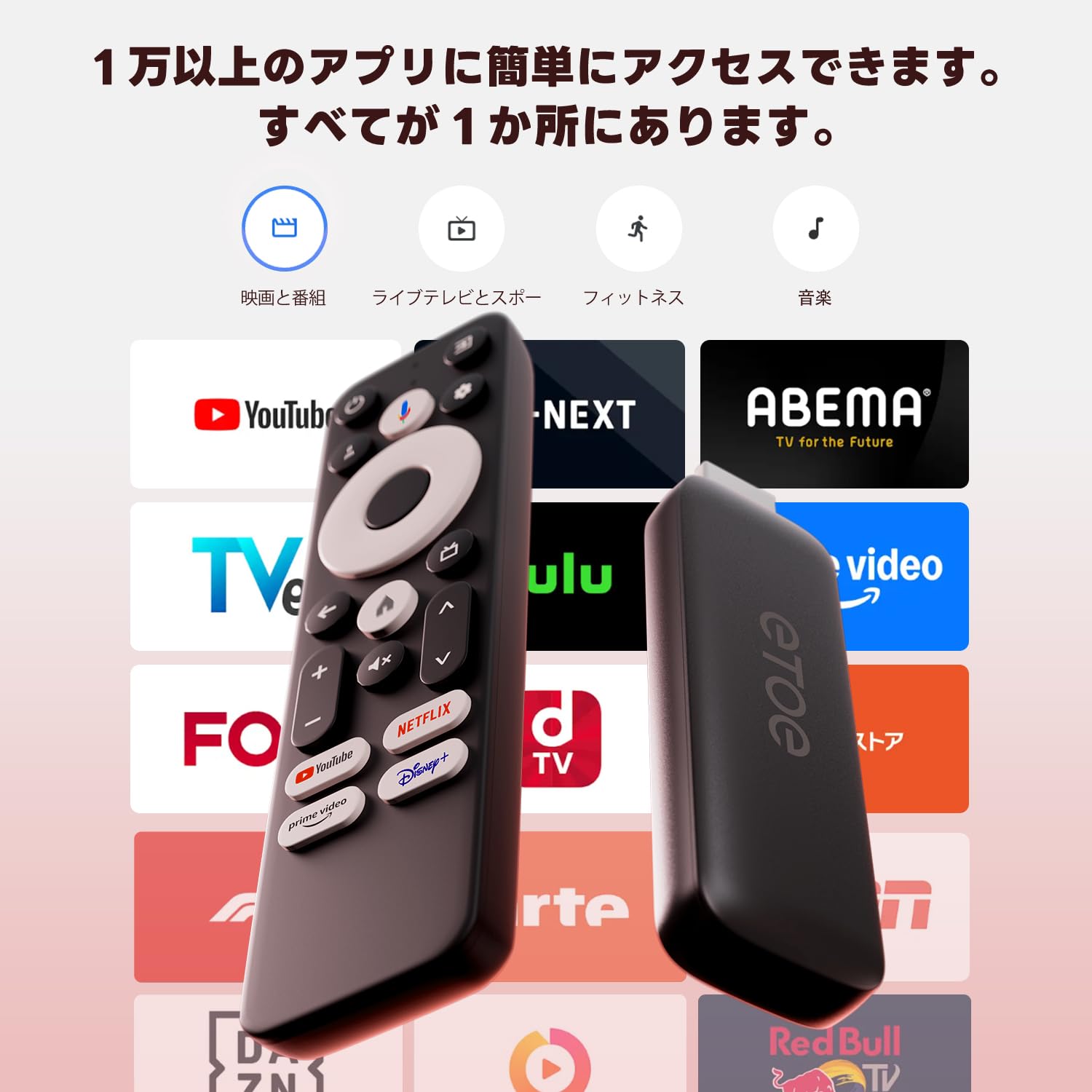
Изображение: Оверview of popular streaming applications accessible on the device.
4.4. Google Cast / Screen Mirroring
The device supports Google Cast, allowing you to mirror content from your smartphone or tablet directly to your TV screen. This feature is ideal for sharing photos, videos, or presentations.
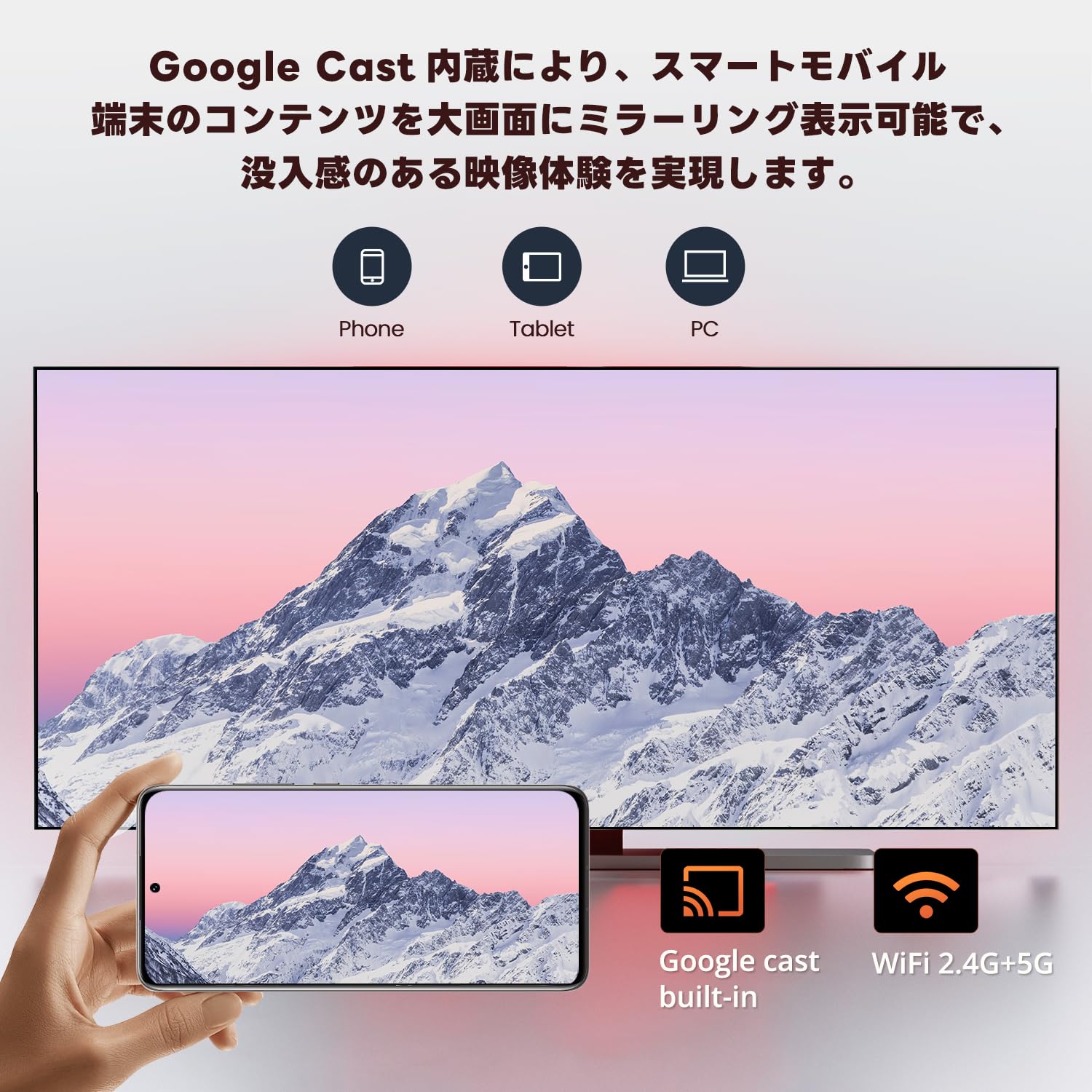
Image: Smartphone screen mirroring to a TV using Google Cast.
5. Особенности
The ETOE Google TV Streaming Device offers a range of features designed to enhance your entertainment experience:
- Official Google TV: Access over 700,000 movies and TV episodes from various streaming services.
- Full HD 1080p Output: Enjoy vivid and clear images with 1080p resolution support.
- Двухдиапазонный Wi-Fi (2.4 ГГц и 5 ГГц): Ensures stable and fast wireless connectivity for smooth streaming.
- Bluetooth 5.0: Connect wireless accessories such as headphones or game controllers.
- Google Ассистент: Use voice commands for search, playback control, and more.
- Google Cast Built-in: С легкостью транслируйте контент со своих мобильных устройств на телевизор.
- Персональные рекомендации: Google TV изучает ваши предпочтения и предлагает контент, подобранный специально для вас.
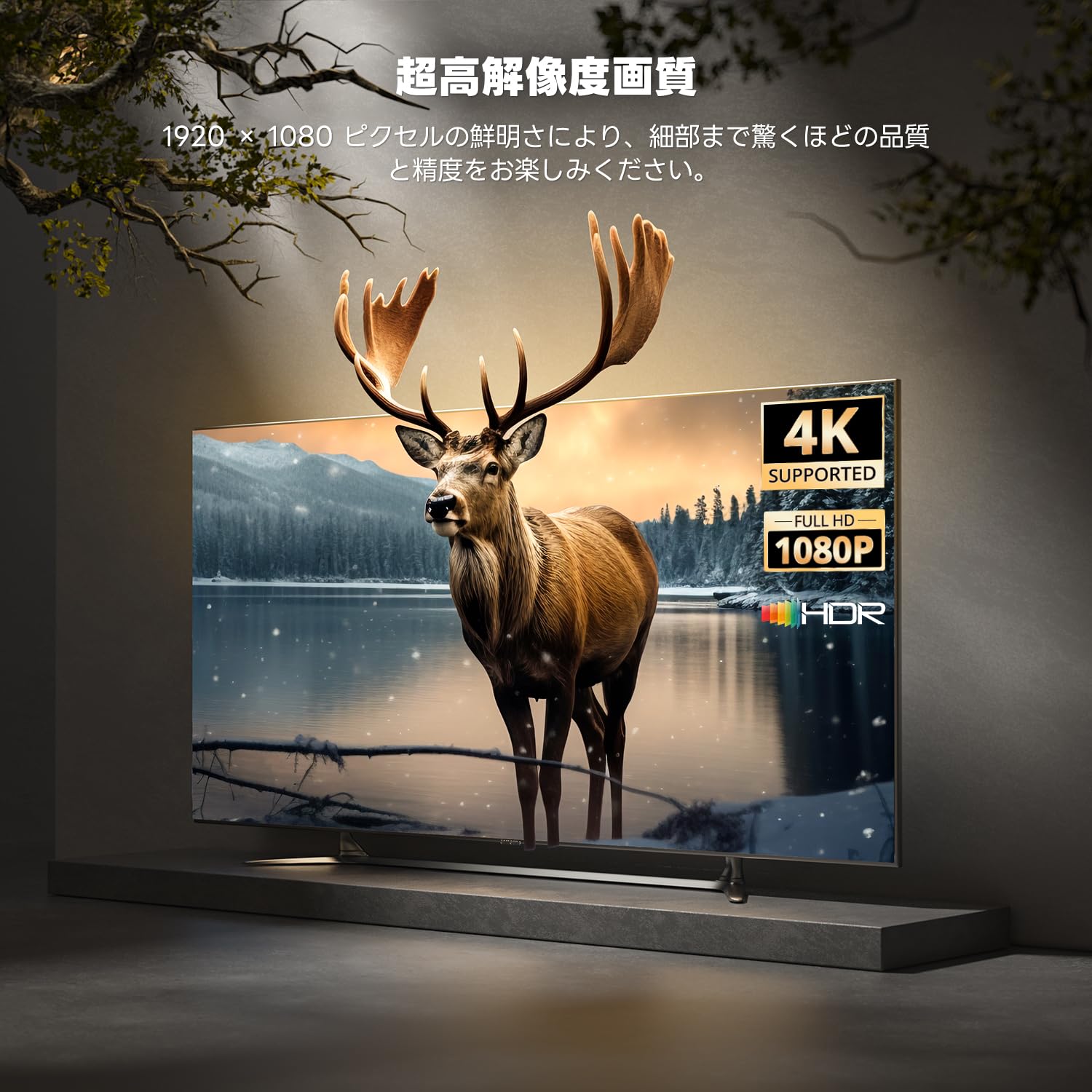
Image: High-resolution display capabilities of the device.
6. Техническое обслуживание
To ensure the longevity and optimal performance of your ETOE Google TV Streaming Device, follow these maintenance guidelines:
- Уборка: Для чистки устройства используйте мягкую сухую ткань. Не используйте жидкие чистящие средства или аэрозольные баллончики.
- Вентиляция: Убедитесь, что устройство размещено в хорошо проветриваемом месте, чтобы предотвратить перегрев. Не накрывайте устройство.
- Хранилище: При длительном неиспользовании отключайте устройство от электросети и храните его в прохладном, сухом месте.
- Обновления программного обеспечения: Keep the device's software updated to the latest version for improved performance and security. Updates are typically managed automatically by Google TV.
7. Поиск Неисправностей
If you encounter issues with your ETOE Google TV Streaming Device, refer to the following common problems and solutions:
| Проблема | Возможное решение |
|---|---|
| Нет питания/устройство не включается | Ensure the power cable is securely connected to the device and a working power outlet. Try a different power adapter or USB port. |
| Нет сигнала на телевизоре | Verify the HDMI cable is securely connected to both the device and the TV. Ensure your TV is set to the correct HDMI input. Try a different HDMI port or cable. |
| Удаленный не отвечает | Check the remote's batteries and replace if necessary. Re-pair the remote by holding the Home and Back buttons for 5 seconds. |
| Проблемы с подключением Wi-Fi | Restart your Wi-Fi router. Go to the device's Wi-Fi settings and reconnect to your network. Ensure the device is within range of your router. |
| Приложение зависает или вылетает. | Restart the application. Clear the app's cache and data in the device settings. If the problem persists, uninstall and reinstall the app. |
| Плохое качество видео | Check your internet connection speed. Ensure your TV supports the resolution being streamed. Adjust video quality settings within the streaming app if available. |
8. Технические характеристики
Key technical specifications for the ETOE Google TV Streaming Device (Model D2861):
- Бренд: ЭТОЭ
- Номер модели: Д2861
- Форм-фактор: ТВ-приставка
- Цвет: Черный
- Технологии подключения: Wi-Fi (2.4G & 5G), Bluetooth 5.0
- Тип разъема: HDMI
- Разрешение видео выхода: 1080p (1920x1080)
- Видеокодеки: H.264, H.265/HEVC
- Вес продукта: 190 г
- Размеры упаковки: 19.3 х 9.1 х 4.6 см
9. Гарантия и поддержка
ETOE provides a 12-month warranty and 30-day return policy for this product. For any initial defects or compatibility issues, please contact customer support. Japanese language support is available, and manufacturer warranty ensures comprehensive post-purchase assistance.
For further assistance, please visit the official ETOE store or contact customer support through the provided channels.
- Официальный магазин: ETOE Official Store on Amazon.co.jp