
Введение
The Keenetic Roamer 4G is a portable mobile hotspot designed to provide secure and fast internet access on the go. It supports 4G LTE connectivity and Wi-Fi 6, allowing up to 10 devices to connect simultaneously. This manual provides essential information for setting up, operating, and maintaining your device.
Что в коробке?
Upon unboxing your Keenetic Roamer 4G, please ensure all the following components are present:
- Roamer 4G Mobile Wi-Fi hotspot
- Removable Lithium-ion battery
- Краткое руководство пользователя
- Кабель USB-A — USB Type-C
Note: A SIM card and internet subscription are not included and must be acquired separately.
Продукт болееview

Рисунок 1: Передний view of the Keenetic Roamer 4G, highlighting the color display that shows signal strength, data volume, battery status, and network information.
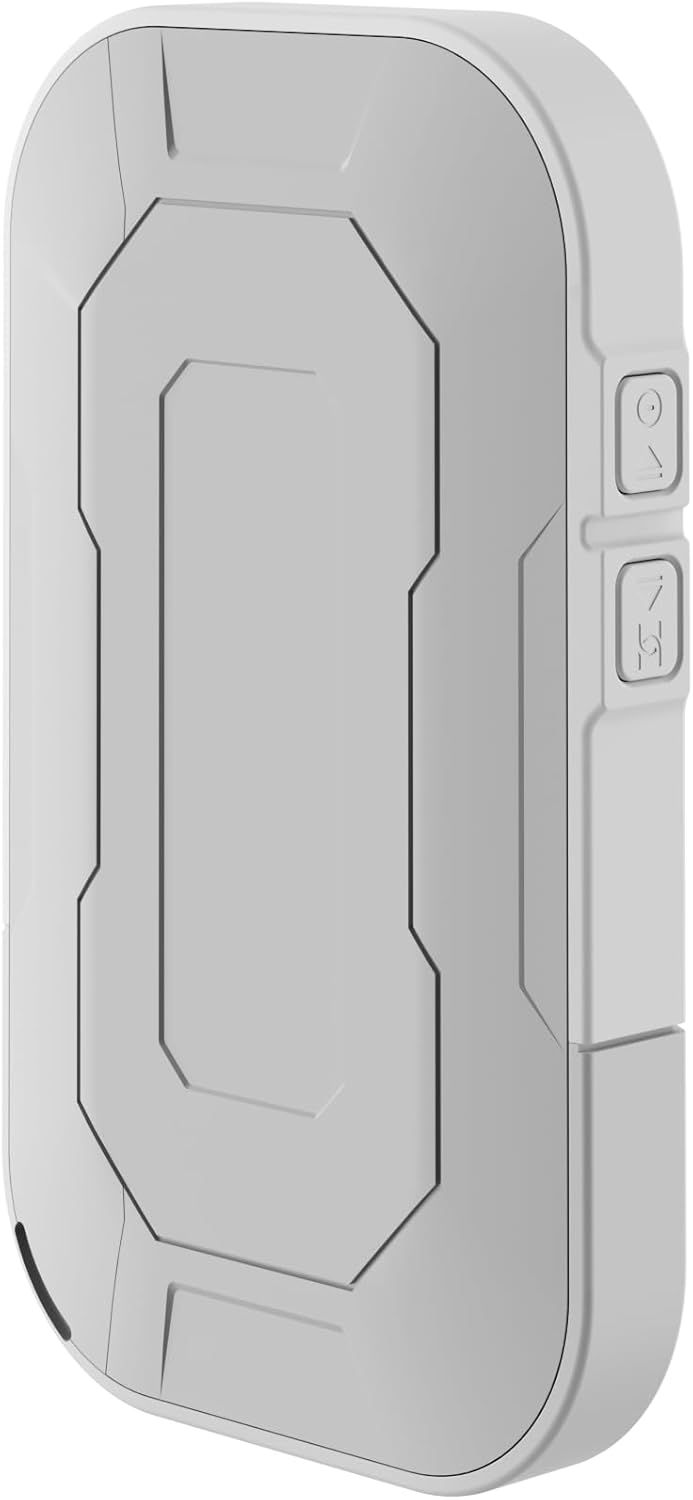
Рисунок 2: Задний view of the device, illustrating its compact and portable design.

Рисунок 3: Сторона view displaying the USB Type-C port for charging and data transfer.

Рисунок 4: Сторона view illustrating the physical buttons for power and navigation.
Настраивать
1. Установка SIM-карты
- Locate the SIM card slot, typically found under the battery cover.
- Carefully remove the back cover and the battery.
- Insert your standard-sized SIM card into the designated slot with the gold contacts facing down, ensuring it clicks into place.
- Вставьте батарею обратно и закройте заднюю крышку.
2. Зарядка устройства
- Connect the provided USB-A to USB Type-C cable to the device's charging port.
- Plug the other end into a USB power adapter (not included) or a computer's USB port.
- The battery indicator on the display will show charging status. Fully charge the device before first use.
3. Включение и выключение
- To power on, press and hold the Power button (refer to Figure 4) until the display lights up.
- To power off, press and hold the Power button until the shutdown prompt appears on the screen, then confirm.
Инструкция по эксплуатации
Connecting Devices via Wi-Fi
- Ensure the Roamer 4G is powered on and has established a 4G connection (indicated on the display).
- На вашем устройстве с поддержкой Wi-Fi (смартфоне, планшете, ноутбуке) выполните поиск доступных сетей Wi-Fi.
- Locate the network name (SSID) displayed on the Roamer 4G's screen.
- Enter the Wi-Fi password (Key) also shown on the Roamer 4G's screen. Alternatively, you can scan the QR code displayed on the device's screen for quick connection.
- Your device should now be connected to the internet via the Roamer 4G hotspot.
Понимание дисплея
The color display provides real-time information about your hotspot's status:
- Уровень сигнала: Indicates the strength of the 4G cellular signal.
- Уровень заряда батареи: Показывает оставшийся заряд батареи.
- Использование данных: Displays current upload/download speeds and total data consumed.
- Информация о сети: Provides details like SSID, password, and connected devices count.
Обслуживание
Уход за аккумулятором
- Для максимального увеличения срока службы батареи избегайте воздействия на устройство экстремальных температур.
- Регулярно заряжайте аккумулятор, но избегайте длительного пребывания в полностью разряженном состоянии.
- Если устройство не будет использоваться в течение длительного времени, перед хранением зарядите его примерно до 50%.
Уборка
- Use a soft, dry, lint-free cloth to clean the device's exterior.
- Не используйте жидкие чистящие средства, аэрозоли или растворители.
Поиск неисправностей
| Проблема | Возможная причина | Решение |
|---|---|---|
| Нет подключения к Интернету | No SIM card inserted, SIM card not activated, no signal, data plan exhausted. | Ensure SIM is correctly inserted and active. Check signal strength on display. Verify data plan with your mobile operator. Try restarting the device. |
| Невозможно подключиться к Wi-Fi | Incorrect password, device too far from hotspot, Wi-Fi disabled on hotspot. | Verify Wi-Fi password. Move closer to the hotspot. Ensure Wi-Fi is enabled on the Roamer 4G. |
| Устройство не включается | Battery is depleted, battery not inserted correctly. | Заряжайте устройство не менее 30 минут. Убедитесь, что батарея правильно установлена. |
Технические характеристики
| Особенность | Деталь |
|---|---|
| Бренд | Keenetic |
| Модель | КН-5110-01-ЕС |
| Размеры | 12.1 х 8.2 х 4.7 см |
| Масса | 200 грамм |
| Тип батареи | Литий-ионный аккумулятор (требуется 1 шт., входит в комплект) |
| Тип беспроводной связи | 802.11b (Wi-Fi 6 compatible) |
| Технология связи | ЛТЕ |
| Совместимые устройства | PC (and other Wi-Fi enabled devices) |
| Особые возможности | LED Indicator, Color Display |
Информация о гарантии
For detailed warranty information, please refer to the warranty card included with your product or visit the official Keenetic webСохраните чек о покупке для предъявления гарантийных претензий.
Поддержка клиентов
If you encounter any issues not covered in this manual or require further assistance, please contact Keenetic customer support. Visit the official Keenetic webсайт для получения контактной информации и ресурсов поддержки.
Вы также можете посетить Keenetic Store on Amazon для получения более подробной информации.