
LongPlus X84
LongPlus 2K Vicohome Wireless Outdoor Security Camera Instruction Manual
Модель: X84
Введение
This manual provides detailed instructions for the installation, operation, and maintenance of your LongPlus 2K Vicohome Wireless Outdoor Security Camera. Please read this manual thoroughly before using the product to ensure proper functionality and safety.

Image: Two LongPlus 2K Vicohome Wireless Outdoor Security Cameras, black, with water droplets, mounted on a wall bracket.
Содержимое упаковки
Убедитесь, что все перечисленные ниже предметы включены в ваш пакет:
- Security Camera with Bracket
- Пакет винтов
- Сброс иглы
- USB-кабель
- Краткое руководство пользователя
Характеристики продукта
- Анализ событий с использованием ИИ: Identifies and differentiates between people, pets, vehicles, and packages to reduce false alarms.
- 3-мегапиксельное цветное ночное видение: Captures clear color images in low light conditions up to 33 feet.
- PIR Motion Detection & Siren Alarm: Triggers an audio and strobe light alarm upon detecting humanoid motion.
- Гибкое хранилище: Поддерживает карты памяти Micro SD объемом до 128 ГБ (не входят в комплект) и дополнительное облачное хранилище.
- Двусторонний разговор: Allows communication through the Vicohome app.
- 100% Wire-free: Battery-operated design for easy installation without wiring.
- Интеграция с умным домом: Compatible with Amazon Alexa.
- Широкое поле View: 125-градусный viewугол наклона.
- Всепогодный дизайн: Степень защиты IP65 для использования на открытом воздухе.
Настраивать
1. Зарядка камеры
Before initial use, fully charge the camera using the provided USB cable. The charging indicator light will show the charging status.
2. Установка приложения и создание учетной записи
- Download the "Vicohome" app from your smartphone's app store (iOS or Android).
- Откройте приложение и следуйте инструкциям на экране, чтобы создать учетную запись и войти в систему.
3. Подключение к Wi-Fi
- Ensure your camera is powered on and near your Wi-Fi router.
- In the Vicohome app, tap the "+" icon to add a new device.
- Follow the app's instructions to connect the camera to your 2.4GHz Wi-Fi network. 5GHz networks are not supported.
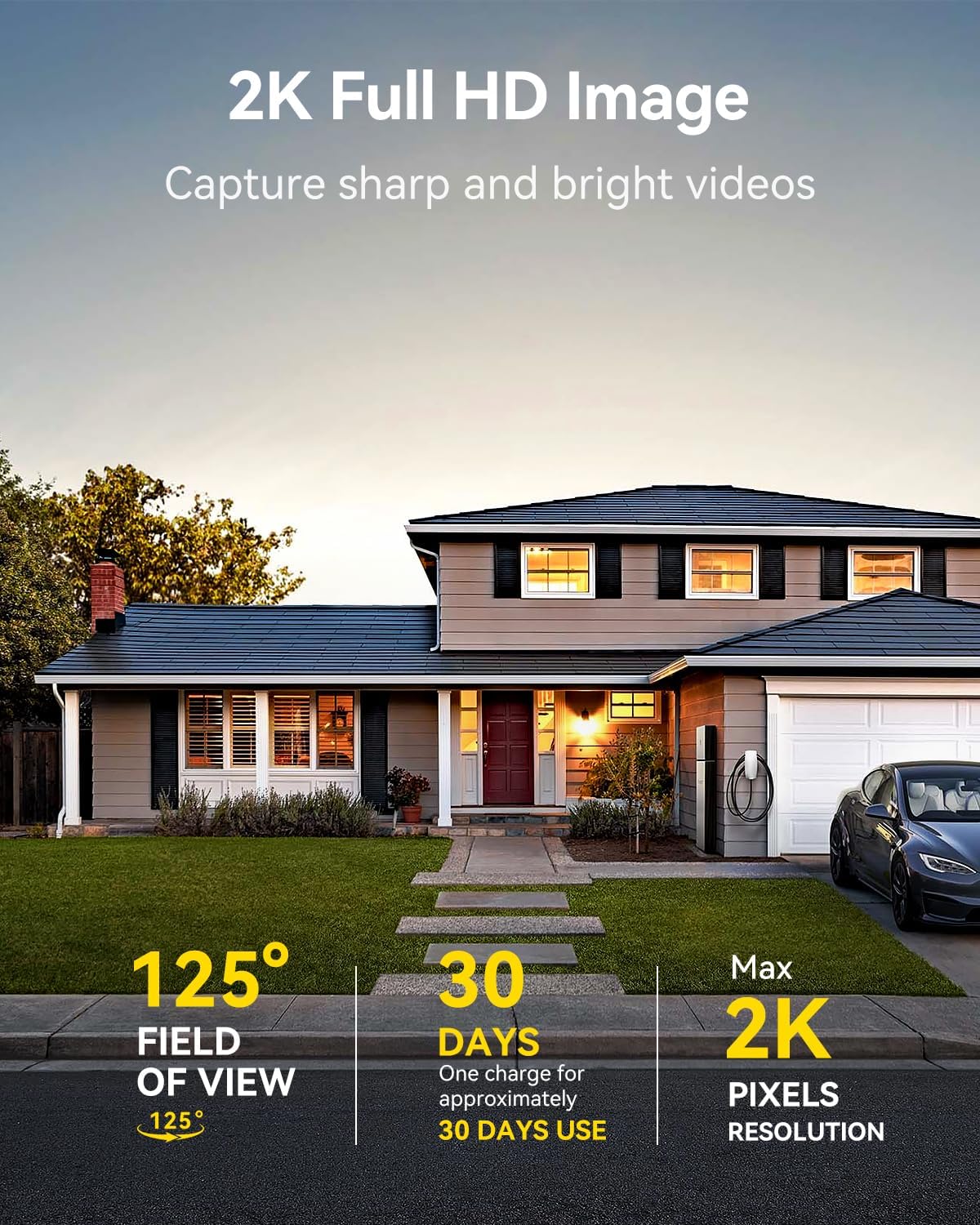
Image: A LongPlus security camera on a wooden table, illustrating its 2.4GHz WiFi connectivity.
4. Установка камеры
The camera can be mounted on a ceiling or wall. Choose a location that provides the desired viewугол обзора и находится в зоне действия Wi-Fi.
- Mark the positions for drilling using the camera bracket as a template.
- При необходимости просверлите направляющие отверстия и вставьте дюбели в стену.
- Закрепите кронштейн на поверхности с помощью прилагаемых винтов.
- Прикрепите камеру к кронштейну и отрегулируйте угол наклона.

Image: A LongPlus security camera mounted on an outdoor wall, demonstrating its wire-free installation.
Операция
1. Жить View
Open the Vicohome app and select your camera to view the live feed. You can monitor your surroundings in real-time.

Image: A smartphone displaying the live feed from a LongPlus security camera, showing children playing in a yard.
2. Двусторонний разговор
Из живого view screen in the app, tap the microphone icon to initiate two-way communication. Speak into your phone to communicate with individuals near the camera.

Image: A person receiving a package at their front door, demonstrating the two-way talk feature of the LongPlus camera.
3. Настройки обнаружения движения
Configure motion detection sensitivity and define detection zones within the Vicohome app settings for your camera. This helps in reducing unwanted alerts.

Image: A man walking past a LongPlus security camera, illustrating motion detection and app alerts.

Изображение: Антенна view of a house with a pool, illustrating customizable motion detection zones for different objects.

Image: A house with a lawn, demonstrating the ability to set specific motion detection zones.
4. Ночное видение
The camera automatically switches to color night vision in low light conditions, providing clear visibility.

Image: A LongPlus security camera mounted outdoors at night, showing its color night vision capability on a smartphone screen.
5. Запись и воспроизведение
Recordings are stored on a Micro SD card (if installed) or in the cloud (subscription may be required). Access and playback recorded events through the Vicohome app's library section.

Image: A LongPlus camera with an SD card being inserted, illustrating local and cloud storage options.
6. Совместное использование устройства
You can share access to your camera with other users through the Vicohome app, allowing multiple individuals to monitor the feed simultaneously.
7. Интеграция с умным домом
The camera is compatible with Amazon Alexa. Follow the instructions in the Vicohome app or Alexa app to link your devices and use voice commands for monitoring.

Image: A person using an Amazon Echo Show to view the camera feed via Alexa voice commands.
Обслуживание
1. Зарядка батареи
Monitor the battery level through the Vicohome app. Recharge the camera when the battery is low to ensure continuous operation. If the camera is installed in a hard-to-reach location, consider using a compatible solar panel charger (sold separately) to reduce the frequency of manual charging.
2. Управление SD-картой
If using a Micro SD card, ensure it is a genuine card and inserted correctly. Periodically review и управлять сохраненной footage. The card can be ejected with a gentle press.
3. Уборка
Gently wipe the camera lens and body with a soft, dry cloth to remove dust and debris. Avoid using harsh chemicals or abrasive materials.
Поиск неисправностей
| Проблема | Возможная причина | Решение |
|---|---|---|
| Камера не подключается к Wi-Fi | Неверный пароль от Wi-Fi; камера находится слишком далеко от роутера; используется сеть Wi-Fi 5 ГГц. | Verify Wi-Fi password. Move camera closer to router. Ensure you are connecting to a 2.4GHz Wi-Fi network. Reset the camera using the reset needle and try pairing again. |
| Частые ложные срабатывания | High motion detection sensitivity; environmental factors (e.g., moving branches, insects). | Reduce motion detection sensitivity in the Vicohome app. Define specific detection zones to exclude irrelevant areas. |
| Короткое время работы батареи | Частые события обнаружения движения; холодная погода; непрерывная работа в режиме реального времени view использование. | Снизьте чувствительность обнаружения движения. Ограничьте время в реальном времени. view sessions. Consider purchasing a solar panel charger for continuous power. Ensure the camera is fully charged before deployment. |
| Низкое качество изображения в ночное время | Obstructions near the lens; insufficient ambient light for color night vision. | Ensure the camera lens is clean and free from obstructions. Verify that the night vision mode is active in the app settings. |
| SD-карта не записывает | SD card not inserted correctly; incompatible SD card; SD card full or corrupted. | Reinsert the SD card carefully. Use a genuine Micro SD card up to 128GB. Format the SD card through the app. Replace the SD card if corrupted. |
Технические характеристики
| Особенность | Деталь |
|---|---|
| Номер модели | Х84 |
| Использование внутри и снаружи помещений | В помещении, на открытом воздухе |
| Источник питания | Питание от батареи |
| Протокол подключения | Wi-Fi (2.4 ГГц) |
| Тип контроллера | Amazon Alexa, Vicohome App |
| Разрешение видеозахвата | 1440p (2К) |
| Эффективное разрешение неподвижного изображения | 3 МП |
| Viewугол наклона | 130 градусов |
| Диапазон ночного видения | 33 футов |
| Частота кадров | 15 кадров в секунду |
| Материал | Высококачественный АБС-пластик |
| Уровень водонепроницаемости | IP65 (водонепроницаемый) |
| Максимальный поддерживаемый размер флэш-памяти | 128 ГБ (Микро SD) |
| Размеры изделия (Д x Ш x В) | 2.36 x 2.16 x 4 дюйма |
| Вес товара | 1.59 фунта (0.72 килограмма) |
| Аккумуляторы | Требуется 1 литий-ионный аккумулятор (входит в комплект) |
Поддерживать
For technical assistance, troubleshooting beyond this manual, or warranty inquiries, please contact LongPlus customer support. Refer to the product packaging or the official LongPlus webсайт для контактной информации.
Вы также можете посетить LongPlus Store on Amazon для получения дополнительной информации о продукте и ресурсах.