
ByteUp C80
ByteUp C80 Portable Thermal Printer User Manual
Модель: C80
1. Введение
The ByteUp C80 Portable Thermal Printer is a compact and lightweight device designed for convenient printing on the go. It utilizes thermal printing technology, eliminating the need for ink cartridges, and supports various paper types including US Letter, A4 thermal, and tattoo transfer paper. This manual provides essential information for setting up, operating, maintaining, and troubleshooting your C80 printer.
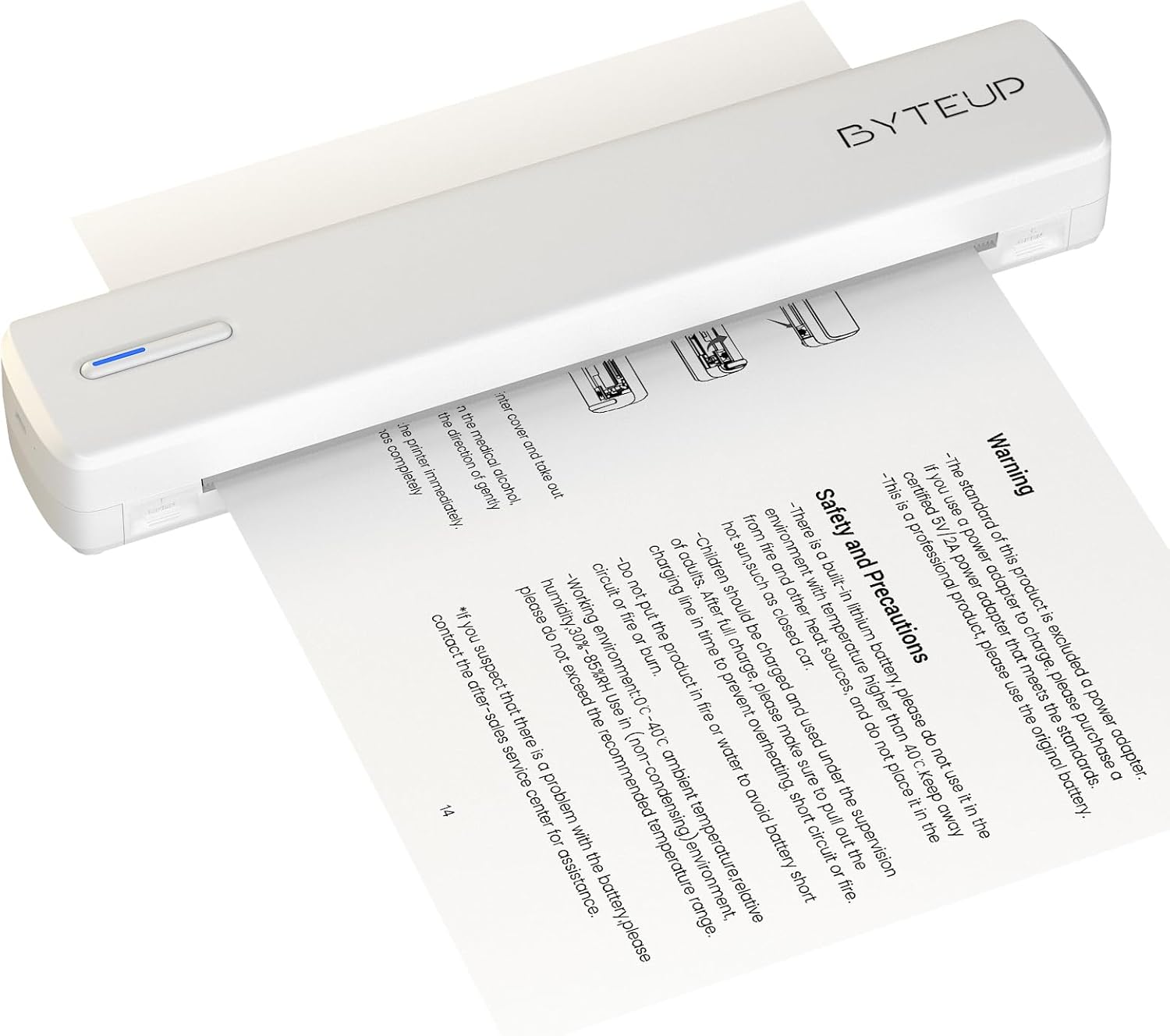
Image 1.1: The ByteUp C80 Portable Thermal Printer in operation, demonstrating paper feeding.
2. Меры предосторожности
To ensure safe and proper operation of your ByteUp C80 printer, please observe the following precautions:
- The standard product package does not include a power adapter. If a power adapter is required, please purchase a certified 5V/2A power adapter that meets safety standards.
- This device contains a built-in lithium battery. Do not use it in environments with temperatures exceeding 40°C (104°F) or near open flames and other heat sources.
- The battery should be charged and used under supervision. Do not leave children unattended during charging.
- Do not put the product in fire or water to avoid battery short circuit or fire.
- Operating environment: 0°C - 40°C (32°F - 104°F) ambient temperature, relative humidity 30%-85% (non-condensing).
- If you suspect a problem with the battery, please contact the after-sales service center for assistance.
3. Что в коробке
Upon unpacking your ByteUp C80 Portable Thermal Printer, verify that all the following components are included:
- 1 x C80 Printer
- 20 x US Letter Size Thermal Paper sheets
- 1 x Руководство пользователя (этот документ)
- 1 x Информационная карточка
- 1 x U disk (containing drivers and software)
4. Руководство по установке
4.1 Зарядка принтера
Before first use, fully charge the printer using a compatible 5V/2A USB-C power adapter (not included). Connect the USB-C cable to the printer's charging port and the other end to the power adapter. The indicator light will show charging status.
4.2 Загрузка бумаги
The C80 printer uses thermal paper only. It does not support regular copy paper.
- Откройте крышку лотка подачи бумаги.
- Вставьте термобумагу стороной с изображением вверх. Убедитесь, что бумага правильно и ровно выровнена.
- Close the paper input cover. The printer will automatically feed a small amount of paper to confirm loading.

Image 4.1: The ByteUp C80 printer supports various paper sizes including US Letter, A4 Thermal, and Tattoo Transfer Paper.
5. Инструкция по эксплуатации
5.1 Включение/выключение питания
- Для включения: нажмите и удерживайте кнопку питания, пока не загорится индикатор.
- Чтобы выключить устройство: нажмите и удерживайте кнопку питания, пока индикатор не погаснет.
5.2 Варианты подключения
The ByteUp C80 printer offers both Bluetooth and USB-C connectivity for versatile use with various devices.

Image 5.1: The ByteUp C80 printer supports both USB and Bluetooth connections for printing from laptops, smartphones, and other devices.
5.2.1 Bluetooth Connection (for iOS, Android)
- Убедитесь, что принтер включен и находится в зоне действия вашего мобильного устройства.
- Включите Bluetooth на вашем мобильном устройстве.
- Open the dedicated ByteUp printing application (refer to the U disk for software installation).
- Within the app, search for available Bluetooth devices and select "C80" to pair.
- Once paired, you can select documents (PDF, Word, Images, Web) from your phone to print.
5.2.2 USB-C Connection (for Laptop/PC)
- Connect the printer to your laptop or PC using the provided USB-C cable.
- Install the printer drivers from the included U disk. Follow the on-screen instructions for installation.
- Once drivers are installed, the printer will appear as an available printer in your system's print dialogue.
- Select the C80 printer and adjust print settings as needed before printing.
5.3 Печать документов
Always remember to choose the correct paper size setting on your phone or PC to match the thermal paper you are using. The printer supports monochrome (black and white) printing only.

Image 5.2: The ByteUp C80 printer is capable of high-resolution monochrome printing, suitable for various documents including tattoo stencils.
6. Техническое обслуживание
6.1 Очистка печатающей головки
Регулярная очистка печатающей головки обеспечивает оптимальное качество печати.
- Убедитесь, что принтер выключен и отключен от всех источников питания.
- Gently open the paper input cover.
- Слегка используйте мягкую безворсовую ткань.ampОбработали изопропиловым спиртом для протирки поверхности печатающей головки.
- Перед закрытием крышки и включением принтера дайте печатающей головке полностью высохнуть.
6.2 Хранение бумаги
Store thermal paper in a cool, dry place away from direct sunlight and excessive heat to preserve its quality and print longevity.
7. Поиск Неисправностей
| Проблема | Возможная причина | Решение |
|---|---|---|
| Принтер не включается | Низкий заряд батареи или ее отсутствие | Charge the printer fully using a 5V/2A USB-C adapter. |
| Низкое качество печати / Выцветшие отпечатки | Dirty print head; Low quality thermal paper; Paper loaded incorrectly | Clean the print head (refer to Section 6.1); Use high-quality thermal paper; Ensure paper is loaded correctly with printable side up. |
| Принтер не подключается через Bluetooth. | Bluetooth not enabled; Printer not in pairing mode; Interference | Ensure Bluetooth is enabled on your device; Restart printer and device; Move closer to the printer; Check app for pairing instructions. |
| Принтер не распознается компьютером через USB. | Drivers not installed; Faulty USB cable/port | Install drivers from the U disk; Try a different USB-C cable or port. |
| Замятие бумаги | Неправильно загружена бумага; повреждена бумага | Power off the printer, gently remove jammed paper, reload new paper correctly. |
8. Технические характеристики продукта
- Название модели: С80
- Бренд: ByteUp
- Технология печати: Термальный
- Технологии подключения: Bluetooth, USB-C
- Выход на принтер: Монохромный (черно-белый)
- Максимальное разрешение черно-белой печати: 203 dpi (Dots Per Inch)
- Максимальная скорость печати, монохромная: 4 стр./мин (страниц в минуту)
- Максимальный размер носителя: 8.5x11 inches (US Letter)
- Поддерживаемые носители печатной продукции: Thermal Paper (Roll paper, Fan-fold paper, Tattoo transfer paper)
- Максимальная емкость входного листа: 20 листов
- Двусторонняя печать: Нет (только симплекс)
- Аппаратный интерфейс: USB-тип C
- Цвет чернил: Black (Thermal printing, no ink required)
- Размеры продукта: 12.99"Г x 3.35"Ш x 3.15"В (33 x 8.5 x 8 см)
- Вес товара: 1.8 фунта (0.82 кг)
- Аккумуляторы: 1 нестандартная батарея (в комплекте)
- Производитель: shanyin
9. Гарантия и поддержка
For warranty information and technical support, please refer to the contact details provided on the ByteUp official website or the guide card included in your product package. If you encounter any issues not covered in this manual, or require further assistance, please do not hesitate to contact our customer service team.
Ask a question about this manual
Ask about setup, troubleshooting, compatibility, parts, safety, or missing instructions. Manuals+ will review the question and use this page’s manual context to help answer it.