
Введение
The Skullcandy Crusher Evo Wireless Bluetooth Headphones deliver a powerful audio experience with patented Multi-Sensory Crusher Bass technology. Designed for comfort and extended use, these headphones feature up to 40 hours of battery life, Rapid Charge, and personalized sound tuning through the Skullcandy App. This manual provides essential information for setting up, operating, maintaining, and troubleshooting your Crusher Evo headphones.
Что в коробке?
Upon opening your Skullcandy Crusher Evo package, you should find the following items:
- Crusher® Evo Wireless Headphones
- Зарядный кабель USB-C
- Вспомогательный аудиокабель
- Защитный чехол
- Краткое руководство и инструкции пользователя

Image: The Skullcandy Crusher Evo headphones, USB-C charging cable, auxiliary cable, protective case, and user guide are neatly arranged, illustrating the complete package contents.
Настраивать
1. Зарядка наушников
Before initial use, fully charge your Crusher Evo headphones. Connect the provided USB-C charging cable to the headphone's charging port and a compatible USB power source. A full charge provides up to 40 hours of listening time. The Rapid Charge feature allows for 4 hours of listening with just a 10-minute charge.

Image: A close-up of the Skullcandy Crusher Evo headphones showing the USB-C charging port and cable connected, indicating the charging process.
2. Сопряжение по Bluetooth
- Убедитесь, что ваши наушники выключены.
- Press and hold the main power button for 3-5 seconds until the LED indicator flashes blue and red, indicating pairing mode.
- На вашем устройстве (смартфоне, планшете, компьютере) включите Bluetooth и выполните поиск доступных устройств.
- Select "Crusher Evo" from the list of available devices.
- После подключения светодиодный индикатор будет периодически мигать синим цветом.
3. Personal Sound Tuning (Skullcandy App)
Enhance your listening experience by downloading the Skullcandy App. The app features a Personal Sound analysis that customizes audio levels to your unique hearing profile, ensuring optimal sound quality.

Image: A woman wearing the headphones, illustrating the personalized sound feature. The accompanying text highlights the "Personal Sound tuned to you" capability via the Skullcandy app.
Управление наушниками
1. Основные элементы управления
The Crusher Evo headphones feature intuitive button controls located on the earcups:
- Включение/выключение питания: Нажмите и удерживайте главную кнопку питания.
- Воспроизведение/Пауза: Single press the main power button.
- Увеличение/уменьшение громкости: Используйте специальные кнопки регулировки громкости.
- Пропуск трека: Двойное нажатие для следующего трека, тройное нажатие для предыдущего трека.
- Ответить/завершить вызов: Single press the main power button during a call.
- Активировать голосового помощника: Нажмите и удерживайте главную кнопку питания в течение 2 секунд.
2. Multi-Sensory Crusher Bass
Experience deep, adjustable bass that you can feel. Use the slider on the earcup to increase or decrease the intensity of the Crusher Bass. This feature provides a tactile feedback that enhances your audio experience.
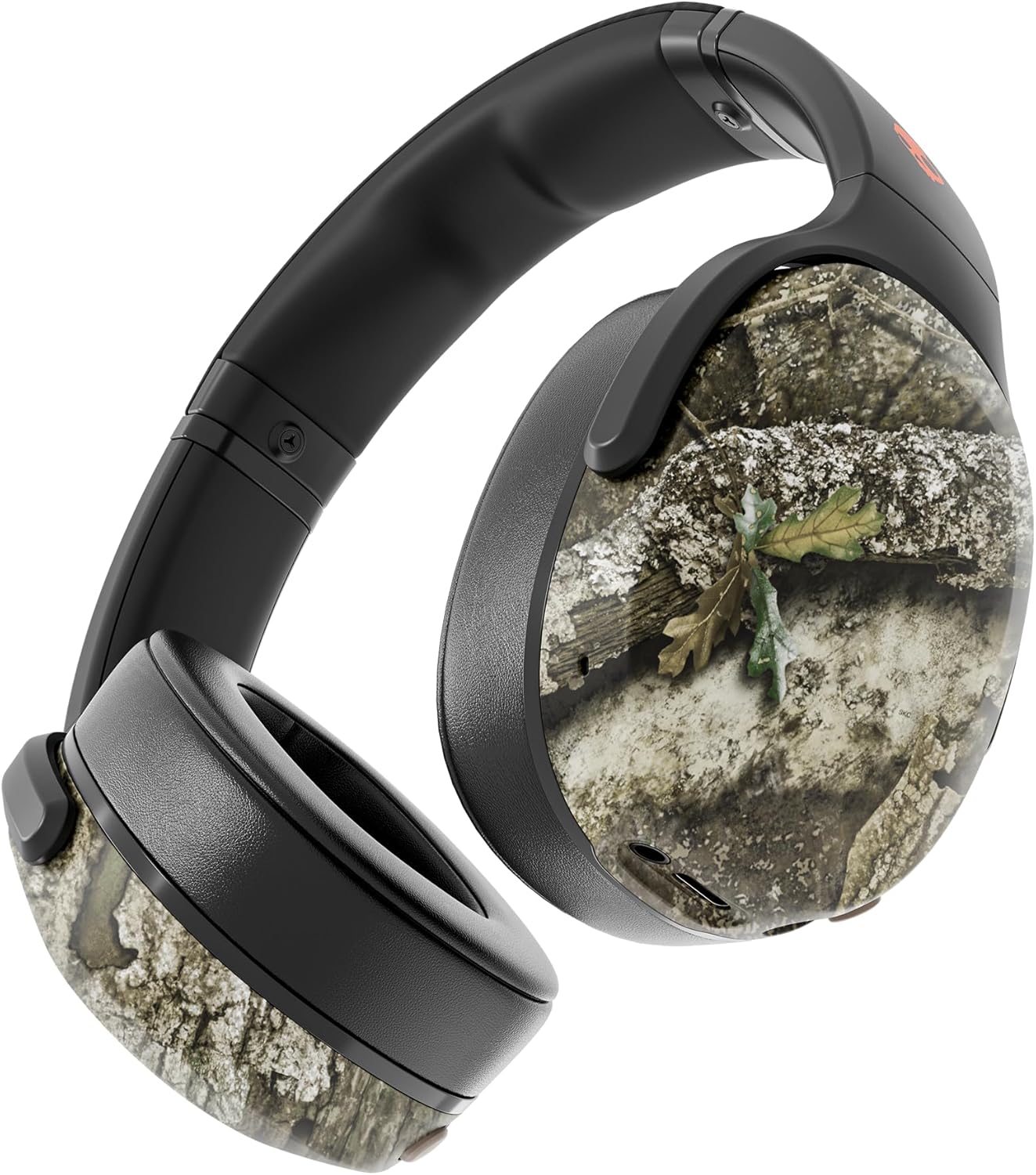
Image: The Skullcandy Crusher Evo headphones, highlighting the "Crusher Sensory Bass" feature, which allows users to feel the bass.
Video: This video demonstrates the multi-sensory bass feature of the Crusher Evo headphones by showing its effect on water, creating ripples. This illustrates how the bass can be physically felt.
Video: This video captures various individuals reacting to the Crusher Bass, showcasing the immersive and impactful experience provided by the headphones' unique bass technology.
3. Flat-Folding and Collapsible Design
The headphones are designed to fold flat and collapse for easy storage and portability. This compact design makes them convenient for travel and daily commutes.
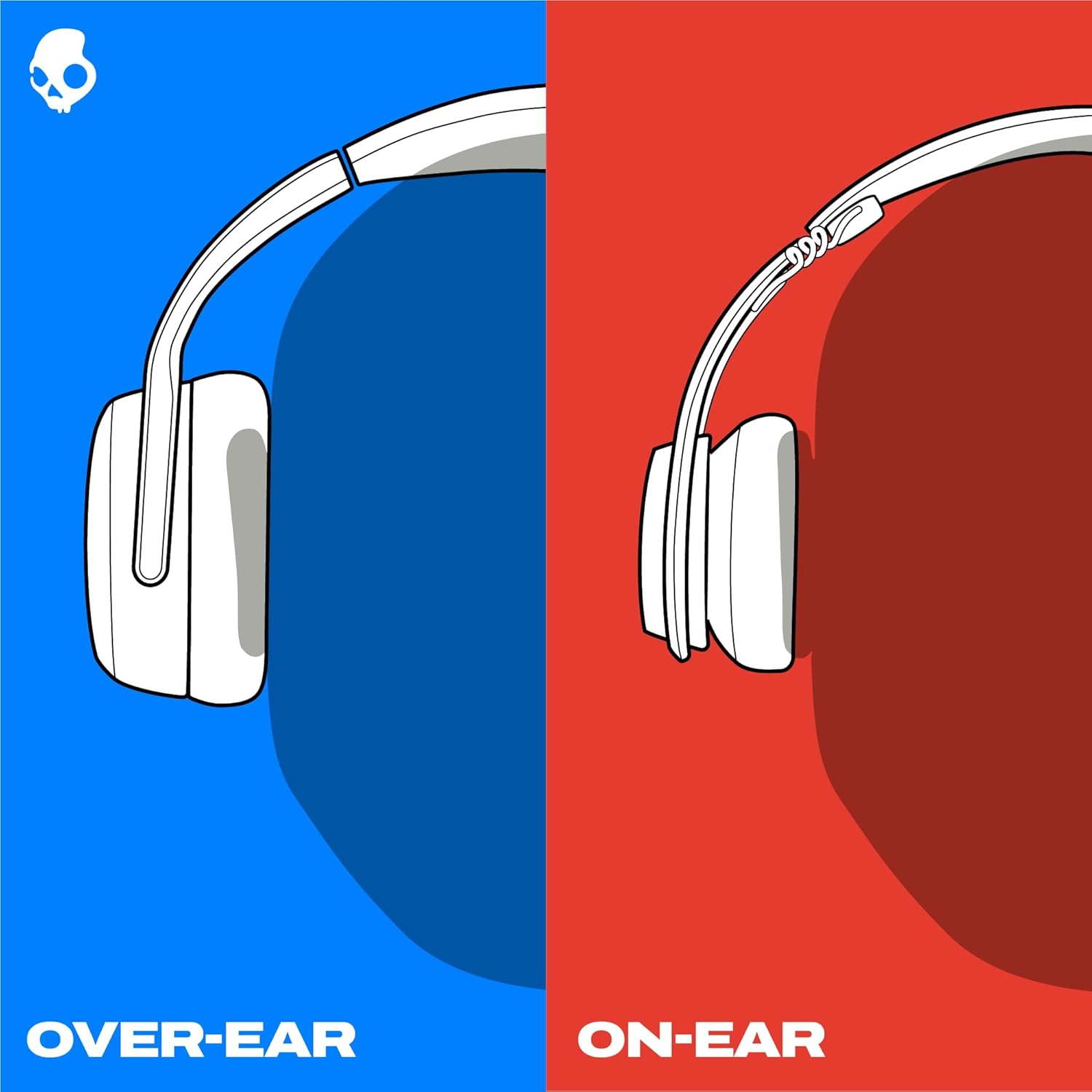
Image: The Skullcandy Crusher Evo headphones are shown folded flat, demonstrating their compact design for easy storage and travel.
Обслуживание
- Уборка: Для чистки наушников используйте мягкую сухую ткань. Избегайте использования агрессивных химикатов или абразивных материалов.
- Хранилище: When not in use, store the headphones in their protective case to prevent damage. Keep them in a cool, dry place away from extreme temperatures.
- Уход батареи: Чтобы продлить срок службы аккумулятора, избегайте частой полной разрядки наушников. Регулярно заряжайте их, даже если не используете длительное время.
Поиск неисправностей
Нет питания / Не заряжается
- Ensure the USB-C charging cable is securely connected to both the headphones and a working power source.
- Попробуйте использовать другой кабель USB-C и адаптер питания.
- Проверьте порт зарядки на наличие мусора или повреждений.
Проблемы с Bluetooth-соединением
- Убедитесь, что наушники находятся в режиме сопряжения (мигают синий и красный светодиоды).
- Убедитесь, что на вашем устройстве включен Bluetooth.
- Forget "Crusher Evo" from your device's Bluetooth settings and attempt to re-pair.
- Move the headphones closer to your device to ensure they are within range.
Нет звука / низкая громкость
- Проверьте уровень громкости как в наушниках, так и на подключенном устройстве.
- Убедитесь, что наушники правильно сопряжены и подключены.
- If using the auxiliary cable, ensure it is fully plugged into both the headphones and the audio source.
- Попробуйте использовать другой источник звука или устройство.
Технические характеристики
| Бренд | Skullcandy |
| Название модели | Крашер Эво |
| Номер модели | S6EVW-T991 |
| Технология связи | Беспроводная связь (Bluetooth 5.0) |
| Расположение ушей | Над ухом |
| Срок службы батареи | До 40 часов |
| Быстрая зарядка | 10 минут зарядки — 4 часа воспроизведения |
| Сопротивление | 32 Ом |
| Частотная характеристика | 20 Гц - 20 000 Гц |
| Чувствительность | 100 дБ |
| Контроль шума | Звукоизоляция |
| Масса | 0.01 унции (приблизительно 0.28 грамма) |
Гарантия и поддержка
The Skullcandy Crusher Evo headphones come with a Ограниченная гарантия на 1 год в США.Данная гарантия распространяется на производственные дефекты и обеспечивает исправную работу изделия при нормальном использовании.
For warranty claims, technical support, or further assistance, please visit the official Skullcandy support webна сайте или обратитесь в службу поддержки клиентов. Сохраните чек для подтверждения гарантии.


