
1. Заview
The Roku Select Series HD TV provides a streamlined entertainment experience. This 32-inch 720p HD television integrates the Roku operating system for easy access to streaming content, live TV, and various applications. It features a voice remote for convenient control and includes technologies like Bluetooth Headphone Mode and Dolby Audio for enhanced sound.
Основные характеристики
- Бесперебойная потоковая передача: Fast Wi-Fi and quick app launches for immediate entertainment access.
- Обширный контент: Access to thousands of streaming apps, free movies, shows, and live TV channels.
- Настраиваемый главный экран: Organize apps and content for personalized viewинж.
- Автоматические обновления программного обеспечения: Ensures access to the latest features and applications.
- Интеграция с умным домом: Compatible with Roku Voice, Siri, Alexa, and Google Assistant for voice control. Supports Apple AirPlay for content sharing.
- Clear HD Picture: 720p HD resolution with Roku Smart Picture technology for optimized visuals.
- Голосовой пульт: Search, play, and control streaming with voice commands.
- Улучшенное аудио: Designed for clear speech and louder sound with Dolby Audio technology.
- Режим Bluetooth-наушников: Private listening with wireless headphones.
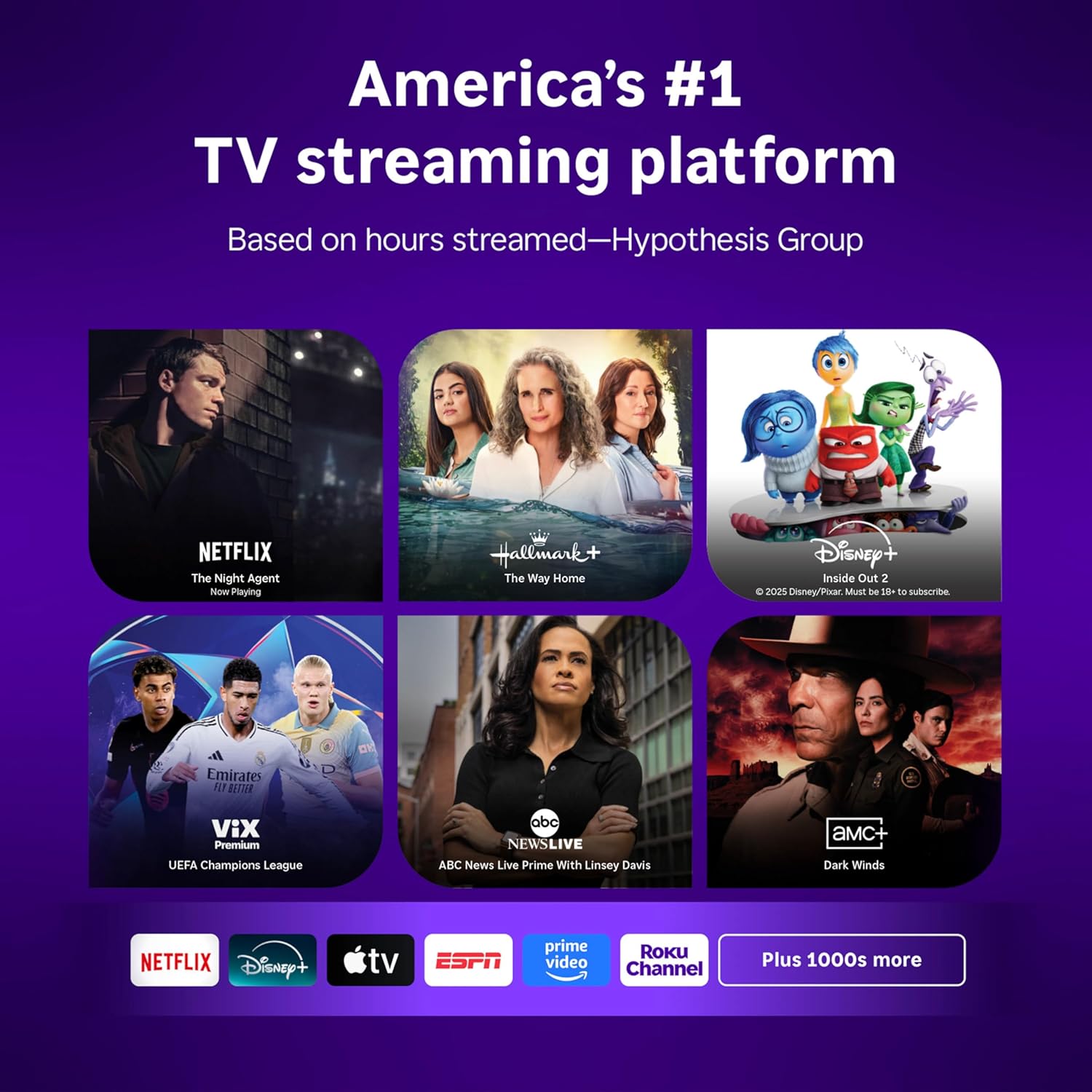
Image: Roku 32-inch Select Series HD Smart TV with included remote control.
2. Что в коробке
Перед началом настройки убедитесь, что все компоненты присутствуют.
- Roku Select Series 32" HD TV
- Stands and screws
- Roku Voice Remote with batteries (2 AAA)
- Силовой кабель
- Руководство пользователя (этот документ)

Image: Contents of the Roku Select Series TV packaging.
3. Настройка
3.1 Распаковка
Аккуратно извлеките телевизор и все аксессуары из упаковки. Сохраните упаковку для будущей транспортировки или обслуживания.
3.2 Крепление подставки
- Положите телевизор экраном вниз на мягкую чистую поверхность, чтобы не поцарапать его.
- Совместите подставки телевизора с отверстиями для винтов в нижней части телевизора.
- Закрепите стойки с помощью прилагаемых винтов. Убедитесь, что они надёжно затянуты.
3.3 Подключение периферийных устройств
Подключите ваши устройства к соответствующим портам на задней панели телевизора.
- HDMI: Connect up to three HDMI devices (e.g., cable box, gaming console, Blu-ray player) to the HDMI ports.
- USB: Use the USB port for media playback or connecting compatible accessories.
- Оптический (S/PDIF): Для подключения к внешней аудиосистеме.
- Силовой кабель: Подключите кабель питания к телевизору, а затем к розетке.
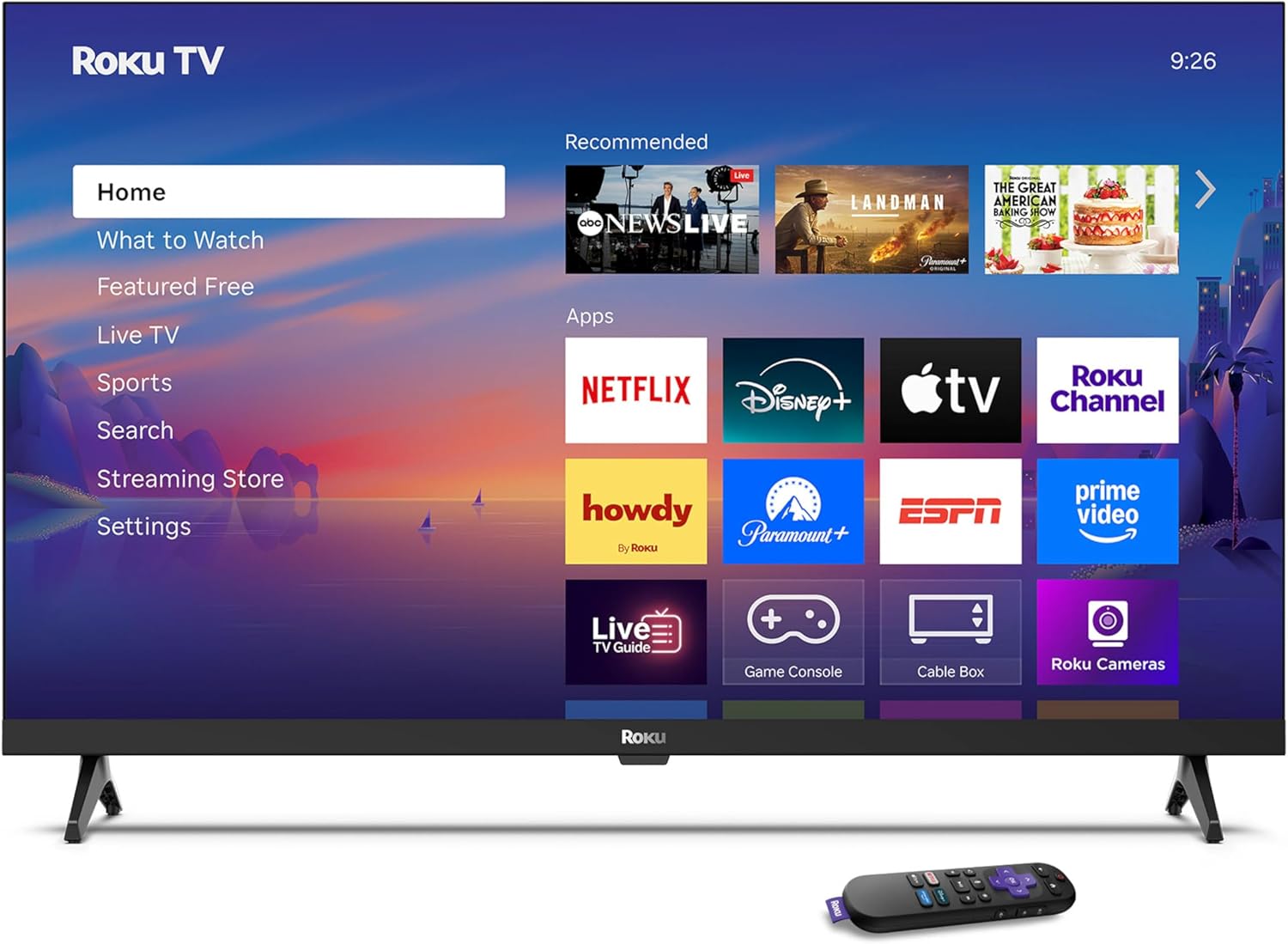
Image: Rear panel connections including HDMI, USB, and optical ports.
3.4 Первоначальное включение и сетевое подключение
- Plug in the TV and press the power button on the remote or TV.
- Следуйте инструкциям на экране, чтобы выбрать язык и подключиться к сети Wi-Fi.
- Activate your Roku account or create a new one.
Видео: Оверview of the Roku TV operating system, demonstrating its user interface and features. This video is provided by Roku, Inc.
4. Инструкция по эксплуатации
4.1 Использование голосового пульта дистанционного управления
The Roku Voice Remote allows for intuitive control of your TV and streaming content.
- Голосовой поиск: Press and hold the voice button and speak your command to search for content, launch apps, or control playback.
- Навигация: Используйте навигационную панель для перемещения по меню и выбора пунктов.
- Ярлыки приложений: Специальные кнопки обеспечивают быстрый доступ к популярным стриминговым сервисам.

Image: Features of the Roku Voice Remote, highlighting voice control and shortcut buttons.
4.2 Навигация по главному экрану
The Roku Home Screen provides access to all your installed apps, inputs, and settings.
- Дом: Возвращает вас на главный экран.
- Что смотреть: Discover recommended content.
- Прямой эфир: Access free live television channels.
- Магазин потокового вещания: Просматривайте и добавляйте новые потоковые каналы.
- Настройки: Adjust TV and system preferences.

Image: The Roku TV home screen interface.
4.3 Настройка параметров изображения и звука
Настройте свой viewУлучшение качества звука и восприятия через меню настроек.
- Режим изображения: Select from predefined modes like Standard, Vivid, Sports, or Movie. Roku Smart Picture automatically optimizes settings.
- Режим звука: Выбрать звукового профессионалаfiles or enable features like Night Mode for reduced volume fluctuations.
- Режим Bluetooth-наушников: Pair your wireless headphones for private audio.

Image: Picture mode settings on the Roku TV.

Image: Bluetooth Headphone Mode in use.

Image: Dolby Audio technology for clear sound.
5. Техническое обслуживание
5.1 Очистка экрана
To clean the TV screen, gently wipe it with a soft, dry, lint-free cloth. For stubborn marks, lightly dampПротрите ткань водой или специальным чистящим средством, безопасным для экрана. Избегайте использования агрессивных химикатов или абразивных материалов.
5.2 Обновления программного обеспечения
Your Roku TV automatically receives software updates when connected to the internet. These updates provide new features, performance improvements, and bug fixes. Ensure your TV remains connected to the internet for optimal performance.
6. Поиск Неисправностей
If you encounter issues with your Roku TV, refer to the following common solutions:
- Нет питания: Убедитесь, что кабель питания надёжно подключён к телевизору и к работающей розетке. Попробуйте использовать другую розетку.
- Нет изображения/звука: Verify that the correct input source is selected. Check all cable connections (HDMI, audio). Restart the TV by unplugging it for 30 seconds and plugging it back in.
- Пульт дистанционного управления не работает: Replace the AAA batteries in the remote. Ensure there are no obstructions between the remote and the TV. For voice remote issues, re-pair the remote if necessary (refer to Roku support for specific steps).
- Проблемы с сетевым подключением: Restart your Wi-Fi router and modem. Go to the TV's settings menu, then Network, and try reconnecting to your Wi-Fi network.
- App Not Loading/Crashing: Try restarting the app. If the issue persists, remove the app from the home screen, restart the TV, and then re-add the app from the Streaming Store.
7. Технические характеристики
| Особенность | Деталь |
|---|---|
| Размер экрана | 32 дюйма |
| Технология отображения | ВЕЛ |
| Разрешение | 720p |
| Частота обновления | 60 Гц |
| Особые возможности | Bluetooth Headphone Mode, Dolby Audio, Voice Remote |
| Технология связи | Bluetooth, Wi-Fi |
| Всего портов HDMI | 3 |
| Общее количество портов USB | 1 |
| Аудиовход | HDMI |
| Операционная система | ОС Roku |
| Тип крепления | Крепление на стол, крепление на стену |
| Стандарт крепления VESA | 200 х 200 мм |
| Размеры продукта (Д x Ш x В) | 7"Д x 28.3"Ш x 18.3"В |
| Вес товара | 7.5 фунта |
| Номер модели | 32R2D5 |
| СКП | 829610008974 |
8. Информация о гарантии
8.1 Ограниченная гарантия
Roku warrants the hardware against defects in materials and workmanship under normal use for a period of one (1) year from the date of purchase ("Warranty Period"). If Roku determines that the device’s hardware is defective during the Warranty Period, Roku’s sole obligation, and your exclusive remedy, will be to either repair or replace the unit with either a new or rebuilt device, at its option. This warranty applies if the product is used in accordance with the provided documentation.
8.2 Политика возврата
You may return a device for any reason:
- Within thirty (30) days from the date of purchase from Roku.
- Within the applicable return period if purchased from an authorized reseller or distributor.
Additional details regarding product returns can be found on the Roku support site.
9 Поддержка
For further assistance, troubleshooting guides, and frequently asked questions, please visit the official Roku support webсайт: