
Введение
The iHeylinkit 2-in-1 Wireless CarPlay & Android Auto Adapter is designed to seamlessly convert your car's wired CarPlay or Android Auto system into a wireless experience. This compact device eliminates the need for cables, allowing you to enjoy navigation, music, calls, messaging, and voice commands directly from your car's display with enhanced convenience.
Equipped with the latest smart IC chip and 5GHz high-speed WiFi + Bluetooth dual-channel technology, it ensures a zero-delay, stable connection comparable to wired systems. This manual provides detailed instructions for setup, operation, and troubleshooting to help you maximize your product's potential.
Содержимое упаковки
- iHeylinkit 2-in-1 Wireless CarPlay & Android Auto Adapter (Model M4)
- Кабель USB-A — USB-C
- Кабель USB-C-USB-C
- Руководство пользователя

Image: The iHeylinkit adapter with its included USB-A to USB-C and USB-C to USB-C cables.
Руководство по настройке
Connect the Adapter to Your Car:
Plug the appropriate USB cable (USB-A to USB-C or USB-C to USB-C, depending on your car's port) into the adapter and then into your car's wired CarPlay or Android Auto USB port. The adapter's indicator light will begin to blink green, indicating it is powered on and ready for pairing.

Image: The adapter being plugged into the car's USB port, showing the green indicator light.
Pair with Your Phone (First Time Setup):
On your smartphone, ensure both Wi-Fi and Bluetooth are enabled. Navigate to your phone's Bluetooth settings and search for available devices. Select the device named "Carsmart-Adapter-XXXX" (where XXXX is a unique identifier).

Image: Visual guide for connecting the adapter to an iPhone via Bluetooth settings.
Confirm the pairing request on your phone. Once paired, your car's display will prompt you to continue with either Apple CarPlay or Android Auto. Select "Continue" to proceed.

Image: Visual guide for connecting the adapter to an Android phone via Bluetooth settings.
Автоматическое переподключение:
After the initial setup, the adapter will automatically connect to your phone within seconds when you start your car, providing a seamless wireless experience every time.
Setup Video Tutorial
Video: "Super Easy Installation" - This video demonstrates the simple steps to install and set up the iHeylinkit wireless adapter in a vehicle.
Video: "Plug & Play, Fast Connection for iPhone" - This video illustrates the quick plug-and-play process for connecting an iPhone to the wireless adapter.
Инструкция по эксплуатации
Once connected, your car's display will mirror your phone's CarPlay or Android Auto interface. You can interact with your favorite apps directly from the car's touchscreen, steering wheel controls, knob control, or via voice assistant.

Image: The car's display showing the CarPlay/Android Auto interface with various apps.
Основные характеристики:
- Навигация: Use Google Maps, Apple Maps, or Waze for real-time directions.
- Музыка и аудио: Stream music from Spotify, Apple Music, Pandora, or other audio apps.
- Звонки и сообщения: Совершайте и принимайте звонки, отправляйте и читайте сообщения с помощью голосовых команд или интерфейса автомобиля.
- Голосовой помощник: Активируйте Siri или Google Assistant для управления без помощи рук.

Image: Demonstrates control options including touch screen, steering wheel controls, knob control, and voice assistant.
Видеоурок по эксплуатации
Video: "Game-Changer for My Car!" - This video demonstrates seamless wireless CarPlay/Android Auto functionality and app integration on the car's display.
Совместимость
The iHeylinkit 2-in-1 Wireless CarPlay & Android Auto Adapter is designed for vehicles with factory-installed wired CarPlay or Android Auto functionality. It supports:
- iPhone iOS 10 и выше
- Android 11 и выше
- Vehicles from 2016-2025 with built-in wired CarPlay/Android Auto.
Важное примечание:
- Этот продукт НЕ совместим with Tesla or BMW models.
- Это Не подходит for vehicles without built-in CarPlay/Android Auto functions.
- The wireless adapter не поддерживает YouTube and Netflix video playback to ensure driving safety.
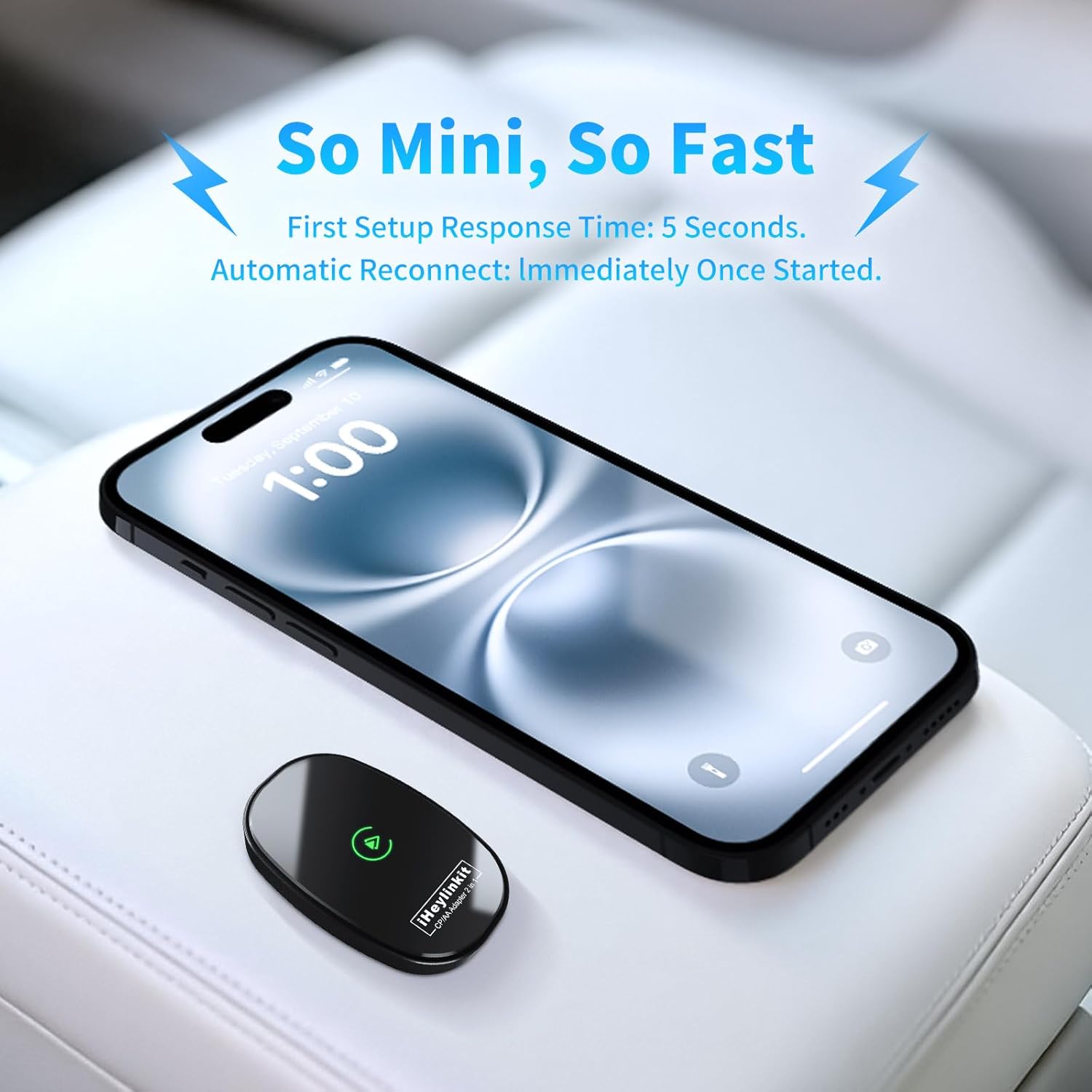
Image: Compatibility details, including supported car brands and phone operating systems. Links to official compatibility lists are provided below.
Поиск неисправностей
If you encounter unstable connection or disconnection issues, please follow these steps:
- Проверьте USB-подключение: Ensure the USB cable is firmly plugged into both the adapter and the car's USB port.
- Update & Restart Phone: Update your iOS/Android operating system to the latest version and restart your phone to maintain a normal connection.
- Verify Permissions: Confirm that all relevant permissions (e.g., Bluetooth, Wi-Fi, location) are enabled in your phone's settings for CarPlay/Android Auto.
- Bluetooth Occupancy: If you cannot connect, check if your car's Bluetooth is occupied by another device. If so, disconnect it and restart your phone to connect to the adapter's SSID name.
- Sound Delay/Navigation Lag: Troubleshoot network issues and restart your phone first.
- Сопряжение нескольких телефонов: If using a different phone, ensure the Bluetooth and Wi-Fi of the previously connected phone are turned off.
Обновление прошивки онлайн:
To ensure optimal performance and access to the latest features, you can perform an online firmware upgrade:
- After your mobile phone is connected to the car box with the wireless CarPlay/Android Auto.
- Входить 192.168.8.1 in your mobile phone / Android browser.
- Go into the Upgrade the software section and follow the on-screen instructions.

Image: Steps for performing an online firmware upgrade for the adapter.
Технические характеристики
| Особенность | Деталь |
|---|---|
| Размеры продукта | 1.57 x 0.39 x 2.44 дюйма |
| Вес товара | 3.2 унции |
| Номер модели | M4 |
| Бренд | iHeylinkit |
| Технология связи | Bluetooth, Wi-Fi, USB |
| Источник питания | Bluetooth |
| Материал | Цинковый сплав |
| Специальная характеристика | Hands-Free Calls, Automatic On/Off |

Image: Detailed dimensions of the iHeylinkit adapter and its accompanying cables.
Гарантия и поддержка
The iHeylinkit 2-in-1 Wireless CarPlay & Android Auto Adapter comes with a 2-year replacement warranty (no repair required). For any technical assistance or compatibility issues, a North American local technical team provides 7x24 hours online support.
For further assistance, please contact iHeylinkit Official Store support.