
1. Введение
This manual provides essential information for setting up, operating, and maintaining your ZTE Nubia Neo 3 GT 5G smartphone. Designed for an ultimate gaming experience, this device combines powerful performance with advanced features. Please read this manual thoroughly to ensure proper use and to maximize your device's capabilities.
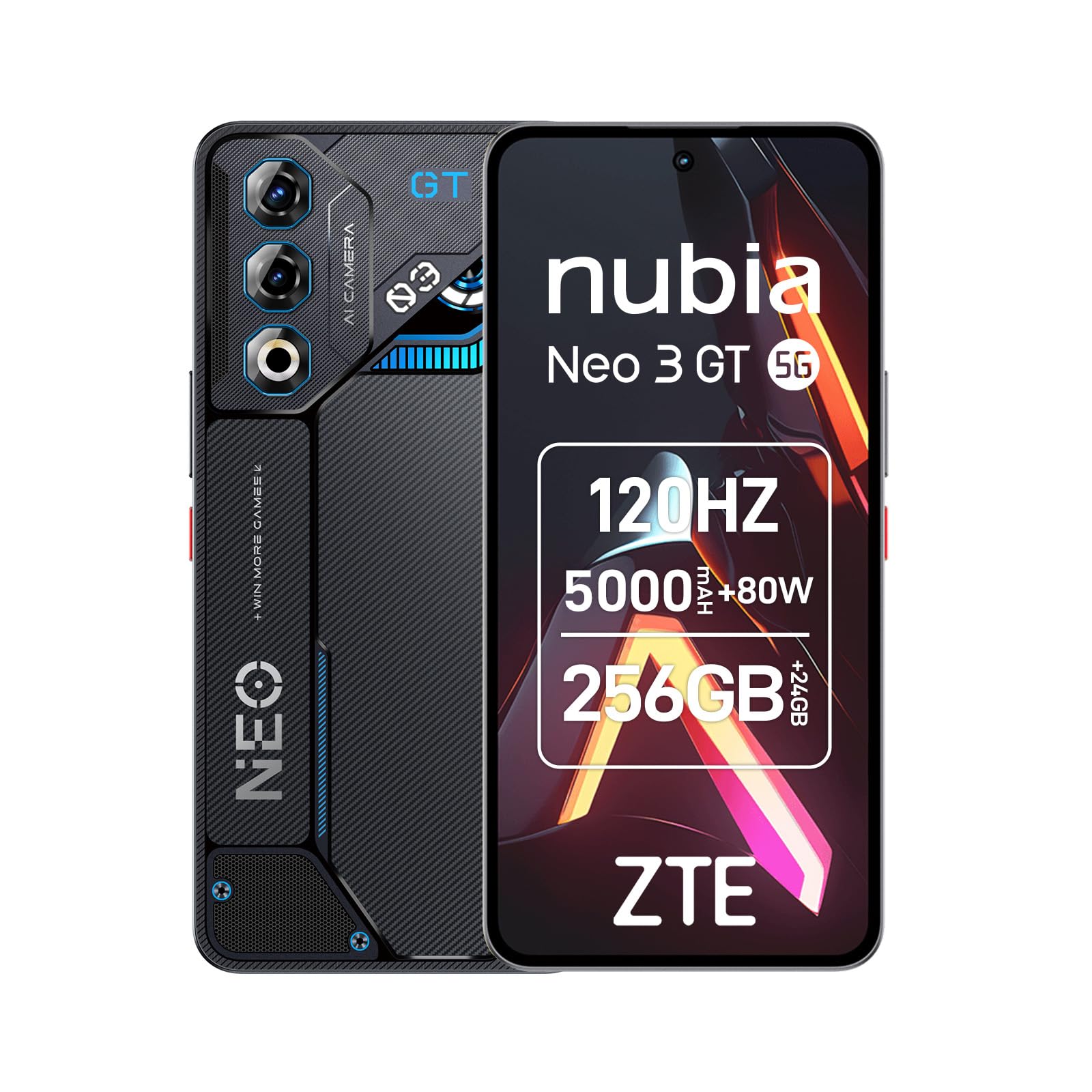
Image 1: ZTE Nubia Neo 3 GT 5G smartphone, showcasinг его дизайн.
2. Настройка
2.1 Содержимое упаковки
Убедитесь, что ваш пакет содержит следующие предметы:
- ZTE Nubia Neo 3 GT 5G Smartphone
- USB-кабель
- Чехол для телефона
- Защитная пленка для экрана
- Инструмент для извлечения SIM-карты
2.2 Установка SIM-карт
The Nubia Neo 3 GT supports Dual SIM functionality.
- Найдите лоток для SIM-карты на боковой панели устройства.
- Вставьте инструмент для извлечения SIM-карты в небольшое отверстие рядом с лотком и аккуратно нажмите, чтобы лоток выдвинулся.
- Place your Nano SIM card(s) into the designated slots on the tray. Ensure the gold contacts face downwards.
- Аккуратно вставьте лоток обратно в телефон.

Image 2: Illustrative image of the phone's side, where the SIM tray is typically located.
2.3 Первоначальное включение и базовая конфигурация
- Нажмите и удерживайте кнопку питания, пока устройство не завибрирует и не загорится экран.
- Следуйте инструкциям на экране, чтобы выбрать язык, подключиться к сети Wi-Fi и настроить учетную запись Google.
- Configure security features such as fingerprint recognition (in-display sensor) and facial recognition for enhanced device security.
3. Управление вашим устройством
3.1 Дисплей и навигация
Your device features a 6.8-inch FHD+ OLED display with a 120Hz refresh rate, offering a smooth and immersive visual experience. Navigate using touch gestures and on-screen buttons.

Image 3: The 120Hz OLED Gaming Display, highlighting its vibrant visuals and smooth performance.
3.2 Игровые возможности
The Nubia Neo 3 GT is optimized for gaming with several dedicated features:
- Dual Gaming Shoulder Triggers: Customizable, ultra-sensitive side triggers for enhanced control in games.
- Rear LED Lights: Personalizable LED lights on the back for a gaming aesthetic.
- Z-axis Linear Motor: Provides precise and immersive haptic feedback during gameplay.
- Game Space Application: A dedicated app to centralize your games and customize settings like touch area and CPU/GPU performance.
- In-game Gaming Menu: Access quick settings by swiping down twice from the top to record screen, adjust refresh rate, or boost performance without pausing your game.
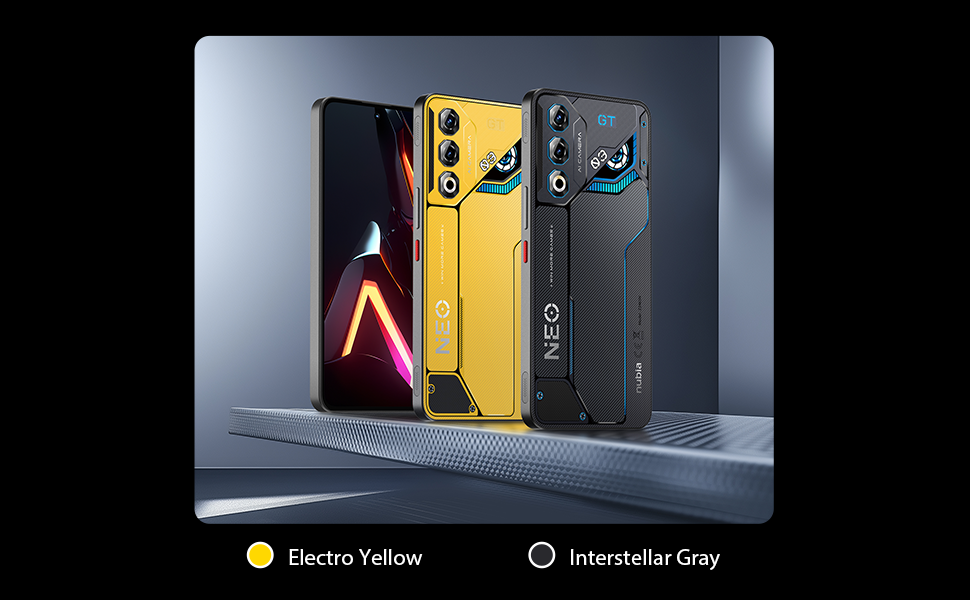
Изображение 4: оконченоview of key gaming features including the NeoTurbo Performance Engine, Dual Gaming Shoulder Triggers, Z-axis Linear Motor for haptic feedback, and DTS:X Ultra stereo speakers for immersive sound.
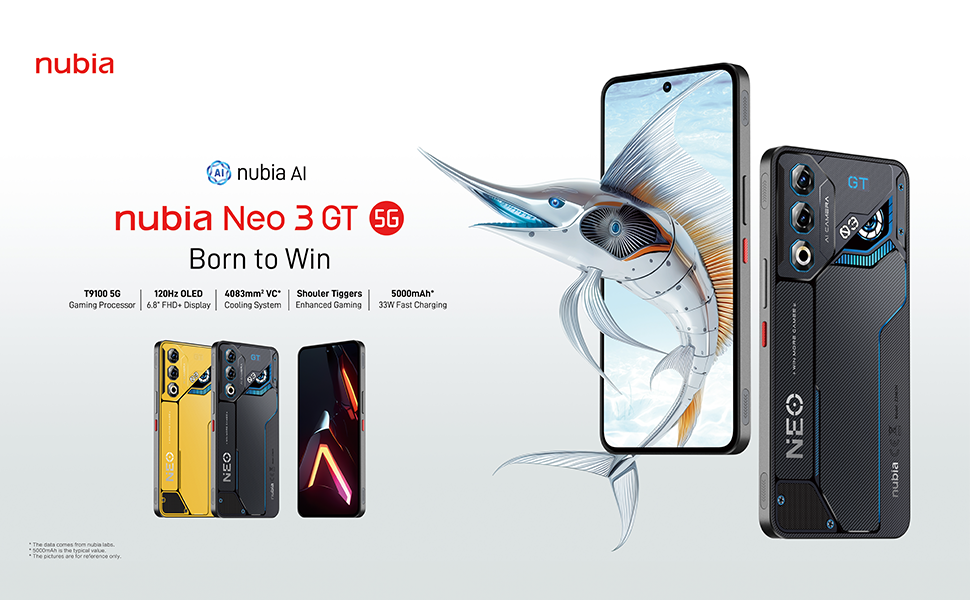
Image 5: Additional gaming functions such as highly sensitive controls, screen recording, data display, key mapping, and peripheral control.
3.3 Камера
Capture moments with the device's camera system:
- Задняя камера: 50 Megapixels with AI enhancements.
- Фронтальная камера: 8 мегапикселей.
Access the camera app from the home screen or lock screen to take photos and videos. Explore various modes and settings for optimal results.
3.4 Аккумулятор и зарядка
Устройство оснащено аккумулятором емкостью 5000 мАч.
- Быстрая зарядка: Supports 33W fast charging. Use the provided USB cable and a compatible charger for best results.
- Обходной режим зарядки: This technology allows power to be supplied directly to the device from the charger, bypassing the battery during intense gaming sessions to reduce heat and prolong battery life.

Image 6: Illustration of the 5000 mAh high-capacity battery and the Bypass Charging feature, which directs power directly to the device from the charger.
3.5 Связь
Ваше устройство поддерживает различные варианты подключения:
- Сеть 5G: Для высокоскоростной мобильной передачи данных.
- Wi-Fi: Connect to wireless networks.
- Bluetooth: Для подключения к беспроводным аксессуарам.
- NFC: Для бесконтактных платежей и быстрого сопряжения.
- USB-порт типа C: Для зарядки и передачи данных.
- GPS: Встроенный GPS для навигации.
4. Техническое обслуживание
4.1 Уход за аккумулятором
- Не подвергайте устройство воздействию экстремальных температур.
- Не допускайте частой полной разрядки аккумулятора.
- Use the original charger and cable for optimal charging and to preserve battery health.
- The average battery lifespan is estimated at 5 years.
4.2 Очистка устройства
- Для очистки экрана и корпуса используйте мягкую безворсовую ткань.
- Избегайте использования едких химикатов и абразивных материалов.
- Do not expose the device to water as it is not waterproof.
4.3 Обновления программного обеспечения
Regularly check for software updates to ensure your device has the latest features, security patches, and performance improvements. You can usually find this option in the device settings under "System" or "About phone".
5. Поиск Неисправностей
5.1 Общие проблемы и решения
- Устройство не включается: Убедитесь, что аккумулятор заряжен. Подключите зарядное устройство и подождите несколько минут, прежде чем снова попытаться включить устройство.
- Приложения зависают или дают сбой: Закройте проблемное приложение и откройте его снова. Если проблема не исчезнет, перезагрузите устройство.
- Плохое сетевое соединение: Check your SIM card insertion. Try toggling Airplane Mode on and off. If issues persist, contact your network provider.
- Низкая производительность: Close unnecessary background apps. Clear cache for frequently used apps. Consider a factory reset as a last resort (back up your data first).
6. Технические характеристики
| Особенность | Спецификация |
|---|---|
| Название модели | ZTE Nubia Neo 3 GT |
| Операционная система | Андроид 15 |
| Скорость ЦП | 2.7 ГГц |
| БАРАН | 12 GB (expandable up to 24 GB dynamic RAM) |
| Емкость хранилища | 256 GB (Maximum flash memory supported) |
| Размер дисплея | 6.8 дюйма |
| Тип дисплея | FHD+ OLED |
| Разрешение | 2392 x 1080 пикселей |
| Частота обновления | 120 Гц |
| Разрешение задней камеры | 50 мегапикселей |
| Разрешение фронтальной камеры | 8 мегапикселей |
| Емкость аккумулятора | 5000 мАч |
| Зарядка | Быстрая зарядка 33 Вт, байпасная зарядка |
| Сотовые технологии | 5G |
| Связность | Bluetooth, NFC, USB Type-C, Wi-Fi |
| Слоты для SIM-карты | Dual SIM (Nano) |
| Биометрическая безопасность | Распознавание отпечатков пальцев и лиц |
| Масса | 203 грамм |
| Водостойкость | Не водонепроницаемый |
| Год Модель | 2025 |
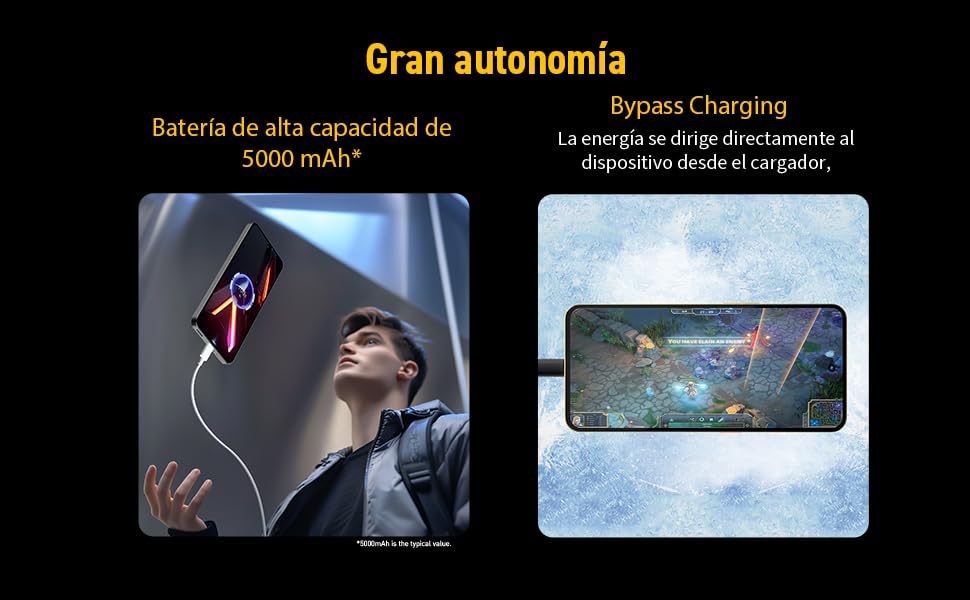
Image 7: Illustration of the T9100 5G-SoC processor, highlighting its powerful performance up to 2.7 GHz.

Image 8: Visual representation of the device's dynamic RAM, indicating up to 24 GB (12GB + 12GB).
7. Гарантия и поддержка
For detailed warranty information, please refer to the warranty card included with your product or visit the official nubia webсайт.
- Доступность запасных частей: 10 лет.
- Average battery lifespan: 5 Years.
For technical support or service inquiries, please contact nubia customer service through their official channels.