
1. Введение
Thank you for choosing the Intelbras PFL7560 Full HD Wi-Fi Projector. This projector is designed to deliver a high-quality visual and audio experience for various applications, from home cinema to business presentations. It features Full HD resolution, 8000 lumens brightness, and integrated 12W stereo speakers. This manual provides essential information for safe and efficient operation of your projector.
2. Информация по технике безопасности
Перед использованием проектора внимательно прочтите все инструкции по технике безопасности. Сохраните это руководство для дальнейшего использования.
- Источник питания: Use only the power adapter provided with the projector. Ensure the voltage соответствует вашему местному источнику питания.
- Вентиляция: Не закрывайте вентиляционные отверстия. Обеспечьте достаточное пространство вокруг проектора для надлежащей циркуляции воздуха и предотвращения перегрева.
- Размещение: Установите проектор на устойчивую, ровную поверхность. Избегайте размещения его под прямыми солнечными лучами, рядом с источниками тепла, а также в помещениях с высокой влажностью или запыленностью.
- Защита глаз: Не смотрите прямо в объектив проектора, когда он включен.amp включен, так как яркий свет может вызвать повреждение глаз.
- Уборка: Перед чисткой отключите проектор от сети. Используйте мягкую сухую ткань. Не используйте жидкие или аэрозольные чистящие средства.
- Обслуживание: Не пытайтесь ремонтировать проектор самостоятельно. Все работы по техническому обслуживанию должны выполняться квалифицированным специалистом.
3. Содержимое упаковки
Проверьте наличие всех предметов в упаковке:
- Intelbras PFL7560 Projector Unit
- Дистанционное управление
- Силовой кабель
- Руководство пользователя
4. Продукт закончилсяview
Familiarize yourself with the main components and ports of your Intelbras PFL7560 projector.
4.1 Компоненты проектора

Image: Intelbras PFL7560 Projector with included remote control.
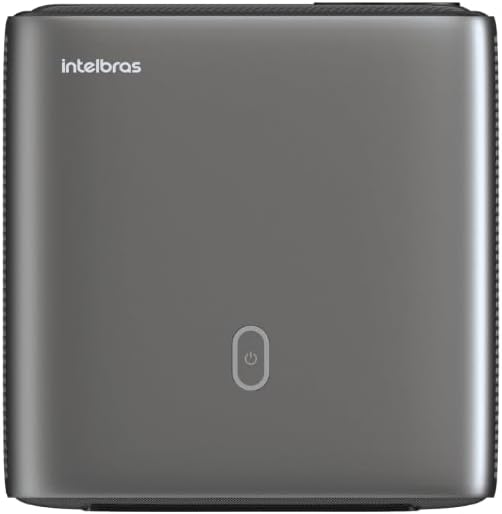
Изображение: сверху view of the projector, highlighting the power button and sleek design.
4.2. Порты и подключение
Проектор предлагает несколько вариантов подключения:
- HDMI: For connecting high-definition devices such as laptops, gaming consoles, or Blu-ray players.
- USB: Для подключения USB-накопителей для воспроизведения медиафайлов fileс напрямую.
- Wi-Fi (802.11 ac/b/g/n): For wireless connectivity and screen mirroring from compatible Android devices.
- Аудио выход: Для подключения внешних аудиосистем или наушников.
5. Настройка
5.1. Размещение
Choose a suitable location for your projector. The PFL7560 can project images from 60 to 150 inches, making it versatile for various room sizes. Ensure the projector is placed on a stable surface and is not obstructed.
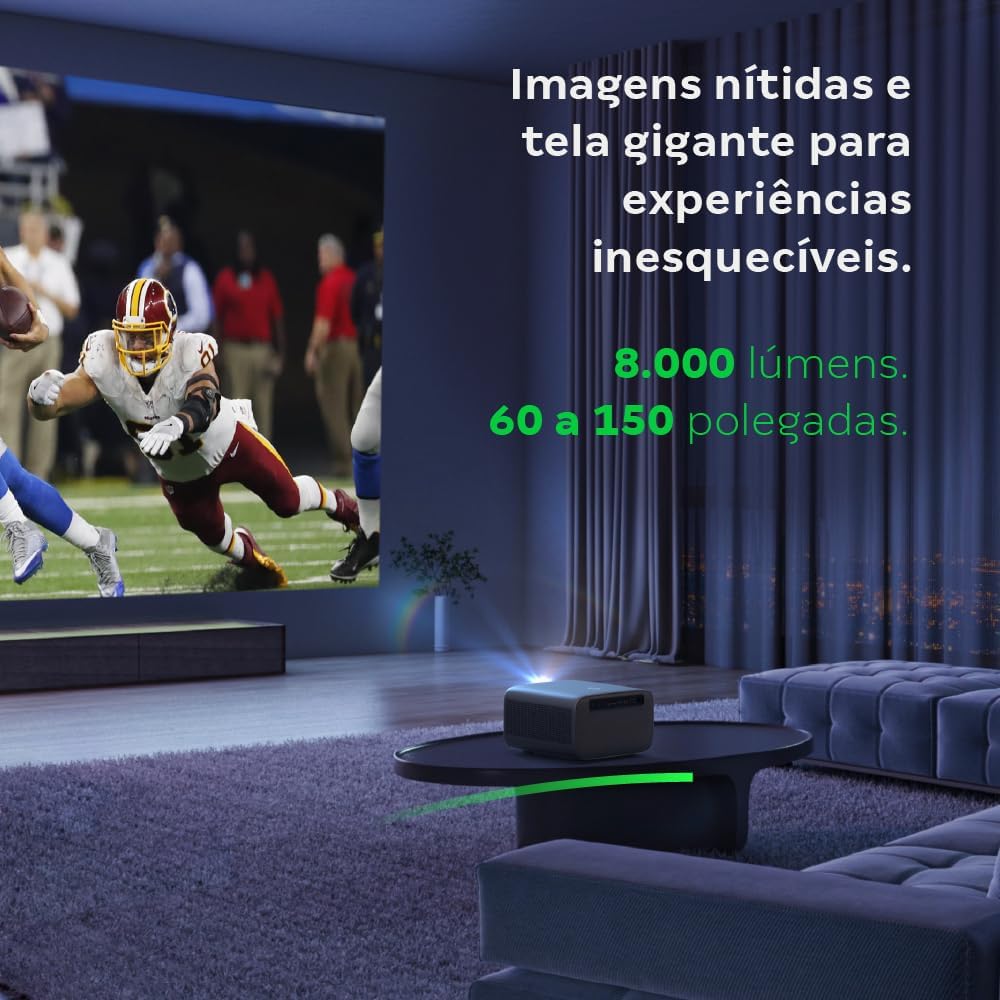
Image: The projector creating a large, clear image in a home environment, demonstrating its capability for immersive viewинж.
5.2. Подключение питания
Подключите кабель питания к разъему питания проектора, а затем к розетке.
5.3. Первоначальное включение
Нажмите кнопку питания на проекторе или пульте дистанционного управления, чтобы включить устройство. Проектор запустит процедуру запуска.
5.4. Коррекция фокуса и трапецеидального искажения
The PFL7560 features automatic focus and keystone correction for a perfectly aligned and sharp image without manual effort. If manual adjustment is needed, refer to the on-screen display (OSD) menu.
6. Инструкция по эксплуатации
6.1. Подключение устройств
- HDMI: Connect your device using an HDMI cable to the HDMI port on the projector. Select the corresponding HDMI input from the projector's source menu.
- USB: Insert a USB drive into the USB port. The projector's media player will typically detect the drive automatically, allowing you to browse and play files.
- Wi-Fi / Screen Mirroring: For compatible Android devices, enable screen mirroring on your device and select the projector from the available devices. Ensure both devices are connected to the same Wi-Fi network.
6.2. Аудио выход
The projector is equipped with two integrated 12W speakers, providing clear and immersive audio. For external audio, connect speakers or headphones to the audio output port.

Image: Detail of the projector's integrated 12W speakers, designed for powerful and clear sound.
7. Техническое обслуживание
7.1. Очистка линз
Для бережной протирки линзы проектора используйте мягкую безворсовую ткань, специально предназначенную для оптических линз. Избегайте использования абразивных материалов или агрессивных химических веществ.
7.2. Очистка корпуса проектора
Wipe the exterior of the projector with a soft, dry cloth. Do not use liquid or spray cleaners directly on the unit.
7.3. LED Light Source Longevity
The Intelbras PFL7560 uses an LED light source with a lifespan of up to 30,000 hours, ensuring long-term use and consistent performance without significant brightness degradation.
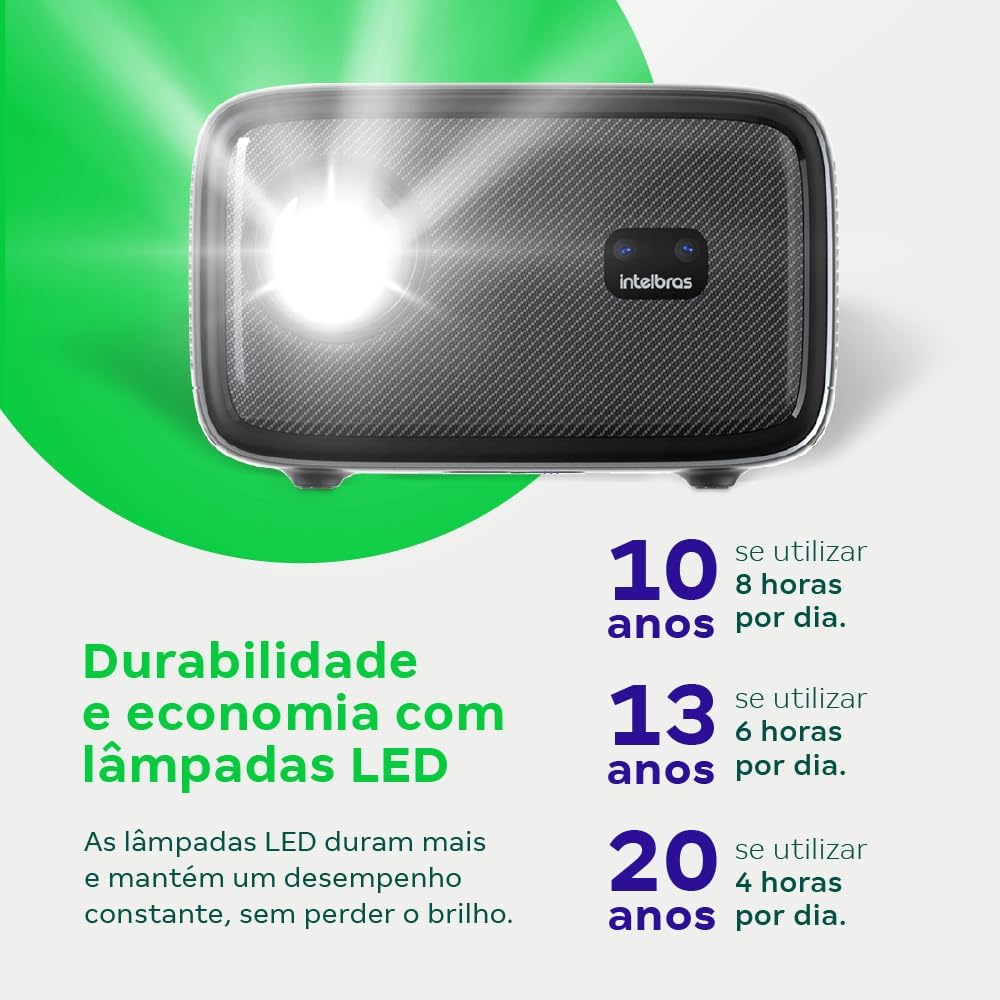
Image: An infographic illustrating the extended durability and economic benefits of the LED lamp, lasting up to 30,000 hours.
8. Поиск Неисправностей
Если у вас возникли проблемы с проектором, ознакомьтесь со следующими распространенными проблемами и решениями:
- Нет изображения: Ensure the power cable is securely connected and the projector is turned on. Check the input source selection to match your connected device.
- Размытое изображение: Adjust the focus. If the image is distorted, check for automatic keystone correction or adjust it manually via the settings menu.
- Нет звука: Verify the volume level on both the projector and the connected device. Ensure external speakers are properly connected if used, or that the internal speakers are enabled.
- Проблемы с подключением: For Wi-Fi or screen mirroring, ensure both the projector and your device are on the same network. Restart both devices if necessary.
- Перегрев: Ensure the projector's ventilation openings are not blocked. Turn off the projector and allow it to cool down if it feels excessively hot.
9. Технические характеристики
| Особенность | Спецификация |
|---|---|
| Бренд | Интелбрас |
| Название модели | ПФЛ 7560 |
| Технология связи | Wi-Fi |
| Особые возможности | Wi-Fi готов |
| Разрешение дисплея | 1920 x 1080 (Full HD) |
| Собственное разрешение | 1920 х 1080 |
| Максимальное разрешение дисплея | 1920 х 1080 |
| Тип дисплея | ЖК-дисплей |
| Яркость | 8000 люмен |
| Совместимые устройства | Ноутбук, смартфон, планшет |
| Срок службы источника света | 30000 часов |
| аппаратный интерфейс | 802.11 ак/б/г/н |
| Кодирование видео | Н.264, Н.265 |
| Рекомендуемое использование | Домашний кинотеатр |
| Аудио | 2 встроенных динамика по 12 Вт |
10. Гарантия и поддержка
For warranty information, technical support, or service requests, please refer to the official Intelbras webсайт или свяжитесь со службой поддержки клиентов напрямую. Сохраните чек о покупке в качестве доказательства покупки для гарантийных претензий.


