
Введение
Thank you for choosing the JBL Tune 520C wired on-ear headphones. This manual provides essential information for setting up, operating, and maintaining your headphones to ensure optimal performance and longevity.

Изображение: Оверview of JBL Tune 520C features including Pure Bass Sound, foldable design, tangle-free cable, and remote control.
Что в коробке?
- 1 x наушники JBL Tune 520C USB-C
- 1 x Гарантийный/Предупреждающий документ
Основные характеристики
- Звук JBL Pure Bass: Experience clear, powerful audio from 32mm dynamic drivers.
- Wide USB-C Compatibility: Connect to various devices including PCs, mobile phones, gaming devices, tablets, and laptops.
- Однокнопочный пульт дистанционного управления с микрофоном: Manage calls, music playback, volume, and EQ presets directly from the cable.
- Comfort Fit and Foldable Design: Padded on-ear design for extended wear and a foldable structure for easy storage.
- Плоский кабель, не спутывающийся: Durable, reinforced USB-C cable designed to prevent tangling.
- Аудио высокого разрешения: Enjoy higher quality music at 24-bit/96kHz with the DSP chipset.
Настраивать
Follow these steps to set up your JBL Tune 520C headphones for first use.
Подключение наушников
- Locate the USB-C connector on your JBL Tune 520C headphones.
- Insert the USB-C connector into the compatible USB-C port on your audio device (e.g., smartphone, laptop, tablet).
- Ensure the connection is secure. Your device should automatically recognize the headphones.
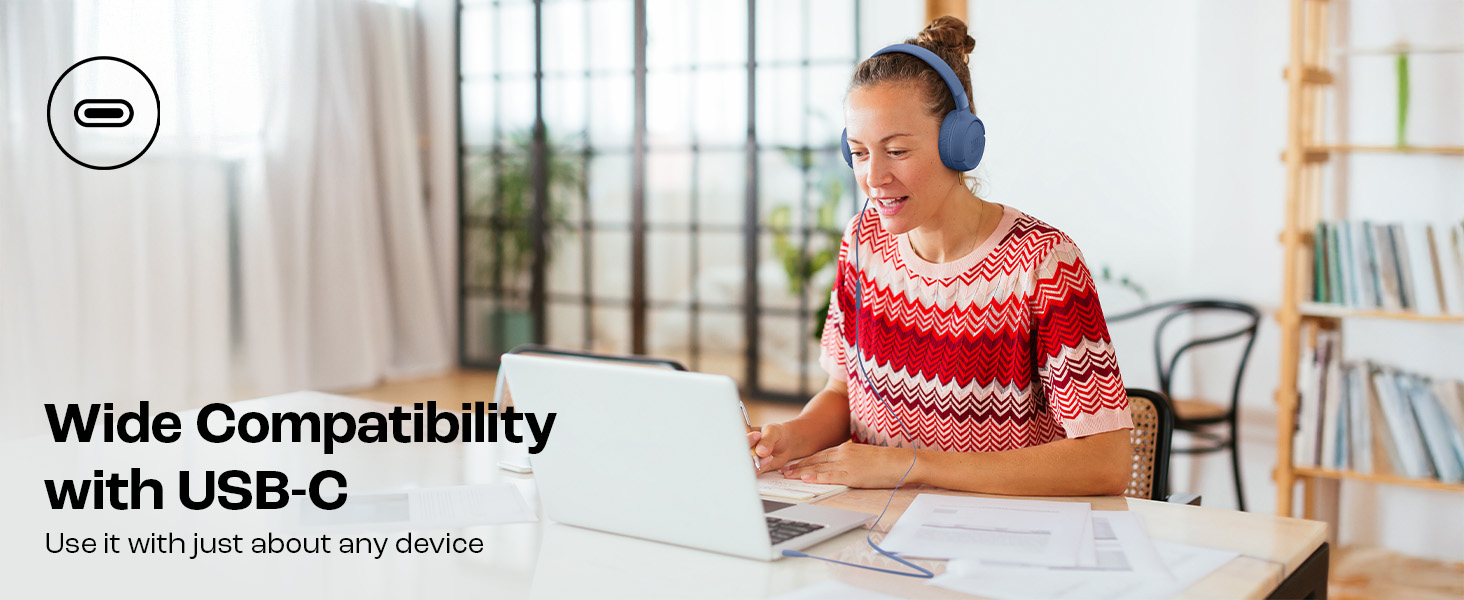
Image: JBL Tune 520C headphones connected to a laptop, demonstrating wide USB-C compatibility.
Настройка на комфорт
- Gently extend or retract the headband to fit your head comfortably.
- Position the earcups so they rest fully on your ears, creating a seal for optimal sound.
Инструкция по эксплуатации
Learn how to use the 3-button remote and microphone for various functions.
Using the 3-Button Remote

Изображение: подробное view of the 3-button remote control on the headphone cable.
- Увеличение громкости (+): Press the top button to increase volume.
- Звук тише (-): Press the bottom button to decrease volume.
- Play/Pause/Call (Center Button):
- Нажмите один раз, чтобы воспроизвести или приостановить музыку.
- Нажмите один раз, чтобы ответить или завершить вызов.
- Нажмите дважды, чтобы перейти к следующему треку.
- Нажмите три раза, чтобы перейти к предыдущему треку.
Using EQ Presets
The JBL Tune 520C features selectable EQ presets to customize your listening experience.
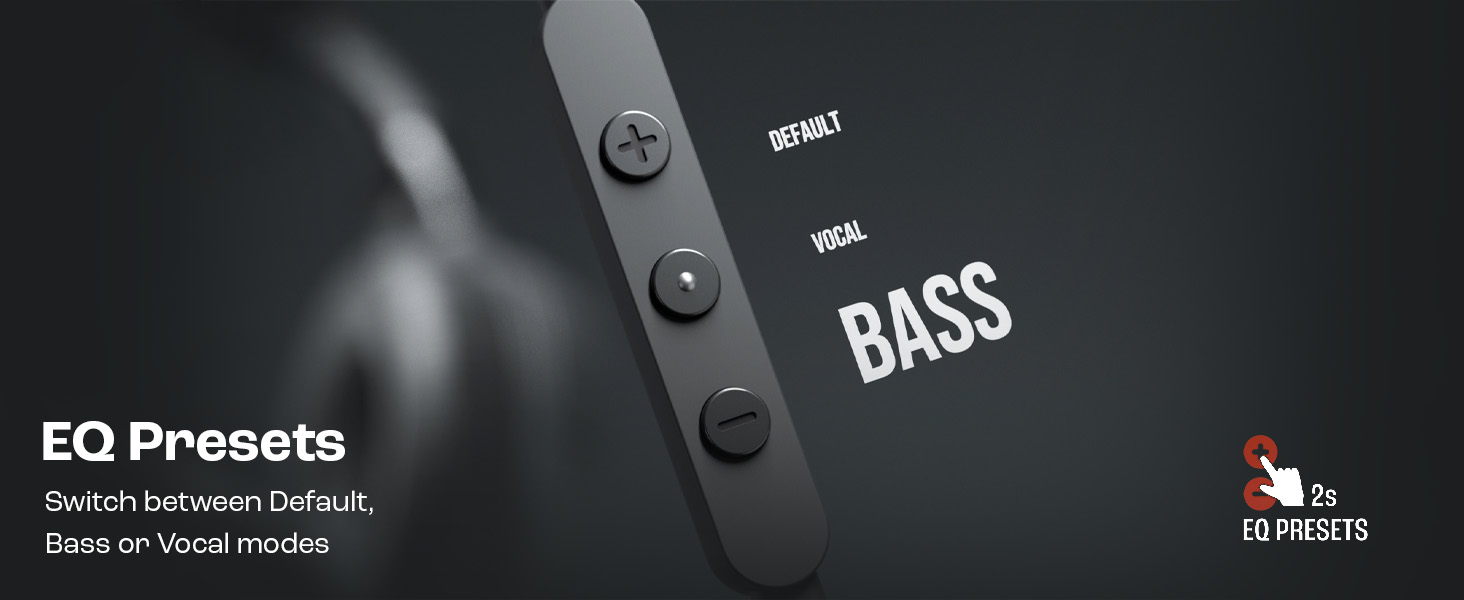
Image: Remote control showing options for Default, Vocal, and Bass EQ presets.
- To switch between EQ presets (Default, Vocal, Bass), press and hold the center button for approximately 2 seconds. The headphones will cycle through the available presets.
Обслуживание
Правильный уход и обслуживание продлят срок службы ваших наушников.
Уборка
- Для протирки амбушюр и оголовья используйте мягкую сухую ткань.
- Не используйте жидкие чистящие средства или абразивные материалы, так как они могут повредить отделку или внутренние компоненты.
- Keep the USB-C connector clean and free of dust or debris.
Хранилище
The JBL Tune 520C headphones feature a foldable design for convenient storage.
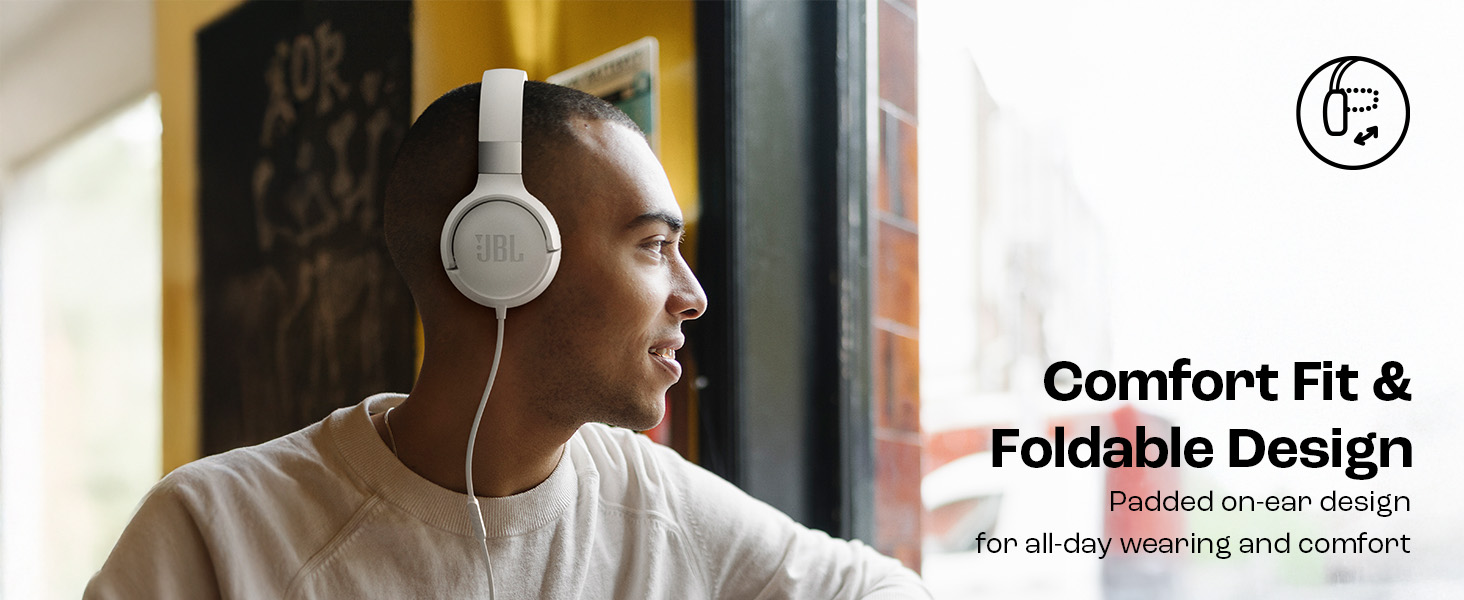
Image: JBL Tune 520C headphones demonstrating comfort fit and foldable design.
- Fold the earcups inward to reduce the headphone's size.
- Храните наушники в прохладном, сухом месте, вдали от прямых солнечных лучей и экстремальных температур.
- Avoid placing heavy objects on the headphones during storage.
Уход за кабелем
The tangle-free flat cable is designed for durability, but proper handling is still recommended.
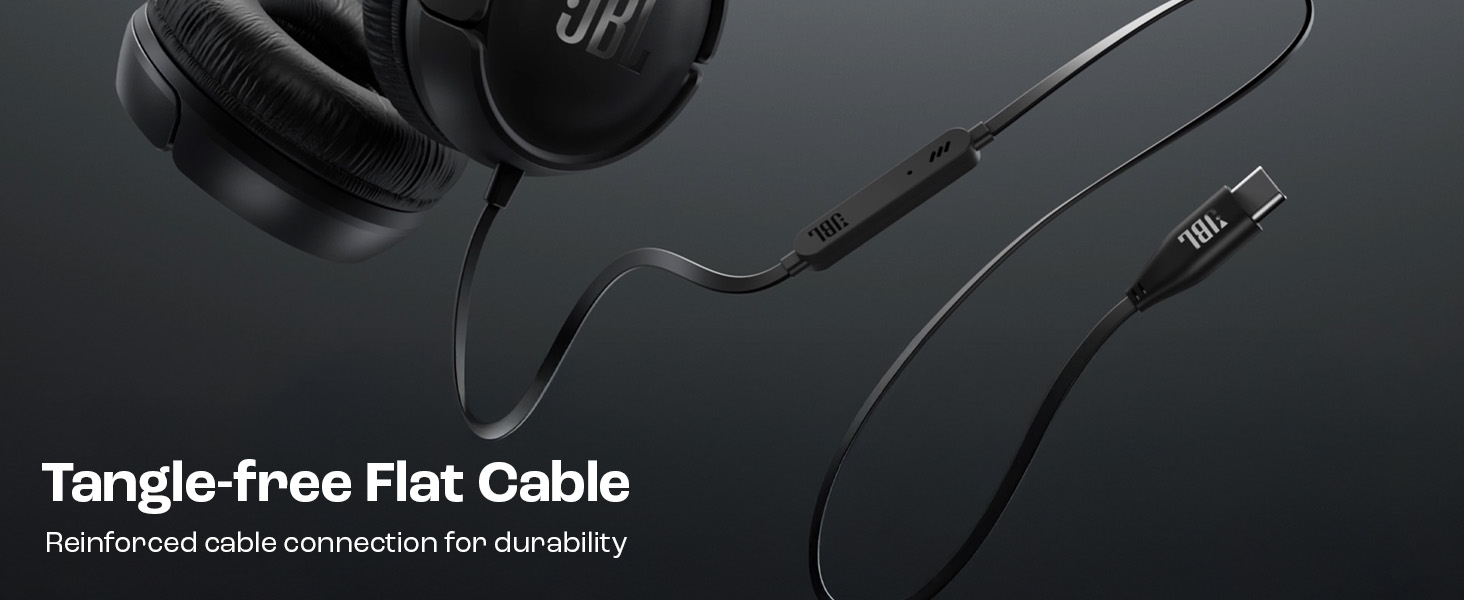
Image: The tangle-free flat USB-C cable of the JBL Tune 520C headphones.
- Избегайте резких изгибов и чрезмерного натяжения кабеля.
- When coiling the cable for storage, do so loosely to prevent strain.
Поиск неисправностей
Если у вас возникли проблемы с наушниками, ознакомьтесь со следующими распространенными проблемами и способами их решения.
| Проблема | Решение |
|---|---|
| Нет звука в наушниках |
|
| Микрофон не работает |
|
| Плохое качество звука |
|
| Кнопки пульта не реагируют |
|
Технические характеристики
Detailed technical specifications for the JBL Tune 520C headphones.
| Особенность | Деталь |
|---|---|
| Бренд | JBL |
| Название модели | JBL Tune 520C |
| Номер модели | JBLT520CBLK |
| Расположение ушей | На ухо |
| Форм-фактор | На ухо |
| Сопротивление | 32 Ом |
| Частотная характеристика | 20 Гц - 20 000 Гц |
| Чувствительность | 103 дБ |
| Тип аудиодрайвера | Динамический драйвер |
| Совместимые устройства | Tablets, Desktops, Telephones, Gaming Consoles, Cellphones, Laptops |
| Разъем для наушников | Разъем USB-C |
| Метод контроля | Пульт дистанционного управления (3 кнопки) |
| Вес товара | 150 грамм |
| Страна происхождения | Китай |
Гарантия и поддержка
Информация о гарантии
The JBL Tune 520C headphones come with a Гарантия 1 год Гарантия предоставляется производителем с даты покупки. Пожалуйста, сохраните чек о покупке для предъявления гарантийных претензий.
Поддержка клиентов
For technical assistance, warranty claims, or further inquiries, please contact Harman International customer support. Refer to the warranty/warning document included in your product box for specific contact details for your region.
Контактная информация производителя:
ХАРМАН Интернэшнл Индастриз, Инкорпорейтед
8500 Balboa Boulevard, Northridge, CA 91329, США
Importer Contact Information (India):
Harman International (India) Pvt Ltd
Salarpuria Sattva Knowledge Court, Office-1, Wing ‘A’ & ‘B’ 3rd floor, Plot No. 9, Phase I, Doddenakkundi Industrial area Bangalore -560048, Karnataka.