
1. Введение
The LogiLink SH0134 Wi-Fi Smart Home Water Leak Sensor provides an early warning system against potential water damage. This device detects even small water accumulations and sends immediate notifications to your smartphone via the Smart Life or Megos Smart Home app. It features an integrated alarm and IP67 protection for reliable performance in various environments.
2. Информация по технике безопасности
- Не подвергайте устройство воздействию экстремальных температур или прямых солнечных лучей.
- Держите устройство в недоступном для детей и домашних животных месте.
- Use only the specified battery type (CR123A).
- Не пытайтесь самостоятельно разобрать или отремонтировать устройство.
- Ensure proper disposal of batteries according to local regulations.
3. Содержимое упаковки
Проверьте наличие всех предметов в упаковке:
- 1 x LogiLink SH0134 Wi-Fi Smart Home Water Leak Sensor
- 1 x Руководство пользователя (на английском языке)
- 1 x CR123A Battery (pre-installed or separate)
4. Продукт закончилсяview
The LogiLink SH0134 is a compact, white, disc-shaped sensor designed for discreet placement. It features a built-in speaker for audible alarms and contact sensors on its base to detect water.

Рисунок 4.1: Внутренний view of the LogiLink SH0134 sensor, showing the battery compartment.

Figure 4.2: The LogiLink SH0134 sensor highlighting its IP67 waterproof rating.
5. Технические характеристики
| Особенность | Описание |
|---|---|
| Модель | Ш0134 |
| Бренд | Логилинк |
| Цвет | Белый |
| Источник питания | Питание от батарейки (1 x CR123A, входит в комплект). |
| Срок службы батареи | До 2 лет |
| Класс защиты | IP67 |
| Громкость будильника | >75 dB(A)/1 m |
| Метод контроля | App (Smart Life / Megos Smart Home) |
| Совместимые устройства | Смартфон, Планшет |
| Системные требования | Android 5 or above / iOS 11 or higher |
| Размеры продукта (Д x Ш x В) | 6.9 x 6.9 x 2.8 см |
| Вес товара | 54 грамм |

Figure 5.1: Dimensions of the LogiLink SH0134 Water Leak Sensor.
6. Настройка
6.1. Установка аккумулятора
- Gently twist the top cover of the sensor counter-clockwise to open the device.
- Insert the CR123A battery into the battery compartment, ensuring correct polarity (+/-).
- Close the sensor by aligning the top cover and twisting clockwise until it clicks securely.
6.2. Установка приложения
Download the free Smart Life or Megos Smart Home app from your smartphone's app store (Google Play Store for Android or Apple App Store for iOS).
6.3. Сопряжение устройств
- Убедитесь, что ваш смартфон подключен к сети Wi-Fi 2.4 ГГц.
- Open the Smart Life or Megos Smart Home app and register a new account or log in to an existing one.
- В приложении нажмите значок «+» (обычно в правом верхнем углу), чтобы добавить новое устройство.
- Select 'Security & Video Surveillance' or 'Sensors' and then choose 'Water Leak Sensor (Wi-Fi)'.
- Follow the on-screen instructions to put the sensor into pairing mode (this usually involves pressing a button on the sensor or ensuring it's powered on). The app will guide you through connecting the sensor to your Wi-Fi network.
- Once successfully paired, you can rename the sensor and assign it to a specific room within the app.

Figure 6.1: Pairing the sensor with the Smart Life app.
6.4. Размещение датчика
Place the LogiLink SH0134 sensor directly on the floor in areas prone to water leaks. Common locations include:
- Под раковинами (на кухне, в ванной)
- Рядом со стиральными или посудомоечными машинами
- В подвалах или подсобных помещениях
- Next to water heaters or sumps

Figure 6.2: Sensor placement under a sink.
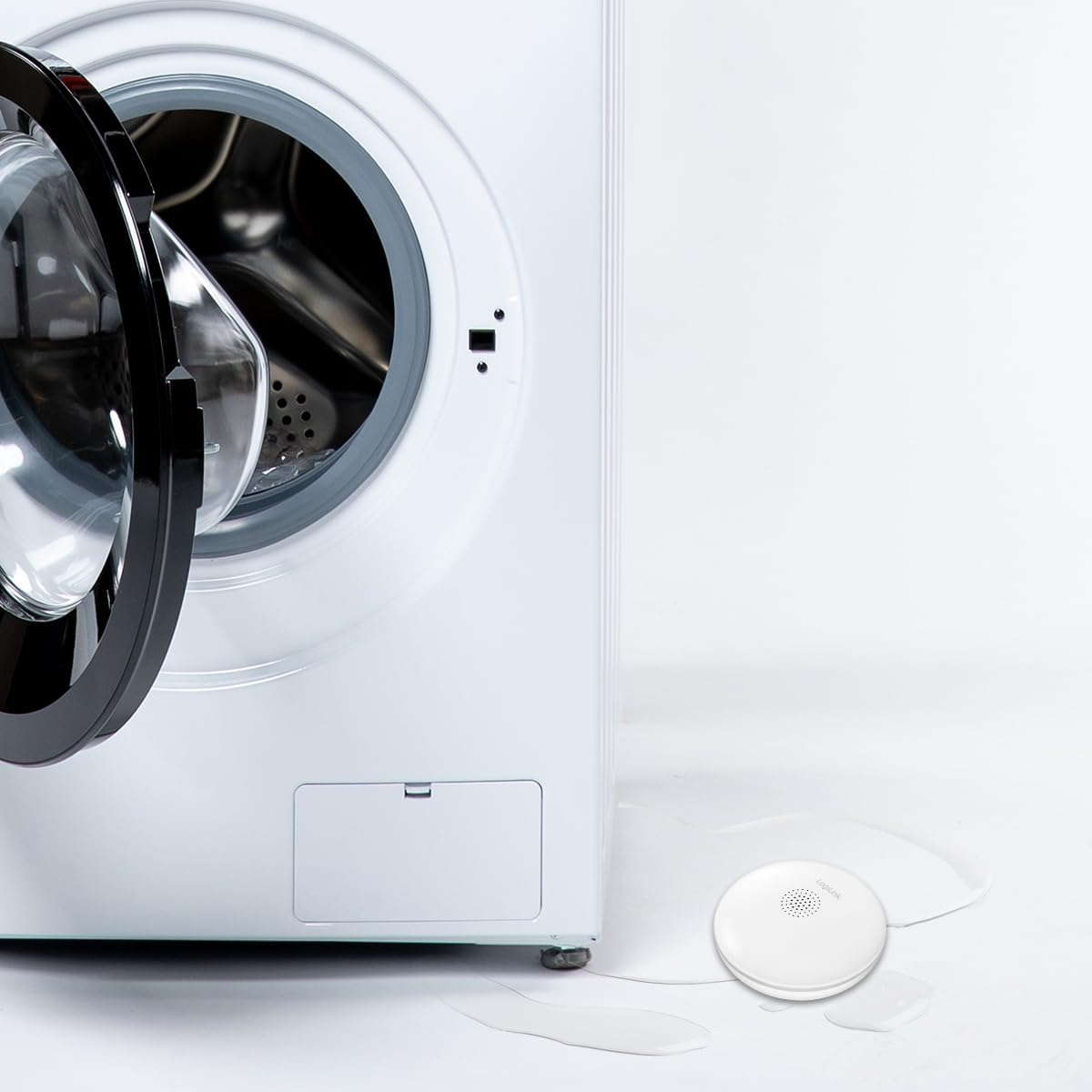
Figure 6.3: Sensor placement near a washing machine.
7. Инструкция по эксплуатации
7.1. Leak Detection and Notification
When the sensor detects water, it will trigger an audible alarm of over 75 dB(A) at 1 meter. Simultaneously, you will receive an immediate notification on your smartphone via the Smart Life or Megos Smart Home app, allowing you to respond quickly to prevent extensive damage.

Figure 7.1: The sensor's loud audible alarm feature.
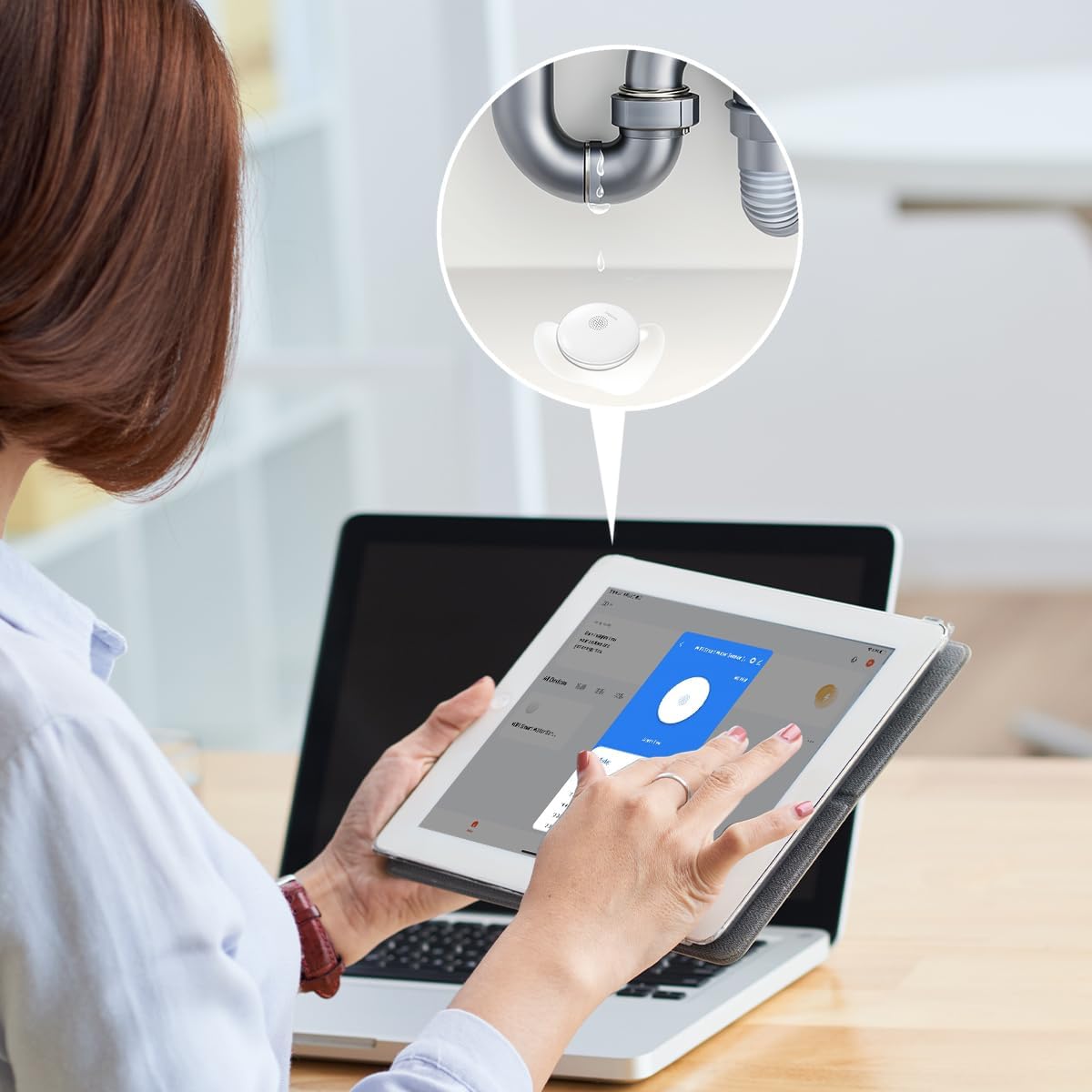
Figure 7.2: Smartphone notification upon water detection.
7.2. App Interface and History
The app provides a clear interface to monitor the sensor's status and review its alarm history. You can see timestamps of when the sensor detected water or when it was in an 'alarm free' state.

Figure 7.3: App interface showing sensor status and history.
7.3. Integration with Other Smart Products
The LogiLink SH0134 can be integrated with other LogiLink Smart products, such as the Siren Alarm (SH0110), to create a more comprehensive security system. Refer to the respective product manuals for integration instructions within the Smart Life or Megos Smart Home app.
8. Техническое обслуживание
8.1. Замена батареи
The sensor is powered by a CR123A battery with a life of up to 2 years. When the battery is low, the app will notify you. To replace the battery, follow the steps in Section 6.1.
8.2. Уборка
Wipe the sensor's exterior with a soft, dry cloth. Do not use abrasive cleaners or immerse the device in water, despite its IP67 rating, to avoid damaging internal components.
9. Поиск Неисправностей
- Нет уведомлений от приложения:
- Ensure the sensor is properly paired with the app and connected to your Wi-Fi network.
- Check your phone's notification settings for the Smart Life/Megos Smart Home app.
- Verify your Wi-Fi network is active and has internet access.
- Sensor Not Detecting Water:
- Ensure the sensor's contact points on the bottom are clean and making proper contact with the surface.
- Test the sensor by placing it on a damp cloth to confirm functionality.
- Короткое время работы от батареи:
- Ensure you are using a fresh, high-quality CR123A battery.
- Экстремальные температуры могут повлиять на производительность аккумулятора.
- Проблемы с подключением:
- Ensure the sensor is within range of your 2.4 GHz Wi-Fi router.
- Restart your Wi-Fi router and the sensor.
- Confirm your Wi-Fi network is not using a 5 GHz band exclusively, as the sensor only supports 2.4 GHz.
10. Гарантия и поддержка
LogiLink products are designed for reliability and performance. For warranty information, please refer to the warranty card included with your purchase or visit the official LogiLink website. For technical support or further assistance, please contact LogiLink customer service through their official channels.