
Введение
Welcome to the user manual for your Skullcandy Ink'd Wired In-Ear Headphones. These headphones are designed to provide a high-quality audio experience with a comfortable, noise-isolating fit. Featuring a built-in microphone and in-line controls, they offer convenience for both music playback and hands-free communication. This manual will guide you through the setup, operation, and maintenance of your new headphones.
Содержимое упаковки
- Skullcandy Ink'd Wired In-Ear Headphones (Earphones)
- Small and Medium Ear Gels (pre-installed or included separately)
Настраивать
Follow these steps to set up your Skullcandy Ink'd Wired In-Ear Headphones for optimal use.
1. Choose the Right Ear Gels
The headphones come with different sizes of ear gels to ensure a comfortable and secure fit. A proper fit is crucial for noise isolation and sound quality.
- Gently remove the pre-installed ear gels.
- Try the different sizes (small, medium) to find the pair that creates a snug seal in your ear canal.
- The correct size will feel comfortable and significantly reduce ambient noise.
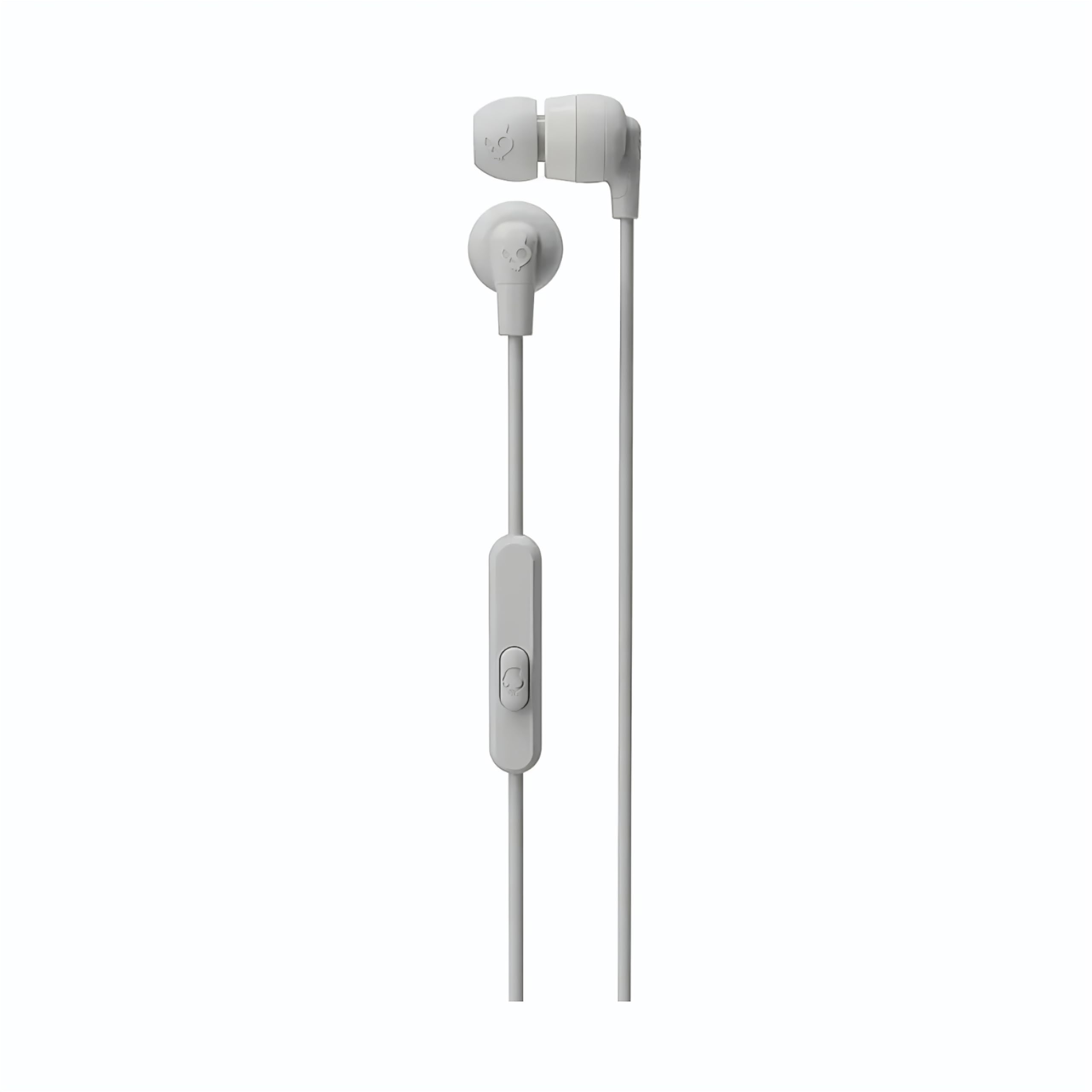
Image: The Skullcandy Ink'd Wired In-Ear Headphones, showcasing the white earbuds with the Skullcandy logo and the wired connection.
2. Подключитесь к своему устройству
These headphones utilize a standard 3.5mm AUX connection.
- Найдите 3.5-мм аудиоразъем на вашем смартфоне, планшете, ноутбуке или другом совместимом аудиоустройстве.
- Insert the 3.5mm plug from your Skullcandy Ink'd headphones firmly into the device's audio jack.
- Ensure the connection is secure for uninterrupted audio.
Инструкция по эксплуатации
Your Skullcandy Ink'd headphones feature an in-line remote and microphone for convenient control of your audio and calls.
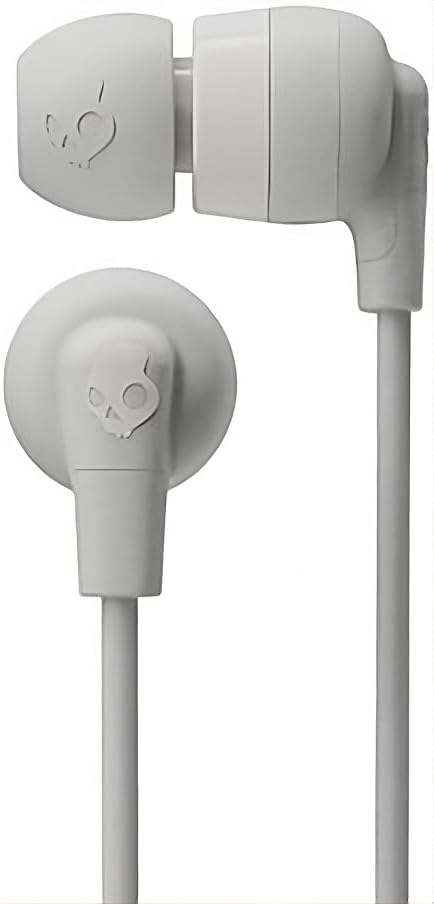
Image: The in-line remote and microphone on the Skullcandy Ink'd Wired In-Ear Headphones cable.
Управление музыкой
- Воспроизведение/Пауза: Нажмите центральную кнопку один раз.
- Следующий трек: Дважды быстро нажмите центральную кнопку.
- Предыдущий трек: Быстро нажмите центральную кнопку три раза.
Управление вызовами
- Ответить/завершить вызов: Нажмите центральную кнопку один раз.
- Отклонить вызов: Press and hold the center button for approximately two seconds.
Note: Functionality may vary slightly depending on your device's operating system and specific application.
Обслуживание
Правильный уход продлит срок службы и улучшит качество ваших наушников.
- Cleaning Ear Gels: Gently remove the ear gels and wash them with mild soap and water. Rinse thoroughly and allow them to dry completely before reattaching.
- Чистка наушников: Use a soft, dry cloth to wipe the earbuds. Avoid using harsh chemicals or abrasive materials. Do not submerge the earbuds in water.
- Уход за кабелем: Avoid sharp bends or excessive pulling on the cable. Store the headphones neatly to prevent tangling.
- Хранилище: When not in use, store your headphones in a clean, dry place away from extreme temperatures.
Поиск неисправностей
Если у вас возникли проблемы с наушниками, попробуйте выполнить следующие действия:
- Нет звука:
- Ensure the 3.5mm plug is fully inserted into your device's audio jack.
- Проверьте настройки громкости вашего устройства.
- Проверьте работу наушников с другим аудиоустройством, чтобы исключить проблему, специфичную для конкретного устройства.
- Низкое качество звука / Шум:
- Ensure the ear gels are properly seated and creating a good seal in your ear.
- Clean the ear gels and earbud grilles to remove any debris.
- Проверьте с помощью другого источника звука.
- Микрофон не работает:
- Ensure the 3.5mm plug is fully inserted. Some devices require a TRRS (Tip-Ring-Ring-Sleeve) connector for microphone functionality, which these headphones provide.
- Проверьте настройки микрофонного входа вашего устройства.
- Проверьте работу микрофона с помощью другого устройства или приложения.
Технические характеристики
| Номер модели | Н747 |
| Бренд | Skullcandy |
| Технология связи | Проводной (разъем 3.5 мм) |
| Расположение ушей | В ухо |
| Контроль шума | Пассивное шумоподавление |
| Built-In Features | Microphone, In-line Remote |
| Диапазон частот | 20Hz - 20,000Hz |
| Вес товара | 0.04 Килограмма |
| Совместимые устройства | Ноутбуки, настольные компьютеры, планшеты, телефоны, умные колонки, телевизоры, автомобильные аудиосистемы, мобильные телефоны |
Информация о гарантии
Your Skullcandy Ink'd Wired In-Ear Headphones are covered by a Manufacturer Warranty. For detailed information regarding warranty terms, conditions, and duration, please refer to the official Skullcandy webсайте или в гарантийном талоне, прилагаемом к вашему продукту.
Поддержка клиентов
If you require further assistance or have questions not covered in this manual, please contact Skullcandy customer support.
- Онлайн поддержка: Visit the official Skullcandy support webсайт с ответами на часто задаваемые вопросы, руководствами по устранению неполадок и вариантами связи.
- Контактная информация: Refer to the Skullcandy webНа этом сайте вы найдете самую актуальную контактную информацию, включая номера телефонов и адрес электронной почты службы поддержки.