
Введение
This manual provides instructions for the setup, operation, and maintenance of your Electight 100 LEDs RGB Smart IC Fairy Lights. These 33-foot (10-meter) multicolor string lights feature individual LED control, USB power, IP65 waterproofing, and can be controlled via a remote or a smartphone application. They are suitable for both indoor and outdoor decorative lighting.
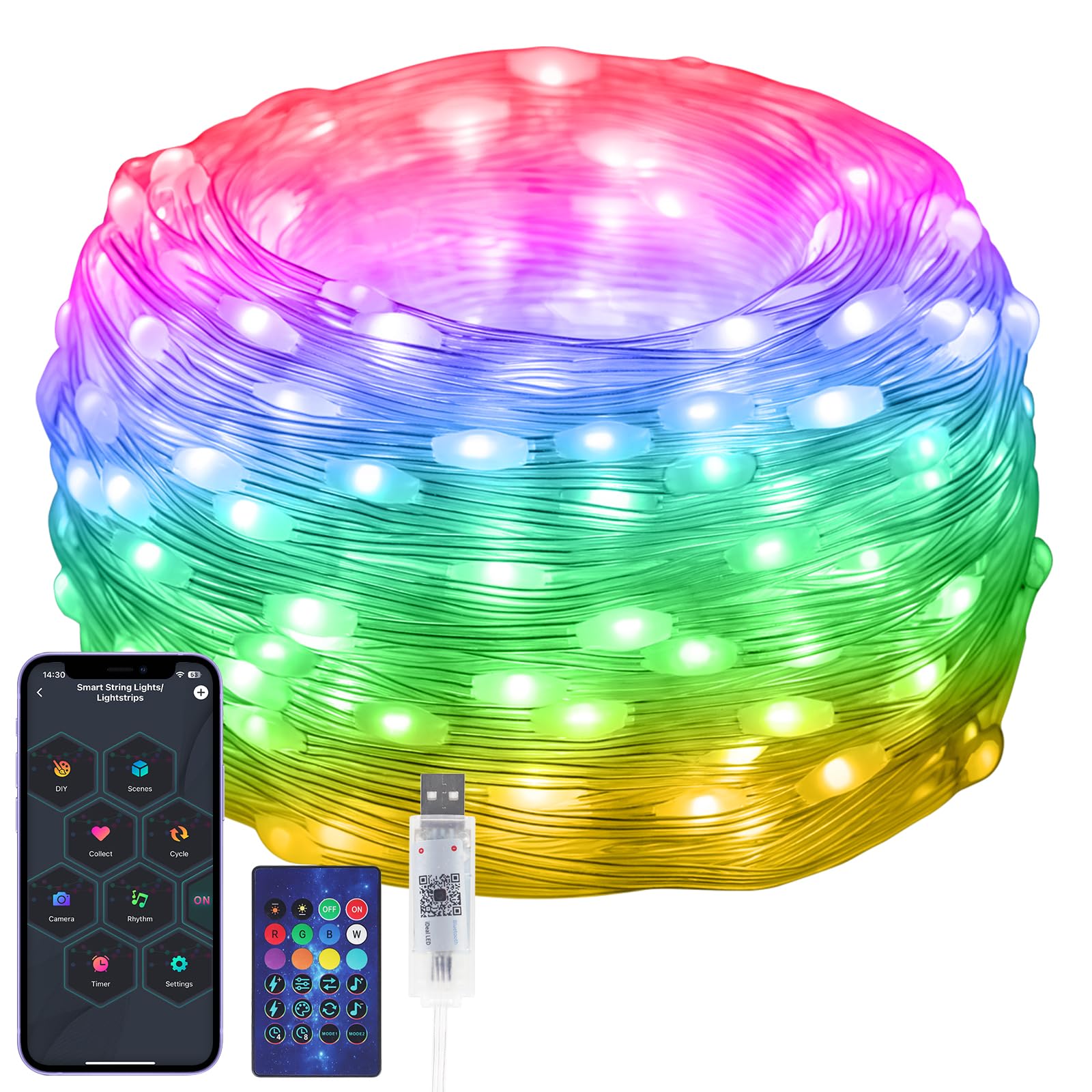
Image: Electight 100 LEDs RGB Smart IC Fairy Lights, 33FT length, showcasinяркие цвета.
Что в коробке?
- 1 x Fairy String Lights (33 FT / 10M)
- 1 х пульт дистанционного управления
Технические характеристики
| Бренд | Electight |
| Номер модели | USSLA2-10M-N |
| Длина | 33 футов (10 метр) |
| Количество светодиодов | 100 |
| Светлый цвет | Multicolor (RGB Smart IC) |
| Источник питания | Питание от USB (5 Вольт) |
| Уровень водонепроницаемости | IP65 Waterproof (Lights only, remote is not waterproof) |
| Методы контроля | Управление через приложение, удаленное управление |
| Технология связи | Bluetooth |
| Тип материала | Поливинилхлорид (ПВХ) |
| Рабочая температура | -20 °C cold resistance |
Инструкции по установке
1. Подключение питания
Connect the USB plug of the fairy lights to a compatible 5V USB power source. This can include a power strip with USB ports, a power bank, a wall socket adapter, or a laptop USB port.

Image: Diagram showing various USB power sources like a power strip, power bank, wall socket, and laptop.
2. Установка приложения и сопряжение
- Scan the QR code located on the controller box or in the included documentation to download the Ideal LED приложение.
- Установите приложение на свой смартфон.
- Ensure your phone's Bluetooth is enabled and open the Ideal LED app. The app should automatically detect and connect to the fairy lights.
- Важный: Before initial use, calibrate colors via the app to ensure accurate color representation. Navigate to Настройки → Цветовая коррекция within the app and follow the on-screen instructions.

Изображение: Смартфон с дисплеем Ideal LED app interface with various color and mode selection options, alongside a Christmas tree illuminated with rainbow colors.
Инструкция по эксплуатации
1. Дистанционное управление.
The included infrared remote control allows for basic functions such as turning the lights on/off, changing colors, and selecting various flashing modes. Point the remote directly at the controller box for optimal response.

Image: The infrared remote control with buttons for power, color selection (R, G, B, W), brightness adjustment, and various mode selections.
2. Функции управления приложением
The Ideal LED app provides advanced control over your fairy lights:
- Выбор цвета: Choose from 16 million colors for each individual LED light bead.
- Регулировка яркости: Отрегулируйте интенсивность освещения по своему усмотрению.
- DIY Edit: Customize and save your own unique color patterns and effects.
- Динамические режимы: Access a wide range of preset modes for different occasions and moods.
Video: An official product video demonstrating the various color-changing capabilities and dynamic modes of the Electight RGB Smart IC Fairy Lights.
3. Music and Voice Sync
Activate the music mode in the app to synchronize the lights with your favorite music. The built-in microphone detects ambient sound and adjusts the light patterns and colors to create a dynamic light show. Note that the lights do not play music themselves.

Image: A vibrant party scene with people enjoying, and a smartphone displaying music sync mode, indicating lights responding to music.
4. Dynamic Modes
The lights offer over 99 preset holiday scene modes to suit various occasions such as Halloween, Christmas, Valentine's Day, and New Year's. These modes provide diversified light celebrations for different environments like trees, yards, gardens, or fences.
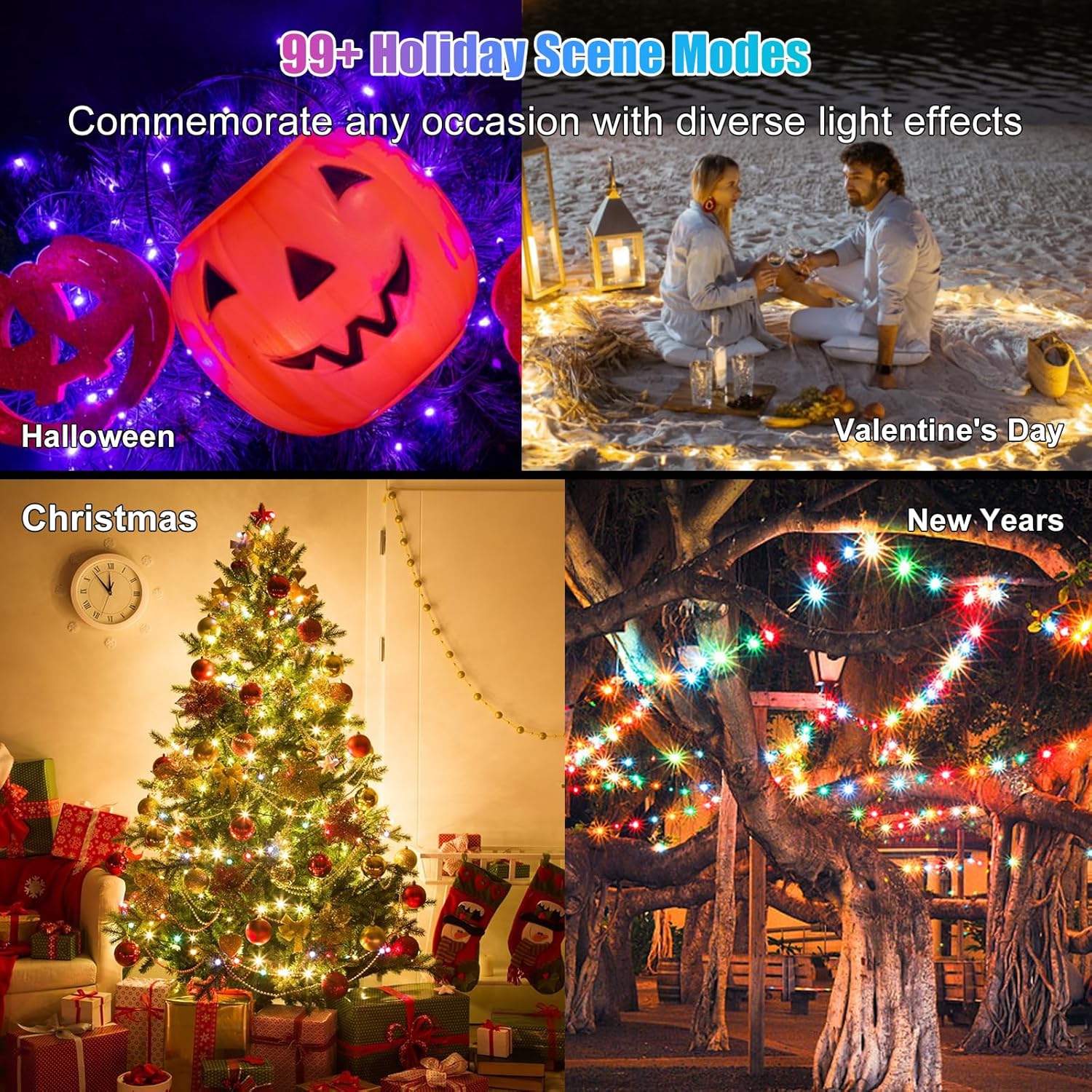
Image: A collage of four images depicting different holiday scenes (Halloween, Valentine's Day, Christmas, New Year's) illuminated with the fairy lights, showcasing various dynamic modes.
5. Функция таймера
Utilize the timer function within the app to set specific ON and OFF times for your lights, aligning with your daily schedule or event needs.

Image: A smartphone screen displaying the timer settings within the app, showing options to set ON and OFF times for the lights.
Обслуживание
- Уборка: Gently wipe the lights with a soft, damp При загрязнении протирайте тряпкой. Не используйте едкие химикаты или абразивные материалы.
- Хранилище: When not in use, store the lights in a cool, dry place, away from direct sunlight and extreme temperatures. Carefully coil the string to prevent tangling.
- Водостойкость: The lights have an IP65 waterproof rating, making them suitable for outdoor use in various weather conditions. However, the USB connector and remote control are нет waterproof and should be protected from moisture.
- Прочность: The lights are designed with a PVC coating and fully glued lamp beads for durability and cold resistance down to -20°C. Avoid excessive pulling or bending that could damage the wire or LEDs.
Поиск неисправностей
- Свет не включается:
• Ensure the USB power source is active and providing 5V. Try a different USB port or adapter.
• Check if the remote control battery is functional and correctly inserted. Point the remote directly at the controller box. - Проблемы с подключением приложения:
• Verify that Bluetooth is enabled on your smartphone.
• Ensure the lights are within Bluetooth range (typically up to 10 meters).
• Close and reopen the Ideal LED app. If issues persist, restart your smartphone. - Цветовые неточности:
• Perform color calibration through the app. Go to Настройки → Цветовая коррекция и следуйте инструкциям. - Color Settings Not Retained:
• Some app versions or device configurations may not save color settings automatically after power cycling. Check app settings for a 'save' or 'remember last setting' option. - Inconsistent Brightness/Color on Long Strands:
• For very long string lights, a slight voltage drop can occur, potentially causing lights further down the strand to appear dimmer or have slightly altered colors. This is a physical characteristic and not a defect. - Controlling Multiple Strands Individually:
• If you have multiple identical light strands, the app might group them. Check the app's device management section for options to select and control each strand independently.
Гарантия и поддержка
Your Electight Fairy Lights come with a Гарантия производителя 12 месяца с даты покупки. Данная гарантия распространяется на дефекты материалов и изготовления при нормальном использовании.
For technical support, warranty claims, or any questions regarding your product, please contact Electight customer service through the retailer's platform or the contact information provided with your purchase. Please have your model number (USSLA2-10M-N) and purchase details ready when contacting support.


