
Введение
Thank you for choosing the Phomemo M836 A4 Portable Thermal Printer. This device offers convenient, inkless printing for various document types, making it ideal for business, travel, and personal use. This manual will guide you through the setup, operation, and maintenance of your printer to ensure optimal performance.
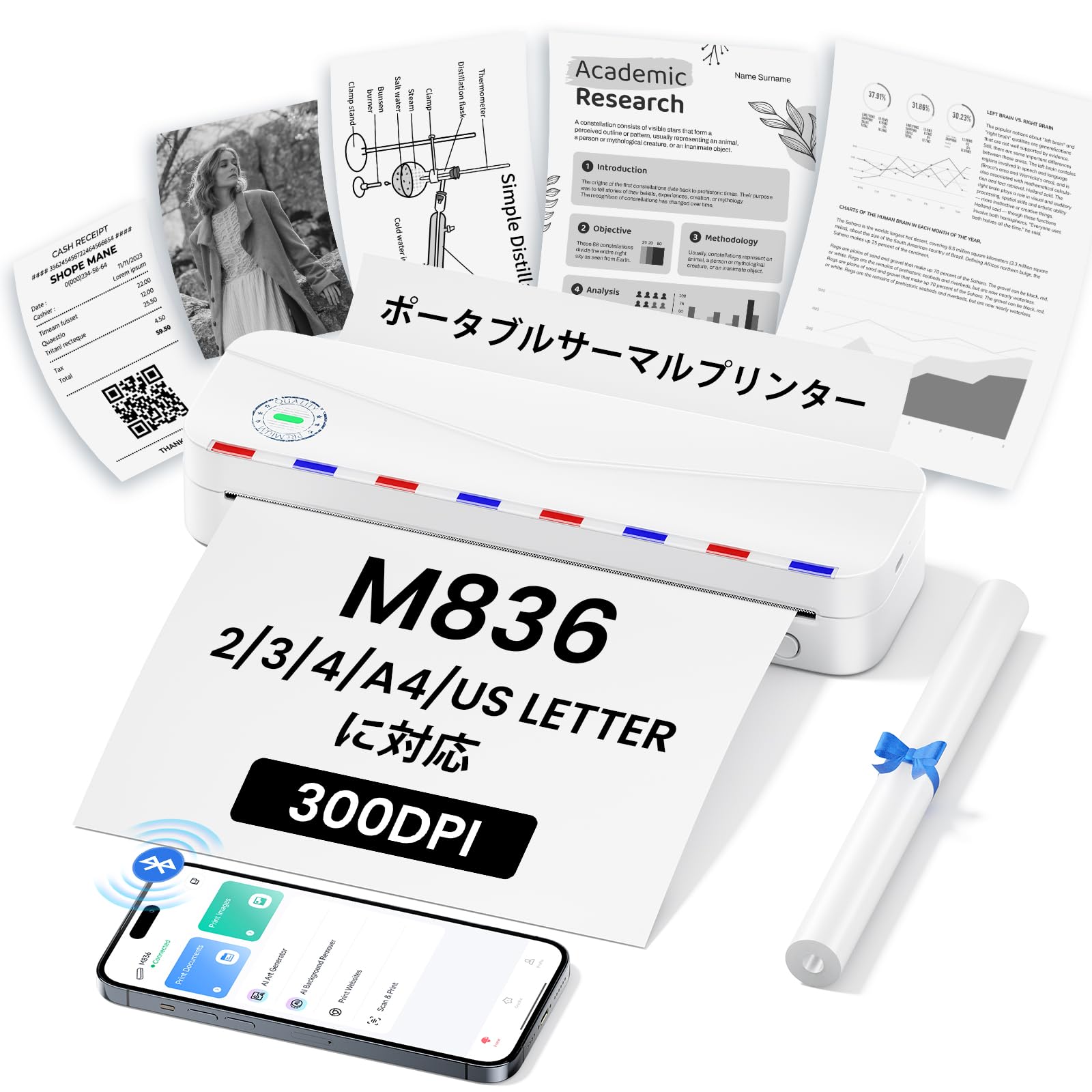
Image: The Phomemo M836 A4 Portable Thermal Printer, showcasing its compact design and portability.
Продукт болееview
Основные характеристики
- Бесчернильная термопечать: Utilizes advanced thermal printing technology, eliminating the need for ink cartridges or toner.
- Компактный и портативный: Weighing approximately 750g, it is designed for easy transport in a bag, perfect for on-the-go printing.
- Поддержка бумаги разных размеров: Compatible with A4 (8.27 x 11.69 inches) and other thermal paper sizes including 53mm, 80mm, and 110mm. Supports standard thermal sheets, roll paper, and fanfold thermal paper.
- Высокое разрешение: Delivers clear and vivid prints at 304dpi resolution.
- Широкая совместимость: Connects via Bluetooth to iPhones, Android phones, and iPads, and via USB cable to laptops and computers (Windows, macOS).
- Долговечный аккумулятор: Equipped with an upgraded 2600mAh battery, ensuring extended use throughout the day.
- Универсальная печать: Capable of printing PDF, Word, image (JPG), web pages, TXT, office documents, receipts, contracts, resumes, invoices, drawings, and school notes.

Image: The Phomemo M836 printer highlighting its compact dimensions (264mm length, 78mm width, 45mm height) and light weight (715g).

Image: The printer demonstrating compatibility with single sheets, fanfold paper, and roll paper. Note: Only thermal paper is supported, not ordinary copy paper.
Инструкции по установке
1. Загрузка термобумаги
- Откройте крышку отсека для бумаги принтера.
- Insert the thermal paper with the printable side facing up. Ensure the paper is aligned correctly.
- Close the paper cover. The printer will automatically adjust the paper.

Image: Illustration of how to load thermal paper into the printer, showing the adjustable snaps for different paper widths.
2. Mobile Device Connection (Bluetooth)
- Download the "Phomemo" app from the Apple App Store or Google Play Store.
- Turn on your mobile phone's Bluetooth.
- Press and hold the power button on the M836 printer to turn it on.
- Open the "Phomemo" app and connect to the printer via Bluetooth within the app.

Image: Step-by-step guide for connecting the Phomemo M836 to a smartphone via the Phomemo app and Bluetooth.
3. Подключение к ПК (USB)
- Turn on the printer by pressing and holding the power button. Ensure thermal paper is loaded.
- Подключите принтер к компьютеру с помощью прилагаемого USB-кабеля Type-C.
- Download and install the printer driver from M836.phomemo.com.
- After driver installation, select "[M836] Printer" from your computer's print options to begin printing.

Image: Instructions for connecting the Phomemo M836 to a PC via USB, including driver download and print selection.
Инструкция по эксплуатации
General Printing Steps
- Ensure the printer is powered on and connected to your device (mobile or PC) as described in the Setup section.
- Откройте на своем устройстве документ или изображение, которое вы хотите распечатать.
- Initiate the print function from your application (e.g., "Print" in the Phomemo app, or "File" > "Print" on PC).
- Select the "M836 Printer" from the list of available printers.
- При необходимости отрегулируйте параметры печати, такие как размер бумаги, ориентация и количество копий.
- Confirm and send the print job to the printer.

Image: The Phomemo app interface, showing options to print various file types like Word, TXT, PDF, Excel, Web pages, and images, along with scanning functionality.
Обслуживание
Очистка головки принтера
- Выключите принтер и отсоедините его от всех источников питания.
- Откройте бумажную крышку.
- Аккуратно протрите печатающую головку термопринтера ватным тампоном.ampпропитан изопропиловым спиртом.
- Перед закрытием крышки и возобновлением работы дайте печатающей головке полностью высохнуть.
- Do not touch the print head with bare hands to avoid damage or residue transfer.
Уход за аккумулятором
- Charge the printer regularly, especially if it will not be used for an extended period, to maintain battery health.
- Use the provided Type-C USB cable for charging.
- Avoid exposing the printer to extreme temperatures, which can affect battery life.
Поиск неисправностей
| Проблема | Возможная причина | Решение |
|---|---|---|
| Принтер не включается. | Низкий заряд батареи или проблема с питанием. | Charge the printer using the Type-C USB cable. Ensure the power adapter is working. |
| Невозможно подключиться через Bluetooth. | Bluetooth is off, incorrect pairing, or app issue. | Ensure Bluetooth is enabled on your device. Restart the printer and your device. Try pairing again through the Phomemo app. |
| Poor print quality (faint or blank). | Incorrect paper loading, non-thermal paper, or dirty print head. | Ensure thermal paper is loaded correctly with the printable side up. Verify you are using thermal paper. Clean the print head as described in the Maintenance section. |
| Принтер не распознается компьютером. | Драйвер не установлен или проблема с USB-кабелем. | Установите правильный драйвер из... M836.phomemo.comПопробуйте использовать другой USB-порт или кабель. |
| Замятие бумаги. | Неправильная загрузка бумаги или посторонний предмет. | Turn off the printer. Carefully open the paper cover and remove any jammed paper or obstructions. Reload paper correctly. |
Технические характеристики
| Особенность | Деталь |
|---|---|
| Бренд | Фомемо |
| Название модели | М836 |
| Технология связи | Bluetooth, USB |
| Технология печати | Термальный |
| Специальная характеристика | Портативный |
| Цвет | Белый |
| Вывод на принтер | Монохромный |
| Максимальная скорость печати (монохромная) | 20 страниц в минуту |
| Размеры продукта (Д x Ш x В) | 210мм х 47мм х 65мм |
| Максимальный размер носителя (бумаги) | 8.5 x 11 дюйма (А4) |
| Тип печатного носителя | Термобумага |
| Дополнительные функции принтера | Только печать |
| Разрешение | 304 точек на дюйм |
| Максимальная емкость входного листа | 10 листов |
| аппаратный интерфейс | USB-C |
| Двусторонняя печать | Нет (Симплекс) |
| Емкость аккумулятора | 2600мАч |
Гарантия и поддержка
The Phomemo M836 A4 Portable Thermal Printer comes with a 1-летняя гарантия производителя с даты покупки. Данная гарантия распространяется на дефекты материалов и изготовления при нормальном использовании.
For technical support, warranty claims, or any questions regarding your product, please contact Phomemo customer service through their official website or the retailer where you purchased the product. Please have your model number (M836) and proof of purchase ready when contacting support.