
1. Введение
Thank you for choosing the EDYELL C5S Bluetooth Dual Earphone for Helmet. This device is designed to provide high-quality audio for music and calls while riding, ensuring convenience and safety. Please read this manual carefully before use to ensure proper installation and operation.
2. Информация по технике безопасности
- Всегда уделяйте первостепенное внимание безопасности на дороге. Не используйте устройство таким образом, чтобы это отвлекало вас от езды.
- Ensure the device is securely mounted to your helmet to prevent detachment during use.
- Во избежание повреждения слуха избегайте длительного прослушивания аудиоконтента на чрезмерно высокой громкости.
- Не пытайтесь разбирать или модифицировать устройство. Это может привести к аннулированию гарантии и создать угрозу безопасности.
- Держите устройство вдали от экстремальных температур, прямых солнечных лучей и открытого огня.
- Утилизируйте батарею и устройство в соответствии с местными правилами.
3. Содержимое упаковки
Проверьте наличие всех предметов в посылке:
- Motorcycle Bluetooth Headsets (x1)
- Hard Microphone Speaker (x1)
- ClampОснование (x1)
- Липучка для микрофона (2 шт.)
- Липучки для динамиков (2 шт.)
- Наклейка-бустер (2 шт.)
- Подставка с липучкой (1 шт.)
- Толстый двусторонний скотч (1 шт.)
- Подставка с липучкой (1 шт.)
- Руководство пользователя (x1)
- Зарядный кабель (1 шт.)
4. Продукт закончилсяview
The EDYELL C5S is a compact Bluetooth headset designed for motorcycle helmets. It features a control unit with integrated buttons and a colorful LED strip, connecting to two 50mm speakers and a microphone for communication and audio playback.

Image: The EDYELL C5S Bluetooth Helmet Headset, showing its sleek design and integrated controls.
5. Установка
Follow these steps to install the EDYELL C5S on your helmet:
- Установка основного блока: Прикрепите clamping base to the side of your helmet using the provided clips or adhesive tape. Ensure it is securely fastened and does not obstruct your vision or helmet functionality.
- Размещение динамика: Position the 50mm speakers inside the helmet's ear pockets. Use the speaker Velcro to secure them. Ensure the speakers are aligned with your ears for optimal sound quality and comfort.
- Размещение микрофона: Attach the hard microphone speaker to the inside of the helmet, near your mouth. Use the microphone Velcro tape to secure it. Ensure the microphone is positioned to capture your voice clearly while minimizing wind noise.
- Управление кабелями: Route all cables neatly within the helmet's padding to avoid interference and ensure comfort.

Image: Diagram illustrating the installation of the EDYELL C5S headset components, including the main unit, speakers, and microphone, onto a motorcycle helmet.
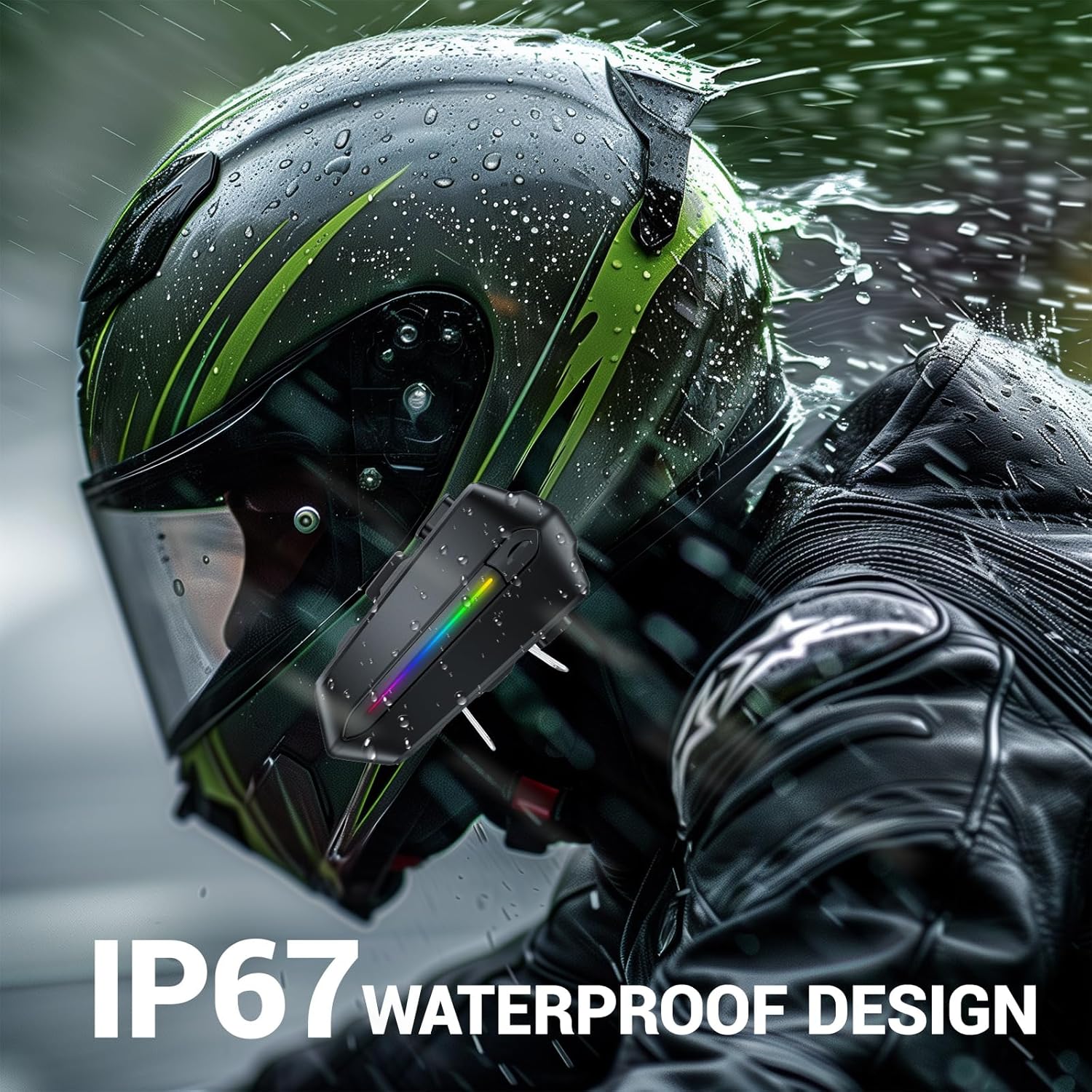
Image: Various helmet types demonstrating the wide compatibility of the EDYELL C5S Bluetooth headset.
6. Зарядка
The EDYELL C5S features an 800mAh large-capacity battery. To charge the device:
- Подключите прилагаемый зарядный кабель Type-C к зарядному порту на гарнитуре.
- Подключите другой конец кабеля к источнику питания USB (например, к сетевому адаптеру, USB-порту компьютера).
- Светодиодный индикатор покажет состояние зарядки. Полная зарядка занимает около 1.5 часов.
Once fully charged, the headset provides up to 30 hours of music listening, 40 hours of calls, and over 300 hours of standby time.
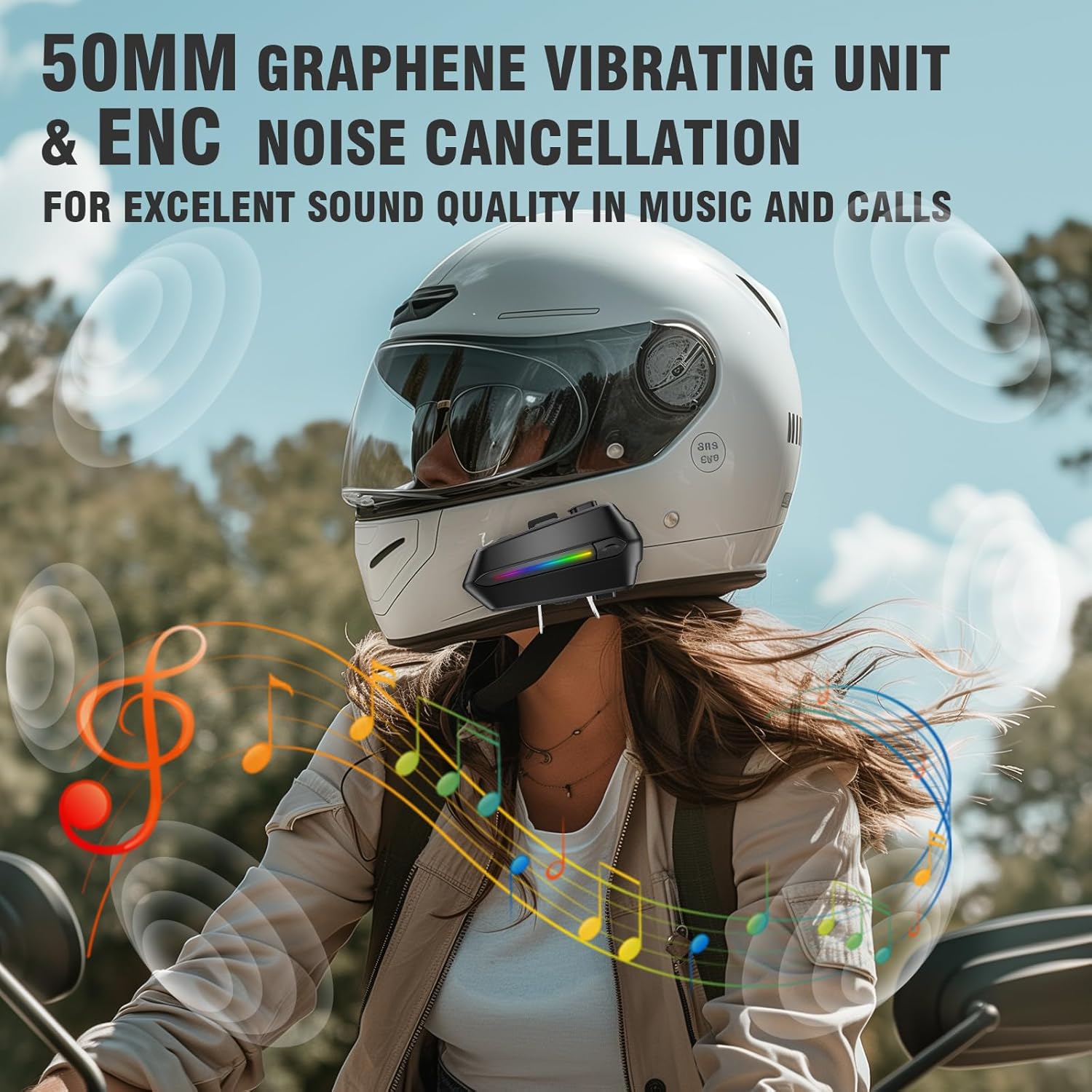
Image: The EDYELL C5S headset connected to a Type-C charging cable, illustrating the charging process and highlighting its 800mAh battery capacity.
7. Инструкция по эксплуатации
7.1 Включение/выключение питания
- Включение питания: Нажмите и удерживайте кнопку питания примерно 3 секунды, пока не загорится светодиодный индикатор.
- Выключение: Нажмите и удерживайте кнопку питания примерно 3 секунд, пока светодиодный индикатор не погаснет.
7.2 Сопряжение по Bluetooth
- Убедитесь, что гарнитура выключена.
- Press and hold the power button for about 5-7 seconds until the LED indicator flashes red and blue alternately, indicating pairing mode.
- На своем мобильном устройстве включите Bluetooth и найдите "EDYELL C5S".
- Select "EDYELL C5S" from the list of available devices to connect. A voice prompt will confirm successful pairing.
7.3 Двойное подключение
The EDYELL C5S supports simultaneous connection to two devices. After pairing the first device, follow the pairing steps again for the second device. The headset will automatically connect to both devices when powered on.
7.4 Управление вызовами
- Автоответ: Incoming calls will be automatically answered after 10 seconds for hands-free communication.
- Ответить/завершить вызов: Short press the phone button to answer or end a call.
- Отклонить вызов: Press and hold the phone button for 2 seconds to reject an incoming call.
- Голосовое управление: Press the voice control button to activate your device's voice assistant (e.g., Siri, Google Assistant) to perform tasks like making calls or navigating.
7.5 Воспроизведение музыки
- Воспроизведение/Пауза: Коротко нажмите кнопку воспроизведения/паузы.
- Следующий трек: Коротко нажмите кнопку «+».
- Предыдущий трек: Коротко нажмите кнопку «-».
7.6 Регулятор громкости
- Увеличить громкость: Нажмите и удерживайте кнопку «+».
- Уменьшить громкость: Нажмите и удерживайте кнопку «-».

Image: A rider using the EDYELL C5S headset, demonstrating the one-click AI assistant wake-up and auto-answer call features for convenience while riding.
Video: An official product video demonstrating the features and usage of the EDYELL C5S Motorcycle Bluetooth Headset, including its design, controls, and functionality.
7.7 IP67 Waterproof Design
The EDYELL C5S is designed with an IP67 waterproof rating, allowing it to withstand various weather conditions, including rain and snow. This ensures reliable performance during outdoor rides.

Image: The EDYELL C5S headset mounted on a helmet, shown under simulated rain to highlight its IP67 waterproof design.
8. Технические характеристики
| Особенность | Спецификация |
|---|---|
| Название модели | C5S |
| Технология связи | Беспроводная связь (Bluetooth V5.4) |
| Контроль шума | Пассивное шумоподавление |
| Размер аудиодрайвера | 50 миллиметров |
| Емкость аккумулятора | Литий-полимерный емкостью 800 мАч |
| Время зарядки | 1.5 часов |
| Время воспроизведения музыки | До 30 часов |
| Время звонка | До 40 часов |
| Время в режиме ожидания | Более 300 часов |
| Уровень водонепроницаемости | Водонепроницаемость IP67 |
| Тип управления | Голосовое управление, кнопочное управление |
| Вес товара | 180 грамм |
| Размеры продукта | 10 х 5 х 2 см |
9. Поиск Неисправностей
- Устройство не включается: Убедитесь, что батарея заряжена. Подключите устройство к зарядному устройству и попробуйте снова.
- Unable to pair with Bluetooth: Make sure the headset is in pairing mode (LED flashing red and blue). Check that Bluetooth is enabled on your mobile device and it is within range. Try restarting both devices.
- Нет звука из динамиков: Check the volume level on both the headset and your connected device. Ensure speakers are correctly plugged into the main unit and positioned properly inside the helmet.
- Микрофон не работает: Verify the microphone is securely connected and positioned correctly near your mouth. Check privacy settings on your connected device to ensure microphone access is granted.
- Прерывистое соединение: Ensure there are no major obstructions between the headset and your connected device. Move closer to the device if necessary. Avoid environments with strong electromagnetic interference.
10. Гарантия и поддержка
For product support, installation guidance, or any queries, please contact EDYELL INDIA customer care:
- Электронная почта: support@fenman.in
- Телефон: +91 8882786235
- Часы работы: С понедельника по субботу, с 10:00 до 6:30 (IST)
Сохраните чек о покупке для предъявления гарантийных претензий.