
1. Продукт закончилсяview
The BoxWave ClearTouch ImpactShield is a high-quality, flexible screen protector designed to provide robust protection for your GEEKOM PM16 Portable Monitor (16 in). This product offers superior defense against scratches, impacts, and daily wear, while maintaining optimal screen clarity and touch sensitivity. It is engineered with a 9H hardness rating for exceptional durability and is designed to be shatterproof.
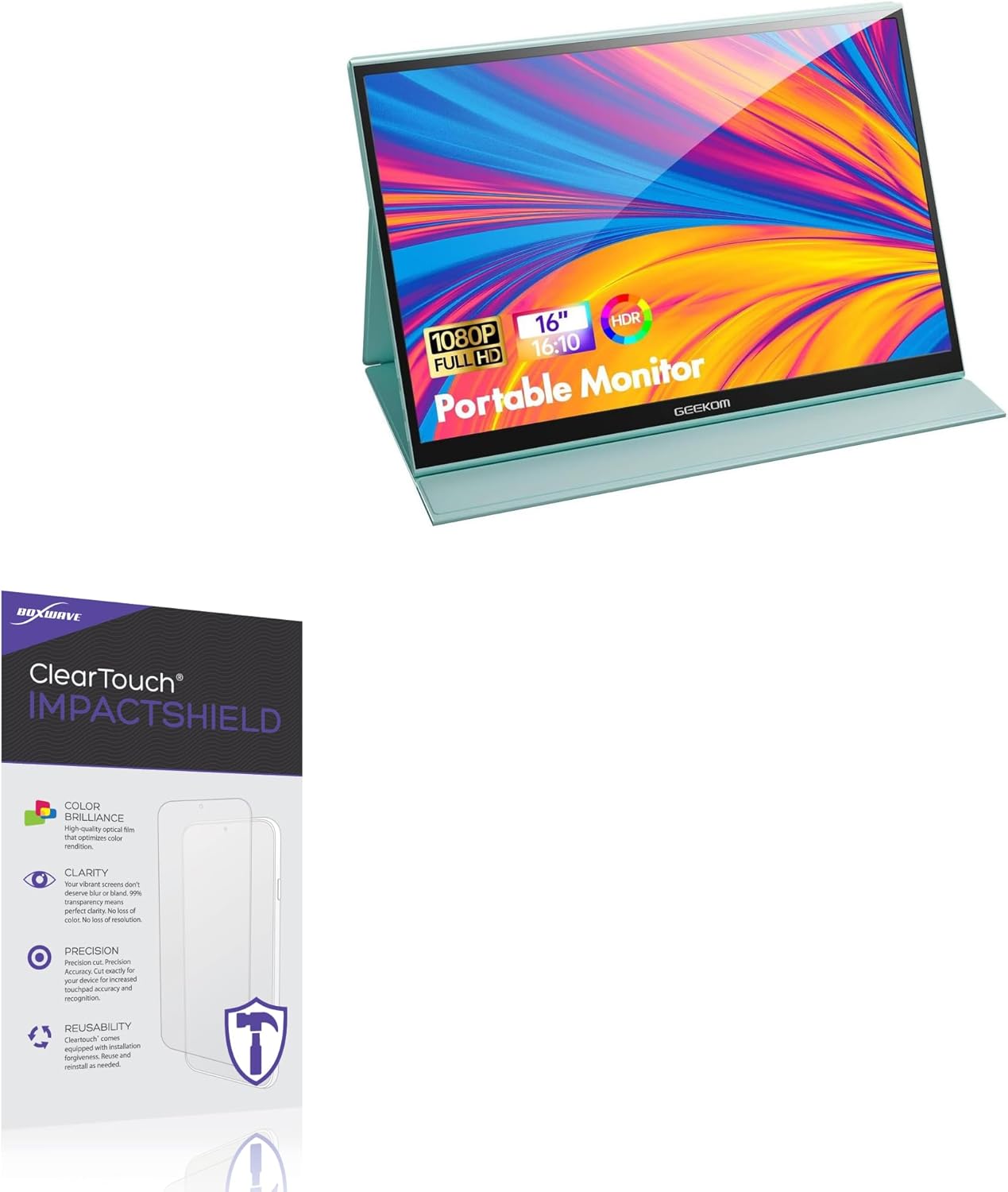
Image 1.1: BoxWave ClearTouch ImpactShield applied to a portable monitor.
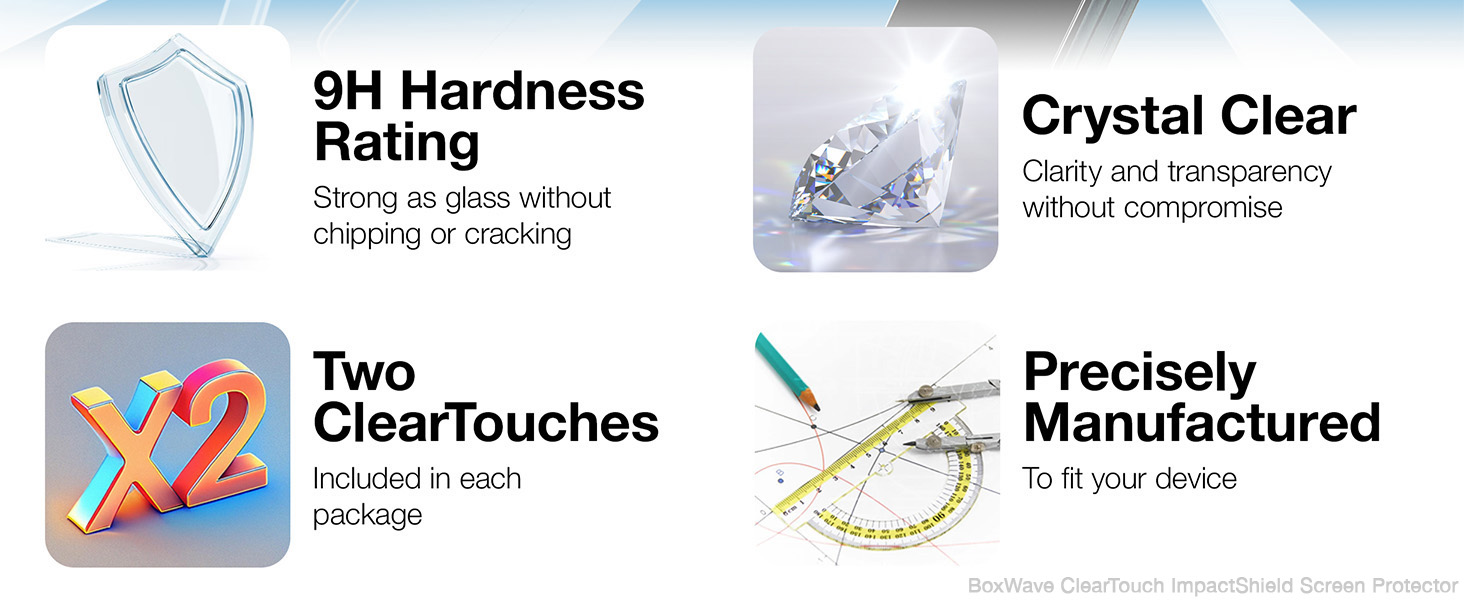
Изображение 1.2: оконченоview of key features including 9H hardness, crystal clarity, and precise manufacturing.
2. Содержимое упаковки
- 2 x BoxWave ClearTouch ImpactShield Screen Protectors
- Installation Kit (typically includes cleaning cloth, dust removal sticker, squeegee card)

Image 2.1: Packaging of the BoxWave ClearTouch ImpactShield (2-Pack).
3. Руководство по установке
Proper installation is crucial for optimal performance and appearance of your screen protector. Please follow these steps carefully:
- Подготовьте свое рабочее место: Choose a clean, dust-free environment. Wash your hands thoroughly to avoid transferring oils to the screen or protector.
- Очистите экран: Use the provided cleaning cloth to wipe down the monitor screen. Ensure all dust, smudges, and fingerprints are removed. For stubborn marks, a screen cleaner (not included) can be used, followed by a dry wipe.
- Удалить пыль: Use the dust removal sticker (if provided) to dab the screen and lift any remaining dust particles. Inspect the screen carefully under good lighting to ensure it is spotless.
- Peel Back Layer 1: Carefully peel back a small portion of the protective film labeled "Layer 1" or "Back" from one end of the screen protector. Avoid touching the adhesive side.
- Выровняйте защитного персонажа: Align the exposed adhesive edge of the screen protector with one edge of your monitor screen. Take your time to ensure precise alignment with the screen's borders and any cutouts (if applicable).
- Применяйте постепенно: Slowly and steadily lower the rest of the screen protector onto the monitor, while simultaneously peeling off more of Layer 1. Use the squeegee card (if provided) or a soft, clean cloth to gently press down the protector, working from the aligned edge outwards. This helps to push out air bubbles as you go.
- Удалить пузырьки воздуха: If air bubbles appear, gently push them towards the nearest edge using the squeegee card. For larger bubbles, you may need to lift a small section of the protector and reapply it carefully.
- Remove Layer 2: Once the protector is fully applied and free of major bubbles, carefully peel off the top protective film labeled "Layer 2" or "Front".
- Окончательная проверка: Perform a final check for any remaining small bubbles or dust. Small bubbles often disappear within 24-48 hours.

Image 3.1: The screen protector is precisely manufactured for a perfect fit on your device.
4. Использование и уход
4.1. Ежедневное использование
The ClearTouch ImpactShield is designed to be unobtrusive, allowing full functionality of your GEEKOM PM16 Portable Monitor. Touch sensitivity and display clarity will remain unaffected. The flexible material ensures it will not chip or crack, providing long-lasting protection.

Image 4.1: The flexible material of the ClearTouch ImpactShield prevents chipping and cracking.

Image 4.2: Experience crystal clarity with the ClearTouch ImpactShield, maintaining vibrant display quality.
4.2. Чистка и обслуживание
To clean your screen protector, gently wipe it with a soft, lint-free cloth. For smudges or fingerprints, slightly dampen the cloth with water or a screen-safe cleaning solution. Avoid harsh chemicals or abrasive materials, as these can damage the protector's surface.
5. Поиск Неисправностей
- Пузырьки после установки: Small bubbles may disappear on their own within 24-48 hours. For larger bubbles, gently lift the nearest edge of the protector and reapply, using the squeegee card to push the air out.
- Dust Under Protector: If dust particles are trapped, carefully lift the protector near the dust, use a dust removal sticker or a piece of tape to lift the dust from both the screen and the protector's adhesive side, then reapply.
- Несоосность: If the protector is significantly misaligned, carefully peel it off completely, clean the screen again, and reattempt installation from Step 4. The ClearTouch ImpactShield is designed for reusability, allowing for adjustments.
6. Технические характеристики
| Название продукта | ClearTouch ImpactShield Screen Protector |
| Бренд | BoxWave |
| Совместимое устройство | GEEKOM PM16 Portable Monitor (16 in) |
| Hardness Rating | 9H |
| Материал | Flexible Film (with TPU layer for shock absorption) |
| Прозрачность | 99% Visibility, Crystal Clear |
| Вес товара | 1 унции |
| ASIN | B0DG9WMK74 |
| Дата первой доступности | 5 сентября 2024 г. |
| Производитель | BoxWave |
| Страна происхождения | Китай |
| Видимая диагональ экрана | 16 дюймов / 41 см |
7. Гарантия и поддержка
For detailed warranty information and customer support, please refer to the official BoxWave website or contact their customer service directly. Information regarding product registration, warranty claims, and technical assistance can typically be found on the manufacturer's support pages.
Manufacturer: BoxWave Corporation
Для получения дополнительной помощи посетите: www.boxwave.com