
1. Введение
This manual provides detailed instructions for the T-Wolf TF800 Gaming Combo, a 4-in-1 package designed for an enhanced gaming experience. The combo includes a backlit keyboard, a gaming mouse, a stereo headset with microphone, and a mouse pad. Please read this manual carefully before using the product to ensure proper setup and operation.

Image: T-Wolf TF800 Gaming Combo retail box. The box displays the included keyboard, mouse, headset, and mouse pad, highlighting features like floating keycaps, highlight light, multimedia keys, and ergonomic design.
2. Содержимое упаковки
Убедитесь, что в вашей посылке присутствуют все следующие предметы:
- 1 x T-Wolf Gaming Keyboard
- 1 x T-Wolf Gaming Mouse
- 1 x T-Wolf Gaming Headset
- 1 x T-Wolf Gaming Mouse Pad
3. Инструкции по настройке
Follow these steps to set up your T-Wolf TF800 Gaming Combo:
3.1 Настройка клавиатуры
- Найдите на своем компьютере свободный порт USB 2.0.
- Подключите USB-разъем клавиатуры к USB-порту.
- Операционная система автоматически обнаружит и установит необходимые драйверы.
- The keyboard backlight will illuminate upon successful connection.
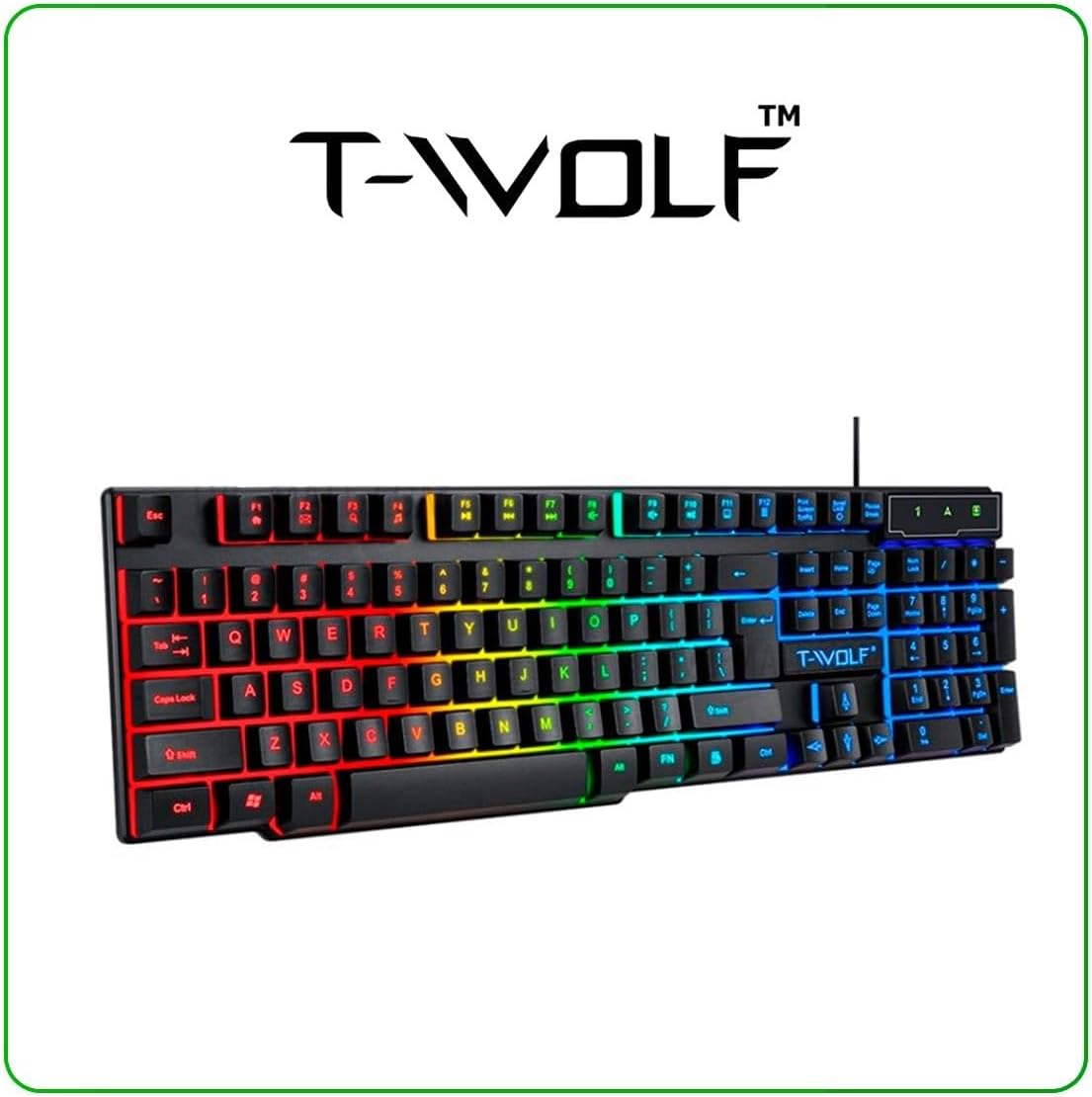
Image: T-Wolf Gaming Keyboard. This image shows the full 104-key layout with vibrant RGB backlighting, including the 'Ñ' key.
3.2 Настройка мыши
- Найдите на своем компьютере другой свободный порт USB 2.0.
- Вставьте USB-разъем мыши в USB-порт.
- Операционная система автоматически обнаружит и установит необходимые драйверы.
- The mouse LED lighting will activate upon successful connection.

Image: T-Wolf Gaming Mouse. This image displays the ergonomic design of the mouse with multi-color RGB lighting accents.
3.3 Настройка гарнитуры
- Locate the 3.5mm audio jack on your computer (usually marked with a headphone icon).
- Подключите 3.5-мм разъем гарнитуры к аудиоразъему.
- If your computer has separate microphone and headphone jacks, you may need a Y-splitter (not included) or connect to a combined audio jack.
- Adjust the volume using the in-line control on the headset cable.
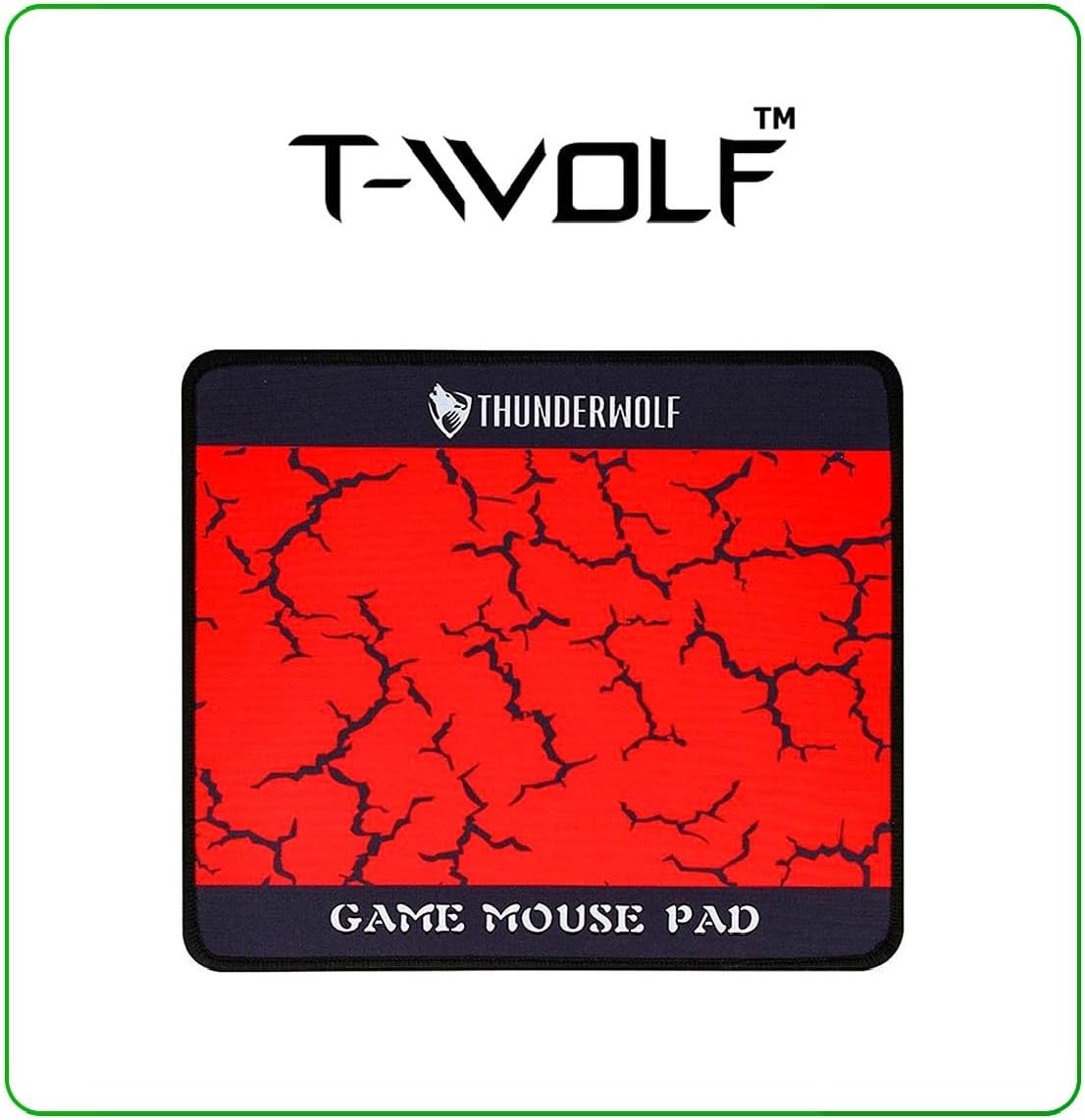
Image: T-Wolf Gaming Headset. This image shows the over-ear headset with a flexible microphone and red accents.
3.4 Размещение коврика для мыши
- Положите коврик для мыши на ровную чистую поверхность.
- Ensure the non-slip rubber base is in full contact with the desk to prevent movement during use.
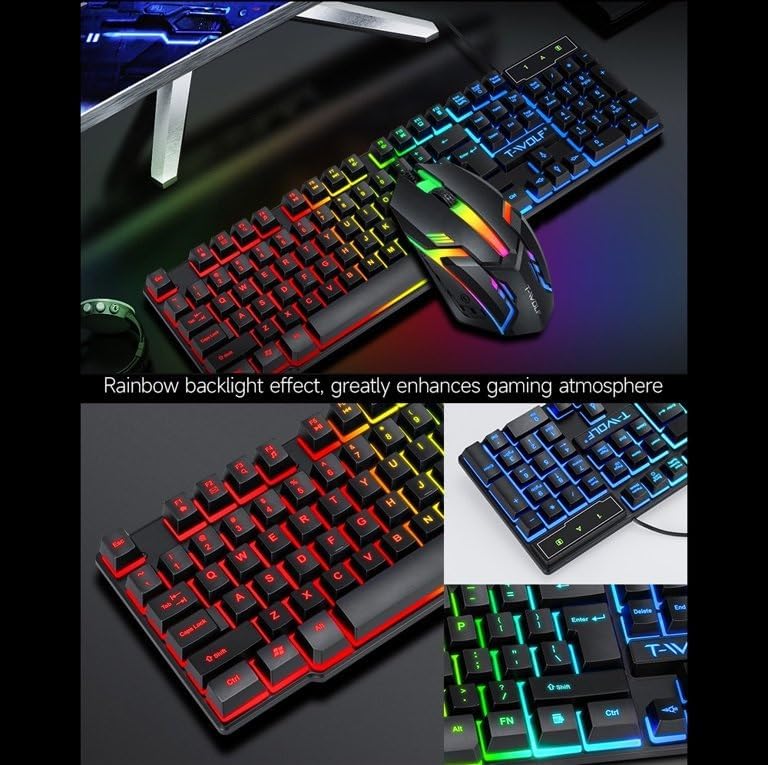
Image: T-Wolf Gaming Mouse Pad. This image features the mouse pad with a red cracked pattern and a black border, designed for optimal mouse precision.
4. Инструкция по эксплуатации
4.1 Работа с клавиатурой
- Управление подсветкой: The keyboard features a 3-color LED backlight (Red, Blue, Green). Press the Прокрутка Блокировка key to toggle the backlight ON/OFF.
- Мультимедийные клавиши: Utilize the dedicated multimedia keys (usually F-keys combined with Fn) for quick access to volume control, media playback, and other functions. Refer to the keyboard layout for specific key assignments.
- Эргономичный дизайн: The keyboard is designed for comfortable typing during extended use.

Image: T-Wolf Keyboard and Mouse. This image illustrates the rainbow backlight effect on both the keyboard and mouse, enhancing the gaming atmosphere.
4.2 Работа с мышью
- Настройка DPI: The mouse supports adjustable DPI settings (up to 1200 DPI). Use the DPI button (typically located near the scroll wheel) to cycle through different sensitivity levels.
- Светодиодное освещение: The mouse features 4-color circular breathing LED lighting, which activates automatically when connected.
- Кнопки: The mouse has 3 buttons for standard operation.
4.3 Работа с гарнитурой
- Регулятор громкости: Adjust the audio volume using the in-line control wheel located on the headset cable.
- Использование микрофона: The microphone is foldable. Position it appropriately for clear voice communication. Ensure your computer's audio settings recognize the headset microphone as the input device.
- Стерео звук: The headset provides stereo sound for deep bass and crisp treble.

Image: T-Wolf Gaming Headset in use and with dimensions. This image shows a user wearing the headset and provides detailed dimensions (200x130x100mm) for the headset.
5. Техническое обслуживание
Правильное техническое обслуживание обеспечивает долговечность и оптимальную производительность вашей игровой системы.
- Уборка:
- Протрите клавиатуру, мышь и гарнитуру мягкой сухой тканью.
- Для удаления стойких загрязнений слегкаampСмочите ткань водой или мягким чистящим средством. Избегайте использования агрессивных химикатов.
- Do not immerse any component in water.
- The mouse pad can be gently hand-washed with mild soap and water, then air-dried.
- Хранилище:
- Store the combo in a cool, dry place away from direct sunlight and extreme temperatures.
- Avoid placing heavy objects on the keyboard or headset to prevent damage.
- Управление кабелями: Избегайте резких изгибов или перегибов кабелей, чтобы предотвратить повреждение проводов изнутри.
6. Поиск Неисправностей
If you encounter any issues with your T-Wolf TF800 Gaming Combo, refer to the following common problems and solutions:
- Клавиатура/мышь не отвечает:
- Ensure the USB connectors are securely plugged into the computer's USB ports.
- Попробуйте подключить устройства к разным USB-портам.
- Перезагрузите компьютер.
- Check if the Scroll Lock key is pressed (for keyboard backlight).
- Headset No Sound/Microphone Not Working:
- Убедитесь, что 3.5-мм аудиоразъем полностью вставлен в соответствующий порт.
- Check the in-line volume control on the headset cable and ensure it is not muted or set to minimum.
- Verify your computer's audio settings:
- For output, ensure the headset is selected as the default playback device.
- For input, ensure the headset microphone is selected as the default recording device.
- Test the headset on another device if possible to rule out a device-specific issue.
- Светодиодные фонари не работают:
- Для включения/выключения подсветки клавиатуры нажмите клавишу Scroll Lock.
- Ensure the devices are properly connected via USB.
- Some systems may require specific drivers or software for advanced lighting control, though basic functionality should be plug-and-play.
7. Технические характеристики
Detailed specifications for each component of the T-Wolf TF800 Gaming Combo:
7.1 Технические характеристики клавиатуры
| Backlight System | 3-color LED (Red, Blue, Green) |
| Раскладка клавиш | 104 keys, includes 'Ñ' |
| Интерфейс подключения | USB 2.0 |
| Длина кабеля | 1.45 метра (4.8 фута) |
| Key Stroke Life | 1 миллиона раз |
| Размеры | 430 х 130 х 30 мм |
| Масса | 650 г |
7.2 Технические характеристики мыши
| ДОИ | 1200 |
| Кнопки | 3 |
| Подсветка | 4-color circular breathing LED |
| Интерфейс подключения | USB 2.0 |
| Длина кабеля | 1.35 метра (4.4 фута) |
| Жизнь после инсульта | 2 миллиона раз |
| Масса | 95 г |
7.3 Headset Specifications
| Диаметр динамика | 50 мм |
| Сопротивление | 32 Ом ± 15% |
| Частотная характеристика | 20Гц-20кГц |
| Длина кабеля | 1.8 метров |
| Номинальная мощность | 25мВт |
| Максимальная входная мощность | 100мВт |
| Тип вилки | 3.5 мм |
| Чувствительность микрофона | -58 дБ ± 3 дБ |
| Размеры | 200 х 130 х 100 мм |
| Масса | Not specified in detail, but generally lightweight |
7.4 Технические характеристики коврика для мыши
| Размер | 300 х 250 х 2 мм |
| Материал | Cloth surface, Rubber base |
| Функции | Ultra-smooth weave surface, Anti-slip bottom |
| Масса | 122 г |
8. Информация о гарантии
This T-Wolf TF800 Gaming Combo comes with a standard manufacturer's warranty against defects in materials and workmanship. The specific duration and terms of the warranty may vary by region and retailer. Please retain your proof of purchase for warranty claims. For detailed warranty information, refer to the documentation provided at the point of purchase or contact your retailer.
9. Поддержка клиентов
If you require further assistance or have questions not covered in this manual, please contact your retailer or the product manufacturer's customer support.
- Поддержка розничных продавцов: Refer to the contact information provided by your purchase retailer.
- Поддержка производителя: For general inquiries, please visit the official T-Wolf website (if available) or search for T-Wolf customer service online.