
Введение
This manual provides detailed instructions for setting up and operating your YNF Smart Plug. Please read this manual carefully before use to ensure proper functionality and safety. The YNF Smart Plug allows you to control your home appliances remotely, via voice commands, and through scheduled timers.

Image: The YNF Smart Plug, a compact white device designed for smart home integration.
Информация по безопасности
- Не разбирайте и не модифицируйте устройство.
- Беречь от воды и мест с высокой влажностью.
- Do not exceed the maximum load rating of the smart plug. Refer to specifications.
- Убедитесь, что вилка полностью вставлена в розетку.
- Только для использования внутри помещений.
Содержимое упаковки
- 1 x YNF Smart Plug
- 1 x Руководство пользователя (этот документ)
Настраивать
1. Загрузите приложение Smart Life.
Искать "Smart Life" in the Apple App Store or Google Play Store and download the application. Alternatively, scan the QR code provided in the product packaging (if available) to download.
2. Регистрация и вход в систему
Open the Smart Life App. If you are a new user, register for an account. If you already have an account, log in.
3. Добавить устройство
- Plug the YNF Smart Plug into a wall outlet.
- Open the Smart Life App and tap the "+" icon in the top right corner to add a device.
- В списке устройств выберите «Электрическая розетка» или «Умная розетка».
- Убедитесь, что индикатор на умной розетке быстро мигает. Если нет, нажмите и удерживайте кнопку питания на розетке в течение 5-10 секунд, пока она не начнет быстро мигать.
- Enter your 2.4GHz Wi-Fi network password. The YNF Smart Plug supports 2.4GHz Wi-Fi and Bluetooth for stable connection.
- Wait for the app to connect to the device. Once connected, you can rename the smart plug.

Image: A comparison chart highlighting YNF Smart Plug's superior connectivity (Wi-Fi & Bluetooth), faster response time, higher stability, and broader compatibility (Alexa, Google, SmartThings) compared to other smart plugs.
Инструкция по эксплуатации
Remote Control via Smart Life App
Once the smart plug is successfully added to the Smart Life App, you can control connected appliances from anywhere with an internet connection.
- Open the Smart Life App.
- Tap on the smart plug's name to access its control interface.
- Toggle the power button within the app to turn the connected appliance on or off.

Image: A user demonstrating remote control of a smart plug via the Smart Life app on a smartphone, showing a bedroom light being controlled.
Голосовое управление (Alexa и Google Home)
The YNF Smart Plug is compatible with Amazon Alexa and Google Home for hands-free voice control.
- Link Smart Life to Voice Assistant:
- Откройте приложение Alexa или Google Home.
- Перейдите в раздел «Навыки и игры» (Alexa) или «Работает с Google» (Google Home).
- Искать «Умная жизнь» и внедрение соответствующих навыков/услуг.
- Link your Smart Life account using your credentials.
- Откройте для себя устройства.
- Голосовые команды:
- "Алекса, включи [название устройства]."
- «Привет, Google, выключи [название устройства]».
- "Alexa, set [device name] to 50%." (If applicable for dimmable devices connected to the plug)
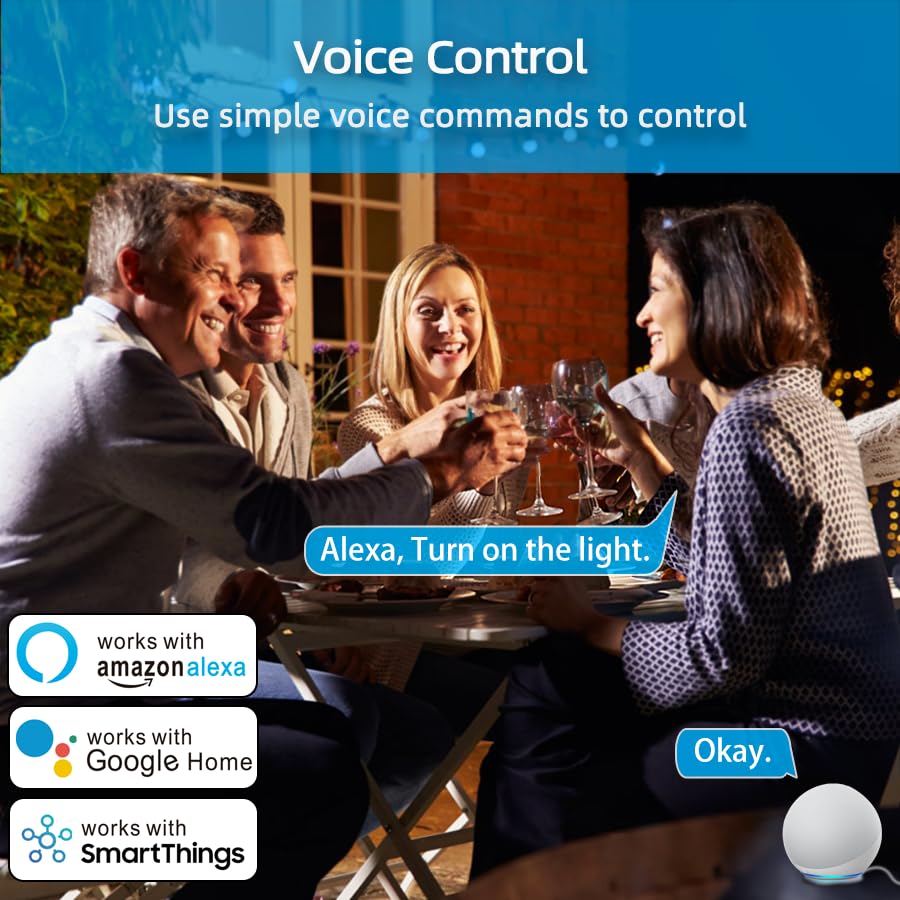
Image: An illustration of voice control in action, with people at a dinner table and a voice command "Alexa, Turn on the light." being processed, indicating compatibility with Amazon Alexa, Google Home, and SmartThings.
Timer Function and Schedules
Set schedules and timers to automate your appliances.
- In the Smart Life App, select your smart plug.
- Tap on "Timer" or "Schedule" to create new automation rules.
- You can set specific times for the plug to turn on or off daily, weekly, or on custom days.

Image: A visual representation of setting a schedule, with a sunrise icon at 7:00 AM and a sunset icon at 6:00 PM, demonstrating how to automate device operation based on time.
Погодный режим
Utilize the Weather Mode feature to automate actions based on local weather conditions.
- In the Smart Life App, navigate to the smart plug's settings or automation section.
- Look for "Weather Mode" or "Scene" creation.
- Configure rules, for example, "If weather is Rainy, turn on the light."

Image: A diagram illustrating the "Weather Mode" feature, where actions like "Turn on the light" are scheduled based on daily weather forecasts (e.g., Cloudy, Rainy, Snowy, Hazy).
Group Control and Device Sharing
Manage multiple smart plugs simultaneously and share control with family members.
- Групповой контроль: In the Smart Life App, select multiple smart plugs and create a group to control them all with a single command.
- Совместное использование устройств: Share access to your smart plugs with other Smart Life account users in your household.
Обслуживание
- Keep the smart plug clean and dry.
- Wipe with a soft, dry cloth. Do not use liquid cleaners.
- Ensure the firmware of the smart plug and the Smart Life App are updated to the latest versions for optimal performance and security.
Поиск неисправностей
| Проблема | Возможное решение |
|---|---|
| Умная розетка не подключается к Wi-Fi. |
|
| Голосовое управление не работает. |
|
| Вилка не отвечает. |
|
Технические характеристики
| Особенность | Деталь |
|---|---|
| Бренд | ЮНФ |
| Модель | B0D6ZDR4KD |
| Цвет | Белый |
| Материал | Акрилонитрилбутадиенстирол (АБС) |
| Тип разъема | Электрическая вилка |
| Количество проводов | 3 |
| Тип вилки | Тип Б |
| Беспроводное подключение | Wi-Fi 2.4 ГГц, Bluetooth |
| Совместимость | Amazon Alexa, Google Home, SmartThings, Smart Life App |
| Сертификаты | ETL, UL, cUL |
Гарантия и поддержка
For warranty information and technical support, please refer to the contact details provided on the product packaging or visit the official YNF webсайт. Сохраните чек о покупке на случай гарантийных претензий.
Для получения дополнительной помощи вы также можете связаться с продавцом через платформу, где был приобретен товар.