
Введение
This manual provides detailed instructions for the installation, operation, and maintenance of your Junsun Android 13 Car Radio Stereo. Please read this manual thoroughly before installation and use to ensure proper functionality and safety. This head unit is designed for Subaru Forester, WRX, and Impreza models from 2013 to 2015, and is compatible with factory sound systems.
Включенные компоненты
Убедитесь, что в вашей посылке присутствуют все перечисленные ниже предметы:
- Головное устройство
- Микрофон
- Cables (Power Cable, RCA Cable, Reversing Line, USB Cables)
- GPS-модуль
- Коробка Canbus
- Лом (инструмент для поддевания)
- Отвертка
- Gift Camera (Backup Camera)

Изображение: Оверview of all included components: Head unit, various cables, GPS module, Canbus box, tools, and backup camera.
Технические характеристики
| Бренд | Джунсун |
| Название модели | JS Forester 315 |
| Операционная система | Андроид 13 |
| Размер экрана | 9 дюйма |
| Разрешение | 1280x720 (IPS) |
| Емкость памяти | 32 ГБ ПЗУ, 2 ГБ ОЗУ |
| Технология связи | Bluetooth, Wi-Fi, USB |
| Особые возможности | CarPlay, Android Auto, SWC, GPS, WiFi, BT, FM, RDS, AM, DSP, Rear Camera Support |
| Режим аудиовыхода | Стерео |
| Тип крепления | Крепление на приборную панель |
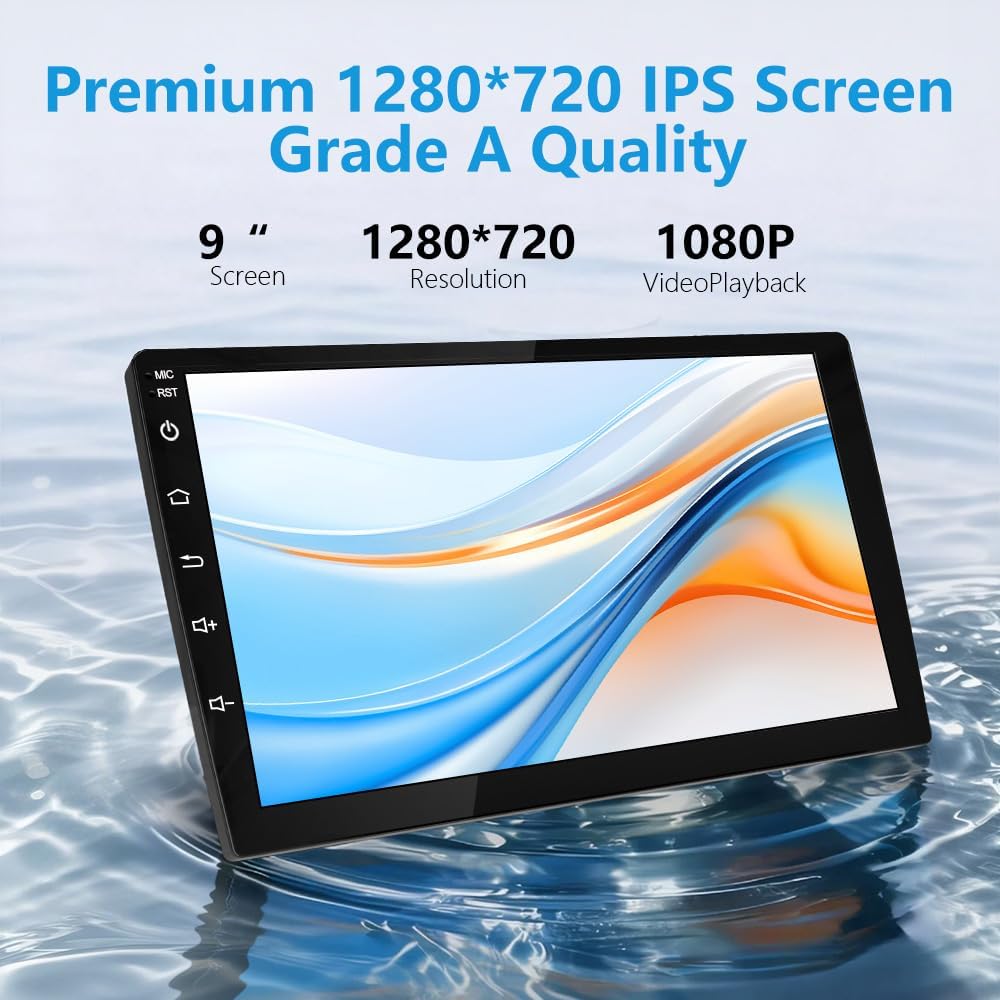
Image: The 9-inch HD touch screen with 1280x720 resolution, supporting 1080P video playback.
Настройка и установка
Proper installation is crucial for the optimal performance of your car stereo. It is recommended to have this unit installed by a professional if you are not familiar with car electronics. Ensure the vehicle's battery is disconnected before beginning installation.
Общие шаги установки:
- Remove Decorative Panel: Carefully use the provided pry tool (crowbar) to remove the decorative panel surrounding your factory radio.
- Удалить заводское радио: Unscrew and remove the fixing screws holding the factory radio in place. Gently pull out the old player.
- Отсоедините провода: Disconnect all plugs and cables from the back of the factory radio.
- Вентиляционные отверстия для перекачки воздуха: Remove the air vents from the old decorative panel and install them into the new product decoration frame.
- Соединительные кабели: Introduce the USB cables, reversing image video cable, and GPS antenna into the center console. Connect the power harness plug to the corresponding socket on the back of the new head unit. Connect the reversing image video plug and detection line. Connect the ground wire of the power harness to the car's body iron frame.
- Установить головное устройство: Carefully install the new head unit into the center console, ensuring all wires are properly routed and not pinched. Secure it with screws.
- Прикрепите панель обратно: Reattach the decorative panel, ensuring it snaps securely into place.
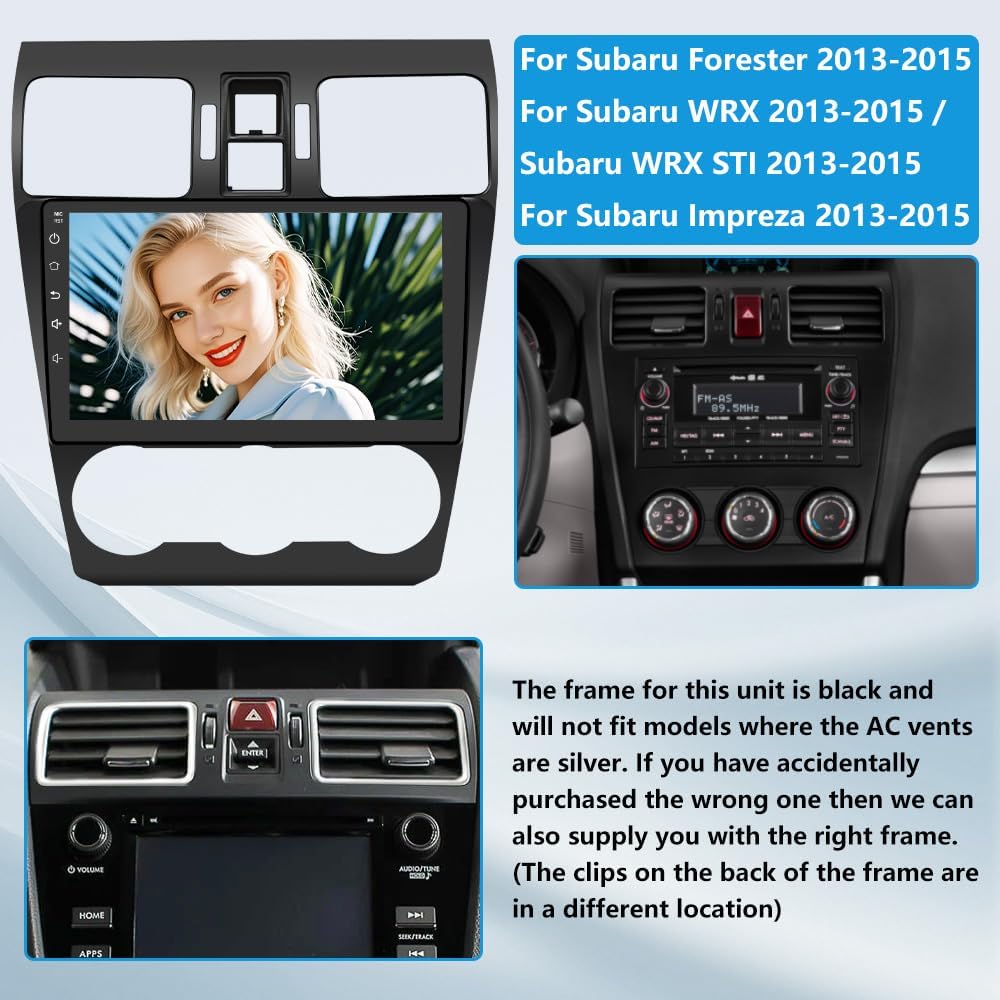
Image: The Junsun Android 13 Car Radio Stereo unit and its compatible Subaru Forester/WRX/Impreza dashboard frame.
Видео по установке:
Video: Detailed installation guide for the Subaru Forester 2013-2018 Android Head Unit. This video demonstrates the process of removing the old unit, connecting wires, and installing the new head unit.
Video: Step-by-step instructions on how to install an aftermarket radio for Subaru Forester models.
Инструкция по эксплуатации
CarPlay/Android Авто
The head unit supports wireless CarPlay and Android Auto. Connect your smartphone via Bluetooth to project your phone's interface onto the large screen. This allows for easy access to navigation, music, calls, and other apps using voice commands (Siri/Google Assistant).

Image: The CarPlay and Android Auto interfaces displayed on the car stereo, showing various app icons.
Video: Demonstrates how to connect your smartphone to the car stereo for wireless CarPlay functionality.
Bluetooth-подключение
The built-in Bluetooth 4.0 allows for fast pairing with your smartphone. Enjoy hands-free calling and high-quality audio streaming. The external microphone ensures clear communication during calls.

Image: Illustration of Bluetooth 4.0 features, including hands-free calling and music playback.
Video: Guide on how to correctly connect your device via Bluetooth to the car stereo.
GPS-навигация
The head unit features a built-in GPS module supporting both online and offline navigation applications. Download your preferred navigation apps from the Google Play Store to ensure you never get lost.
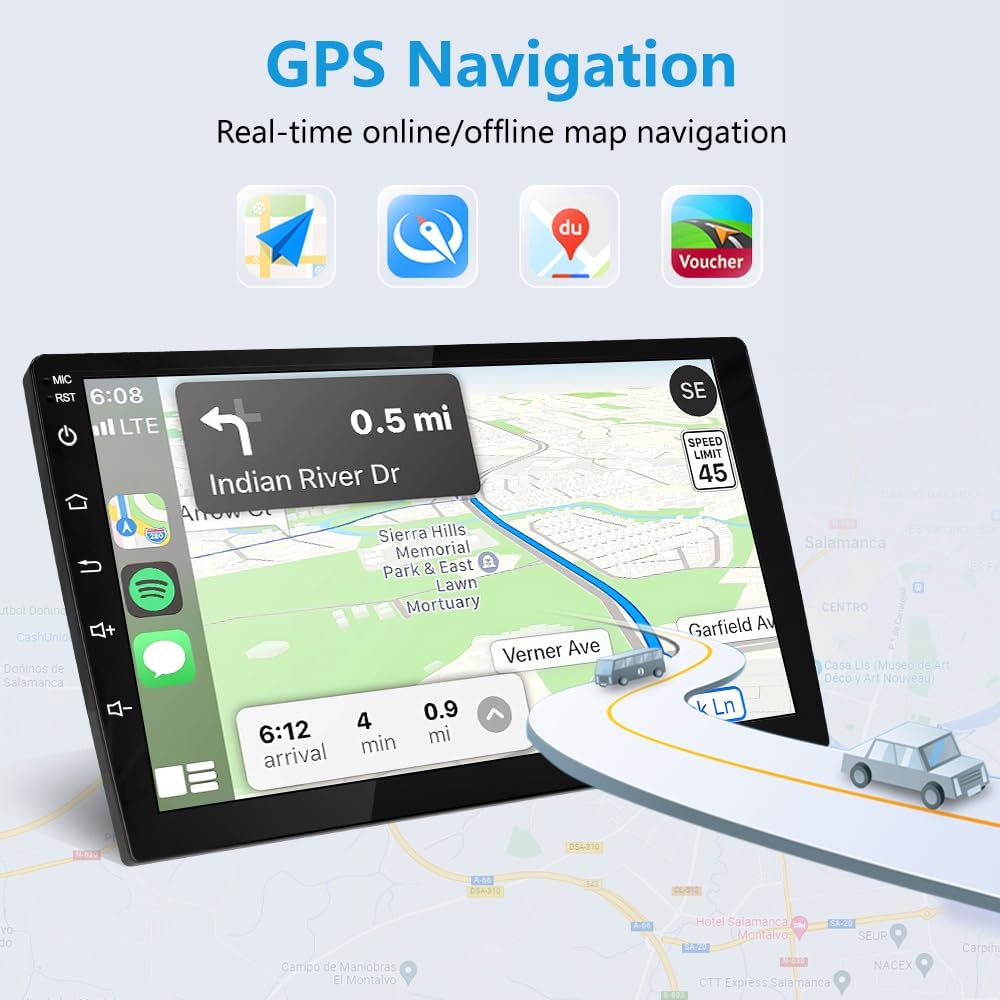
Image: The GPS navigation interface showing real-time online/offline map navigation with various map applications.
FM/AM радио с RDS
Enjoy your favorite radio stations with the built-in FM/AM tuner. RDS (Radio Data System) provides additional information such as station name and song title where available.
Звуковая система DSP
Experience enhanced audio quality with the integrated Digital Sound Processor (DSP). The 32-band EQ allows for precise sound adjustments, offering various preset sound effects (Normal, Jazz, Pop, Classical, Rock, etc.) and customizable settings for a realistic and immersive music experience.

Image: The 32-band EQ DSP interface, allowing precise sound adjustments for a realistic and immersive music experience.
Управление на рулевом колесе (SWC)
The head unit supports your vehicle's original steering wheel controls. This allows you to operate the stereo without diverting your attention from the road, enhancing safety and convenience. The wiring harness is designed to integrate with factory SWC functionality.

Image: The Steering Wheel Control interface, showing how to map physical steering wheel buttons to various stereo functions.
Video: Instructions on how to switch the steering wheel control type for proper functionality.
Поддержка задней камеры
The unit supports a backup camera, providing clear visuals for safer reversing. A free backup camera is included with the product.

Image: Display of the 1080P AHD backup camera view with parking assist lines, showing clear visuals for reversing.
Обслуживание
Для обеспечения долговечности и оптимальной работы вашей автомобильной магнитолы Junsun следуйте этим рекомендациям по техническому обслуживанию:
- Очистка экрана: Use a soft, lint-free cloth to gently wipe the screen. Avoid abrasive cleaners or harsh chemicals that could damage the display.
- Обновления программного обеспечения: Периодически проверяйте наличие обновлений программного обеспечения от производителя, чтобы убедиться, что у вас установлены последние функции и исправления ошибок.
- Контроль температуры: Избегайте длительного воздействия на устройство экстремальных температур.
- Кабельные соединения: Периодически проверяйте все кабельные соединения, чтобы убедиться в их надежности и отсутствии повреждений.
Поиск неисправностей
Если у вас возникли проблемы с автомобильной стереосистемой, ознакомьтесь со следующими распространенными проблемами и решениями:
- Нет питания: Check all power connections. Ensure the car battery is properly connected and charged. Verify the fuse is intact.
- Нет звука или плохое качество звука: Check speaker connections. Ensure the volume is not muted or too low. Adjust the DSP equalizer settings (refer to the DSP Sound System section). Some users report initial muddy sound that improves with EQ adjustment.
- Управление на рулевом колесе не работает: Ensure the SWC wires are correctly connected to the harness. Access the SWC settings in the unit's menu and perform the learning process (refer to the Steering Wheel Control section). Adjust SWC button values (SWC1, SWC2, SWC3) if needed.
- Резервная камера не отображается: Verify the reversing line and video input cables are securely connected. Ensure the camera is receiving power.
- Проблемы с подключением Wi-Fi/Bluetooth: Ensure your phone's Wi-Fi and Bluetooth are enabled. Try restarting both the head unit and your phone.
- HVAC Vent Misalignment: Some users have reported issues with HVAC vent tabs not aligning during installation. Double-check the fitment and ensure the correct frame is used for your specific vehicle model and year.
Гарантия и поддержка
This Junsun car stereo comes with a Гарантия 1 год. For technical support, installation assistance, or warranty claims, please contact Junsun Car Electronics directly through their Amazon store page. They typically respond within 24 hours due to time differences.

Image: Instructions on how to contact Junsun Car Electronics for support via their Amazon store page.