
BINNUNE BW01
Инструкция по эксплуатации беспроводной игровой гарнитуры BINNUNE
Модель: BW01
Бренд: BINNUNE
Введение
Thank you for choosing the BINNUNE Wireless Gaming Headset. This manual provides detailed instructions on how to set up, operate, and maintain your headset to ensure optimal performance and a superior gaming experience. Please read this manual thoroughly before using the product.
Что в коробке?
Upon unboxing your BINNUNE Wireless Gaming Headset, please verify that all the following components are included:
- BINNUNE Wireless Gaming Headset (Blue)
- USB-ключ на 2.4 ГГц
- Аудиокабель 3.5 мм
- USB-кабель для зарядки
- Руководство пользователя (этот документ)

Image: The BINNUNE Wireless Gaming Headset in blue, accompanied by its 2.4GHz USB dongle and a 3.5mm audio jack. These are the primary components included in the product package.
Продукт болееview
Familiarize yourself with the key features and components of your BINNUNE Wireless Gaming Headset:
- Регулируемая повязка на голову: Для комфортной посадки.
- Мягкие наушники: Large-size memory foam earmuffs (110mm diameter, 45mm thickness) made of breathable PU leather and mesh material for extended comfort.
- 50-мм драйверы: High-performance 50mm driver units for clear and rich stereo sound.
- Unidirectional Noise-Canceling Microphone: A 120° adjustable boom mic designed to filter out background noise for clear communication.
- Элементы управления на гарнитуре: Buttons for power, volume adjustment, and microphone mute.

Изображение: Подробный view of the BINNUNE Wireless Gaming Headset's unidirectional boom microphone, highlighting its flexible design and noise-canceling capabilities.

Image: An exploded diagram illustrating the internal components of the 50mm audio drivers within the BINNUNE headset, emphasizing their design for rich, full-range sound.
Настраивать
Зарядка гарнитуры
Before first use, fully charge the headset. A full charge takes approximately 3 hours. A 10-minute quick charge can provide up to 3 hours of battery life. The headset offers up to 80 hours of continuous use in 2.4GHz mode and up to 120 hours in Bluetooth mode.
- Подключите USB-кабель для зарядки к зарядному порту гарнитуры.
- Другой конец USB-кабеля подключите к совместимому USB-источнику питания (например, USB-порту компьютера, USB-адаптеру сетевой розетки).
- The LED indicator on the headset will show charging status (refer to the headset's LED guide for specific indications).

Image: The BINNUNE Wireless Gaming Headset displayed alongside a visual representation of its impressive 120-hour battery life, indicating extended usage time.
Варианты подключения
Your BINNUNE headset supports three connection modes:
- 2.4GHz Wireless (USB Dongle): Provides ultra-low latency (15ms) for gaming. Ideal for PS5, PS4, PC, and Mac.
- Bluetooth 5.3: For wireless connection to mobile phones, tablets, PC, and Mac.
- Проводное соединение 3.5 мм: Universal compatibility with any device featuring a 3.5mm audio jack.
2.4GHz Wireless Connection (for PS5, PS4, PC, Mac)
- Insert the 2.4GHz USB dongle into an available USB port on your PS5, PS4, PC, or Mac.
- Включите гарнитуру. Она автоматически попытается подключиться к адаптеру.
- Once connected, the LED indicator on the headset will confirm the connection (refer to LED guide).
- On your device, ensure the BINNUNE headset is selected as the audio output and input device.
Bluetooth 5.3 Connection (for PC, Mac, Mobile Phone, Tablet)
- Ensure the headset is powered on and in Bluetooth pairing mode (usually indicated by a blinking LED). If not, double-press the power button to switch to Bluetooth mode.
- On your device (PC, Mac, mobile phone, tablet), go to Bluetooth settings and search for available devices.
- Select "BINNUNE BW01" (or similar) from the list of found devices to pair.
- Once paired, the LED indicator will show a solid light (refer to LED guide).
3.5mm Wired Connection (for All Platforms)
- Подключите один конец 3.5-мм аудиокабеля к 3.5-мм разъему гарнитуры.
- Connect the other end of the 3.5mm audio cable to the 3.5mm audio jack on your device (e.g., PS4/PS5 controller, PC, mobile phone).
- The headset will function in passive wired mode. Note that some headset features (like LED lighting or specific controls) may be limited in wired mode.
Note: The BINNUNE Wireless Gaming Headset is not compatible with Xbox consoles.
Совместимость вышеview
The following table provides a quick reference for device compatibility across different connection modes:

Image: A visual compatibility chart detailing which devices (PC, PS4/PS5 Console, PS4/PS5 Controller, Switch, Cell Phone, Tablet) support sound, microphone, and microphone mute functions across 2.4GHz Wireless (USB Dongle), Bluetooth 5.3, and 3.5mm Wired connection modes.
Инструкция по эксплуатации
Включение/выключение питания
- Включение питания: Нажмите и удерживайте кнопку питания примерно 3 секунды, пока не загорится светодиодный индикатор.
- Выключение: Нажмите и удерживайте кнопку питания примерно 3 секунд, пока светодиодный индикатор не погаснет.
Switching Between 2.4GHz and Bluetooth Modes
The headset supports simultaneous wireless operation, allowing quick toggling between 2.4GHz and Bluetooth modes.
- Для переключения режимов: Double-press the Power button. The headset will switch between 2.4GHz wireless mode and Bluetooth mode.
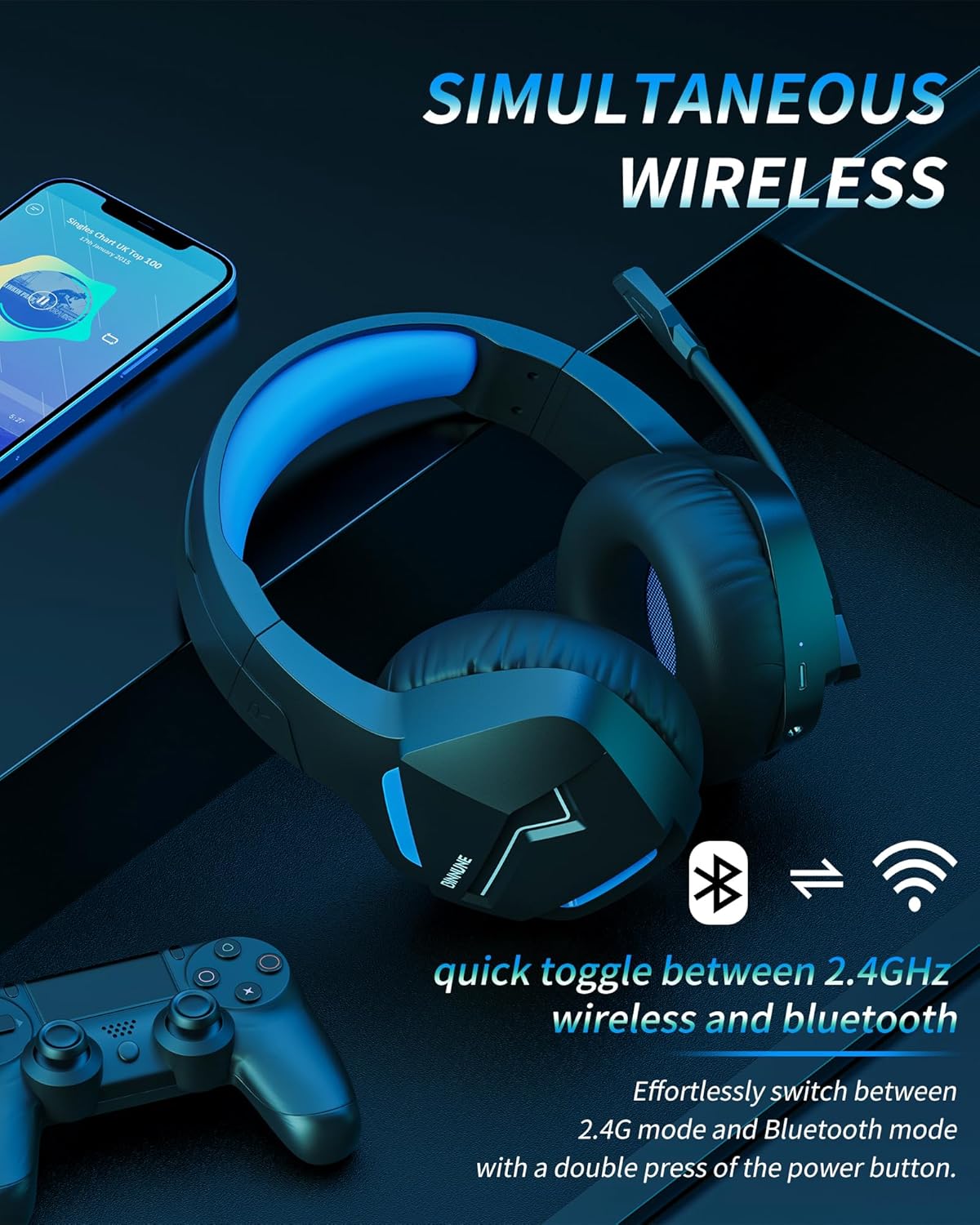
Image: The BINNUNE Wireless Gaming Headset shown with icons representing both 2.4GHz wireless and Bluetooth connectivity, indicating its ability to switch between these modes for versatile use.
Регулятор громкости
- Увеличить громкость: Нажмите кнопку увеличения громкости (+).
- Уменьшить громкость: Нажмите кнопку уменьшения громкости (-).
Управление микрофоном
- Отключение/включение микрофона: Press the Microphone Mute button. A red LED on the microphone tip usually indicates it is muted.
- Отрегулируйте положение микрофона: The 120° adjustable memory line microphone can be freely shaped and adjusted to your ideal angle.
Игровая производительность
The headset is designed for an immersive gaming experience with features like:
- Accurate Sound Positioning: The 50mm drivers provide clear and rich stereo sound, allowing you to accurately pinpoint in-game sounds like footsteps and environmental details.
- Низкая задержка: The 2.4GHz wireless technology ensures an ultra-low latency of 15ms, providing synchronized audio and video for competitive gaming.
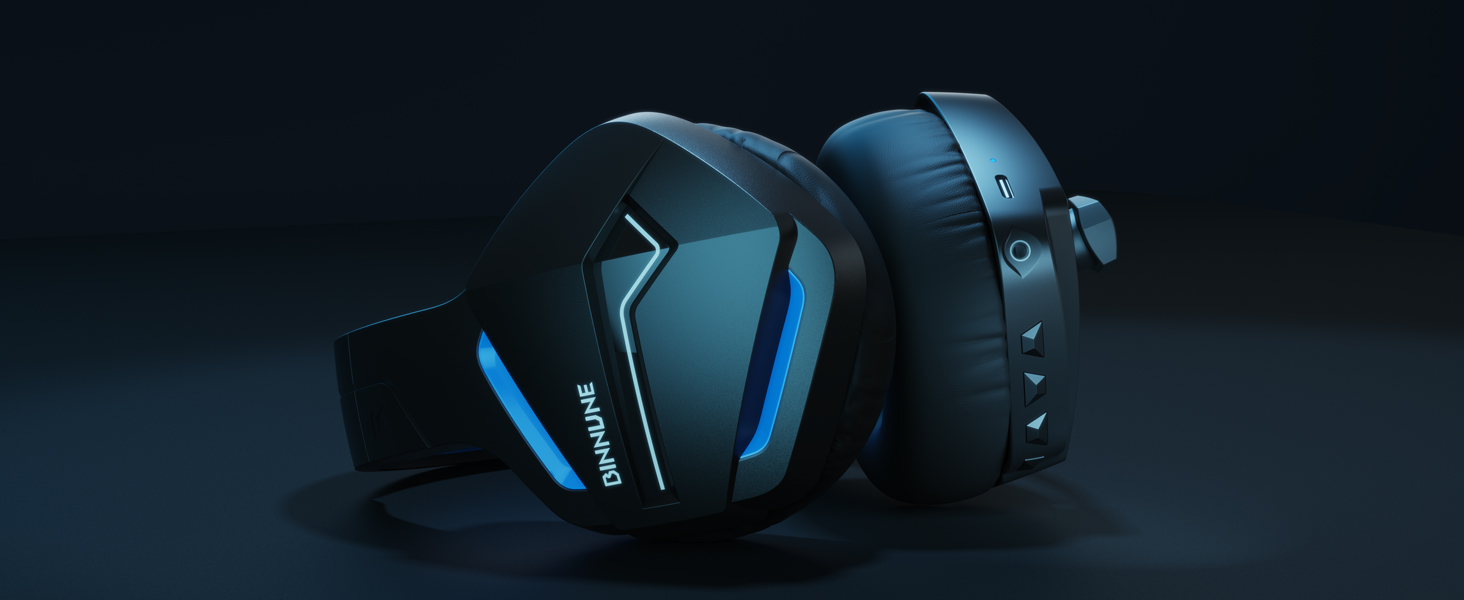
Image: A gamer immersed in a game, wearing the BINNUNE headset, highlighting the benefits of low latency and stable wireless connection for an enhanced gaming experience.
Обслуживание
Proper maintenance ensures the longevity and performance of your BINNUNE Wireless Gaming Headset.
- Уборка:
- Use a soft, dry, lint-free cloth to clean the headset's surfaces.
- For earmuffs, gently wipe with a slightly damp тканью и дайте полностью высохнуть на воздухе перед использованием.
- Не используйте агрессивные химикаты, чистящие растворители или сильные моющие средства.
- Хранилище:
- Храните гарнитуру в прохладном, сухом месте, вдали от прямых солнечных лучей и экстремальных температур.
- Не кладите тяжелые предметы на гарнитуру.
- Уход батареи:
- Избегайте частой полной разрядки аккумулятора.
- If storing for a long period, charge the headset to about 50% every few months to preserve battery health.
Поиск неисправностей
If you encounter issues with your BINNUNE Wireless Gaming Headset, please refer to the following common solutions:
| Проблема | Возможная причина | Решение |
|---|---|---|
| Нет звука / низкая громкость |
|
|
| Микрофон не работает |
|
|
| Connection Issues (Intermittent/No Connection) |
|
|
| Headset Not Compatible with Xbox |
|
|
Технические характеристики
Detailed technical specifications for the BINNUNE Wireless Gaming Headset (Model: BW01):
| Особенность | Деталь |
|---|---|
| Название модели | BW01 |
| Технология связи | Wireless (2.4GHz USB Dongle, Bluetooth 5.3), Wired (3.5mm Jack) |
| Технология беспроводной связи | Блютус 5.3 |
| Диапазон Bluetooth | До 10 метров (33 фута) |
| Задержка звука (2.4 ГГц) | 15ms (Ultra Stable 2.4GHz Wireless Connection) |
| Тип аудиодрайвера | Динамический драйвер |
| Размер аудиодрайвера | 50 миллиметра |
| Частотная характеристика | 20 Гц - 20 000 Гц |
| Чувствительность | 96 дБ |
| Микрофон | Unidirectional Noise-Canceling Mic (120° adjustable) |
| Срок службы батареи | До 80 часов (режим 2.4 ГГц), до 120 часов (режим Bluetooth) |
| Время зарядки | прибл. 3 часа для полной зарядки |
| Форма наушника | Oval (110mm diameter, 45mm thickness memory foam) |
| Материал | Plastic (headset), PU leather and mesh (earmuffs) |
| Вес товара | 10.7 унции (приблизительно 303 грамма) |
| Размеры продукта | 8.27 x 7.48 x 4.33 дюйма |
| Совместимые устройства | Gaming Consoles (PS4, PS5), Laptops, PC, Mac, Mobile Phones, Tablets |
| Тип управления | Кнопка управления |
| Включенные компоненты | User Manual, 2.4GHz USB Dongle, 3.5mm Audio Cable, USB Charging Cable |
Информация о гарантии
BINNUNE products are manufactured with high-quality standards. While specific warranty details are not provided in this manual, BINNUNE typically offers a limited warranty against defects in materials and workmanship. For detailed warranty terms, conditions, and registration, please refer to the official BINNUNE webсайт или обратитесь в службу поддержки клиентов.
Поддержка клиентов
For further assistance, technical support, or inquiries regarding your BINNUNE Wireless Gaming Headset, please contact BINNUNE customer support through the following channels:
- Official BINNUNE Webсайт: Visit the official BINNUNE webсайт с ответами на часто задаваемые вопросы, ресурсами поддержки и контактными формами.
- Магазин Amazon: Вы также можете посетить BINNUNE Store on Amazon Для получения информации о товаре и контактных данных продавца.
Please have your product model (BW01) and purchase details ready when contacting support.
Связанные документыBW01


Ask a question about this manual
Ask about setup, troubleshooting, compatibility, parts, safety, or missing instructions. Manuals+ will review the question and use this page’s manual context to help answer it.