
1. Введение
This instruction manual provides detailed information for the installation, operation, and maintenance of your Qiilu MT7921 NGFF M.2 Dual Band WiFi Network Card. This high-speed wireless card is designed to enhance your computer's network capabilities, offering dual-band connectivity and fast data transfer rates for a seamless online experience on Windows 10 and Windows 11 operating systems.
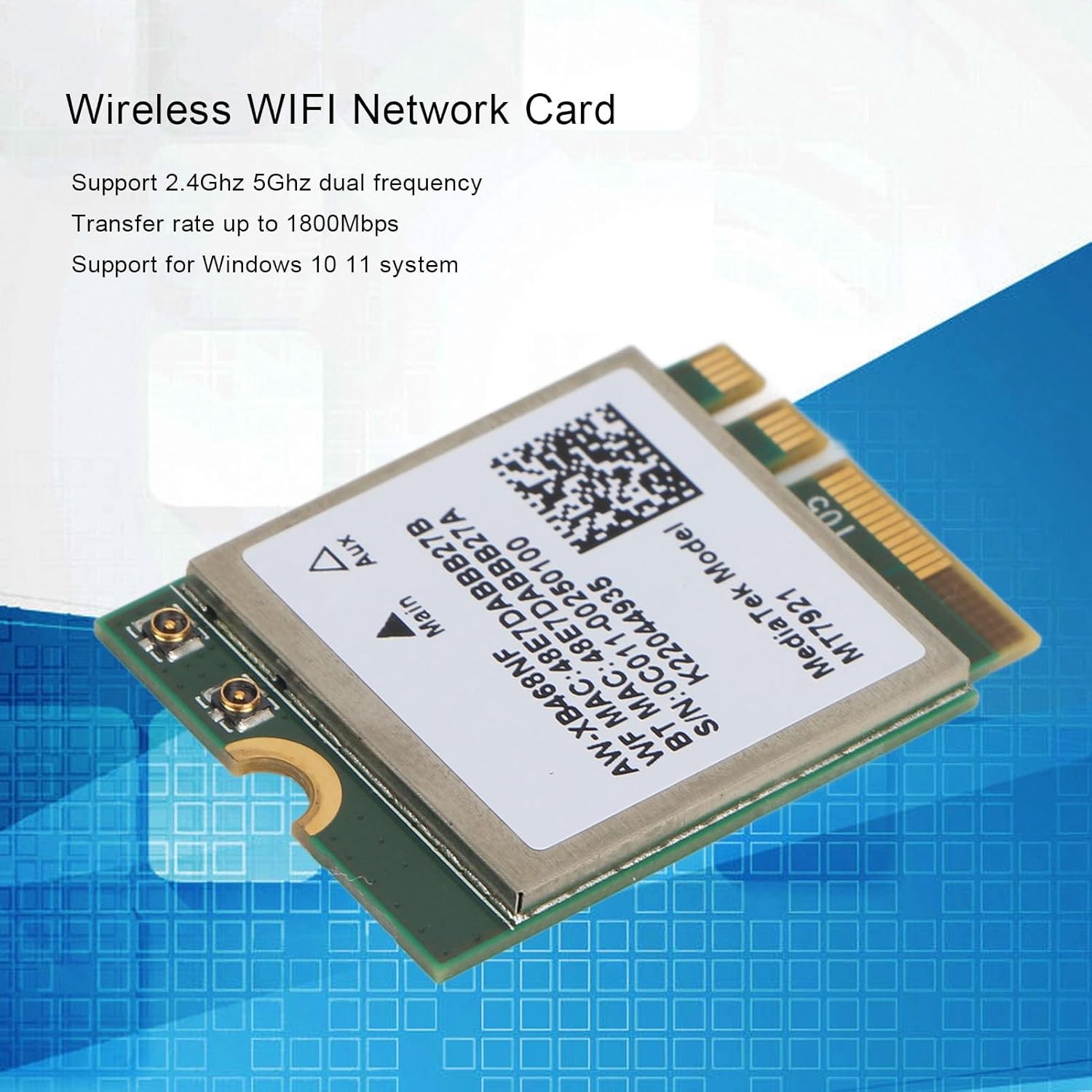
Image 1.1: The Qiilu MT7921 NGFF M.2 Dual Band WiFi Network Card, highlighting its dual-band support and high transfer rate.
2.Основные характеристики
- Двухдиапазонное подключение: Supports both 2.4GHz and 5GHz frequencies for stable and efficient wireless operation.
- Высокая скорость работы: Achieves transmission rates up to 1800Mbps with the latest 802.11ax protocol.
- NGFF M.2 Interface: Utilizes an NGFF M.2 interface type for optimal compatibility and performance.
- Широкая поддержка операционных систем: Compatible with Windows 10 and Windows 11 systems, offering plug-and-play functionality.
- Premium PCB Design: Constructed with an excellent circuit module board to minimize corrosion and wear, ensuring stable performance.
- Compact and Easy Installation: Small form factor with included spacer and screw for straightforward installation.
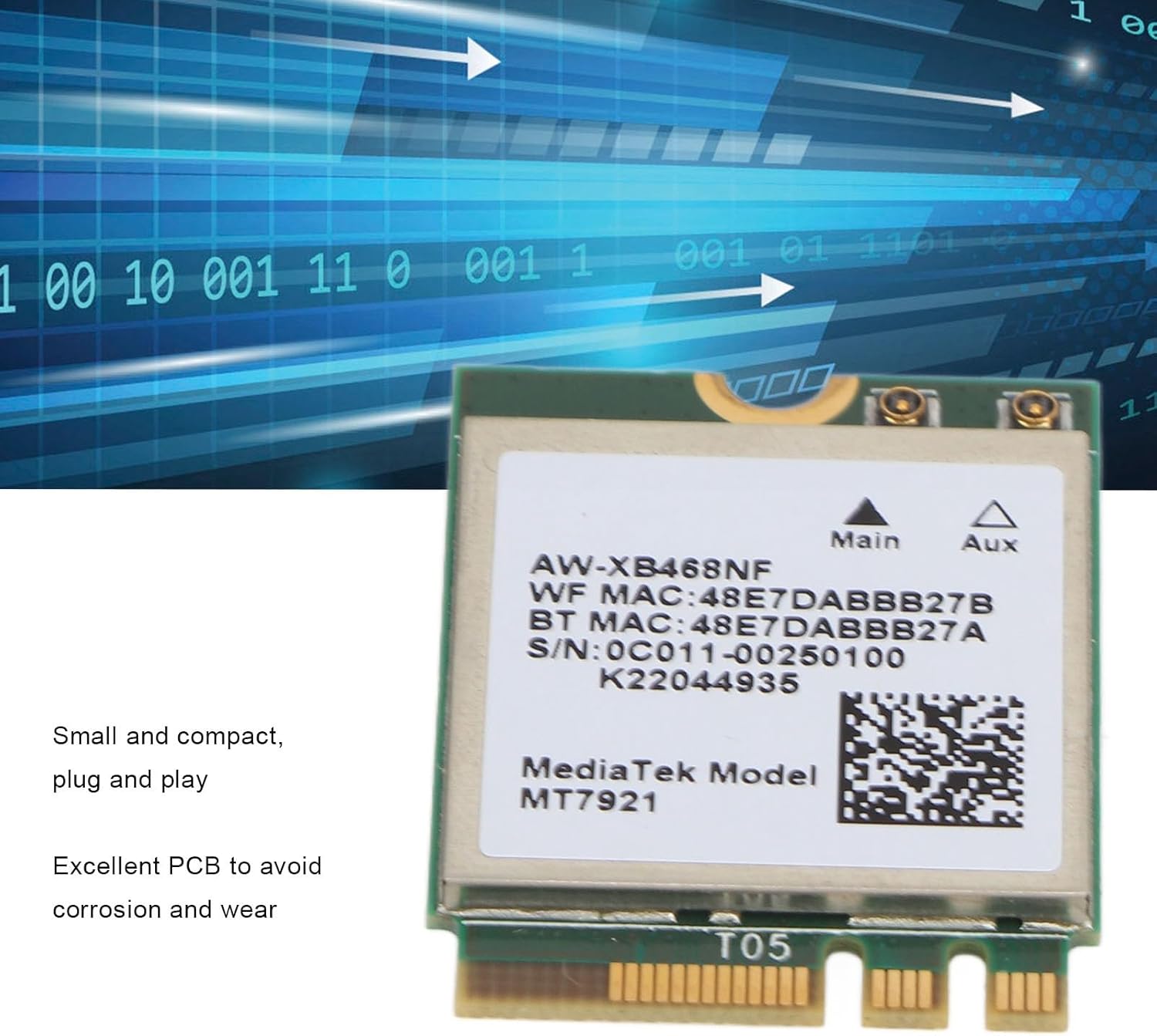
Image 2.1: The network card's compact design and robust PCB construction.
3. Содержимое упаковки
Пожалуйста, убедитесь, что в вашей посылке присутствуют все перечисленные ниже предметы:
- 1 x Qiilu MT7921 NGFF M.2 Dual Band WiFi Network Card
- 1 х Прокладка
- 1 х Винт
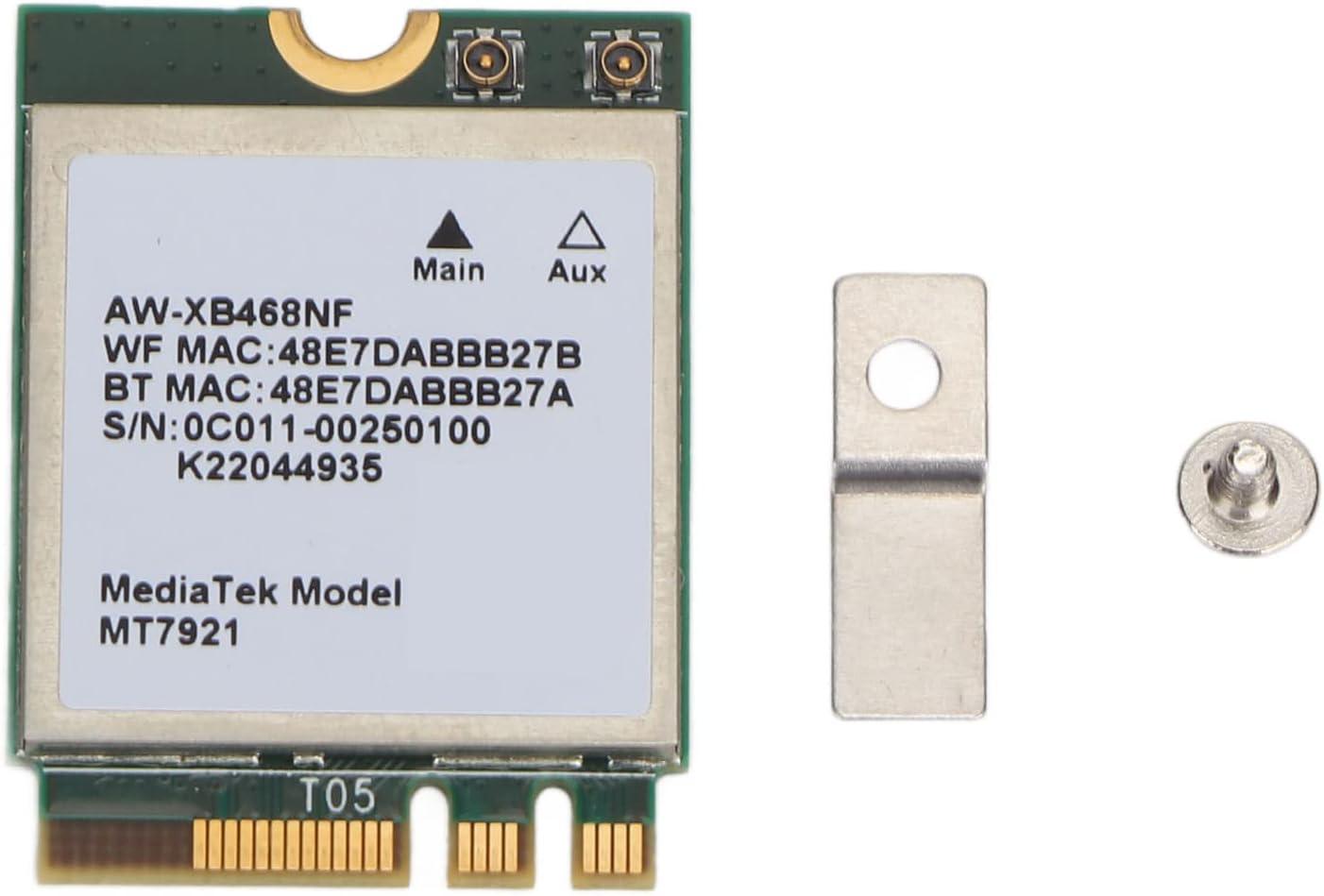
Image 3.1: The network card along with the included gasket and screw for installation.

Изображение 3.2: Крупный план view of the gasket and screw, essential for securing the network card.
4. Настройка и установка
Follow these steps to properly install your Qiilu MT7921 NGFF M.2 Dual Band WiFi Network Card into your compatible device.
- Подготовьте свое устройство: Power off your computer and disconnect it from the power source. If you are installing into a laptop, remove the battery. Open the computer case or access panel to expose the motherboard.
- Найдите слот M.2: Identify an available NGFF M.2 slot on your motherboard. These slots are typically labeled and may have a screw stand-off nearby.
- Вставьте сетевую карту: Gently align the notch on the network card with the key in the M.2 slot. Insert the card at a slight angle (approximately 30 degrees) into the slot until it is fully seated.
- Защитите карту: Push the card down towards the motherboard. Place the included gasket over the screw hole on the card, and then use the provided screw to secure the card to the motherboard's stand-off. Do not overtighten.
- Close Your Device: Reassemble your computer, ensuring all cables are properly connected and the case/panel is securely closed.
- Включение питания и установка драйверов: Power on your computer. For Windows 10 and Windows 11, the card is designed for plug-and-play functionality, and drivers should install automatically. If drivers do not install automatically, you may need to download them from the manufacturer's website using a wired connection or another device.

Image 4.1: The network card, illustrating its form factor for M.2 slot insertion.
5. Операция
Once the network card is successfully installed and drivers are recognized, you can connect to a wireless network.
- Настройки доступа к сети: In Windows 10/11, click on the Wi-Fi icon in the system tray (usually bottom-right corner of the screen).
- Выберите сеть: A list of available wireless networks will appear. Select your desired Wi-Fi network.
- Соединять: Нажмите «Подключиться» и введите ключ безопасности сети (пароль), если будет предложено.
- Использование двух диапазонов: The card will automatically connect to the optimal band (2.4GHz or 5GHz) based on network availability and signal strength. 5GHz offers higher speeds over shorter distances, while 2.4GHz provides better range.
6. Техническое обслуживание
The Qiilu MT7921 network card requires minimal maintenance. Follow these guidelines to ensure its longevity and optimal performance:
- Содержать в чистоте: Ensure the interior of your computer case is free from excessive dust, which can hinder airflow and lead to overheating.
- Избегайте физического урона: Handle the card with care during installation. Once installed, avoid unnecessary physical impact to your computer.
- Обновления программного обеспечения: Regularly update your operating system and network card drivers to ensure compatibility and access to the latest performance enhancements and security patches.
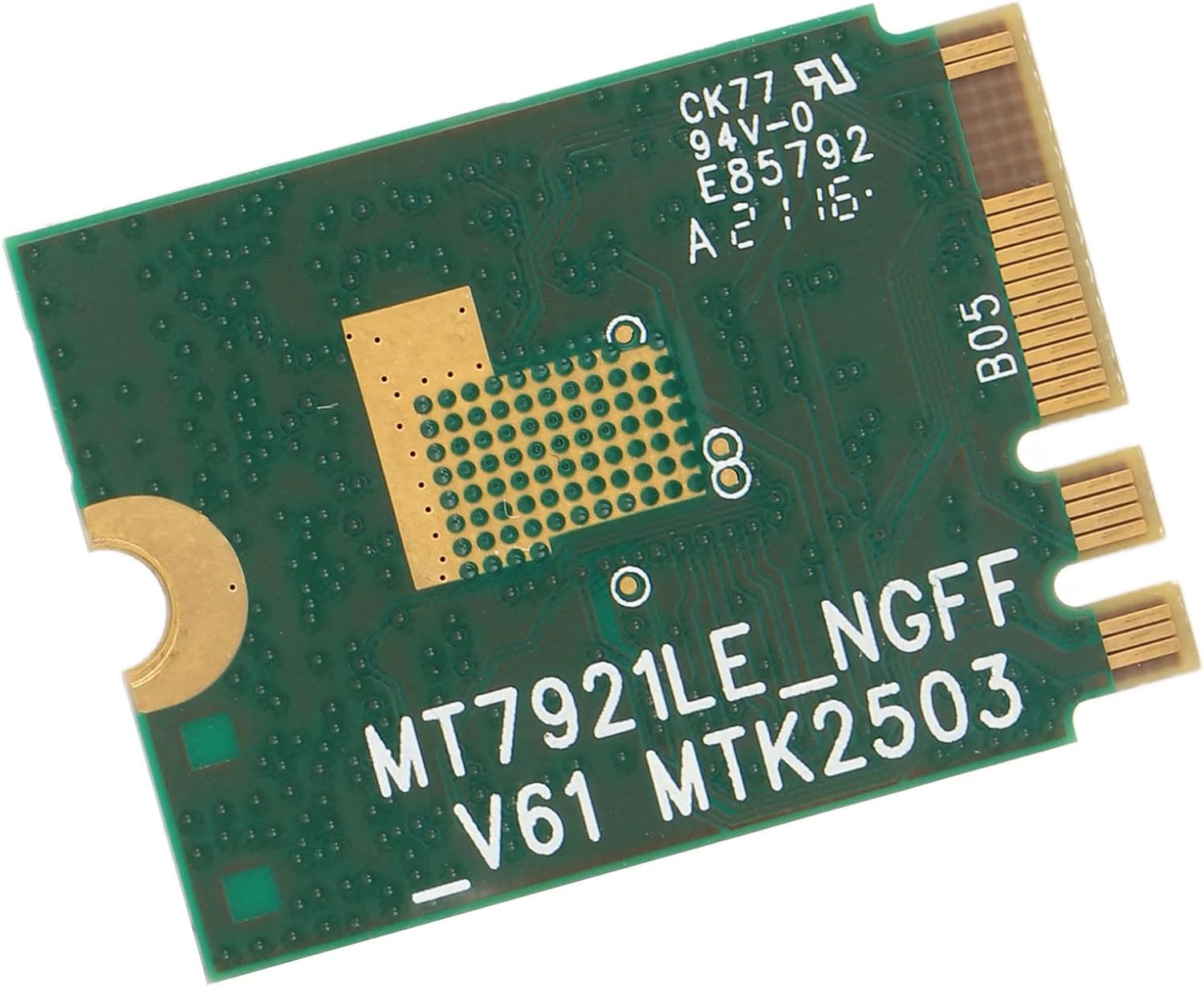
Image 6.1: The reverse side of the network card, showcasing its PCB design, which is designed for durability.
7. Поиск Неисправностей
Если у вас возникли проблемы с сетевой картой, ознакомьтесь со следующими распространенными проблемами и решениями:
- Карта не обнаружена:
- Ensure the card is correctly seated in the M.2 slot.
- Verify that the M.2 slot on your motherboard is enabled in the BIOS/UEFI settings.
- Check Device Manager in Windows for any unknown devices or network adapters with error symbols.
- No Wi-Fi Networks Found:
- Confirm that Wi-Fi is enabled in Windows settings.
- Перезагрузите компьютер и беспроводной маршрутизатор.
- Ensure drivers are properly installed. Reinstall them if necessary.
- Низкая скорость соединения:
- Проверьте наличие помех от других электронных устройств.
- Ensure your router supports 802.11ax and is configured for optimal performance.
- Try connecting to the 5GHz band if available and you are close to the router.
- Обновите прошивку вашего маршрутизатора.
- Прерывистое соединение:
- Подойдите ближе к своему беспроводному роутеру.
- Проверьте наличие конфликтующих IP-адресов в вашей сети.
- Disable power-saving features for the network adapter in Device Manager.
8. Технические характеристики
| Особенность | Описание |
|---|---|
| Модель | МТ7921 |
| Тип интерфейса | NGFF M.2 |
| Беспроводной протокол | 802.11ax (Wi-Fi 6) |
| Диапазоны частот | 2.4 ГГц, 5 ГГц |
| Скорость передачи данных | До 1800 Мбит/с |
| Совместимые операционные системы | Окна 10, Windows 11 |
| аппаратный интерфейс | 802.11 b/g/n (Note: Product description indicates 802.11ax, while specifications list 802.11 b/g/n. The 1800Mbps speed is consistent with 802.11ax.) |
| Совместимые устройства | Ноутбук, рабочий стол |
| Вес товара | 0.176 унции (приблизительно 0.01 килограмма) |
| Размеры упаковки | 2.32 x 1.54 x 0.28 дюйма |
| Производитель | Цюйлу |