
1. Введение
Thank you for choosing the BINNUNE 2.4GHz Wireless Gaming Headset. This manual provides detailed instructions to help you set up, operate, and maintain your headset for an optimal gaming and audio experience across various platforms including PS5, PS4, PC, Mac, and mobile devices via Bluetooth.
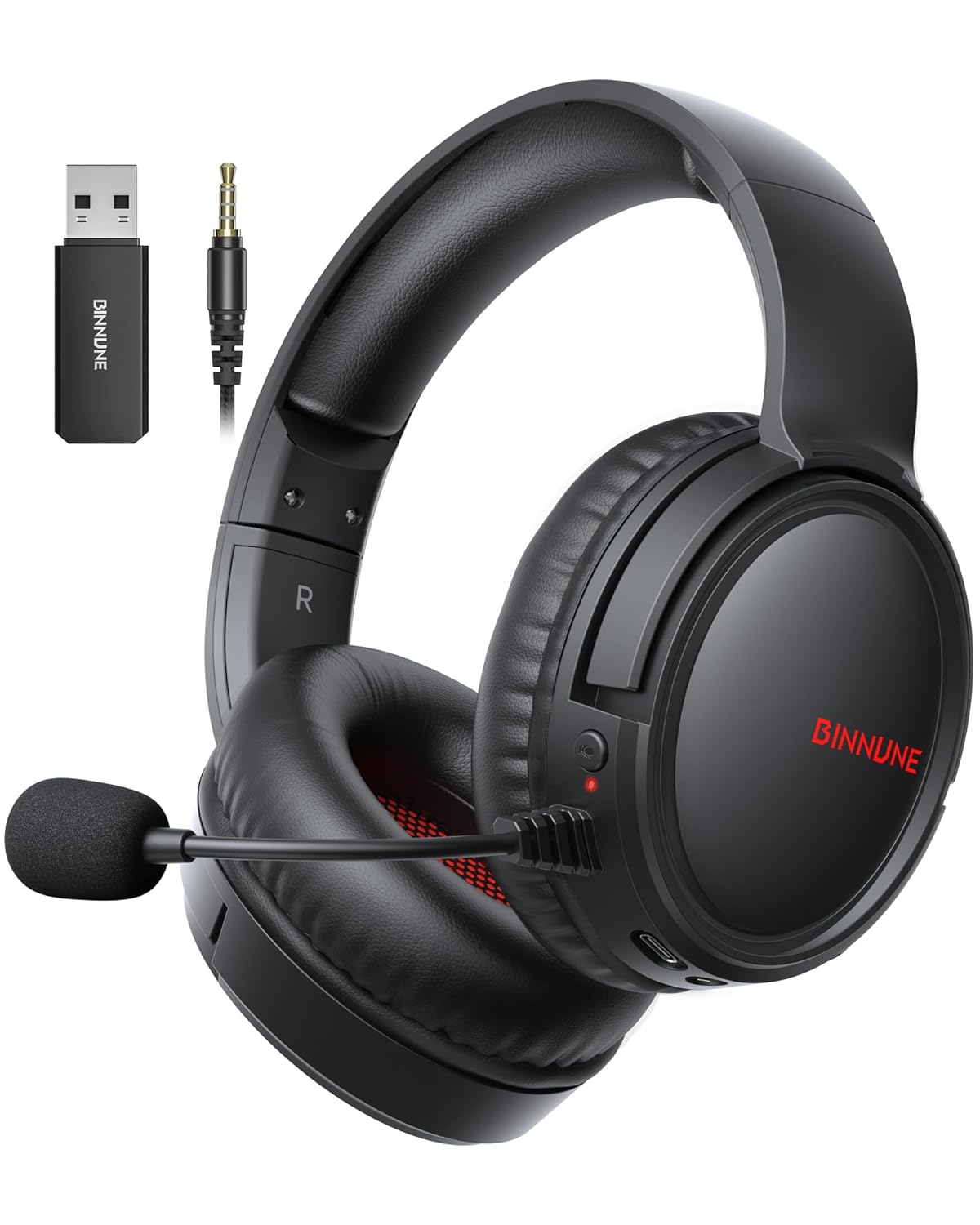
Figure 1: BINNUNE Wireless Gaming Headset (Model BW02-BT) with included accessories.
2. Что в коробке
- BINNUNE Wireless Gaming Headset (BW02-BT)
- USB-ключ на 2.4 ГГц
- Аудиокабель 3.5 мм
- Зарядный кабель USB-C
- Руководство пользователя

Figure 2: All components included with your BINNUNE Gaming Headset.
3. Продукт закончилсяview и элементы управления
Familiarize yourself with the headset's controls and ports for seamless operation.
- Микрофон: Dual beamforming microphones with rotatable design for clear communication. Features ENC noise-canceling technology.
- Порт USB-C: Для зарядки гарнитуры.
- Аудиоразъем 3.5 мм: Для проводного подключения к совместимым устройствам.
- Светодиодный индикатор: Отображает состояние питания, состояние зарядки и режим подключения.
- Кнопка питания: Нажмите и удерживайте для включения/выключения питания.
- Колесо громкости: Регулирует громкость звука.
- Кнопка выключения звука: Отключает/включает микрофон.
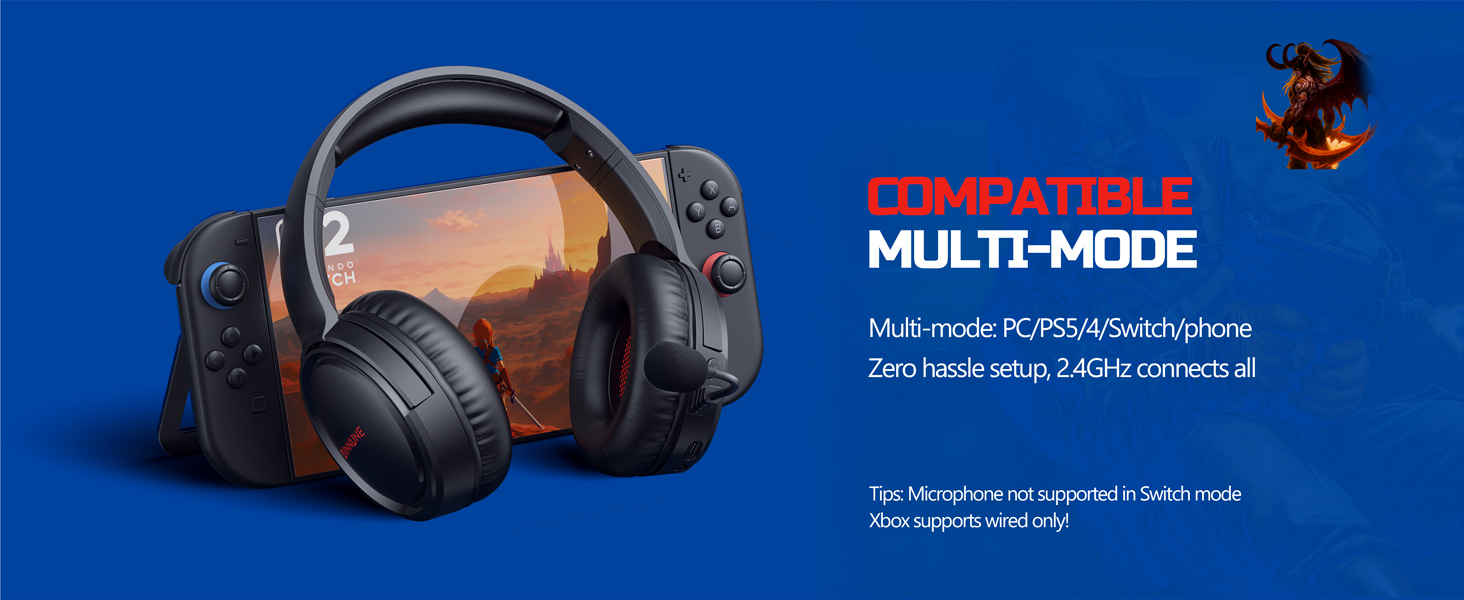
Figure 3: Key controls and ports on the BINNUNE Wireless Gaming Headset.
Видео 1: Краткий обзорview of the BINNUNE Gaming Headset's features and controls.
4. Настройка и подключение
4.1 Первоначальная зарядка
Before first use, fully charge your headset. Connect the USB-C charging cable to the headset's USB-C port and the other end to a USB power source. The LED indicator will show charging status and turn off when fully charged. A full charge takes approximately 6 hours.

Figure 4: The headset offers up to 40 hours of battery life on a single charge.
4.2 Беспроводное соединение 2.4 ГГц (USB-адаптер)
This mode provides ultra-low latency audio (≤38ms) for gaming on PS5, PS4, PC, and Mac.
- Plug the 2.4GHz USB dongle into an available USB port on your PS5/4, PC, or Mac.
- Power on your BINNUNE headset by pressing and holding the power button.
- The headset will automatically connect to the dongle. The LED indicator will show a stable light when connected.
Примечание: The microphone is not available when connected to Nintendo Switch in 2.4GHz mode. Not compatible with XBOX.

Figure 5: The 2.4GHz USB dongle ensures a fast and stable connection.
4.3 Bluetooth-соединение
Use Bluetooth mode for mobile phones, tablets, iPads, and other smart devices.
- Убедитесь, что гарнитура включена.
- На вашем устройстве перейдите в настройки Bluetooth и включите Bluetooth.
- Select "BINNUNE BW02-BT" from the list of available devices to pair.
- The LED indicator will flash during pairing and show a stable light once connected.
Примечание: Bluetooth mode is not compatible with PS5/4. The microphone is not available when connected to Nintendo Switch in Bluetooth mode.
4.4 Проводное подключение (аудиокабель 3.5 мм)
For devices that do not support wireless connectivity or when battery is low.
- Подключите один конец 3.5-мм аудиокабеля к 3.5-мм аудиоразъему гарнитуры.
- Connect the other end to the 3.5mm audio port on your gaming device (e.g., PS5/4 controller, PC, phone).
Примечание: The microphone may not be available on some devices when using the wired connection.

Figure 6: Multiplatform compatibility of the BINNUNE headset across 2.4G, Bluetooth, and Wired modes.
Video 2: Demonstrating the multi-mode connectivity of BINNUNE Gaming Headsets for PS4/PS5/PC.
5. Инструкция по эксплуатации
5.1 Включение/выключение питания
Press and hold the Power Button for 3 seconds to turn the headset on or off. The LED indicator will light up or turn off accordingly.
5.2 Регулятор громкости
Rotate the Volume Wheel up (+) to increase volume or down (-) to decrease volume.
5.3 Использование микрофона
The headset features a rotatable microphone. Flip the microphone down to use it. Press the Mute Button to toggle microphone mute on or off. The ENC noise-canceling technology helps ensure clear voice transmission.
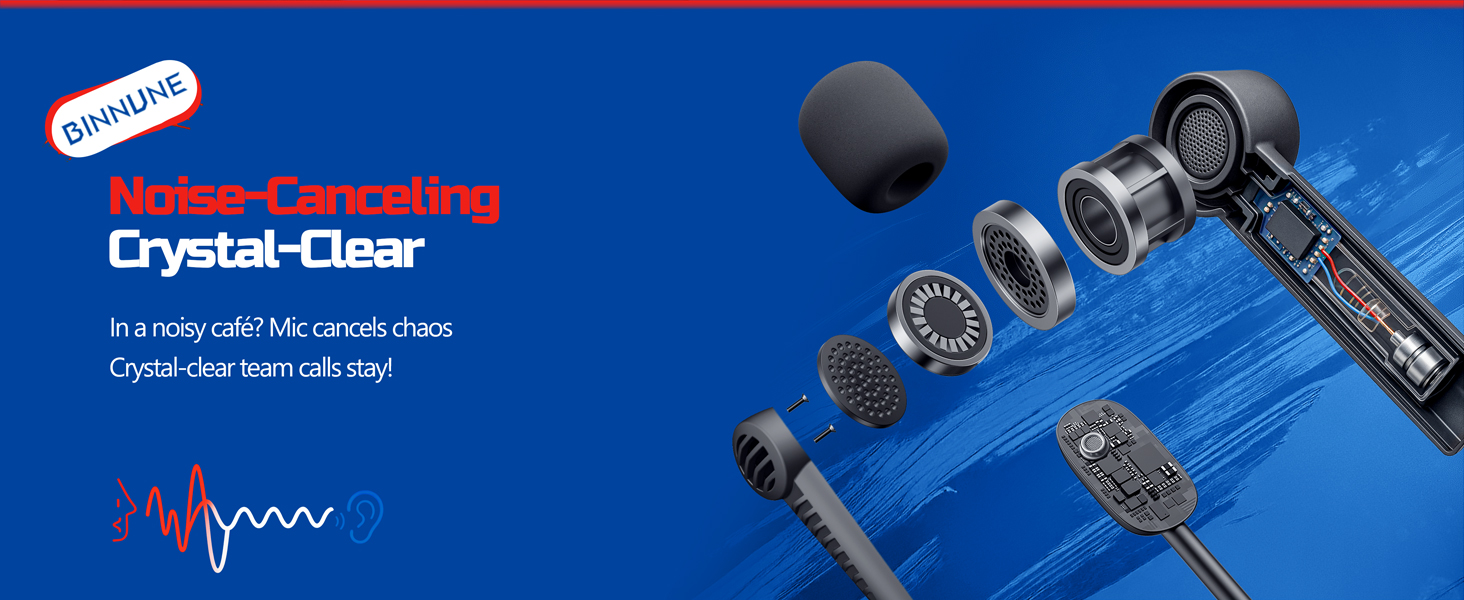
Figure 7: The noise-canceling microphone ensures crystal-clear voice calls by reducing background noise.
5.4 Переключение между режимами
The headset supports seamless switching between 2.4GHz and Bluetooth modes. Refer to section 4 for specific connection steps for each mode. The headset prioritizes the 2.4GHz connection when the dongle is active.
6. Техническое обслуживание
- Уборка: Для чистки гарнитуры используйте мягкую сухую ткань. Избегайте использования абразивных чистящих средств или растворителей.
- Хранилище: Храните гарнитуру в прохладном, сухом месте, вдали от прямых солнечных лучей и экстремальных температур.
- Уход батареи: Чтобы продлить срок службы аккумулятора, избегайте частой полной разрядки гарнитуры. Регулярно заряжайте её, даже если она не используется в течение длительного времени.
7. Поиск Неисправностей
| Проблема | Возможная причина | Решение |
|---|---|---|
| Нет звука в гарнитуре. | Headset not powered on, low battery, incorrect connection mode, volume too low. | Ensure headset is on and charged. Check connection mode (2.4GHz/Bluetooth/Wired). Increase volume. |
| Микрофон не работает. | Microphone muted, incorrect input device selected on computer/console, compatibility issue in certain modes. | Unmute microphone. Check audio settings on your device to ensure BINNUNE headset is selected as input. Note mode limitations (e.g., Switch, some wired connections). |
| Не удаётся подключиться через 2.4 ГГц USB-модем. | Неправильно вставлен адаптер, помехи, гарнитура слишком далеко от адаптера. | Ensure dongle is fully inserted. Move closer to the dongle. Try a different USB port. |
| Невозможно подключиться через Bluetooth. | Гарнитура не находится в режиме сопряжения, Bluetooth устройства выключен, устройство уже подключено к другому устройству. | Ensure headset is discoverable. Turn Bluetooth on your device. Disconnect from other devices. |
8. Технические характеристики
| Особенность | Деталь |
|---|---|
| Название модели | БВ02-БТ |
| Технология связи | Wireless (2.4GHz, Bluetooth 5.3), Wired (3.5mm Jack) |
| Размер аудиодрайвера | 50 мм |
| Частотная характеристика | 20 Гц - 20 000 Гц |
| Чувствительность | 96 дБ |
| Задержка звука (2.4 ГГц) | 32 Milliseconds (≤38ms advertised) |
| Срок службы батареи | До 40 часов |
| Время зарядки | 6 часов |
| Микрофон | Dual Beamforming with ENC Noise-Canceling |
| Материал | Plastic (Headset), Leather (Ear Cushions) |
| Масса | 13.4 унции |
| Совместимые устройства | Gaming Consoles (PS4, PS5), PC, Mac, Telephones, Laptops, Desktops |
9. Гарантия и поддержка
BINNUNE products are manufactured with high-quality standards. For any product-related inquiries, technical support, or warranty claims, please refer to the official BINNUNE store or contact their customer service directly.
Посетите BINNUNE Store on Amazon для получения дополнительной информации и поддержки.


