
Введение
Thank you for choosing the Verilux Wireless Mouse M103. This manual provides detailed instructions for setting up, operating, and maintaining your new mouse. Please read this manual carefully before use to ensure optimal performance and longevity of your device.
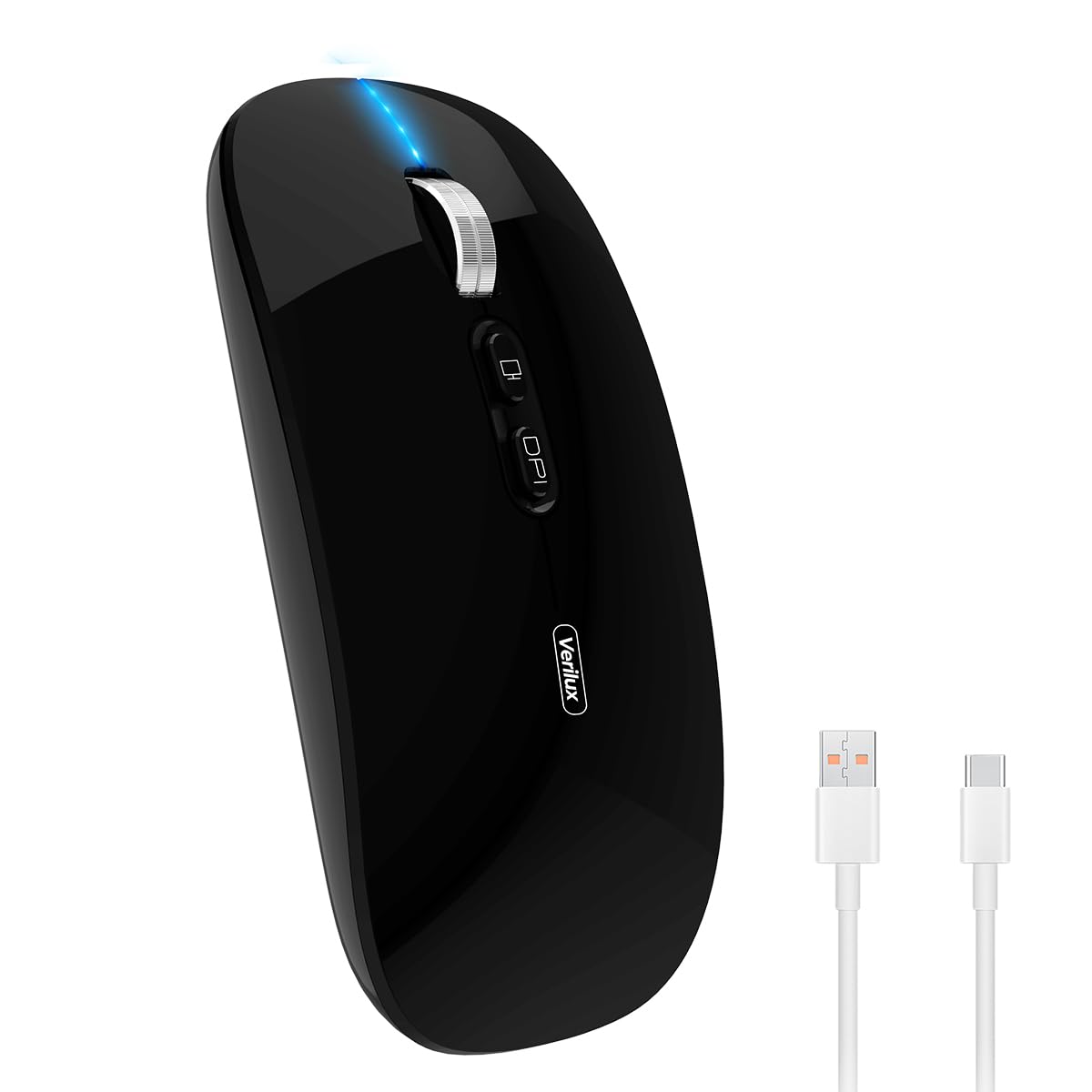
Image: Verilux Wireless Mouse M103 in black.
Продукт болееview
The Verilux M103 is a versatile wireless mouse offering dual-mode connectivity (2.4G USB and Bluetooth 5.1), a rechargeable battery, and an ergonomic, silent design. It is compatible with a wide range of devices and operating systems.

Image: The Verilux M103 mouse demonstrating its dual Bluetooth connectivity with a laptop and tablet.
Основные характеристики:
- Двойной режим подключения: Seamlessly switch between 2.4G USB and Bluetooth 5.1.
- Аккумуляторная батарея: Built-in 500mAh battery with 4-level power indicator.
- Ergonomic & Silent Design: Comfortable grip with silent clicks for a quiet working environment.
- Универсальная совместимость: Supports Android, Windows, MacOS, iOS 12 and above, PC, laptops, and tablets.
- Регулируемый DPI: Customize mouse sensitivity for precise control.
Настраивать
1. 2.4G Mode Setup:
- Найдите USB-приемник, расположенный в нижнем отсеке мыши.
- Plug the USB receiver into an available USB port on your device (laptop, PC).
- Включите мышь с помощью переключателя включения/выключения, расположенного внизу.
- Мышь должна автоматически подключиться к вашему устройству.
Video: Demonstrates unboxing, identifying the USB receiver, and connecting the mouse via 2.4G USB to a laptop.
2. Bluetooth Mode Setup:
The mouse supports two Bluetooth channels: Bluetooth 3.0 and Bluetooth 5.1.
- Включите мышь с помощью переключателя «Вкл./Выкл.» на нижней панели.
- Switch the mode selector on the bottom of the mouse to either BT3.0 (center blue light) or BT5.1 (right blue light).
- Activate Bluetooth on your device (laptop, PC, iPad, phone).
- Искать available Bluetooth devices and select 'BT5.1 Mouse' to connect.
- If the indicator light blinks and the connection is unsuccessful, restart both your device and the mouse, then try again.
Инструкция по эксплуатации
Кнопки мыши:
- Щелчок левой кнопкой мыши: Стандартный выбор.
- Щелкните правой кнопкой мыши: Контекстное меню.
- Scroll Wheel (Middle Button/Roller): Scroll up/down, click for middle-click functions.
- Кнопка разрешения: Регулирует чувствительность мыши (DPI).
- Кнопка «Настроить рабочий стол одним щелчком»: Быстро сворачивает все открытые окна, чтобы отобразить рабочий стол.

Image: Close-up of the Verilux M103 mouse, highlighting the scroll wheel, DPI button, and one-click desktop button.
Настройка DPI:
Press the DPI button (located behind the scroll wheel) to cycle through different sensitivity levels (e.g., 800, 1200, 1600 DPI). Choose the setting that best suits your preference and task.
Зарядка и аккумулятор
The Verilux M103 mouse features a built-in 500mAh rechargeable battery. It is equipped with 4-level power indicator lights to show the remaining battery life.
Инструкции по зарядке:
- Connect the mouse to a power source using the provided USB-C charging cable. The charging port is located at the front of the mouse.
- A flashing light on the mouse indicates normal charging.
- Charge the mouse using a 5V 1A, 5V 2A, or an adapter with no more than 10W of power. It can also be charged by connecting it to a computer's USB port.
- Мышь можно использовать во время зарядки.
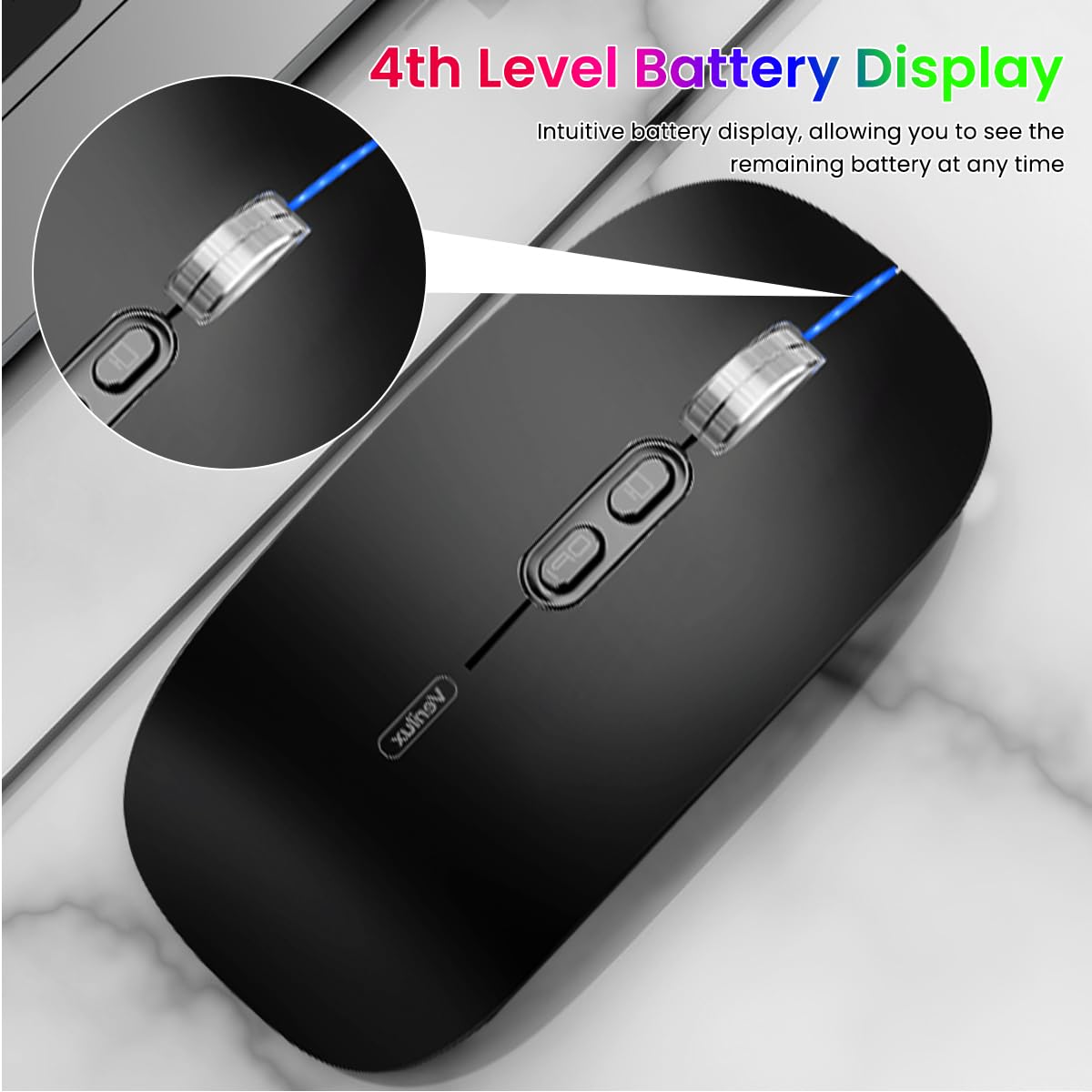
Image: The Verilux M103 mouse displaying its 4-level battery indicator lights.

Image: The Verilux M103 mouse connected to a laptop for charging via its USB-C port.
Совместимость
The Verilux M103 Wireless Mouse offers broad compatibility with various devices and operating systems:
- Операционные системы: Android, Windows (7, XP, 8, 10), MacOS, iOS 12 and above, Linux.
- Устройства: Laptops, Personal Computers, Tablets, iPads, MacBooks.

Image: The Verilux M103 mouse shown with a laptop, desktop monitor, iPad, and smartphone, illustrating its wide compatibility.
Обслуживание
To ensure the longevity and optimal performance of your Verilux Wireless Mouse M103, follow these maintenance guidelines:
- Уборка: Для чистки мыши используйте мягкую сухую ткань. Для удаления стойких загрязнений слегка потрите.ampСмочите ткань водой или мягким чистящим раствором. Избегайте использования агрессивных химикатов и абразивных материалов.
- Хранилище: When not in use, especially during travel, store the USB receiver in its designated compartment at the bottom of the mouse to prevent loss.
- Уход батареи: Avoid fully discharging the battery frequently. Charge the mouse when the power indicator shows low battery. Do not expose the mouse to extreme temperatures.
- Условия окружающей среды: Keep the mouse away from excessive dust, moisture, and direct sunlight.
Поиск неисправностей
If you encounter issues with your Verilux Wireless Mouse M103, please refer to the following common solutions:
| Проблема | Решение |
|---|---|
| Mouse not connecting (2.4G Mode) |
|
| Mouse not connecting (Bluetooth Mode) |
|
| Mouse cursor lagging or erratic movement |
|
| Мышь не заряжается |
|
Технические характеристики
| Особенность | Деталь |
|---|---|
| Бренд | Верилюкс |
| Номер модели | M103 (AZEM4-0K5FZ5C) |
| Технология связи | Bluetooth (3.0 & 5.1), 2.4G Wireless |
| Технология обнаружения движения | Оптический |
| Настройки DPI | До 1600 точек на дюйм (регулируемое) |
| Аккумулятор | 500 мАч перезаряжаемый |
| Источник питания | Питание от аккумулятора (зарядка через USB-C) |
| Кнопки | 4 (Left, Right, Scroll Wheel/Middle, DPI, One-Click Desktop) |
| Ориентация руки | Двусторонний |
| Вес товара | 119 грамм |
| Размеры товара (Д x Ш) | 12 Д x 7 Ш сантиметров |
| Цвет | Black (Standard Black variant) |
Гарантия и поддержка
For warranty information and customer support, please refer to the documentation included with your product packaging or visit the official Verilux webсайт. Вы также можете обратиться за помощью напрямую к продавцу.
Производитель: Verilux, Yiwu Kaiming Industrial Co., Ltd.
Импортер/Упаковщик: Верилюкс
Для получения дополнительной информации вы можете посетить [ссылка]. Магазин Verilux на Amazon.