
1. Введение
This manual provides instructions for the proper use and care of your BoxWave MagnetoSnap PD AllCharge Cable (100W). This versatile cable is designed to provide efficient charging and data transfer for a wide range of devices, including the Chuwi HiPad XPro, using its interchangeable magnetic tips.

Image 1.1: The BoxWave MagnetoSnap PD AllCharge Cable with its magnetic connectors and a compatible tablet.
2. Продукт закончилсяview
The BoxWave MagnetoSnap PD AllCharge Cable features a durable braided nylon design and includes three interchangeable magnetic connectors: USB-C, Micro USB, and a compatible connector for Apple devices. The cable also incorporates a built-in USB Type-C adapter within its standard USB-A connector, allowing for flexible power source connections.
2.1 Компоненты
- MagnetoSnap Cable: The main braided cable with a magnetic receiving end and a dual-purpose USB-A/USB-C host connector.
- Magnetic USB-C Tip: For devices with a USB-C charging port.
- Magnetic Micro USB Tip: For devices with a Micro USB charging port.
- Magnetic Apple Compatible Tip: For devices utilizing an Apple-style charging port.

Image 2.1: The cable and its three distinct magnetic tips (USB-C, Micro USB, and Apple compatible).

Image 2.2: Visual representation of the three magnetic connector types included with the cable.
3. Инструкции по настройке
- Выберите правильный совет: Identify the charging port type on your device (e.g., Chuwi HiPad XPro uses USB-C). Choose the corresponding magnetic tip (USB-C, Micro USB, or Apple compatible).
- Вставьте совет: Carefully insert the chosen magnetic tip into your device's charging port. Ensure it is fully seated. This tip can remain in your device to protect the port and facilitate quick connections.
- Подсоедините кабель: Bring the magnetic end of the MagnetoSnap cable close to the inserted tip. The magnets will automatically align and snap into place, establishing a secure connection.
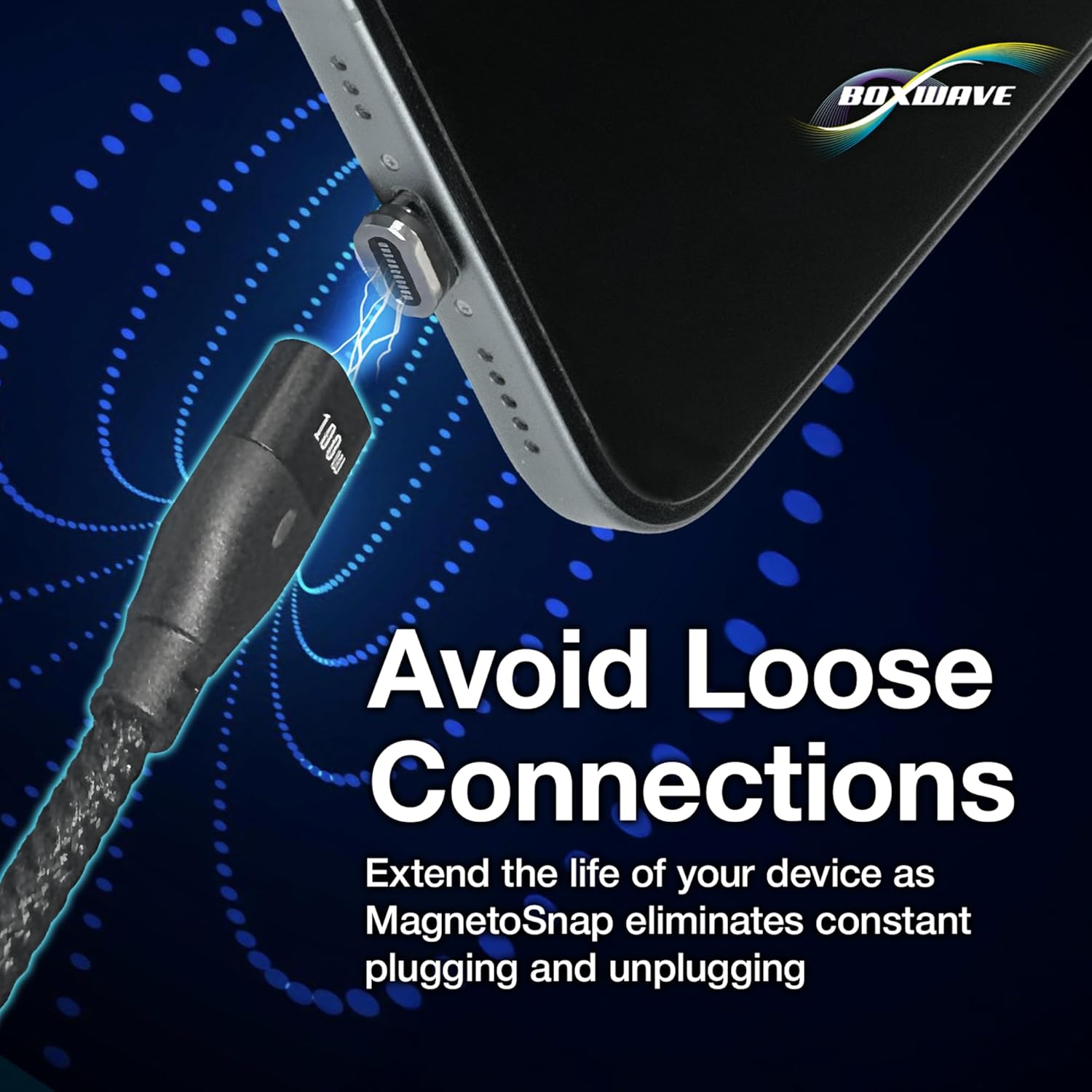
Image 3.1: Demonstrating the magnetic connection process, where the cable snaps onto the pre-inserted tip.
4. Инструкция по эксплуатации
4.1 Зарядка вашего устройства
- Подключение к источнику питания: Plug the host end of the MagnetoSnap cable into a power adapter or a computer's USB port. The cable supports both traditional USB-A ports and USB-C Power Delivery (PD) chargers. To use a USB-C PD charger, gently pull away the outer USB-A casing to reveal the integrated USB-C connector.
- Магнитное соединение: Ensure the correct magnetic tip is inserted into your device's charging port. Connect the cable magnetically to the tip.
- Проверьте зарядку: Confirm that your device indicates it is charging. The cable supports up to 100W Power Delivery, enabling rapid charging for compatible devices, including laptops.
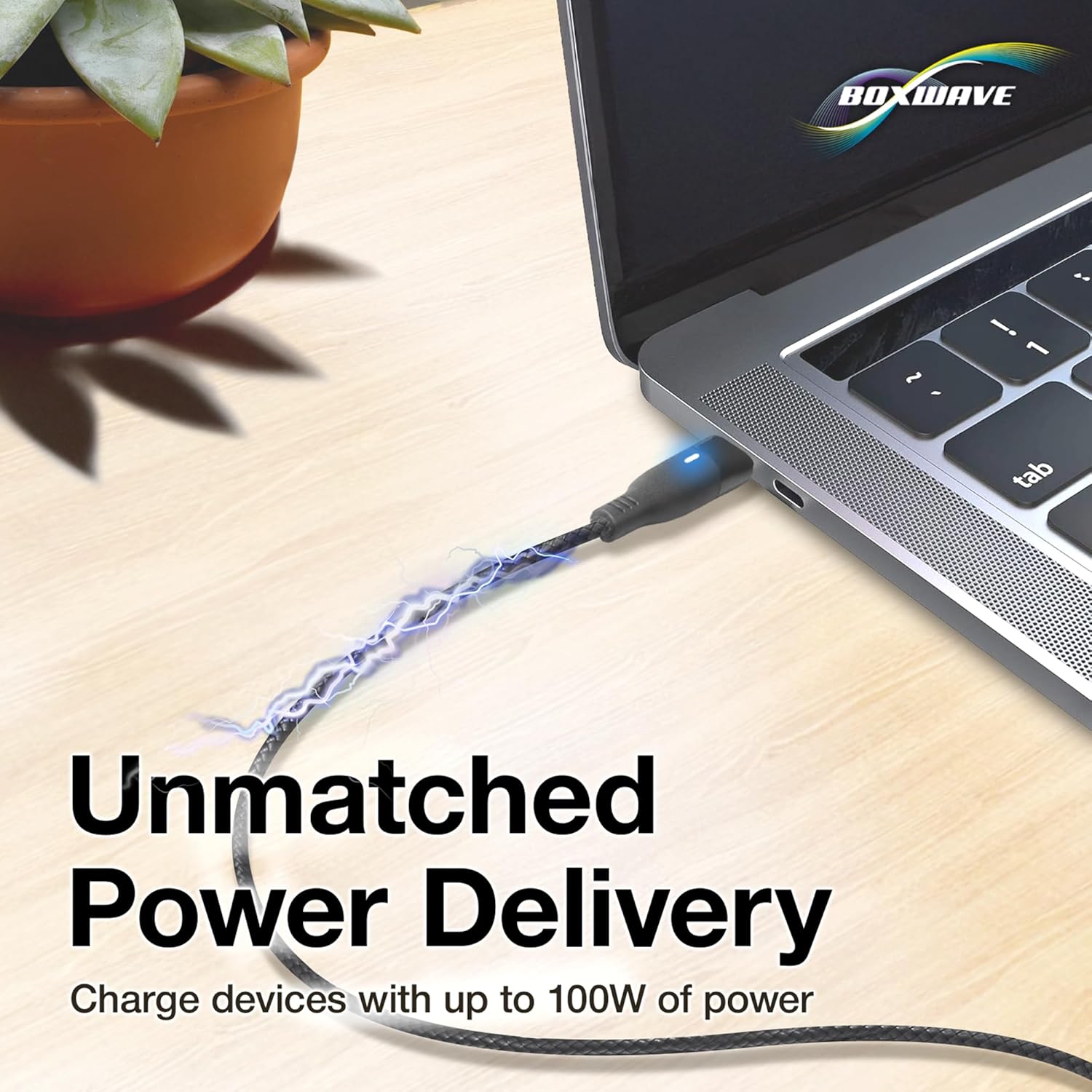
Image 4.1: The cable connected to a laptop, demonstrating its high-power charging function.

Image 4.2: Detail of the cable's host connector, highlighting the integrated USB-C adapter for versatile power sources.
4.2 Передача данных
To transfer data, connect the host end of the MagnetoSnap cable to a computer's USB port (either USB-A or USB-C, depending on your computer's port and the cable's configuration). Ensure the magnetic tip is securely connected to your device. The cable supports data transfer speeds of up to 480Mbps, allowing for efficient syncing of files.

Image 4.3: The cable facilitating both charging and data transfer between a smartphone and a laptop.
5. Техническое обслуживание
- Уход за кабелем: The braided nylon cable is designed for durability. Avoid sharp bends, excessive pulling, or tangling to prolong its lifespan.
- Magnetic Tips: Keep the magnetic tips and the cable's magnetic end free from dust, debris, and metallic particles to ensure a strong and reliable connection. Use a soft, dry cloth for cleaning.
- Защита порта: Leaving the magnetic tip in your device's charging port helps protect it from dust, lint, and wear caused by repeated plugging and unplugging of traditional cables.

Image 5.1: The magnetic connection helps prevent wear and tear on your device's charging port.
6. Поиск Неисправностей
- Устройство не заряжается:
- Ensure the magnetic tip is fully inserted into your device's charging port.
- Убедитесь в надежности магнитного соединения между кабелем и наконечником.
- Check that the host end of the cable is properly connected to a functional power source (wall adapter, computer USB port).
- If using a USB-C PD charger, ensure the USB-C connector is fully extended from the USB-A casing.
- Test with a different power source or device if possible.
- Медленная зарядка:
- Убедитесь, что ваш адаптер питания поддерживает требуемую мощность.tage for your device (e.g., 100W for laptops).
- Clean the magnetic contacts on both the tip and the cable.
- Проблемы с передачей данных:
- Confirm the cable is securely connected to both your device and the computer.
- Check your device's settings to ensure it is configured for data transfer when connected to a computer.
- Попробуйте использовать другой порт USB на вашем компьютере.
7. Технические характеристики
| Особенность | Деталь |
|---|---|
| Бренд | BoxWave |
| Модель | MagnetoSnap PD AllCharge Cable (100W) |
| Цвет | Черный как смоль |
| Подача электроэнергии | До 100 Вт |
| Скорость передачи данных | До 480 Мбит/с |
| Материал кабеля | Плетеный нейлон |
| В комплект входят разъемы | Magnetic USB-C, Magnetic Micro USB, Magnetic Apple Compatible |
| Разъем хоста | USB-A (with integrated USB-C adapter) |
| Вес товара | 0.8 унции |
8. Гарантия и поддержка
For warranty information and technical support, please refer to the official BoxWave webили обратитесь в службу поддержки напрямую. Сохраните чек о покупке в качестве подтверждения покупки на случай предъявления гарантийных претензий.
BoxWave Customer Support: www.boxwave.com/support


