
Leipan LPM7-LP
Leipan LPM7 4.3" Coin Microscope User Manual
Model: LPM7-LP
Your guide to exploration and detailed observation.
1. Введение и окончаниеview
The Leipan LPM7 4.3" Coin Microscope is an advanced digital microscope featuring a 4.3-inch IPS screen, designed for detailed observation of various objects, from coins to intricate electronic components. It offers a magnification range of 50X to 1000X, enabling users to explore subjects at different levels of detail. This device simplifies the process of capturing high-resolution images and videos of your discoveries.

Figure 1.1: Leipan LPM7 4.3" Coin Microscope.
Ключевые особенности включают в себя:
- 4.3 Inches IPS Screen: Provides a generous display area with remarkable clarity and color accuracy, offering a 178° full viewугол наклона.
- Увеличение 50X-1000X: Allows for exploration of objects from larger structures to intricate microscopic elements.
- One-Click Photo and Video Capture: Effortlessly record high-resolution images or videos.
- High-Speed 32GB TF Card: Ample storage for captured observations.
- Upgraded Battery Life: Extended usage periods for prolonged exploration.
2. Что в коробке
Upon unboxing your Leipan LPM7 Coin Microscope, please verify that all components listed below are present:
- Microscope Unit with 4.3-inch IPS Screen
- Руководство пользователя
- Bracket (Stand Assembly)
- База
- USB-кабель
- Карточка 32GB TF
- Calibrating Ruler

Figure 2.1: All-in-One package contents.
3. Инструкции по настройке
Выполните следующие шаги, чтобы собрать и подготовить микроскоп к использованию:
- Соберите кронштейн: Insert the vertical rod of the bracket into the base and secure it.
- Attach the Microscope: Mount the microscope unit onto the bracket. Ensure it is securely fastened.
- Снимите защитную крышку объектива: Carefully remove the protective cap from the microscope lens.
- Вставьте карту памяти: Locate the TF card slot on the microscope unit and gently insert the provided 32GB TF card until it clicks into place.
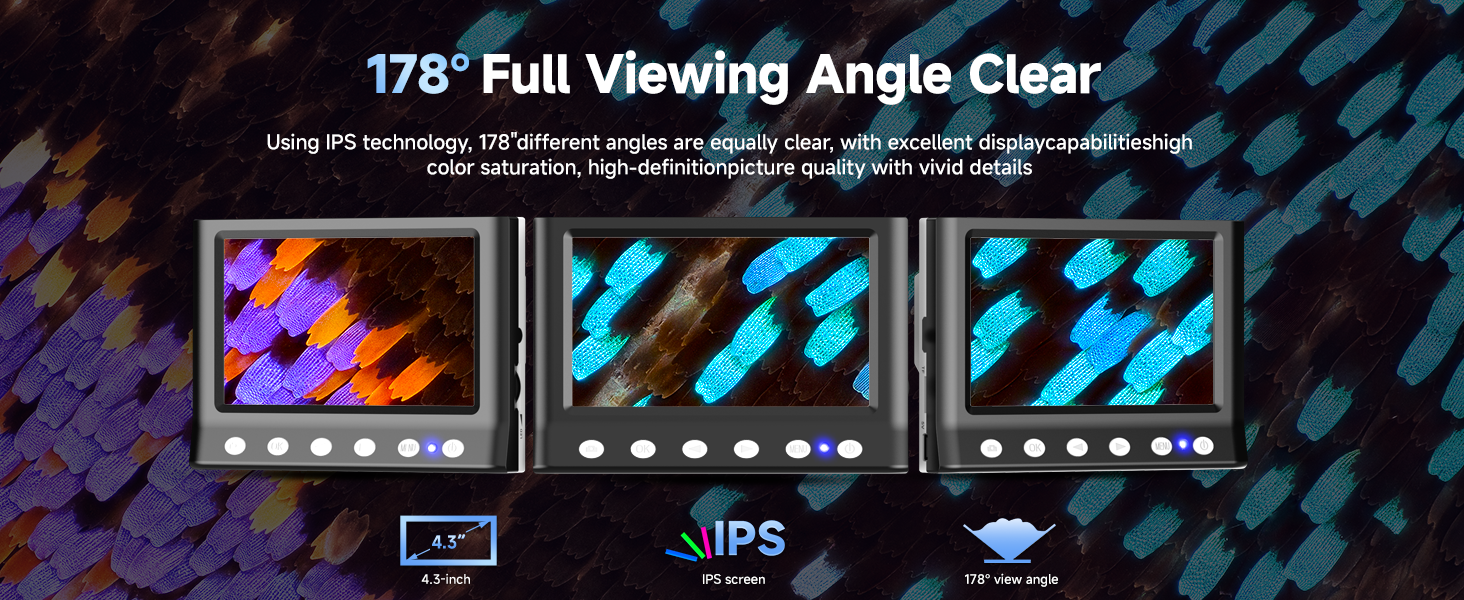
Figure 3.1: Easy assembly steps.
Video 3.1: Installation guide for the LPM7 Digital Microscope with 4.3 Inches Screen.
4. Инструкция по эксплуатации
To begin using your microscope:
- Включение питания: Press and hold the power button on the microscope unit until the screen illuminates.
- Место образца: Position the object you wish to observe on the base directly beneath the microscope lens.
- Отрегулировать высоту: Use the adjustment knob on the bracket to raise or lower the microscope unit until the specimen is visible on the screen.
- Фокус: Rotate the focus wheel on the microscope barrel to achieve a clear and sharp image.
- Отрегулируйте освещение: The microscope features 8 LED lights. Adjust their brightness as needed for optimal illumination of your specimen.

Figure 4.1: The 4.3-inch IPS screen provides a clear and wide viewугол наклона.
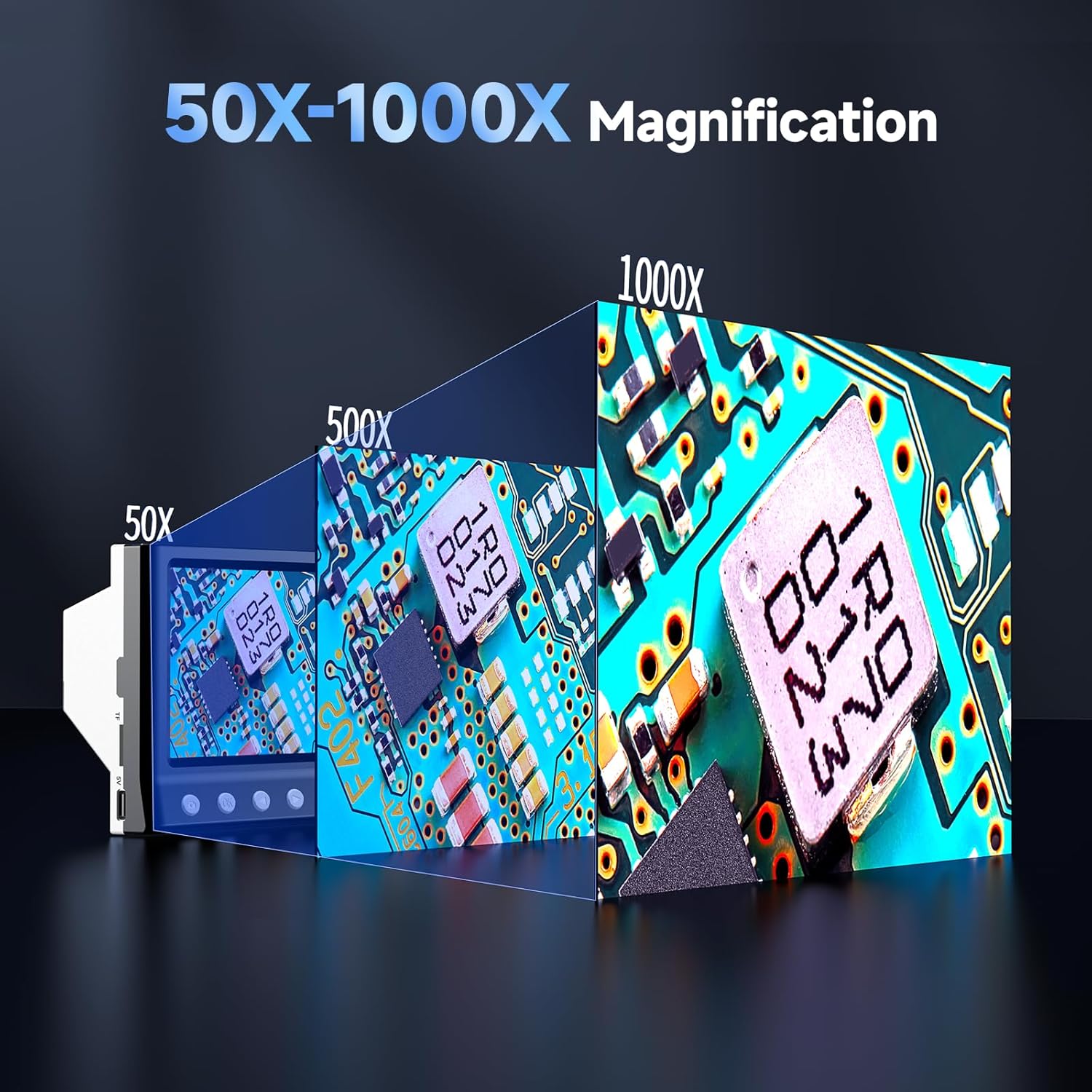
Figure 4.2: Magnification capabilities from 50X to 1000X.
5. Фотосъемка и видео.
The LPM7 microscope allows for easy capture of images and videos directly to the inserted 32GB TF card.
- Режимы переключения: Use the 'Mode' button to switch between Video mode and Photo mode.
- Запись видео: In Video mode, press the 'OK' button to start recording. Press 'OK' again to stop recording.
- Сделать фото: In Photo mode, press the 'OK' button to capture an image.
- Воспроизведение: Press the 'Camera' button to switch to Playback mode. You can then view ваши отснятые фото и видео.

Рисунок 5.1: Фото- и видеосъемка одним щелчком мыши.

Figure 5.2: High-speed 32GB TF card for ampле хранения.
Video 5.1: Demonstrates how to observe, photo, and video with the LPM7 Coin Microscope.
6. Подключение к ПК
Для большего размера viewing experience or to save files directly to your computer, you can connect the microscope to a PC.
- Подключите USB-кабель: Use the provided USB cable to connect the microscope to an available USB port on your computer.
- Выберите режим камеры ПК: On the microscope, select the 'PC Camera' mode. The microscope screen may display 'PC Cam'.
- Access on PC: Open your computer's camera application (e.g., 'Camera' app on Windows, 'Photo Booth' on Mac, or third-party microscope software). The microscope's live feed should appear.
- Observe, Photo, and Video: Use your computer's camera software to observe specimens, take photos, and record videos.

Figure 6.1: Work with PC for a larger view.
Video 6.1: Demonstrates how the USB Microscope works with your computer.
7. Техническое обслуживание
Правильное обслуживание гарантирует долговечность и оптимальную работу вашего микроскопа.
- Очистка объектива: Use a soft, lint-free cloth specifically designed for optical lenses to gently wipe the microscope lens. Avoid abrasive materials or harsh chemicals.
- Очистка экрана: Use a microfiber cloth to clean the IPS screen. Do not spray cleaning solutions directly onto the screen.
- Генеральная уборка: Протрите корпус микроскопа и подставку сухой или слегка влажной тканью.amp ткань.
- Хранилище: Когда микроскоп не используется, храните его в сухом, защищенном от пыли месте.
- Зарядка аккумулятора: The microscope features an upgraded 2000mAh battery. Charge the device using the provided USB cable. It supports four-way fast charging (via power bank, computer, car adapter, or wall adapter).

Figure 7.1: Upgraded battery life and four-way fast charging.
8. Поиск Неисправностей
If you encounter issues with your microscope, refer to the following common problems and solutions:
- Нет изображения на экране:
- Убедитесь, что микроскоп включен.
- Check if the lens cap has been removed.
- Adjust the height and focus knobs.
- Размытое изображение:
- Аккуратно отрегулируйте колесо фокусировки.
- Ensure the specimen is flat and properly positioned.
- Verify the microscope is at the correct working distance from the object.
- Невозможно подключиться к ПК:
- Ensure the USB cable is securely connected to both the microscope and the PC.
- Verify the microscope is in 'PC Camera' mode.
- Попробуйте использовать другой порт USB на вашем компьютере.
- Restart your computer and the microscope.
- Screen Flickering or Unstable Image:
- Ensure the microscope stand is on a stable, flat surface.
- Check for any vibrations in the surrounding environment.
- Невозможно сохранить фотографии/видео:
- Ensure the 32GB TF card is properly inserted.
- Проверьте, достаточно ли свободного места на карте памяти TF.
- Format the TF card (this will erase all data, so back up first).
9. Технические характеристики
| Особенность | Спецификация |
|---|---|
| Размер экрана | 4.3-дюймовый IPS-дисплей |
| Диапазон увеличения | 50X - 1000X |
| Источник света | 8 светодиодных ламп |
| Хранилище | Карта памяти TF на 32 ГБ (в комплекте) |
| Емкость аккумулятора | 2000 мАч литий-ионный (в комплекте) |
| Совместимые устройства | Personal Computer (Windows compatible) |
| Вес товара | 1.3 фунта |
| Размеры | 8.35 x 7.72 x 3.82 дюйма (упаковка) |
| Материал | Пластик |
| Цвет | Черный |

Figure 9.1: Compact size for versatile use.
10. Гарантия и поддержка
Leipan stands behind the quality and performance of the LPM7 4.3" Coin Microscope with a brand guarantee. We are committed to providing a worry-free after-sales service experience.
For any concerns, inquiries, or technical assistance, please refer to the contact information provided in your product packaging or visit the official Leipan store on Amazon for support resources and frequently asked questions.
Leipan Store: Visit the Leipan Store
Ask a question about this manual
Ask about setup, troubleshooting, compatibility, parts, safety, or missing instructions. Manuals+ will review the question and use this page’s manual context to help answer it.