
1. Введение
The Lanaform WL-100C is a versatile device designed to enhance your sleep and wake-up experience through light and sound simulation. It functions as a smart alarm clock, a bedside lamp, and a sleep aid, offering both sunrise and sunset simulations. This manual provides detailed instructions for setting up, operating, and maintaining your WL-100C device.

Image 1.1: Lanaform WL-100C device with its mobile application interface.
2. Информация по технике безопасности
- Прочтите все инструкции перед использованием и сохраните их для дальнейшего использования.
- Do not immerse the device or power adapter in water or other liquids.
- Используйте только прилагаемый адаптер питания.
- Держите устройство вдали от источников тепла и прямых солнечных лучей.
- Не пытайтесь разбирать или ремонтировать устройство самостоятельно. Обратитесь к квалифицированному специалисту.
- Убедитесь, что устройство установлено на устойчивой плоской поверхности.
3. Содержимое упаковки
Проверьте наличие всех предметов в упаковке:
- Lanaform WL-100C Smart Sunrise & Sunset Simulator
- Адаптер питания
- Руководство пользователя (этот документ)
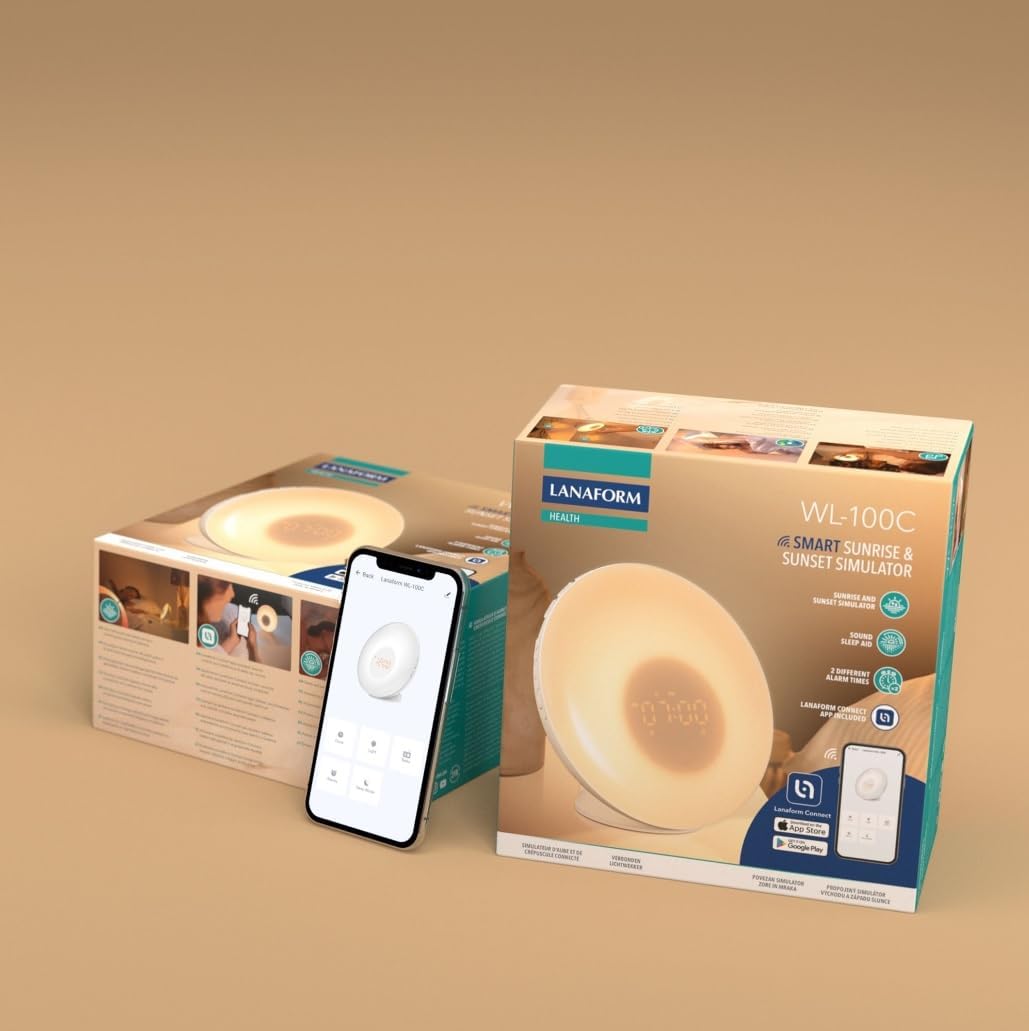
Image 3.1: The Lanaform WL-100C device and its packaging.
4. Устройство перешлоview
The WL-100C features an intuitive design with accessible controls and a clear display. Familiarize yourself with the main components:
- Передняя панель: Light panel, digital time display.
- Верхние кнопки: Control various functions such as time setting, alarm activation, light intensity, sound selection, and FM radio.
- Задняя панель: Power input, USB charging port, FM antenna.
Изображение 4.1: Спереди view of the Lanaform WL-100C device.
5. Настройка
5.1 Подключение питания
- Connect the power adapter to the DC input port on the rear of the WL-100C.
- Plug the adapter into a standard wall outlet. The device will power on and the display will illuminate.
5.2 App Installation (Lanaform Connect)
For advanced features and convenient control, download the Lanaform Connect application:
- Scan the QR code provided in the packaging or search for "Lanaform Connect" on the Apple App Store or Google Play Store.
- Установите приложение на свой смартфон.
5.3 Сопряжение по Bluetooth
To connect the device to the Lanaform Connect app:
- Убедитесь, что Bluetooth включен на вашем смартфоне.
- Open the Lanaform Connect app.
- Follow the in-app instructions to discover and pair with your WL-100C device. The device name will typically appear as "Lanaform WL-100C".

Image 5.1: Controlling the WL-100C via the Lanaform Connect mobile application.
6. Инструкция по эксплуатации
6.1 Время схватывания
The time can be set manually using the device buttons or automatically via the Lanaform Connect app after pairing.
6.2 Sunrise Simulation (Wake-up Light)
The sunrise simulation gradually increases light intensity over 30 minutes before your set alarm time, transitioning to a bright yellow light to simulate natural dawn.
- Активация: Enable this feature through the alarm settings on the device or via the app.
- Продолжительность: Fixed at 30 minutes prior to the alarm.
6.3 Sunset Simulation (Sleep Aid)
The sunset simulation gradually decreases light intensity, promoting a peaceful transition to sleep. You can set the duration for 15, 30, or 60 minutes.
- Активация: Select the sunset mode on the device or through the app.
- Продолжительность: Choose 15, 30, or 60 minutes for the light to dim completely.
6.4 Настройки будильника
The WL-100C supports two customizable alarms.
- Настройка сигналов тревоги: Use the dedicated alarm buttons on the device or the alarm section in the Lanaform Connect app to set desired wake-up times.
- Звуковые параметры: Choose from 6 neutral sounds or select an FM radio station as your alarm sound.
- Объем: Отрегулируйте громкость сигнала будильника по своему усмотрению.
6.5 Работа FM-радио
The integrated FM radio can be used as an alarm sound or for general listening.
- Настройка: Use the radio function buttons to scan for and save FM stations.
- Антенна: Ensure the FM antenna on the rear of the device is extended for optimal reception.
6.6 Прикроватная тумбочка Lamp Функция
The device can be used as a regular bedside lamp с регулируемой яркостью и цветовой температурой.
- Яркость: Adjust light intensity using the dedicated light control buttons or the app.
- Цвет: Customize light colors and ambiances via the Lanaform Connect app.
6.7 Функция повтора
When an alarm sounds, press the Snooze button (usually located on top of the device) to temporarily pause the alarm and extend your sleep for a short period (e.g., 9 minutes). The alarm will sound again after the snooze period.
6.8 USB-порт для зарядки
A USB port is available on the rear of the device for charging external devices like smartphones.
- Connect your device's USB charging cable to the WL-100C's USB port.
- Ensure the WL-100C is powered on for charging functionality.
6.9 App Control vs. Manual Control
All primary functions of the WL-100C can be controlled manually using the buttons on the device. For more detailed customization, such as specific light ambiances, advanced alarm scheduling, and sound selection, the Lanaform Connect application offers a comprehensive interface.

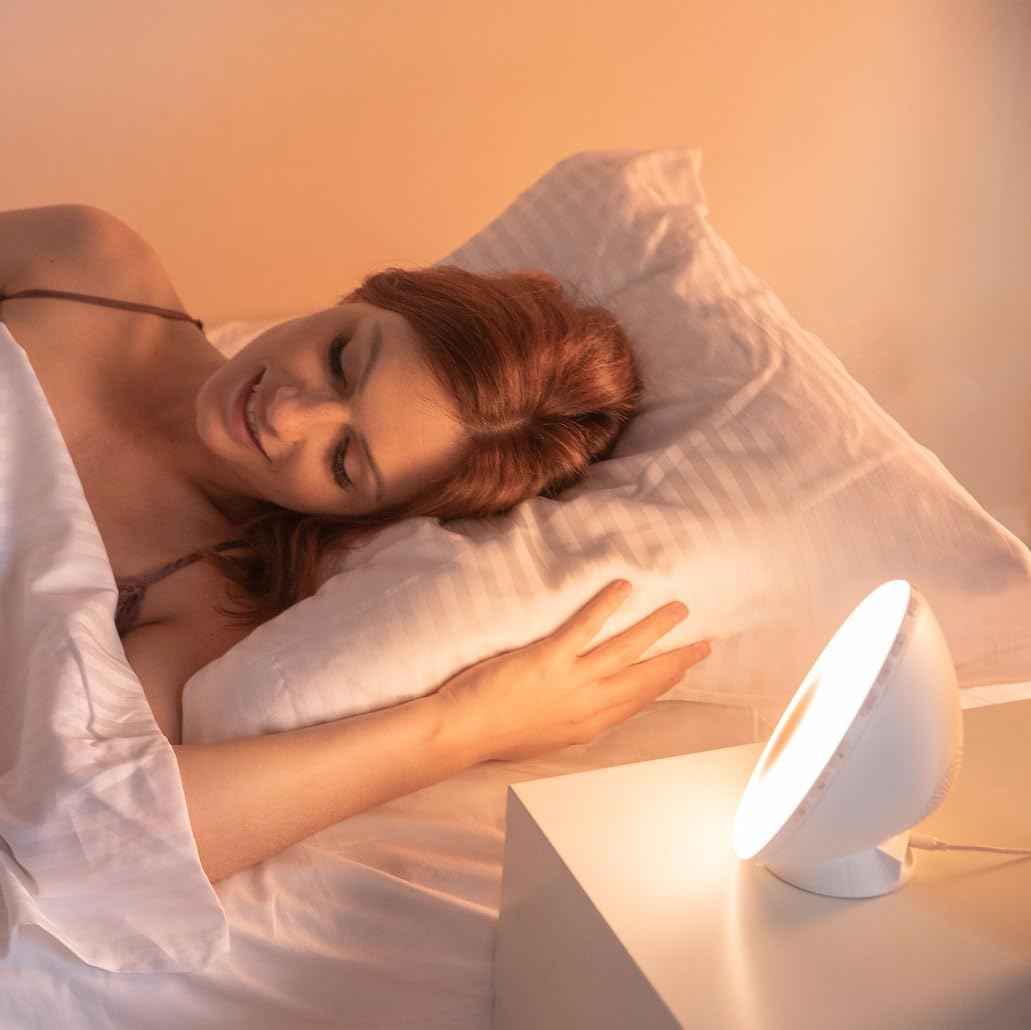
Изображение 6.1: оконченоview of the WL-100C's multiple functions and customizable experience.
7. Техническое обслуживание
7.1 Очистка
- Перед чисткой отключите устройство от розетки.
- Протрите внешнюю поверхность мягкой сухой тканью.
- Не используйте абразивные чистящие средства, растворители или едкие химикаты.
7.2 Хранение
If storing the device for an extended period, unplug it and keep it in a cool, dry place, away from direct sunlight and moisture.
8. Поиск Неисправностей
| Проблема | Возможная причина | Решение |
|---|---|---|
| Устройство не включается. | Адаптер питания не подключен или неисправен. | Ensure the power adapter is securely plugged into the device and a working outlet. Try a different outlet. |
| Сигнализация не срабатывает. | Сигнализация не сработала или громкость слишком низкая. | Check alarm settings on the device or app. Increase alarm volume. |
| Sunrise/Sunset simulation not working. | Feature not enabled or incorrect settings. | Verify that the simulation is enabled and configured correctly in the alarm or sleep settings. |
| Cannot connect to Lanaform Connect app. | Bluetooth is off or device is out of range. | Ensure Bluetooth is enabled on your smartphone. Bring the device closer to your phone. Restart both the app and the device. |
| Плохой прием FM-радио. | Антенна не выдвинута или сигнал слабый. | Fully extend the FM antenna. Try repositioning the device for better signal. |
9. Технические характеристики
- Номер модели: 1625
- Размеры продукта (Д x Ш x В): 17.5 х 8.5 х 17.5 см
- Масса: 400 грамм
- Источник питания: AC/DC Adapter (Input: 100-240V, Output: 5V)
- Связь: Bluetooth
- Функции: Sunrise/Sunset Simulation, 2 Alarms, FM Radio, 6 Natural Sounds, Snooze Function, USB Charging Port, Bedside Lamp
- Производитель: Lanaform
- Страна происхождения: Бельгия
10. Информация о гарантии
Lanaform products are manufactured to high-quality standards. For detailed warranty terms and conditions, please refer to the official Lanaform webсайт или гарантийный талон, прилагаемый к покупке. Сохраните чек на случай предъявления гарантийных претензий.
11 Поддержка
For further assistance, technical support, or inquiries regarding your Lanaform WL-100C, please visit the official Lanaform website or contact their customer service department. Contact details can typically be found on the Lanaform webсайте или на упаковке вашего продукта.
Webсайт: www.lanaform.com