
XREAL 6976143800071
Руководство пользователя кабеля XREAL HC
Модель: 6976143800071
Введение
This manual provides essential information for the proper use, setup, and maintenance of your XREAL H-C Cable. This high-speed HDMI to USB-C cable is designed to connect various devices, including gaming consoles and PCs, to compatible AR glasses like the XREAL Beam and Air AR glasses, supporting 4K/60Hz video transmission.
Информация по безопасности
Please read and follow these safety guidelines to ensure safe operation and prolong the life of your cable:
- Не подвергайте кабель воздействию экстремальных температур, прямых солнечных лучей или высокой влажности.
- Избегайте чрезмерного сгибания или скручивания кабеля, особенно вблизи разъемов, так как это может повредить внутренние провода.
- Keep the cable away from water and other liquids. If it gets wet, disconnect it immediately and allow it to dry completely before reuse.
- Do not attempt to disassemble or modify the cable. This will void the warranty and may cause damage.
- Хранить в недоступном для детей и домашних животных месте.
- Использовать только с совместимыми устройствами, указанными в данном руководстве.
Содержимое упаковки
В комплект входит следующий товар:
- 1 x XREAL H-C Cable (HDMI to USB-C)
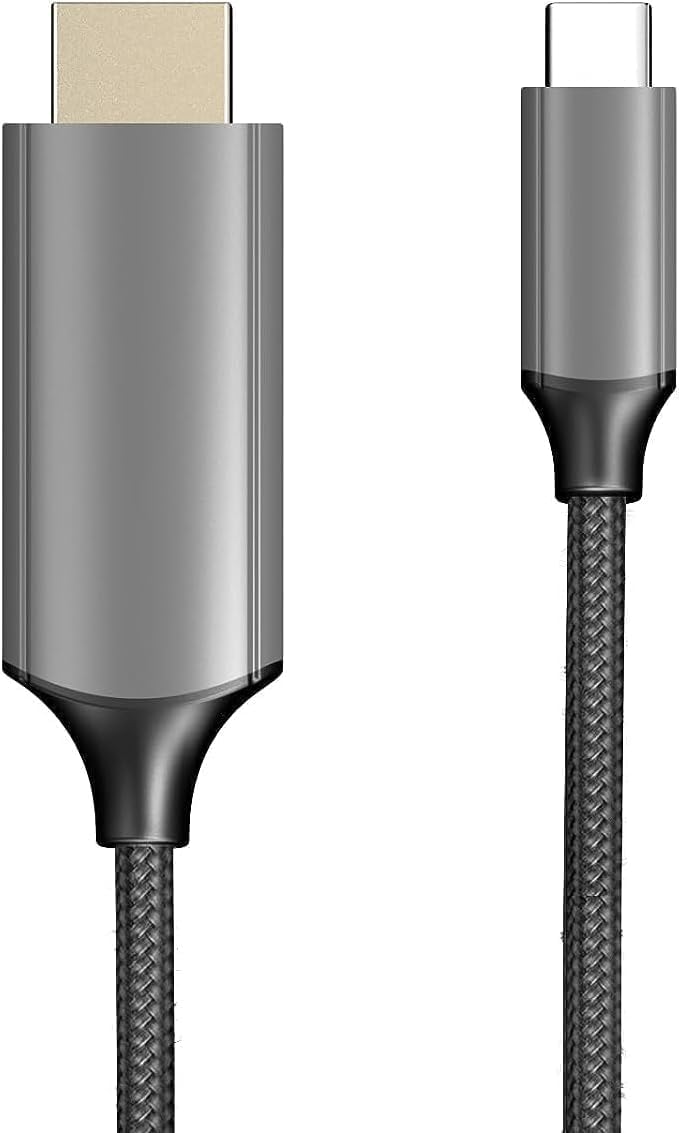
Image: The XREAL H-C Cable showing both the HDMI and USB-C connectors. The cable features a durable, woven design.
Продукт болееview
The XREAL H-C Cable is engineered for high-fidelity video and audio transmission. It features a robust, woven design for enhanced durability and tangle-free use. The cable facilitates connection from an HDMI source to a USB-C display, supporting resolutions up to 4K at 60Hz.
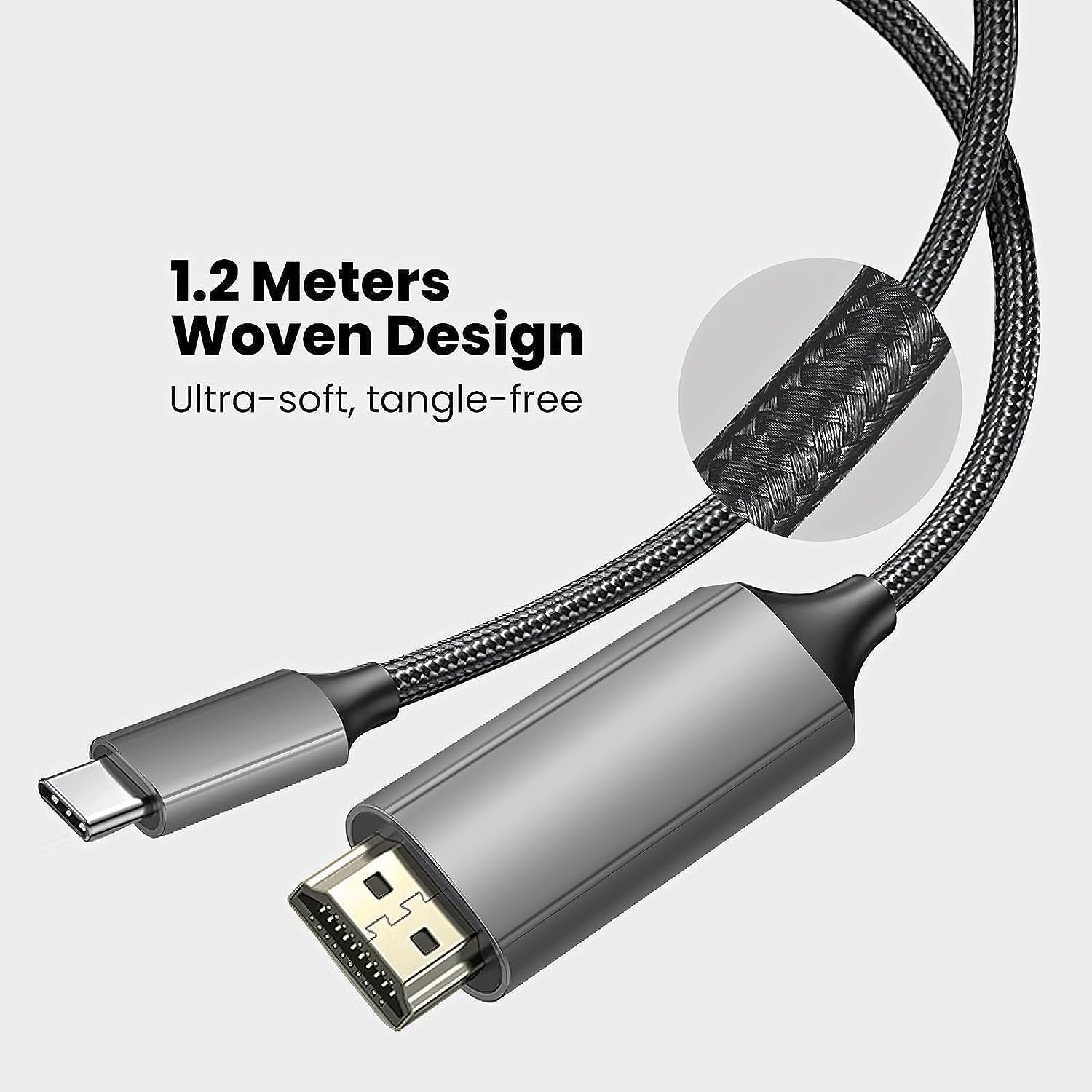
Image: Close-up of the XREAL H-C Cable highlighting its 1.2-meter length and ultra-soft, tangle-free woven design.
Настраивать
Follow these steps to connect your XREAL H-C Cable:
- Определите соединители: Locate the HDMI "In" connector and the USB-C "Out" connector on the cable.
- Подключиться к источнику: Подключите HDMI "In" end of the cable into the HDMI output port of your source device (e.g., PlayStation, Xbox, Nintendo Switch, PC graphics card).
- Подключиться к дисплею: Подключите USB-C "Out" end of the cable into the USB-C input port of your compatible display device (e.g., XREAL Beam, XREAL Air AR glasses).
- Включите устройства: Убедитесь, что и источник сигнала, и устройство отображения включены.
- Проверить соединение: The display should automatically detect the input signal. If not, you may need to manually select the input source on your display device.

Image: The XREAL H-C Cable clearly labeled with "HDMI In" and "USB-C Out" to indicate connection direction.
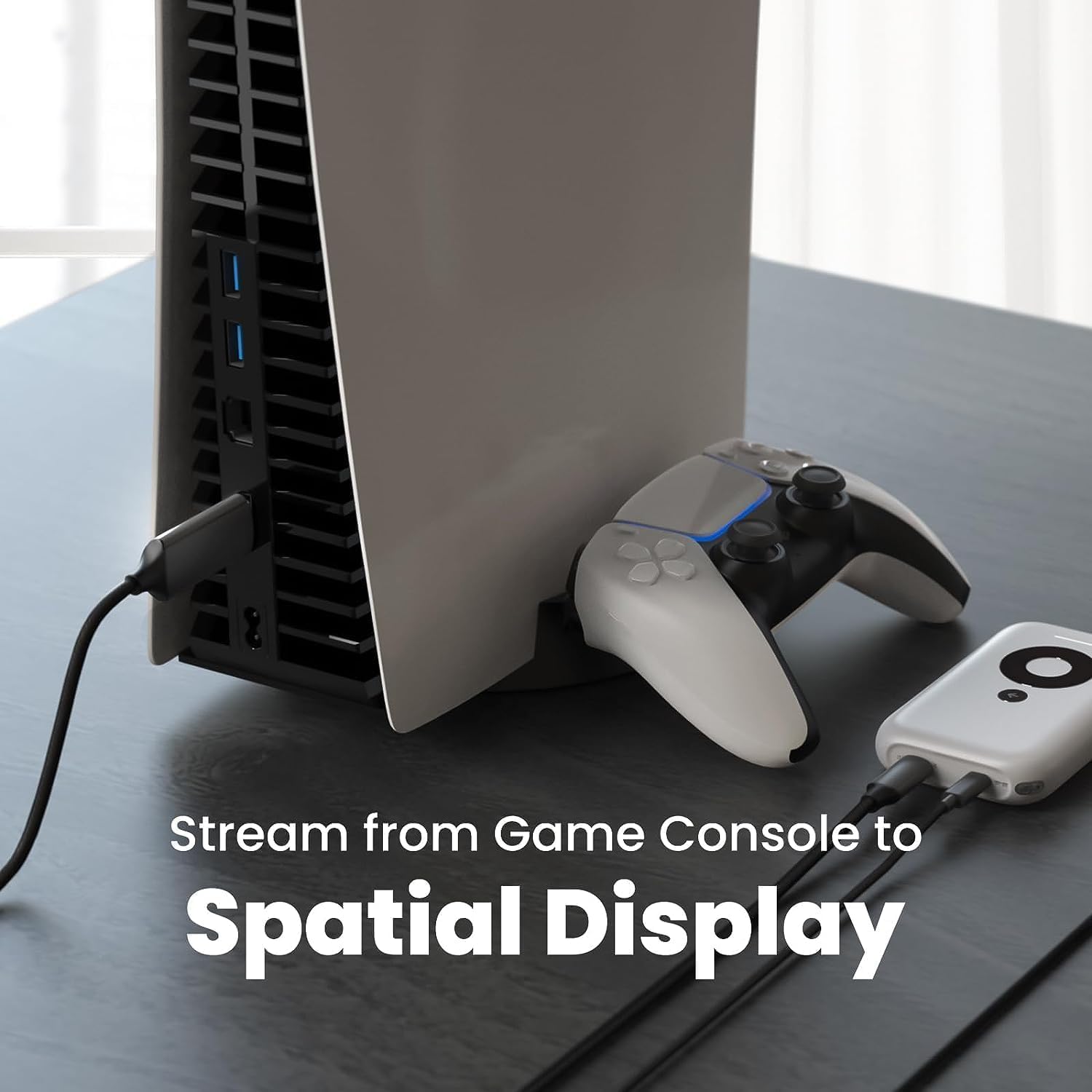
Изображение: Бывшийample setup showing the XREAL H-C Cable connecting a PlayStation 5 console to an XREAL Beam device, enabling streaming to a spatial display.
Операционная
Once connected, the XREAL H-C Cable operates as a plug-and-play device. No additional drivers or software are typically required.
- Разрешение и частота обновления: The cable supports up to 4K resolution at 60Hz. Ensure your source device and display device are configured to output and receive these resolutions and refresh rates for optimal performance.
- Передача аудио: The cable transmits both video and audio signals. Verify audio settings on your source device if no sound is heard.
- Совместимость: This cable is designed for specific applications, primarily connecting HDMI output devices to USB-C input displays, such as XREAL AR glasses. It is not a bidirectional cable and will not function if connected in reverse.
Обслуживание
Proper care will extend the life of your XREAL H-C Cable:
- Уборка: Use a soft, dry, lint-free cloth to gently wipe the cable and connectors. Do not use liquid cleaners or abrasive materials.
- Хранилище: When not in use, coil the cable loosely. Avoid tight coiling or sharp bends. Store in a cool, dry place away from direct sunlight.
- Умение обращаться: Always grasp the connector housing when plugging or unplugging the cable. Do not pull on the cable itself.
Поиск неисправностей
If you encounter issues with your XREAL H-C Cable, try the following solutions:
| Проблема | Возможная причина | Решение |
|---|---|---|
| Нет сигнала на дисплее |
|
|
| Мерцающее или искаженное изображение |
|
|
| Нет звука |
|
|
Технические характеристики
| Бренд | XREAL |
| Номер модели | 6976143800071 |
| Тип разъема | HDMI (Input), USB Type-C (Output) |
| Скорость передачи данных | 5 Gigabits per second (for compatible data streams) |
| Совместимые устройства | Gaming Consoles (PlayStation, Xbox, Switch), Windows Desktop, XREAL Beam, XREAL Air AR Glasses |
| Поддержка максимального разрешения | 4K при 60 Гц |
| Длина кабеля | 1.2 метров (приблизительно 3.9 фута) |
Гарантия и поддержка
XREAL products are manufactured to high quality standards. For information regarding warranty coverage and customer support, please refer to the official XREAL webили обратитесь в службу поддержки напрямую. Сохраните чек о покупке в качестве подтверждения покупки на случай предъявления гарантийных претензий.
Для получения дополнительной помощи посетите: www.xreal.com/support
Ask a question about this manual
Ask about setup, troubleshooting, compatibility, parts, safety, or missing instructions. Manuals+ will review the question and use this page’s manual context to help answer it.