
Введение
This manual provides detailed instructions for the safe and efficient operation of your Acogedor HRD-787 Portable Full Band Radio. Please read this manual thoroughly before using the device and retain it for future reference. The HRD-787 is a versatile multi-band radio featuring FM, VHF, AM, SW, and WB reception, Bluetooth connectivity, and memory card playback, designed for both indoor and outdoor use.

Image: The Acogedor HRD-787 Portable Full Band Radio, showcasing его компактный дизайн и пользовательский интерфейс.
Содержимое упаковки
После распаковки, пожалуйста, убедитесь, что все перечисленные ниже предметы имеются в наличии и находятся в хорошем состоянии:
- 1 x Full Band Radio (HRD-787)
- 1 х Наушники
- 2 x Eartips
- 1 х сумка для хранения
- 1 х шнурок
- 1 х зарядный кабель
- 1 x Руководство по эксплуатации (этот документ)
- 1 x APP Instruction Manual

Image: The Acogedor HRD-787 radio displayed with its complete set of accessories, including earphones, eartips, a storage bag, a lanyard, and a charging cable.
Продукт болееview
The Acogedor HRD-787 is a compact and versatile portable radio designed for a wide range of listening experiences. Key features include:
- Приём с участием всего музыкального коллектива: Supports FM (64-108MHz), VHF (30.000-199.975MHz), AM (520-1710KHz), SW (4.750-21.850MHz), and WB (162.400-162.550MHz).
- Bluetooth 5.0 Для беспроводной потоковой передачи звука с совместимых устройств.
- Воспроизведение с карты памяти: Supports MP3, WAV, WMA formats with up to 256GB capacity (card not included).
- Высококачественный звук: Features a 40mm speaker with 3W output for clear sound.
- Функция экстренной сигнализации SOS: Для экстренных ситуаций.
- Встроенный фонарик: Provides illumination when needed.
- Длительный срок службы батареи: Встроенный литиевый аккумулятор емкостью 1000 мАч.
- APP Remote Operation: Control the radio via a smartphone application.
- Интуитивно понятное управление: Easy-to-use buttons for tuning and volume.
- Дисплей с подсветкой: Color-coded backlights for different modes (Green for FM/VHF, Color for AM, Yellow for SW, Red for WB, Blue for Bluetooth, Light Blue for Memory Card).
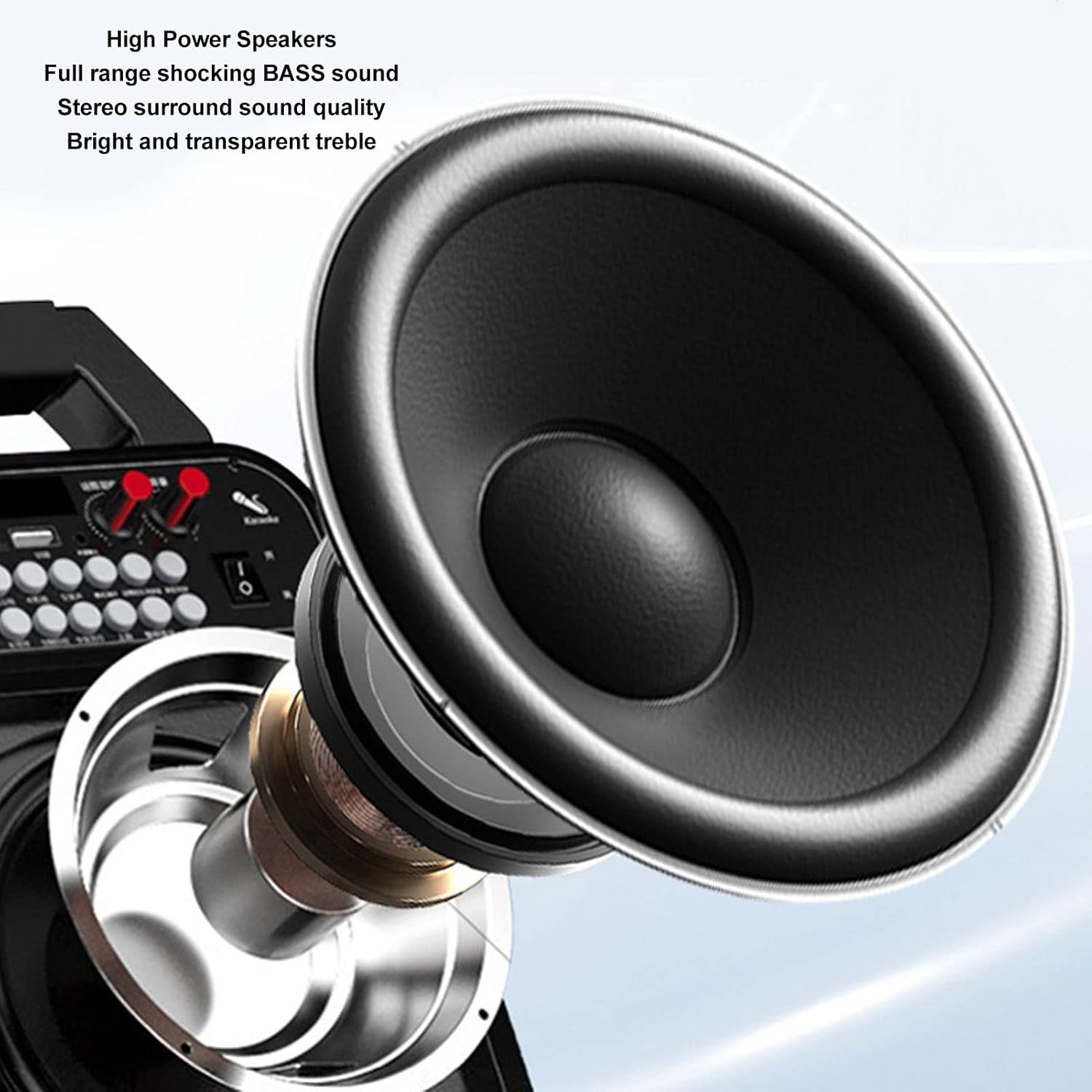
Изображение: Подробный view of the high-power speaker, highlighting the full-range shocking bass sound and stereo surround sound quality of the HRD-787 radio.
Настраивать
1. Первоначальная зарядка
Before first use, fully charge the radio's built-in 1000mAh lithium battery. Connect the provided charging cable to the radio's charging port and a standard USB power adapter (not included). The charging indicator will show the charging status. A full charge typically takes a few hours.
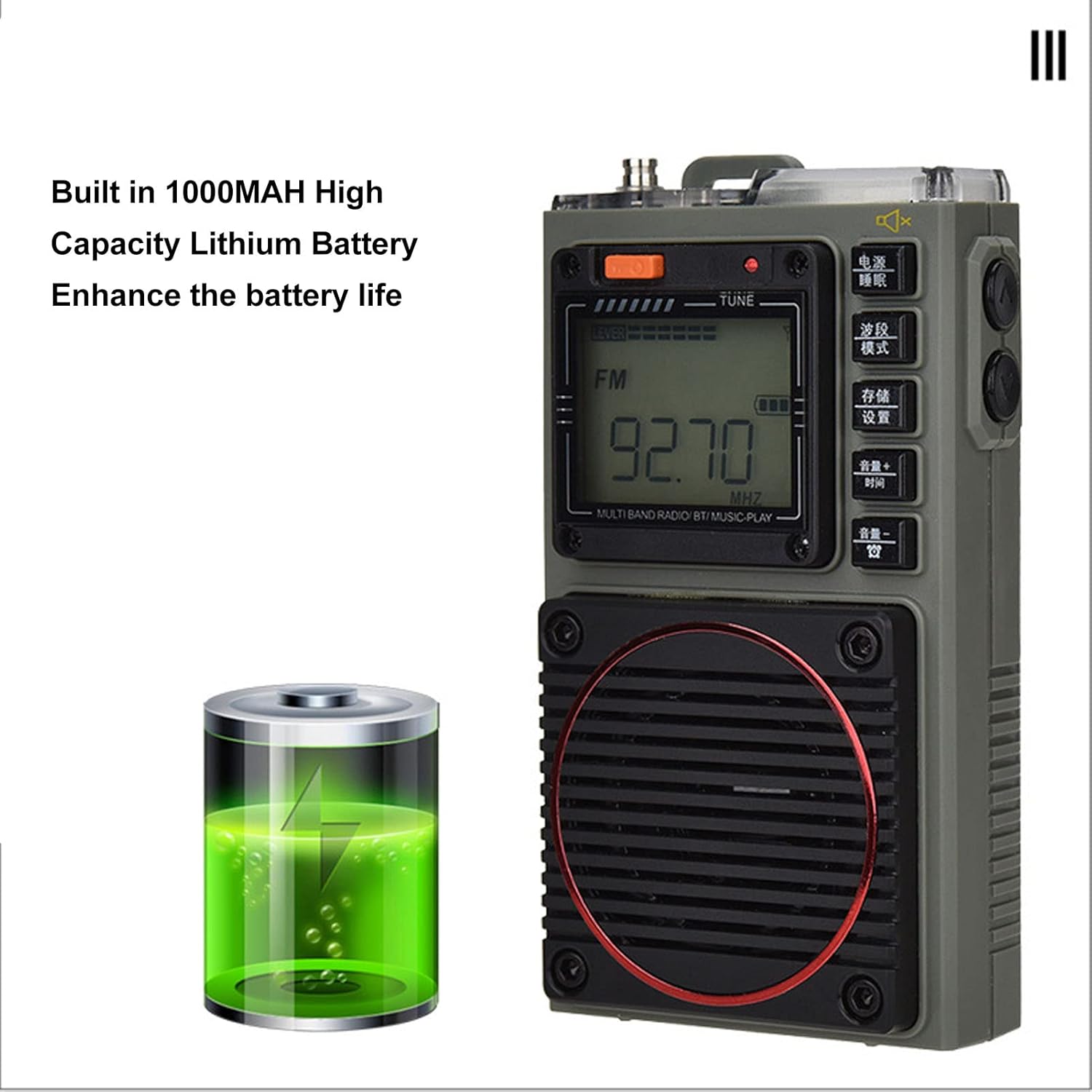
Image: The Acogedor HRD-787 radio is shown alongside a visual representation of its internal 1000mAh high-capacity lithium battery, emphasizing its long battery life.
2. Включение и выключение
Чтобы включить радио, нажмите и удерживайте кнопку Власть button (usually located on the top or side). To power off, press and hold the same button again.
3. Inserting a Memory Card (Optional)
If you wish to use the memory card playback feature, insert a compatible memory card (up to 256GB, formatted to FAT32) into the designated slot. Ensure the card is inserted correctly until it clicks into place.
Инструкция по эксплуатации
1. Basic Key Operations

Изображение: Подробный view of the Acogedor HRD-787 radio's control buttons, highlighting their clear labeling for easy operation of radio tuning and volume adjustments.
- Кнопка питания: Нажмите и удерживайте, чтобы включить или выключить радио.
- BAND/MOD. Button: Short press to cycle through radio bands (FM, VHF, AM, SW, WB) or switch to Bluetooth/Memory Card mode.
- MEMO/SET Button: Used for saving radio stations or accessing settings.
- VOL+/TIME Button: Short press to increase volume. Long press for time settings (if applicable).
- VOL-/LOCK Button: Short press to decrease volume. Long press to lock/unlock buttons.
- TUNE Knob/Buttons: Use the tuning knob or dedicated tuning buttons (if present) to adjust frequency.
2. Настройка радио
- Выберите группу: Нажмите BAND/MOD. button to select your desired frequency band (FM, VHF, AM, SW, WB). The display backlight color will change accordingly.
- Автоматическое сканирование: В режиме радио нажмите и удерживайте MEMO/SET button to initiate an automatic scan for available stations. The radio will save found stations automatically.
- Ручная настройка: Используйте НАСТРОЙКА knob or the frequency adjustment buttons (if available) to manually tune to a specific frequency.
- Восстановление сохраненных станций: Use the tuning buttons or a dedicated preset button (if available) to cycle through saved stations.
3. Воспроизведение через Bluetooth
- Войдите в режим Bluetooth: Нажмите BAND/MOD. button until "BT" or "Bluetooth" appears on the display, and the backlight turns blue. The radio will enter pairing mode.
- Сочетание: On your mobile device, enable Bluetooth and search for "HRD-787" (or similar device name). Select it to pair. A confirmation sound will indicate successful pairing.
- Воспроизведение: Once paired, you can play audio from your device through the radio's speaker. Use your device or the radio's volume controls.
4. Memory Card Playback

Image: The Acogedor HRD-787 radio's display shows a radio frequency, illustrating its capability for memory card playback of MP3, WAV, and WMA formats.
- Вставьте карту памяти: Ensure a memory card with MP3, WAV, or WMA files is inserted into the slot.
- Enter Memory Card Mode: Нажмите BAND/MOD. button until the display indicates memory card playback (e.g., "CARD" or a music icon), and the backlight turns light blue.
- Управление воспроизведением: Use the radio's playback controls (e.g., Play/Pause, Next/Previous Track buttons, if available) to manage your music.
5. Функция экстренной сигнализации SOS
In an emergency, activate the SOS alarm by pressing and holding the dedicated СОС button (if present) or a combination of buttons as indicated on the device. This will emit a loud alarm sound and activate the flashlight for signaling.
6. Работа фонарика
To turn on the built-in flashlight, locate the flashlight button or switch (often on the side or top). Press it once to turn on, and again to turn off.
7. Earphone Output

Изображение: крупный план view of the Acogedor HRD-787 radio, highlighting the earphone output jack for private listening and the integrated flashlight.
For private listening, plug the included earphones into the 3.5mm earphone jack located on the side of the radio. The internal speaker will automatically mute when earphones are connected.
8. APP Remote Operation

Image: A smartphone screen shows the dedicated application for remote control of the Acogedor HRD-787 radio, allowing users to select stations and change modes wirelessly.
Download the official Acogedor HRD-787 control application from your smartphone's app store. Follow the instructions in the separate APP Instruction Manual to pair your radio with the app. This allows for remote control of station selection, mode switching, and other functions.
Обслуживание
- Уборка: Use a soft, dry cloth to clean the radio's exterior. Do not use abrasive cleaners, solvents, or strong chemicals, as these can damage the finish.
- Хранилище: Если радио не используется в течение длительного времени, храните его в прохладном, сухом месте, вдали от прямых солнечных лучей и экстремальных температур.
- Уход батареи: To prolong battery life, avoid fully discharging the battery frequently. Recharge the radio regularly, even if not in active use, to maintain battery health.
- Водостойкость: The HRD-787 is not waterproof. Avoid exposing it to rain, splashes, or high humidity.
Поиск неисправностей
| Проблема | Возможная причина | Решение |
|---|---|---|
| Радио не включается. | Батарея разряжена. | Зарядите радиостанцию с помощью прилагаемого USB-кабеля. |
| Плохой радиоприем. | Weak signal area; antenna not extended. | Extend the telescopic antenna fully. Try moving to an open area or adjusting the radio's position. |
| Не удается выполнить сопряжение Bluetooth-устройства. | Radio not in pairing mode; device too far; Bluetooth off on device. | Ensure the radio is in Bluetooth mode (blue backlight). Keep devices within 10 meters. Check Bluetooth settings on your device. |
| Карта памяти не распознана. | Card inserted incorrectly; unsupported format; card capacity too large. | Reinsert the memory card correctly. Ensure it is formatted to FAT32 and contains MP3, WAV, or WMA fileМаксимальная вместимость — 256 ГБ. |
| Нет звука из динамиков/наушников. | Volume too low; earphones not fully inserted; mute activated. | Increase volume. Ensure earphones are fully plugged in. Check if mute function is active. |
Технические характеристики
| Особенность | Деталь |
|---|---|
| Модель | ХРД-787 |
| Материал | АБС (акрилонитрилбутадиенстирол) |
| Frequency Band - FM | 64-108МГц |
| Frequency Band - VHF | 30.000-199.975МГц |
| Frequency Band - AM | 520-1710КГц |
| Frequency Band - SW | 4.750-21.850МГц |
| Frequency Band - WB | 162.400-162.550МГц |
| Receiving Sensitivity - FM | ≤8дБ |
| Receiving Sensitivity - VHF | ≤8дБ |
| Receiving Sensitivity - AM | ≤86дБ |
| Receiving Sensitivity - SW | ≤40дБ |
| Статический ток | ≤70мкА |
| Максимальный ток | ≤820мА |
| Спикер | Diameter: Approx. 40mm/1.57in, 4Ω, 3W |
| SNR - FM, VHF | ≥40дБ |
| SNR - AM | ≥30дБ |
| SNR - SW | ≥40дБ |
| Stored Radios | 396 |
| Версия Bluetooth | ВЕРСИЯ 5.0 |
| Bluetooth Reception Range | До 10 метров (33 футов) на открытых пространствах |
| Тип батареи | Литиевая батарея |
| Емкость аккумулятора | 1000мАч |
| Memory Card Playback Format | MP3, WAV, WMA |
| Memory Card Max Capacity | 256 ГБ (не входит в комплект) |
| Особые возможности | Built-In Flashlight, SOS Alarm, Portable, APP Remote Control |
Гарантия и поддержка
Acogedor products are designed for reliability and performance. For information regarding warranty coverage, technical support, or service inquiries, please refer to the warranty card included with your product or visit the official Acogedor website. Please have your model number (HRD-787) and purchase details ready when contacting support.