
Введение
Thank you for choosing the Yunseity Portable Voice Amplifier. This device is designed to provide clear and stable sound amplification for various applications such as teaching, presentations, meetings, and outdoor activities. Please read this manual carefully before using the product to ensure proper operation and to maximize its lifespan.
Продукт болееview
The Yunseity Portable Voice Amplifier is a compact and versatile device. Familiarize yourself with its components and controls.

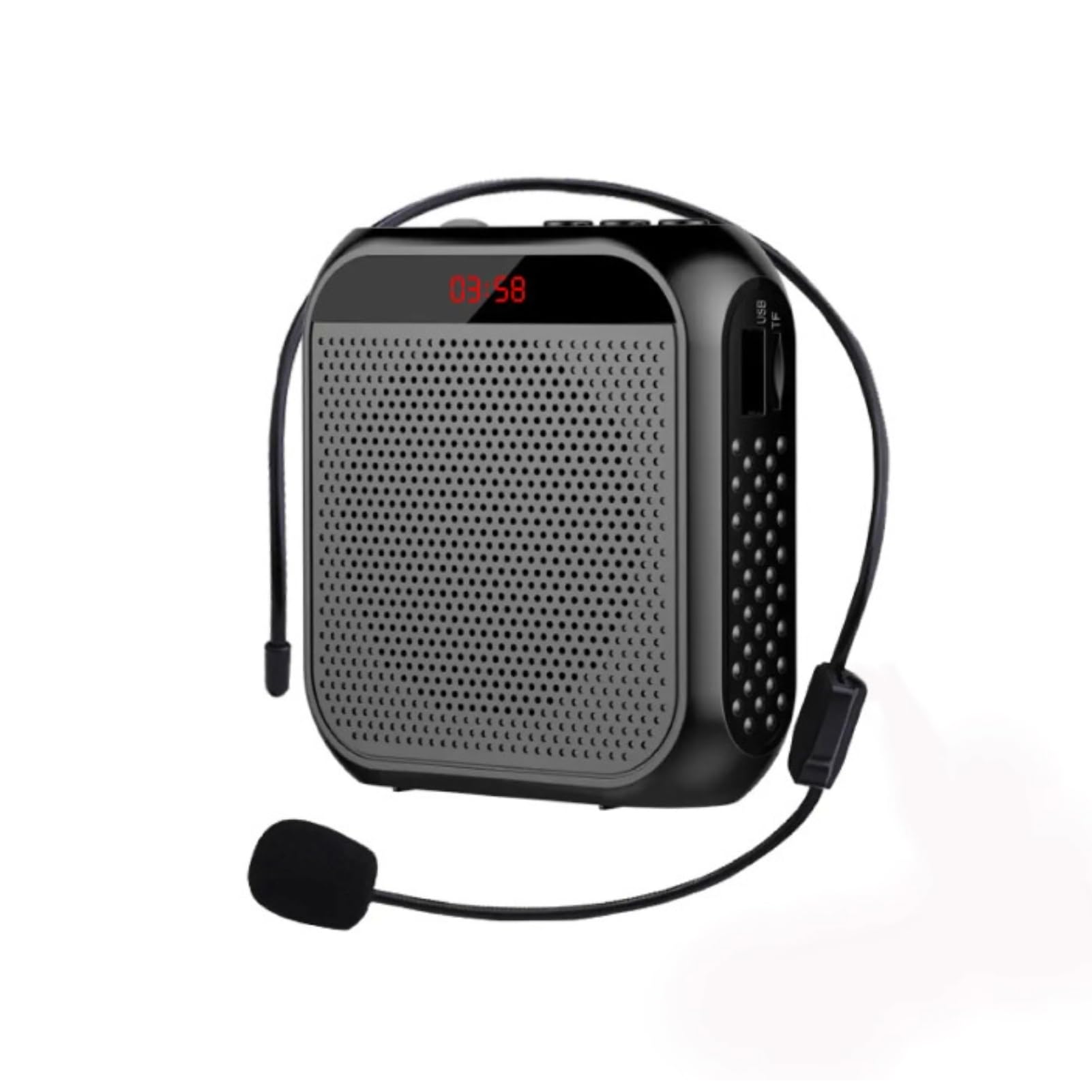
Image: The voice amplifier unit shown with its accompanying headset microphone, waistband strap, and USB charging cable.
Основные компоненты:
- Голос AmpLifier Unit: The main speaker and control unit.
- Микрофон гарнитуры: For hands-free voice input.
- Waistband Strap: Для удобства переноски.
- USB-кабель для зарядки: Для подзарядки внутренней батареи.
Панель управления и порты:

Image: A labeled diagram indicating the location and function of each button, knob, and port on the ampпожизненнее.
- Разъем для микрофона 3.5 мм: Connect the headset microphone here.
- Ручка регулировки громкости: Поверните, чтобы отрегулировать ampЛификационный объем.
- Порт зарядки: Подключите USB-кабель для зарядки здесь.
- Кнопка «Предыдущая песня»: Press to go to the previous track (when playing media).
- Кнопка воспроизведения/паузы: Tap to play or pause media. Long press to turn the device on or off.
- Кнопка «Следующая песня»: Press to go to the next track. Long press to switch between single song loop and list loop.
- Интерфейс USB-накопителя: Insert a USB flash drive for media playback.
- Слот для карты памяти: Insert a Memory Card (TF card) for media playback.
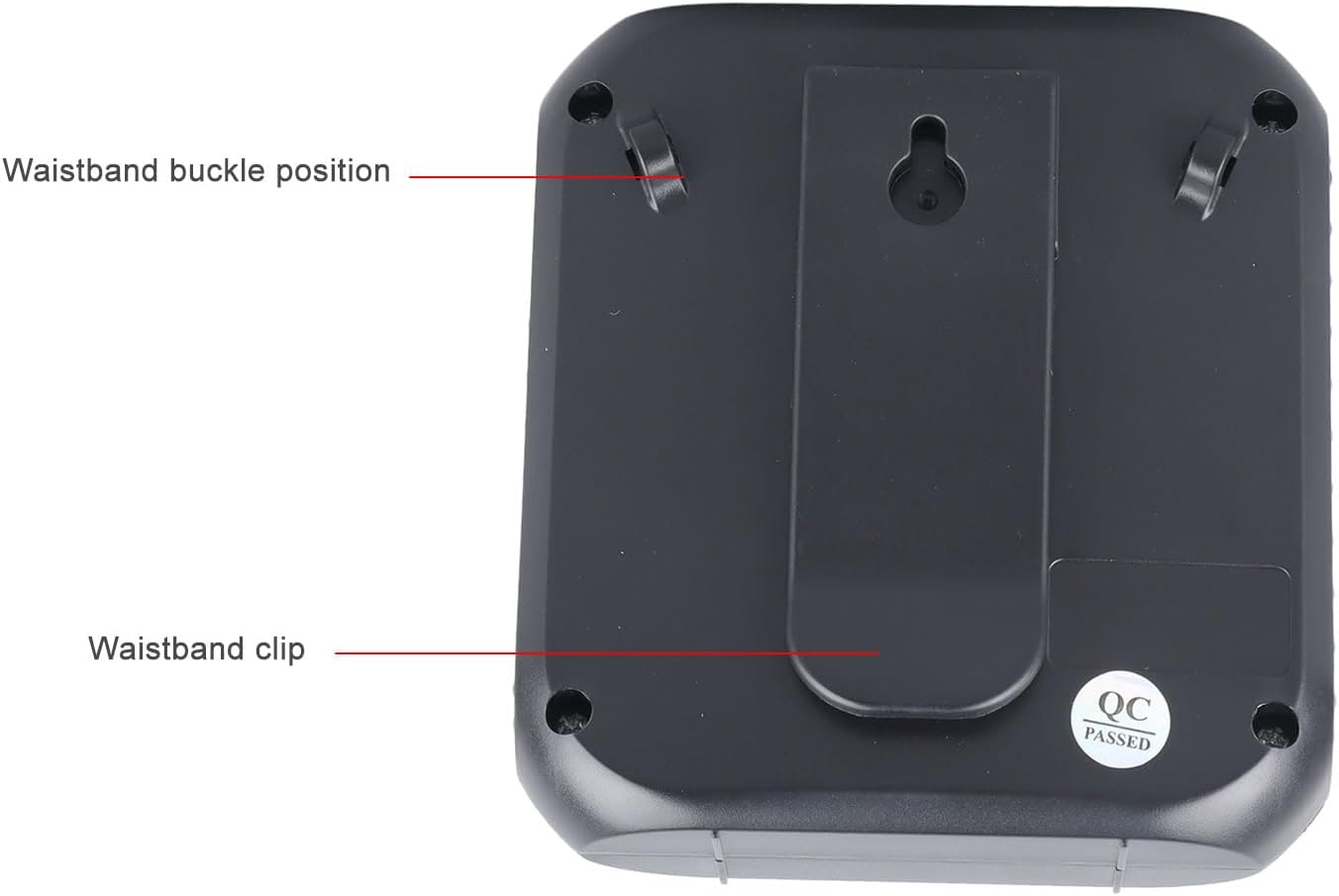
Изображение: Задняя сторона amplifier, highlighting the attachment points for the waistband strap.
- Waistband Buckle Positions: Slots for attaching the waistband strap.
- Waistband Clip: For direct attachment to clothing or a belt.
Настраивать
- Первоначальный сбор: Перед первым использованием полностью зарядите amplifier. Connect the USB charging cable to the charging port on the amplifier and to a standard USB power adapter (not included) or computer USB port. The charging indicator will illuminate.
- Подключить микрофон: Insert the 3.5mm plug of the headset microphone into the microphone jack on the amplifier. Ensure it is securely connected.
- Wear Microphone: Position the headset microphone comfortably on your head, ensuring the microphone element is close to your mouth for optimal voice pickup.
- Прикреплять Ampпожизненнее: Use the waistband strap by threading it through the buckle positions on the back of the amplifier, or use the integrated clip to attach the amplifier to your belt or clothing.
Инструкция по эксплуатации
- Включение/выключение питания: Долгое нажатие Воспроизведение/Пауза кнопка, чтобы включить amplifier on or off. A voice prompt will indicate the power status.
- Отрегулируйте громкость: Поверните Регулятор громкости clockwise to increase volume and counter-clockwise to decrease volume. Start with a low volume and gradually increase to avoid feedback.
- Голос Ampлификация: Once powered on and the microphone is connected, speak into the headset microphone. Your voice will be ampчерез динамик.
- Media Playback (U Disk/Memory Card):
- Insert a U disk into the U disk interface or a Memory Card (TF card) into the Memory Card slot.
- The ampУсилитель автоматически обнаружит и начнет воспроизведение звука. files.
- Используйте Предыдущая песня и Следующая песня кнопки для навигации по трекам.
- Нажмите на Воспроизведение/Пауза кнопку, чтобы приостановить или возобновить воспроизведение.
- Долгое нажатие Следующая песня button to cycle through playback modes (single song loop, list loop).
- Вход AUX: Connect an external audio source (e.g., smartphone, MP3 player) to the amplifier's AUX input port (if available, typically shared with microphone jack or a separate port) using an AUX cable (not included). The ampУсилитель будет воспроизводить звук с подключенного устройства.
Зарядка
The amplifier features a built-in 2200mAh rechargeable battery, providing extended usage time.
Изображение: Визуальное представление amplifier's long battery life and capacity.
- Подключите прилагаемый USB-кабель для зарядки к amplifier's charging port and a USB power source.
- Индикатор зарядки покажет состояние зарядки.
- A full charge can provide up to 10 days of playtime, depending on usage.
- When the battery is low, the device may emit an audible alert or the indicator light may change. Recharge promptly.
Множественные приложения
This portable voice amplifier is suitable for a wide range of scenarios where clear and amplified voice is needed.
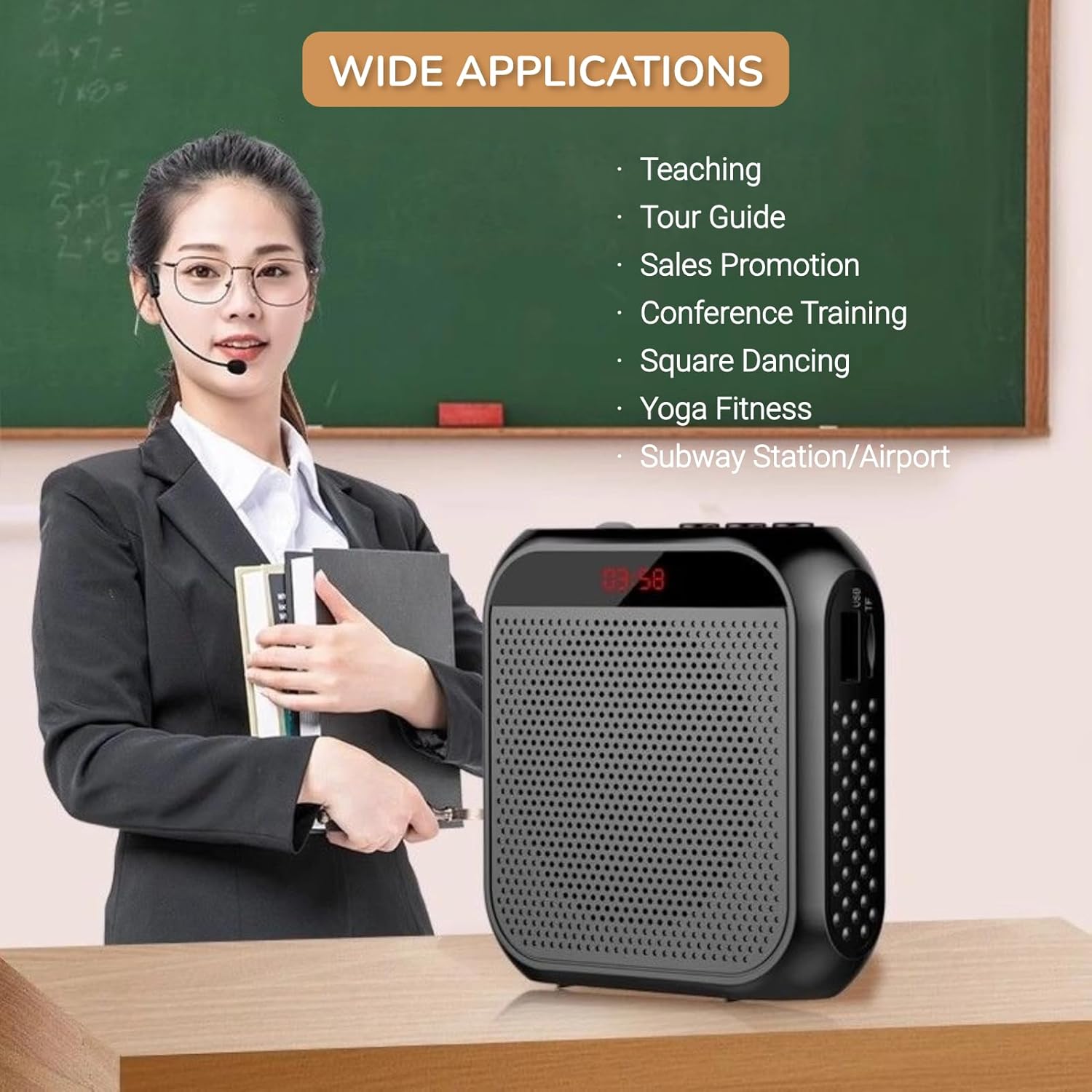
Image: A visual demonstrating various professional and recreational uses for the voice ampпожизненнее.
- Преподавание
- Tour Guiding
- Conference Training
- Презентации
- Публичные выступления
- Мероприятия на свежем воздухе
Методы ношения
The amplifier offers flexible wearing options for user comfort and convenience.

Изображение: Бывшийampо том, как amplifier can be worn using the waistband strap or clip.
- Пояс: Attach the provided strap to the buckle positions on the amplifier and wear it around your waist or over your shoulder.
- Зажим для ремня: Use the integrated clip on the back of the amplifier to secure it directly to your belt, pocket, or clothing.
Технические характеристики
Key technical specifications of the Yunseity Portable Voice Ampпожизненнее.

Image: Diagram showing the physical dimensions of the ampпожизненнее.
| Особенность | Спецификация |
|---|---|
| Бренд | Юнсейти |
| Номер модели | Yunseity07h6poqxat |
| Технология связи | AUX |
| Цвет | Черный |
| Совместимые устройства | Гарнитура |
| Тип крепления | Портативный, Настольный |
| Источник питания | Питание от батареи |
| Тип разъема | Аукс |
| Количество каналов | 1 |
| Аудиовход | USB, Memory Card, Auxiliary |
| Материал корпуса | Пластик |
| Емкость аккумулятора | 2200мАч |
| Размеры (приблизительные) | 8.4 см x 2.8 см x 9.2 см (3.30 дюйма x 1.10 дюйма x 3.62 дюйма) |
Обслуживание
- Уборка: Протрите amplifier with a soft, dry cloth. Do not use harsh chemicals or abrasive cleaners.
- Хранилище: Храните устройство в прохладном, сухом месте, вдали от прямых солнечных лучей и экстремальных температур.
- Уход батареи: Для оптимального срока службы аккумулятора избегайте частой полной разрядки. Регулярно заряжайте устройство, даже если оно не используется в течение длительного времени.
- Обращаться с осторожностью: Не роняйте устройство и не подвергайте его сильным ударам.
Поиск неисправностей
If you encounter issues with your voice amplifier, пожалуйста, ознакомьтесь со следующими распространенными проблемами и решениями:
| Проблема | Возможная причина | Решение |
|---|---|---|
| Нет звука или низкая громкость | Device is off; Volume is too low; Microphone not connected; Microphone faulty. | Long press Play/Pause to turn on; Rotate volume knob clockwise; Ensure microphone is fully plugged in; Test with another microphone if available. |
| Обратная связь/свистящий звук | Microphone too close to speaker; Volume too high; Microphone pointed at speaker. | Увеличьте расстояние между микрофоном и amplifier; Reduce volume; Adjust microphone position away from the speaker. |
| Устройство не заряжается | Charging cable faulty; Power source faulty; Charging port damaged. | Try a different USB cable; Use a different USB power adapter/port; Contact customer support if port is damaged. |
| Media playback not working | U disk/Memory Card not inserted correctly; Incompatible file формат; поврежден files. | Reinsert U disk/Memory Card; Ensure files are in a supported format (e.g., MP3); Try different media files. |
Гарантия и поддержка
This Yunseity product comes with a standard manufacturer's warranty. Please refer to the packaging or the seller's terms for specific warranty details and duration.
For technical support, warranty claims, or any questions regarding your product, please contact the seller or Yunseity customer service through the platform where you purchased the item. Provide your model number (Yunseity07h6poqxat) and purchase details for faster assistance.