
Введение
This manual provides detailed instructions for the operation and maintenance of your Generic HW3 Ultra Max Smartwatch. Please read this manual thoroughly before using the device to ensure proper function and to maximize your user experience.
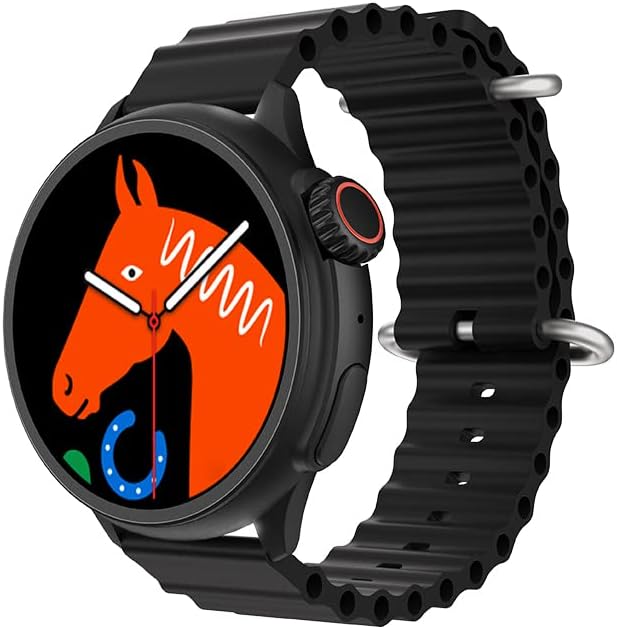
Image: The HW3 Ultra Max Smartwatch in black, showcasing its round display and textured band.
Содержимое упаковки
Убедитесь, что в упаковке присутствуют все предметы:
- HW3 Ultra Max Smartwatch
- Watch Band (as specified in product details)
- Зарядный кабель
- Руководство пользователя

Image: Contents of the HW3 Ultra Max Smartwatch package, including the watch and its box.
Продукт болееview
The HW3 Ultra Max Smartwatch features a 1.52-inch round display, designed for clear visibility and intuitive interaction. It integrates various functions including NFC, Bluetooth calling, and extensive sport tracking capabilities. The watch is crafted with durability in mind, ensuring robust performance.

Изображение: Оверview of the HW3 Ultra Max Smartwatch, emphasizing its key features.
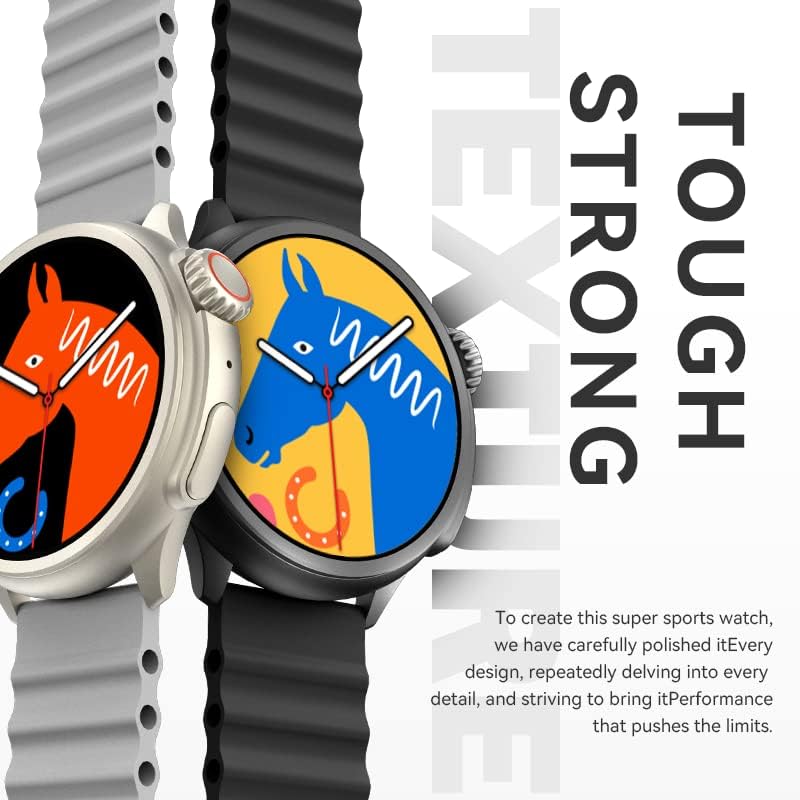
Image: The HW3 Ultra Max Smartwatch highlighting its durable construction and design.
Основные характеристики:
- Отображать: 1.52-inch Round Screen, 360*360 resolution.
- Связь: Bluetooth for calls and data sync, NFC for various functions.
- Спортивные режимы: Over 90 integrated sport modes.
- Отслеживание фитнеса: Heart rate, calorie tracking, and more.
- Дополнительный: Voice assistant, customizable dials.
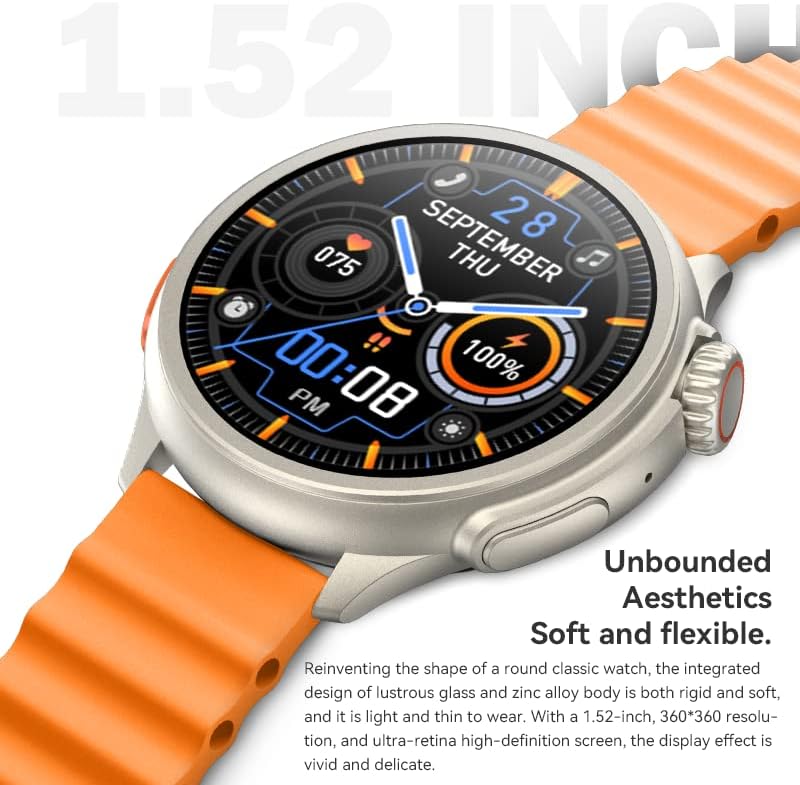
Изображение: подробное view of the 1.52-inch display and its high-definition resolution.
Настраивать
1. Зарядка умных часов
Before initial use, fully charge your smartwatch. Connect the charging cable to the charging port on the back of the watch and plug the other end into a USB power adapter (not included).
- На экране появится индикатор зарядки.
- Зарядка обычно занимает 1–2 часов.
2. Включение и выключение
- Включение питания: Нажмите и удерживайте боковую кнопку, пока не загорится экран.
- Выключение: Нажмите и удерживайте боковую кнопку, затем выберите «Выключить» на экране.
3. Установка приложения и сопряжение
To unlock the full functionality of your smartwatch, download the companion application on your smartphone. Refer to the QR code in the watch's settings or the manual for the specific app name (e.g., "WearFit" as suggested by product images).
- Download and install the app from your smartphone's app store (Google Play Store or Apple App Store).
- Откройте приложение и создайте учетную запись или войдите в систему.
- Включите Bluetooth на вашем смартфоне.
- In the app, navigate to "Device" or "Add Device" and select your HW3 Ultra Max Smartwatch from the list of available devices.
- Подтвердите запрос на сопряжение на смартфоне и умных часах.
4. NFC Setup
The smartwatch supports NFC functionality. Specific setup instructions for NFC features (e.g., access control, payment) will depend on the compatible services and applications. Consult the companion app for detailed guidance on configuring NFC.
Инструкция по эксплуатации
Базовая навигация
- Сенсорный экран: Проведите пальцем влево/вправо, вверх/вниз, чтобы перемещаться по меню и уведомлениям. Нажмите, чтобы выбрать.
- Боковая кнопка: Нажмите, чтобы вернуться на главный экран или вывести устройство из спящего режима. Длительное нажатие — для доступа к параметрам питания.
- Вращающаяся заводная головка: Rotate to scroll through lists or adjust settings (functionality may vary by watch face/app).
Совершение и прием звонков
Once paired via Bluetooth, your smartwatch can handle calls:
- Делая звонки: Для совершения звонка откройте номеронабиратель или список контактов на своих часах.
- Прием звонков: When a call comes in, you can answer or reject it directly from your watch screen.
Sport Modes and Fitness Tracking
The HW3 Ultra Max offers over 90 sport modes to track your activities. Access these modes through the "Sports" or "Workout" menu on your watch.

Image: The smartwatch tracking various sport activities with over 90 available modes.
During a workout, the watch tracks metrics such as:
- Частота сердечных сокращений
- Сожженные калории
- Расстояние
- Продолжительность
- Steps (daily activity)
All tracked data can be synchronized and viewed in detail within the companion app.
Уведомления
Receive notifications from your smartphone directly on your watch. Ensure notification permissions are enabled in both your phone's settings and the companion app.
Настройка циферблатов
Personalize your smartwatch with various watch faces. You can change them directly on the watch by long-pressing the home screen or through the companion app for more options.
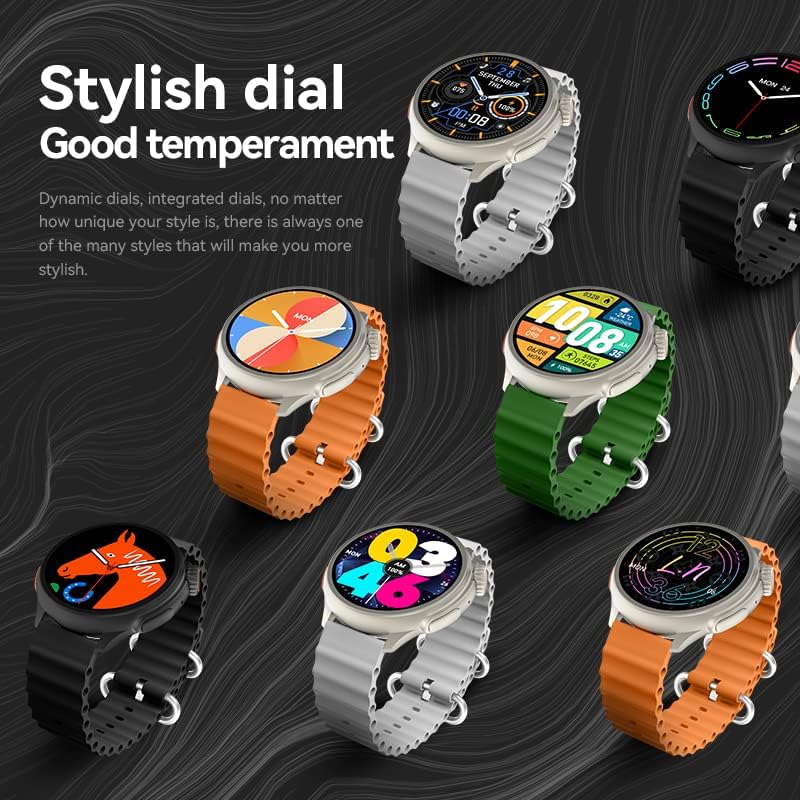
Изображение: Бывшийamples of customizable watch faces available for the HW3 Ultra Max Smartwatch.
Обслуживание
Уборка
- Протирайте экран и корпус часов мягкой безворсовой тканью.
- Для удаления стойких загрязнений слегкаampСмочите ткань водой. Избегайте использования агрессивных химикатов.
- Регулярно очищайте зарядные контакты, чтобы обеспечить эффективную зарядку.
Водостойкость
While the smartwatch is designed for daily use and may withstand splashes, it is not recommended for swimming or showering unless explicitly stated otherwise in the product specifications. Avoid exposing the watch to hot water or steam.
Уход за аккумулятором
- Избегайте частой полной разрядки аккумулятора.
- Если часы не используются в течение длительного времени, храните их в прохладном, сухом месте.
- Используйте только прилагаемый или рекомендованный зарядный кабель.
Поиск неисправностей
| Проблема | Возможное решение |
|---|---|
| Часы не включаются. | Убедитесь, что часы полностью заряжены. Подключите их к зарядному устройству как минимум на 30 минут. |
| Невозможно подключиться к смартфону. |
|
| Уведомления не приходят. |
|
| Экран не реагирует. | Restart the smartwatch by long-pressing the side button. If the issue persists, ensure the screen is clean and dry. |
Технические характеристики
| Особенность | Деталь |
|---|---|
| Номер модели | HW3 |
| Бренд | Общий |
| Размер экрана | 1.52 Inches (Round) |
| Связность | Bluetooth |
| Особые возможности | NFC, Bluetooth Call, 90+ Sport Modes, Fitness Tracking, GPS Via Smartphone |
| Вес товара | 10.6 унции |
| Размеры | 3.94 x 3.94 x 3.94 дюйма (упаковка) |
| Целевая аудитория | Мужчины |
| Цвет | Черный |
Гарантия и поддержка
For warranty information and customer support, please refer to the documentation provided with your purchase or contact the retailer. Specific warranty terms may vary by region and seller.
For further assistance, please visit the manufacturer's webили обратитесь в службу поддержки клиентов. Сохраните чек в качестве подтверждения покупки.