
Введение
Thank you for choosing JVC Marshmallow True Wireless Bluetooth 5.3 Earbuds. These earbuds are designed for comfort and convenience, featuring soft memory foam earpieces, Bluetooth 5.3 connectivity, and IPX4 water resistance. This manual provides essential information for setting up, operating, and maintaining your earbuds.
Что в коробке?
- JVC Marshmallow True Wireless Earbuds
- Чехол для беспроводной зарядки
- USB-кабель для зарядки
- Memory Foam Earpieces (multiple sizes)
- Silicone Earpieces (multiple sizes)
Настраивать
1. Зарядка наушников и кейса
Before first use, fully charge the earbuds and charging case. Connect the provided USB charging cable to the charging port on the back of the case and to a power source. The indicator lights on the case will show the charging status. Once fully charged, the lights will remain solid or turn off.

Image: JVC Marshmallow Earbuds in their charging case, illustrating the charging process.
2. Выбор и подгонка наушников
The earbuds come with both memory foam and silicone earpieces in various sizes. Choose the size that provides a snug, comfortable fit and optimal sound isolation. Gently insert the earbud into your ear canal and twist slightly to secure it.

Изображение: Крупный план view of JVC Marshmallow earbuds highlighting the soft and elastic ear tips for a comfortable fit.

Image: A selection of memory foam and silicone earpieces in different sizes, included with the earbuds for personalized comfort.
3. Сопряжение по Bluetooth
- Откройте зарядный кейс. Наушники автоматически перейдут в режим сопряжения.
- На вашем устройстве (смартфоне, планшете и т. д.) включите Bluetooth и выполните поиск доступных устройств.
- Select "JVC HAA18TB" from the list to connect.
- После сопряжения наушники автоматически подключатся к вашему устройству, когда их достанут из чехла.
Инструкция по эксплуатации
1. Сенсорное управление
The earbuds feature intuitive touch sensor controls for various functions:
- Воспроизведение/Пауза: Нажмите один раз на любой наушник.
- Следующий трек: Дважды нажмите на правый наушник.
- Предыдущий трек: Дважды нажмите на левый наушник.
- Увеличить громкость: Трижды нажмите на правый наушник.
- Убавить звук: Трижды нажмите на левый наушник.
- Ответить/завершить вызов: Нажмите один раз на любой наушник.
- Отклонить вызов: Нажмите и удерживайте любой наушник.
- Активировать голосового помощника: Нажмите и удерживайте кнопку на любом из наушников (когда разговор не ведется).

Image: An earbud with a glowing circle on its surface, demonstrating the convenient touch sensor controls.
2. Режимы звука
The earbuds offer three distinct sound modes to customize your listening experience:
- Нормальный: Balanced audio for everyday listening.
- Прозрачный: Enhanced vocals and treble for podcasts and spoken content.
- Бас: Amplified low frequencies for a richer, deeper sound.
To switch between sound modes, press and hold the touch sensor on the left earbud for approximately 1 second.

Image: Visual representation of the three sound modes (Normal, Clear, Bass) available on the JVC Marshmallow earbuds.
3 Режим низкой задержки
Activate Low Latency Mode for a delay-free audio experience, ideal for gaming and video playback. This mode minimizes audio lag, ensuring synchronization between visuals and sound.

Image: JVC Marshmallow earbuds demonstrating Low Latency Mode, suitable for gaming and video content.
Обслуживание
1. Уборка
Regularly clean your earbuds and charging case to ensure optimal performance and hygiene. Use a soft, dry cloth to wipe the surfaces. For earpieces, remove them and gently clean with a damp тканью, убедившись, что они полностью высохли, прежде чем прикреплять их обратно.
2. Водонепроницаемость (IPX4)
The earbuds are IPX4 water-resistant, meaning they are protected against splashing water from any direction. This makes them suitable for workouts and light rain. However, they are not designed for submersion in water. Ensure the earbuds are dry before placing them back in the charging case.
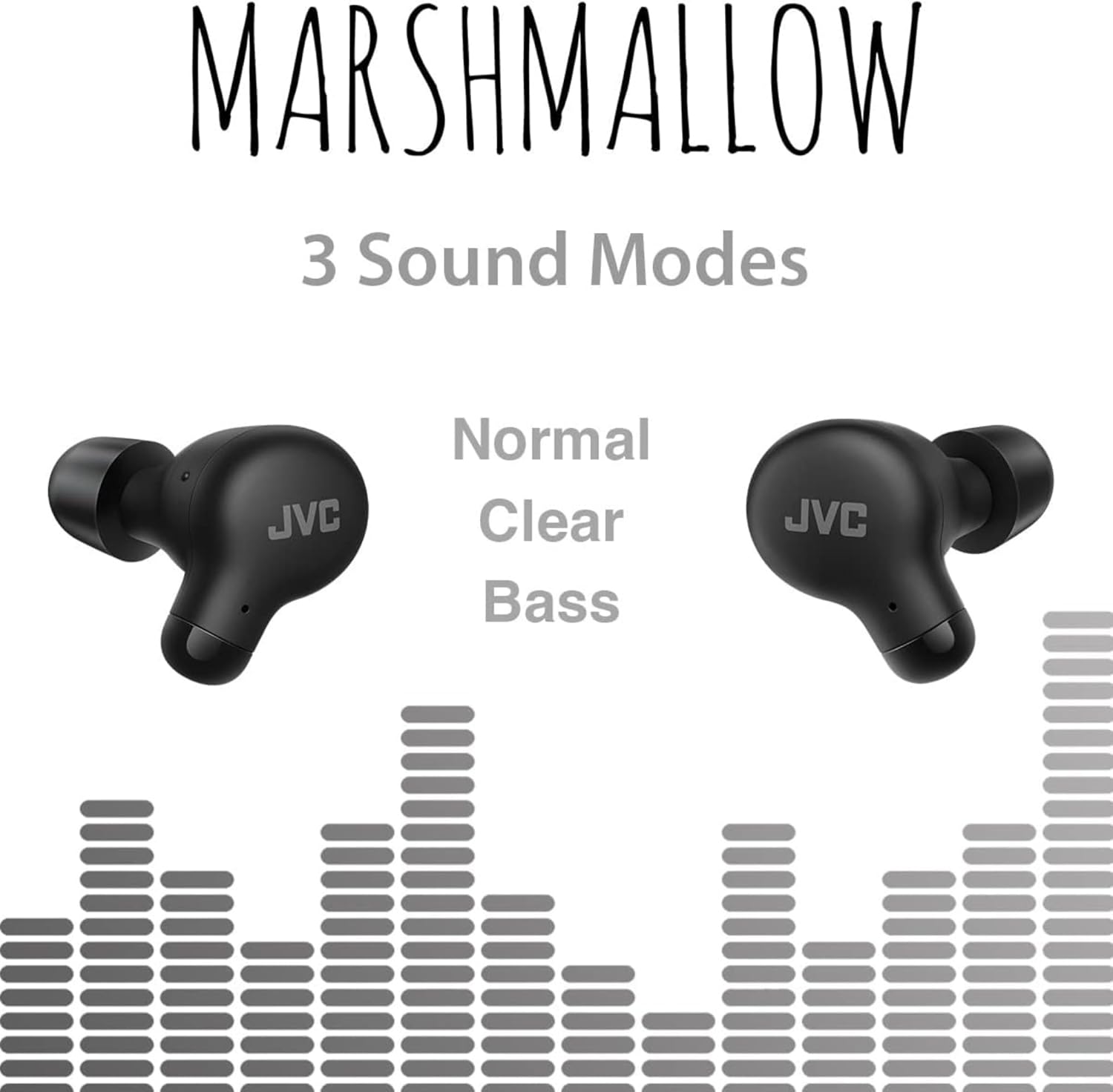
Image: A person wearing JVC Marshmallow earbuds during a workout, highlighting their IPX4 water-resistant design.
Поиск неисправностей
- Наушники не подключаются: Убедитесь, что оба наушника находятся в зарядном футляре, затем откройте крышку, чтобы активировать режим сопряжения. Проверьте настройки Bluetooth на вашем устройстве и попробуйте подключиться заново.
- Нет звука в одном наушнике: Place both earbuds back in the case, close the lid, and then reopen. This often resets the connection.
- Низкая громкость или плохое качество звука: Ensure earpieces are clean and properly fitted. Adjust sound modes (Normal, Clear, Bass) to your preference.
- Проблемы с зарядкой: Убедитесь, что зарядный кабель надежно подключен как к кейсу, так и к источнику питания. Очистите контакты зарядки на наушниках и внутри кейса.
Технические характеристики
| Бренд | JVC |
| Номер модели | HAA18ТБ |
| Технология связи | Блютус 5.3 |
| Расположение ушей | В ухо |
| Уровень водонепроницаемости | IPX4 (Водонепроницаемость) |
| Средний срок службы батареи | 28 часов (с зарядным чехлом) |
| Время зарядки аккумулятора | 2 часов |
| Метод контроля | Прикосновение, Голос |
| Вес товара | 1.44 унции |
| СКП | 046838501890 |
Гарантия и поддержка
Your JVC Marshmallow True Wireless Earbuds come with a 1-year warranty covering parts and labor. For technical support, warranty claims, or further assistance, please visit the official JVC webПосетите сайт или свяжитесь со службой поддержки клиентов JVC.
Video: Official JVC Marshmallow True Wireless Earbuds (HAA18T) product overview, demonstrating key features and usage.