
AWO MU03642 / MU05661 / 003-002119-01
AWO Replacement Projector Air Dust Filter User Manual
Model: MU03642 / MU05661 / 003-002119-01
Продукт болееview
The AWO Replacement Projector Air Dust Filter is designed to maintain optimal performance of compatible projectors by preventing dust and debris from entering the optical system. Regular replacement ensures clear and bright image projection.
This filter is compatible with a range of projector models, including:
- HITACHI: CP-SX635, CP-WUX645N, CP-WX625, CP-WX645, CP-X505, CP-X505W, CP-X600, CP-X605, CP-X608, CP-X615, CP-X705, CP-X807, CP-X809
- CHRISTIE: LW400, LWU420, LX400
- 3М: X90/W, X95, X95i
- ПРОСИТЬ: С445, С500
- PLANAR: ПР9020, ПР9030
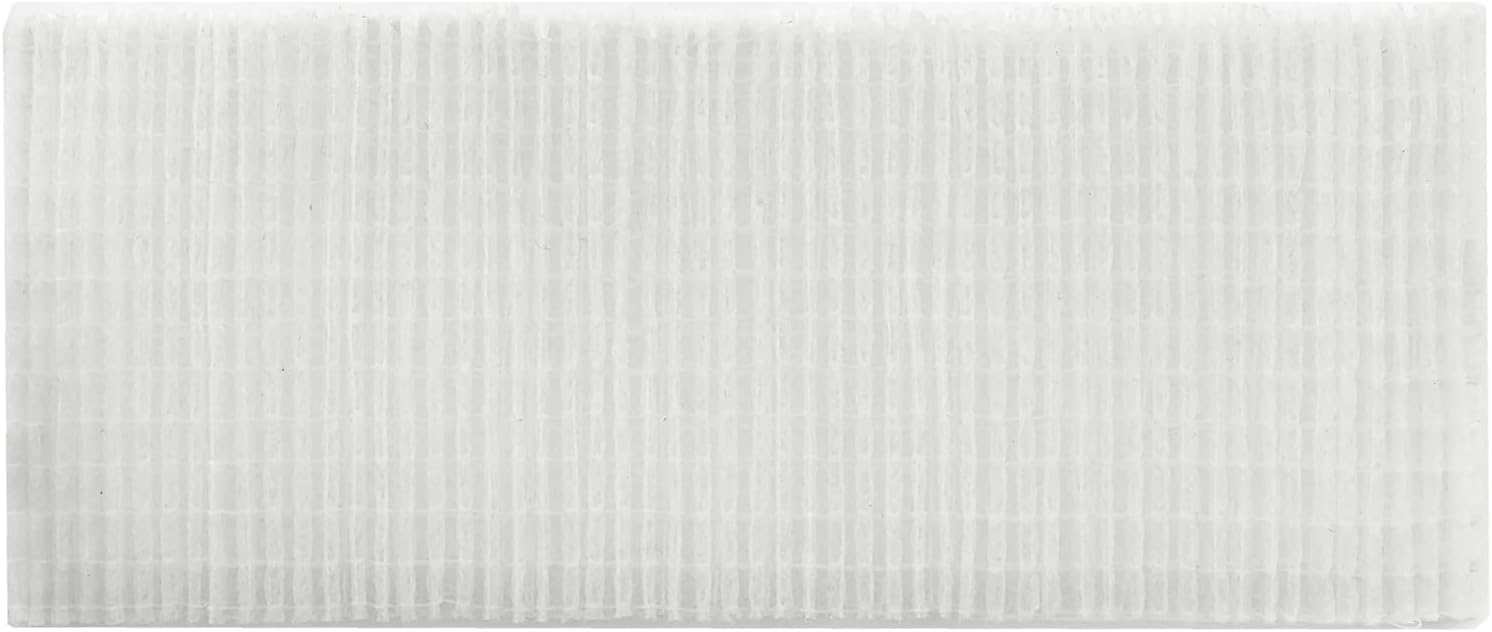
Изображение: Спереди view of the AWO Replacement Projector Air Dust Filter.
Установка (настройка)
Replacing the air filter is a straightforward process. Ensure the projector is turned off and cooled down before proceeding.

Image: Diagram illustrating the components and steps for replacing the projector's air filter.
Procedure for Air Filter Replacement:
- Выключите проектор and unplug the power cord. Allow the projector to sufficiently cool down.
- Use a vacuum cleaner on and around the крышка фильтра to remove any loose dust.
- Держите filter cover knobs while lifting it. The filter unit, including the filter cover, will come off.
- Use a vacuum cleaner for the filter vent of the projector and the filter frame side of the filter unit.
- If the air filter is damaged or too soiled, replace it. To remove the filter frame, hold the filter cover while holding and pulling the filter frame's knob by another hand.
- Replace the air filter with a new one. It is recommended that the fluted surface of the air filter faces the filter cover.
- Put the filter frame back.
- Установите блок фильтра обратно в проектор.
Принципы работы
The air dust filter functions as a protective barrier, preventing airborne particles from entering the projector's internal components. This is crucial for maintaining the clarity of the projected image and the longevity of the projector's optical engine and cooling system. The filter allows necessary airflow for cooling while trapping dust.
Обслуживание
Regular maintenance of the air filter is essential for optimal projector performance and lifespan. While this product is a replacement filter, the old filter should be cleaned periodically until replacement is necessary.
Cleaning the Air Filter (Prior to Replacement):
Before replacing, the existing filter can be cleaned to extend its life. Follow steps 1-4 from the "Installation" section to remove and clean the filter and its housing. Use a vacuum cleaner to gently remove accumulated dust from the filter surface. Do not wash the filter with water or cleaning solutions, as this can damage the foam material.
Частота замены:
The frequency of filter replacement depends on the projector's usage environment and hours of operation. In dusty environments or with heavy use, more frequent replacement may be required. Replace the filter when it appears heavily soiled, damaged, or if the projector displays a warning message regarding the air filter.
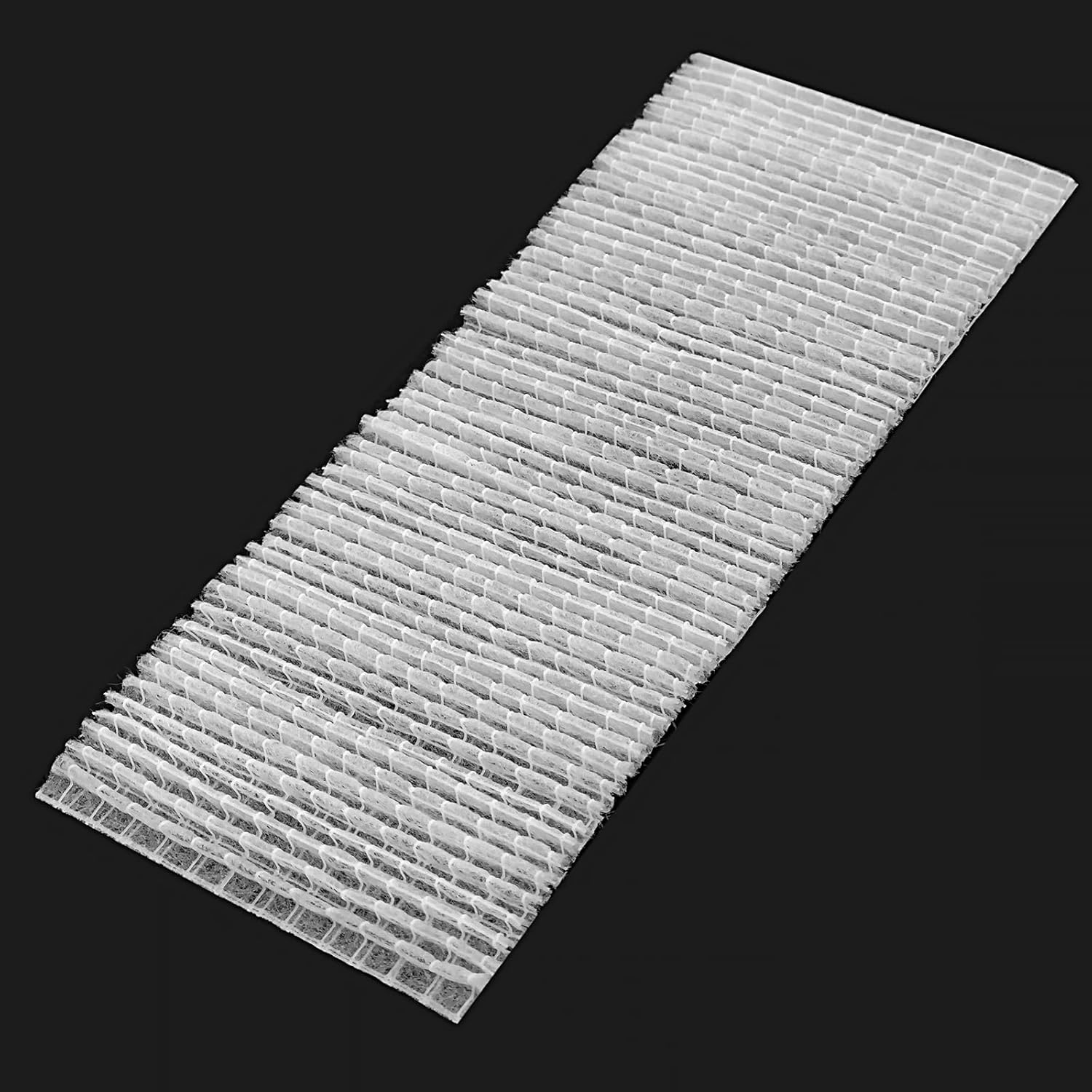
Изображение: под углом view of the filter, showing its pleated structure designed for dust capture.
Поиск неисправностей
If you encounter issues after replacing the air filter, consider the following:
- Фильтр установлен неправильно: Ensure the filter is oriented correctly. The fluted surface should face the filter cover as per installation instructions. Verify the model number of your projector matches the compatible models listed.
- Projector Overheating/Dust Warning: If the projector continues to display overheating warnings or dust alerts after replacement, ensure the new filter is properly seated and the filter cover is securely closed. Also, check that the projector's internal vents are not obstructed.
- Сниженное качество изображения: While unlikely to be directly caused by a new filter, if image quality degrades, ensure no dust entered the projector during the replacement process.
For persistent issues, refer to your projector's specific user manual or contact AWO customer support.
Технические характеристики
| Бренд | АВО |
| Номер модели | MU03642 / MU05661 / 003-002119-01 |
| Номер детали | MU03642 / MU05661 / 003-002119-01 |
| Материал | Мыло |
| Цвет | Белый |
| Вес товара | 11.2 унции (0.7 фунта) |
| Размеры продукта | 3.5 x 1.9 x 1.9 дюйма |
| Страна происхождения | Китай |
| Включенные компоненты | Фильтр |
Гарантия и поддержка
AWO stands behind its products. This air dust filter comes with a Гарантия 180 дней с даты покупки.
For any assistance, questions, or warranty claims, please feel free to contact AWO customer support. We aim to provide feedback within 12 hours via Amazon Mail Systems.
You can also visit the official AWO store for more information and products: AWO Store on Amazon