
1. Введение
Welcome to the Nokia T10 Wi-Fi Tablet user manual. This guide provides essential information to help you set up, operate, maintain, and troubleshoot your new device. The Nokia T10 is an 8-inch HD Android 12 tablet designed for everyday use, offering a balance of performance and portability.
Please read this manual carefully to ensure proper use and to maximize the lifespan of your tablet.
2. Что в коробке
Upon unboxing your Nokia T10 tablet, please verify that all the following items are included:
- Nokia T10 Tablet Device
- Кабель USB типа-C
- Зарядное устройство
- Краткое руководство (QSG)
- Буклет по безопасности
- User Guide Band
- Plastic Bag (packaging material)
If any items are missing or damaged, please contact your retailer or Nokia customer support immediately.
3. Настройка
3.1 Зарядка планшета
Before first use, fully charge your Nokia T10 tablet. Connect the provided Type-C USB cable to the tablet's charging port and the other end to the charger. Plug the charger into a power outlet. The battery indicator on the screen will show the charging status.
3.2 Включение/выключение питания
- Для включения: Нажмите и удерживайте кнопку питания, пока не появится логотип Nokia.
- Чтобы выключить: Нажмите и удерживайте кнопку питания, пока на экране не появятся параметры питания. Выберите «Выключить» и подтвердите выбор.
- Начать заново: Нажмите и удерживайте кнопку питания, пока не появятся параметры питания. Выберите «Перезапустить» и подтвердите выбор.
3.3 Начальная настройка
When you power on your tablet for the first time, you will be guided through an initial setup process:
- Выбор языка: Выберите желаемый язык.
- Wi-Fi-соединение: Connect to a Wi-Fi network to access the internet. This is crucial for downloading updates and setting up your Google account.
- Аккаунт Google: Sign in with your existing Google account or create a new one. This is necessary for accessing the Google Play Store, Gmail, and other Google services.
- Дата и время: Установите правильную дату и время или позвольте сети установить их автоматически.
- Безопасность: Set up a screen lock (PIN, pattern, password) and consider enabling AI Face Unlock for convenient access.
3.4 Установка карты MicroSD
The Nokia T10 supports expandable storage via a MicroSD card. Locate the SIM/SD card tray on the side of the tablet. Use the provided SIM ejector tool to open the tray. Carefully place the MicroSD card into the designated slot with the gold contacts facing down, then reinsert the tray firmly.
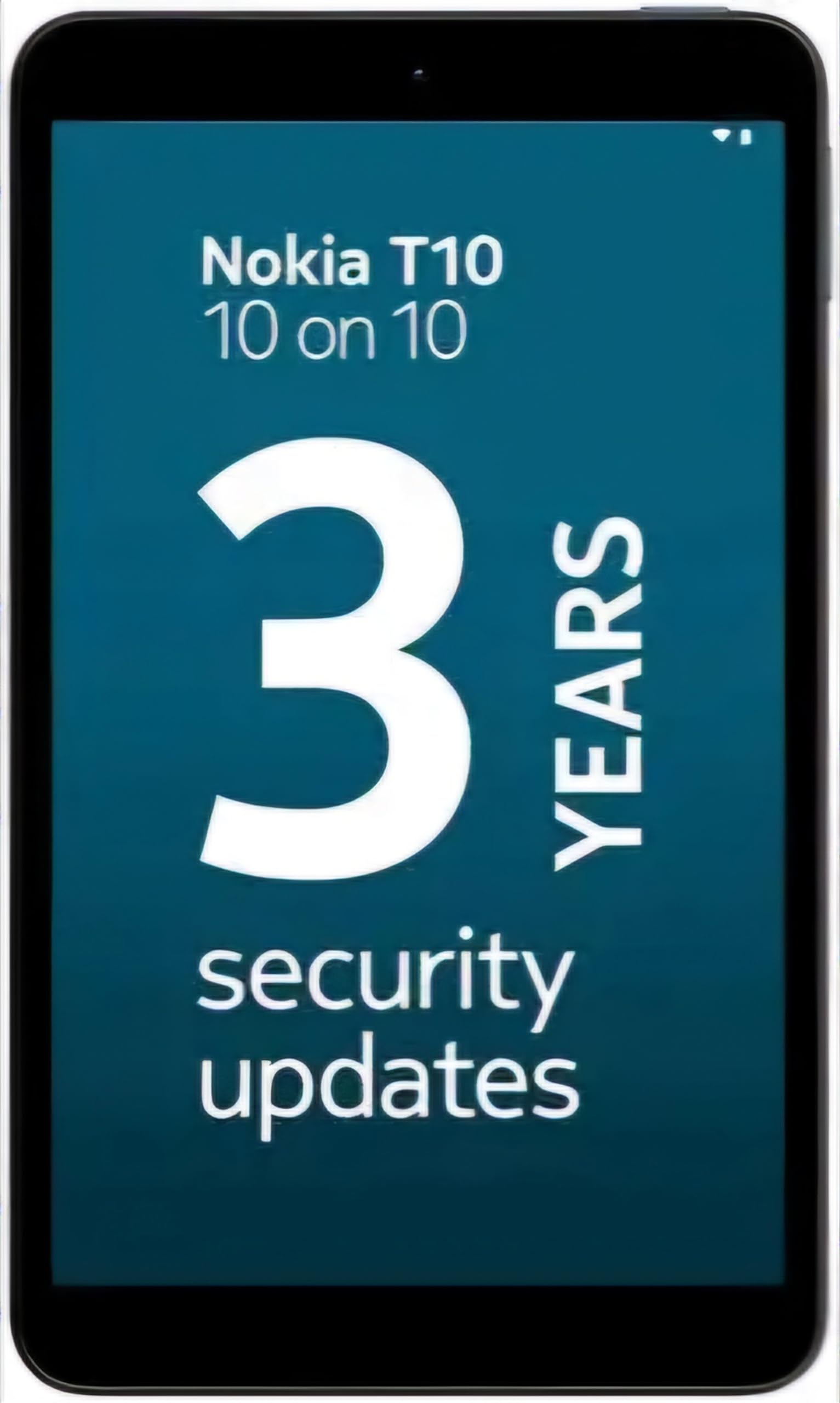
Image: Nokia T10 tablet, showcasing its sleek design and the rear camera module.
4. Инструкция по эксплуатации
4.1 Дисплей и навигация
The Nokia T10 features an 8-inch HD display (1280x800 pixels). Navigate the interface using touch gestures:
- Кран: Выберите элемент или откройте приложение.
- Проведите пальцем по экрану: Прокручивайте экраны, списки или контент.
- Масштабирование сведением пальцев: Увеличивайте или уменьшайте масштаб фотографий и web страниц.
- Длительное нажатие: Доступ к контекстным меню или перемещение значков приложений.
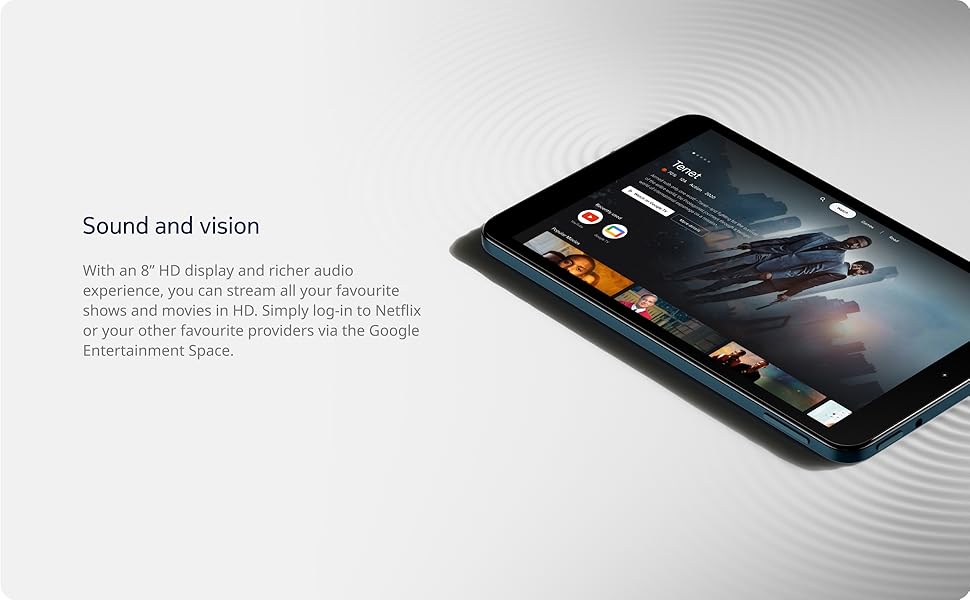
Image: The Nokia T10 tablet showcasing its 8-inch HD display with streaming video content.
4.2 Функции камеры
Your tablet is equipped with an 8MP rear camera with autofocus and flash, and a 2MP front camera.
- Фотографировать: Откройте приложение «Камера», скомпонуйте кадр и нажмите кнопку спуска затвора.
- Запись видео: Switch to video mode in the Camera app and tap the record button to start/stop. The tablet supports FHD 1080p video capture.
- Фронтальная камера: Tap the camera switch icon to use the front camera for selfies or video calls.

Image: A Nokia T10 tablet displaying a video call, highlighting its front camera functionality.
4.3 Управление аккумулятором
The Nokia T10 has a 5250 mAh battery designed for all-day use. To optimize battery life:
- Уменьшите яркость экрана.
- Выключайте Wi-Fi и Bluetooth, когда они не используются.
- Закройте фоновые приложения.
- Включите режим энергосбережения в настройках.
4.4 Связь
- Wi-Fi: Connect to wireless networks via Settings > Network & internet > Wi-Fi. The tablet supports 802.11a/b/g/n/ac standards.
- Bluetooth: Pair with Bluetooth devices (headphones, speakers) via Settings > Connected devices > Bluetooth. The tablet features Bluetooth 5.0.
- USB-порт типа C: Используйте порт USB-C для зарядки и передачи данных.
4.5 AI Face Unlock
For quick and secure access, set up AI Face Unlock:
- Перейдите в Настройки > Безопасность > Разблокировка по лицу.
- Следуйте инструкциям на экране, чтобы зарегистрировать свое лицо.
- Ensure you are in a well-lit environment during setup and use.
4.6 Программное обеспечение и обновления
The Nokia T10 runs on Android 12. Nokia provides 2 years of OS updates and 3 years of monthly security updates to keep your device secure and up-to-date. You will receive notifications when updates are available. It is recommended to install updates over a Wi-Fi connection.
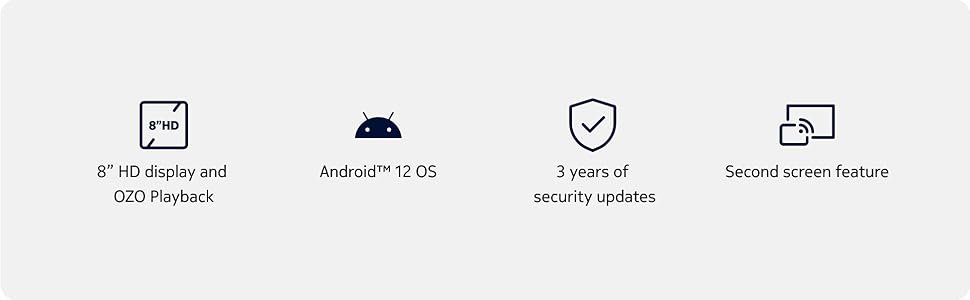
Image: Visual representation of Nokia T10 features including Android 12 OS and 3 years of security updates.
5. Техническое обслуживание
5.1 Очистка планшета
- Для очистки экрана и корпуса используйте мягкую безворсовую ткань.
- Избегайте использования едких химикатов, абразивных чистящих средств или аэрозольных распылителей.
- Do not expose the tablet to excessive moisture.
5.2 Обновления программного обеспечения
Регулярно проверяйте наличие обновлений программного обеспечения и устанавливайте их для обеспечения оптимальной производительности и безопасности. Перейдите в раздел «Настройки» > «Система» > «Обновление системы».
5.3 Управление хранением
Для поддержания производительности периодически управляйте хранилищем планшета:
- Удалите ненужные приложения и files.
- Двигайтесь масштабно files (photos, videos) to a MicroSD card or cloud storage.
- Clear app cache regularly via Settings > Apps > [App Name] > Storage & cache.
6. Поиск Неисправностей
If you encounter issues with your Nokia T10 tablet, try the following solutions:
| Проблема | Решение |
|---|---|
| Планшет не включается | Убедитесь, что аккумулятор заряжен. Подключите зарядное устройство и подождите несколько минут, прежде чем снова попытаться включить устройство. |
| Проблемы с подключением Wi-Fi | Restart your Wi-Fi router. Go to Settings > Network & internet > Wi-Fi, turn Wi-Fi off and then on again. Forget the network and reconnect. |
| Низкая производительность | Close unused apps. Clear app caches. Restart the tablet. Check for available software updates. |
| Приложения вылетают или зависают | Force stop the app (Settings > Apps > [App Name] > Force stop). Clear the app's cache and data. Reinstall the app. |
| Аккумулятор быстро разряжается | Reduce screen brightness. Disable unnecessary features like GPS, Bluetooth, and Wi-Fi when not in use. Check battery usage in Settings to identify power-hungry apps. |
If the problem persists after trying these steps, please contact Nokia customer support.
7. Технические характеристики
Below are the key technical specifications for the Nokia T10 Wi-Fi Tablet:
- Название модели: Nokia T10 TA-1472 WIFI 3/32
- Операционная система: Андроид 12
- Процессор: Unisoc T606 (Octa-core, 1.6 GHz)
- Графический сопроцессор: Мали-G57
- БАРАН: 3 ГБ
- Внутренняя память: 32 ГБ
- Расширяемое хранилище: Yes, via MicroSD card (up to 512GB, sold separately)
- Отображать: 8-inch HD (1280 x 800 pixels) TFT, 16:10 aspect ratio
- Задняя камера: 8 MP with AF and Flash
- Фронтальная камера: 2 МП
- Разрешение видеозахвата: FHD 1080p at 30 fps
- Аккумулятор: 5250 мАч литий-полимерн.
- Связь: Wi-Fi (802.11a/b/g/n/ac), Bluetooth 5.0, USB Type-C, 3.5mm Audio Jack
- Функции безопасности: AI Face Unlock
- Аудио: Stereo Speakers, OZO Playback
- Габариты (Д x Ш x Толщина): 20.8L x 12.3W x 0.9 сантиметров
- Масса: 375 грамм
- Цвет: Синий
8. Информация о гарантии
The Nokia T10 tablet comes with a Гарантия производителя 1 года for the device and battery from the date of purchase. In-box accessories are covered by a Гарантия производителя 6 месяцев from the date of purchase. Please retain your proof of purchase for warranty claims. For detailed terms and conditions, refer to the warranty card included in your product packaging or visit the official Nokia support webсайт.
9 Поддержка
For further assistance, technical support, or to find service centers, please visit the official Nokia support website or contact their customer service. You can typically find support contact information on the Nokia website or in the safety booklet provided with your tablet.
Онлайн поддержка: Поддержка Nokia Webсайт