
Введение
This manual provides instructions for the AULCMEET CRMC-A751JBEZ replacement remote control, designed for use with various Sharp Portable AC Air Conditioner models. Please read this manual carefully before use to ensure proper operation and to maximize the lifespan of your remote control.
Характеристики продукта
- Direct replacement remote control for Sharp Portable AC Air Conditioner units.
- Compatible with a wide range of Sharp AC models, including: CV-2P10SC, CV-2P10SX, CV-P12PX, CRMC-A775JBEZ, CV-P10RC, CRMC-A705JBEZ, CRMC-A729JBEZ, CVP10PC, CVP10NC, CVP09LX, CVP10MX, CVP10MC, CVP10LC, AU-A9MMV, AH-AP9FMV, AH-AP12MMV, AU-A12MMV, AH-A18LEW, AU-A18LEW, AH-A24LEW, AU-A24LEW, CRMC-A663JBEZ, CRMC-A750JBEZ, CV-P09FX, CV-P12LX, CVPD13PX, CPV09FX, CVP09FL, CRMC-A810JBEZ.
- Эргономичный дизайн для удобного управления.
- Infrared connectivity for reliable control.
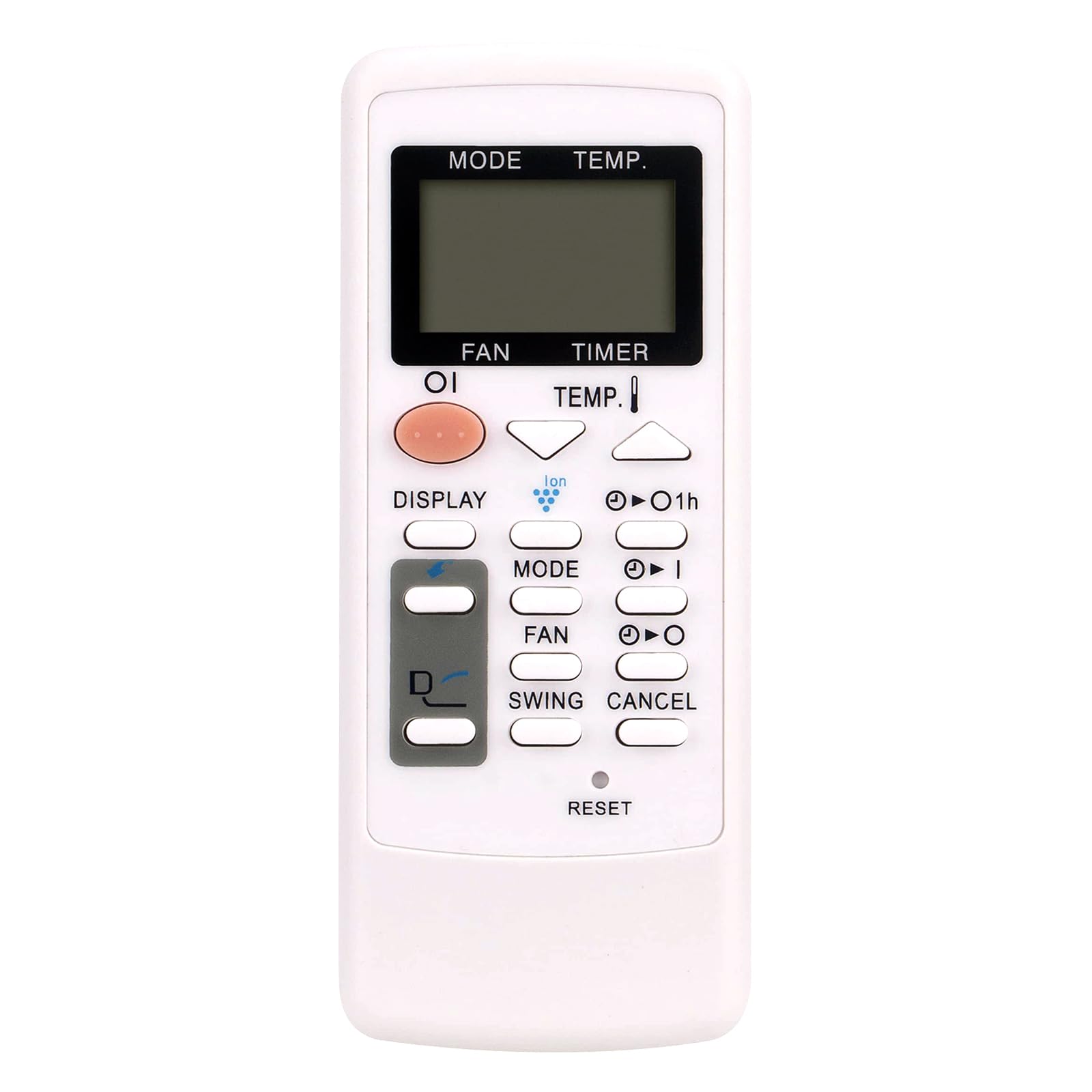
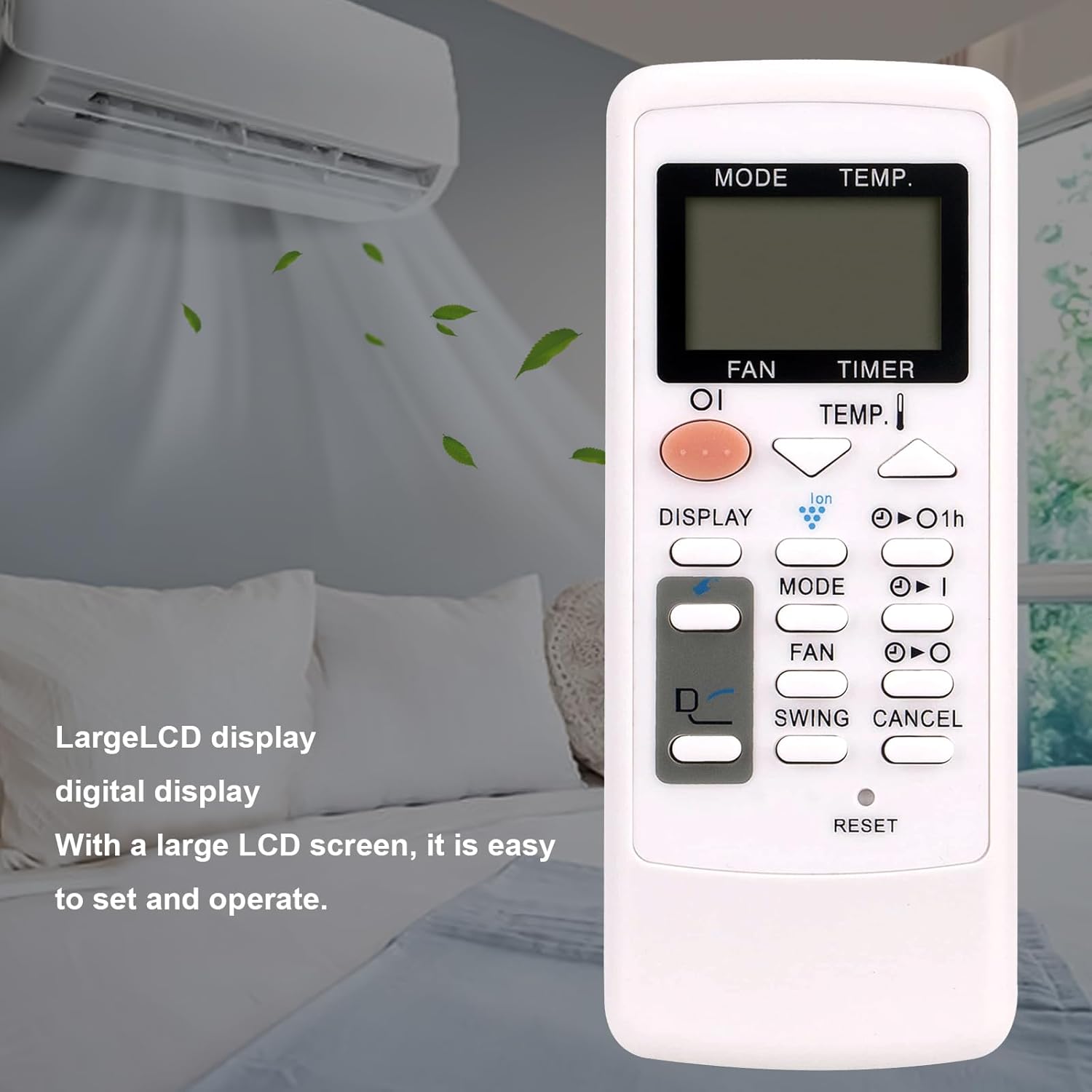
Image: The AULCMEET CRMC-A751JBEZ remote control shown with a Sharp portable air conditioner in a room setting. The remote features a large LCD display for easy operation.
Настраивать
Установка аккумулятора
- Найдите крышку батарейного отсека на задней стороне пульта дистанционного управления.
- Чтобы открыть отделение, сдвиньте крышку вниз или нажмите на защелку.
- Вставьте две батарейки типа AAA (не входят в комплект), убедившись, что положительный (+) и отрицательный (-) полюса правильно совпадают с отметками внутри отсека.
- Задвиньте крышку батарейного отсека на место до щелчка.
Изображение: крупный план спереди view of the AULCMEET CRMC-A751JBEZ remote control, highlighting its buttons and LCD display.
Инструкция по эксплуатации
Point the remote control directly at the infrared receiver on your Sharp Portable AC unit for optimal performance.
- Включение/выключение питания: Нажмите ВЛАСТЬ button (usually a prominent button, often orange or red) to turn the air conditioner on or off.
- Выбор режима: Нажмите РЕЖИМ button repeatedly to cycle through available operating modes: Cool (snowflake icon), Fan (fan icon), and Dry (water drop icon). Note: This remote does not support a heating function.
- Регулировка температуры: Используйте ТЕМП. up (▲) and down (▼) buttons to adjust the desired temperature.
- Скорость вентилятора: Нажмите FAN Кнопка для регулировки скорости вращения вентилятора (например, низкая, средняя, высокая, авто).
- Функция таймера: Используйте ТАЙМЕР buttons (often labeled with a clock icon or '1h') to set or cancel the timer for automatic power on/off.
- Функция поворота: Нажмите SWING button to activate or deactivate the louver swing function, which helps distribute air evenly.
- Отображать: Нажмите ОТОБРАЖАТЬ button to change display settings or activate/deactivate the display backlight on the AC unit.
- Сброс: To reset the remote control to its default settings, use a pointed object (like a pen tip) to press the recessed ПЕРЕЗАГРУЗИТЬ кнопка.

Image: The AULCMEET CRMC-A751JBEZ remote control displayed alongside a Sharp portable AC unit, illustrating its compatibility.
Обслуживание
- Уборка: Clean the remote control with a soft, dry cloth. Do not use liquid cleaners, abrasive materials, or chemical solvents, as these can damage the remote's surface or internal components.
- Замена батареи: Replace batteries when the remote's operational range decreases significantly or it stops responding. Always replace both batteries at the same time with new ones of the same type.
- Хранилище: If the remote control will not be used for an extended period, remove the batteries to prevent leakage and potential damage to the device. Store the remote in a cool, dry place.
Поиск неисправностей
- Пульт не отвечает:
- Проверьте правильность установки батареек и соблюдение полярности (+/-).
- Замените старые батарейки на новые.
- Ensure there are no obstructions between the remote control and the AC unit's infrared receiver.
- Убедитесь, что пульт дистанционного управления направлен прямо на кондиционер.
- Limited operational range:
- Замените батареи.
- Ensure a clear line of sight to the AC unit.
- Specific functions not working (e.g., Heat mode):
- Verify the compatibility of the remote with your specific AC model.
- Note that this remote control does not support heating functions, even if your AC unit has one.
Технические характеристики
| Бренд | AULCMEET |
| Название модели | CRMC-A751JBEZ |
| Совместимые устройства | Sharp Portable Air Conditioners |
| Технология связи | Инфракрасный |
| Тип батареи | 2 x AAA (не входит в комплект) |
| Максимальный диапазон | 33 футов |
| Количество кнопок | 30 |
| Размеры (Д x Ш x В) | 5" x 1" x 0.5" |
Гарантия и поддержка
This AULCMEET CRMC-A751JBEZ replacement remote control comes with a 1-year warranty from the date of purchase. For technical support, warranty claims, or any inquiries regarding your remote control, please contact your retailer or the manufacturer directly through their official support channels.