
Leipan DM9-7" Digital Microscope
Leipan 7-inch LCD Digital Microscope User Manual
Model: DM9-7" Digital Microscope
1. Продукт закончилсяview
The Leipan DM9-7" Digital Microscope is a versatile tool designed for detailed observation, featuring a 7-inch rotatable HD screen, 12MP camera, and up to 1200X magnification. It is suitable for various applications including coin inspection, circuit board repair, and educational exploration.
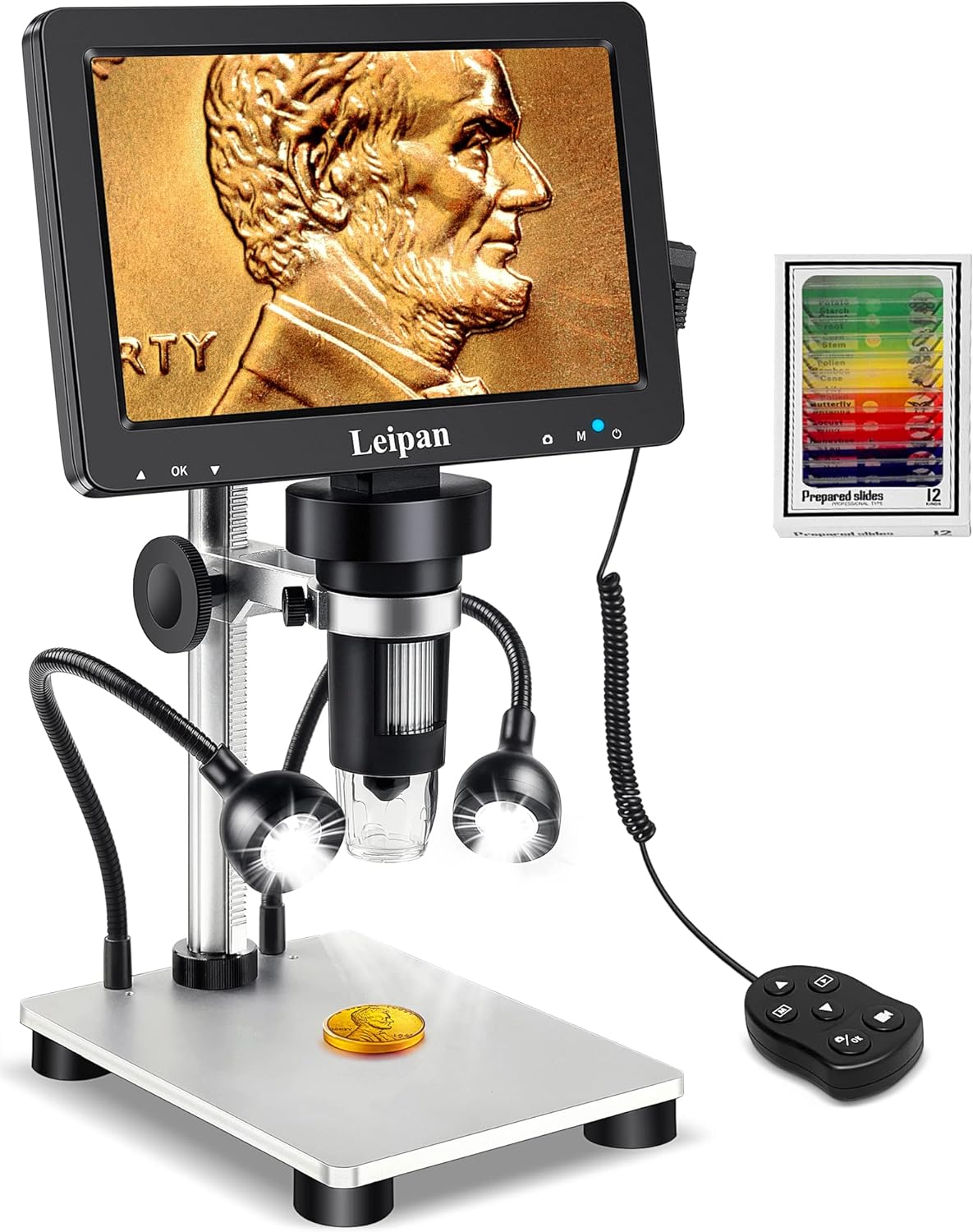
Figure 1.1: Leipan DM9-7" Digital Microscope with included accessories.
Основные характеристики:
- 7-inch Rotatable HD Screen (1080P)
- 12MP Focusing Camera for High-Quality Images and Videos
- Continuous 10X-1200X Magnification
- 8 Adjustable LED Lights + 2 Flexible Side Lights
- PC Compatibility (Windows and Mac OS)
- Photo and Video Recording Functionality with Wired Remote
- Height Adjustable Solid Metal Holder and Base
2. Руководство по установке
2.1 Распаковка и сборка
Carefully remove all components from the packaging. Assemble the microscope stand and attach the main unit, ensuring all connections are secure. The metal base provides stability for various applications.
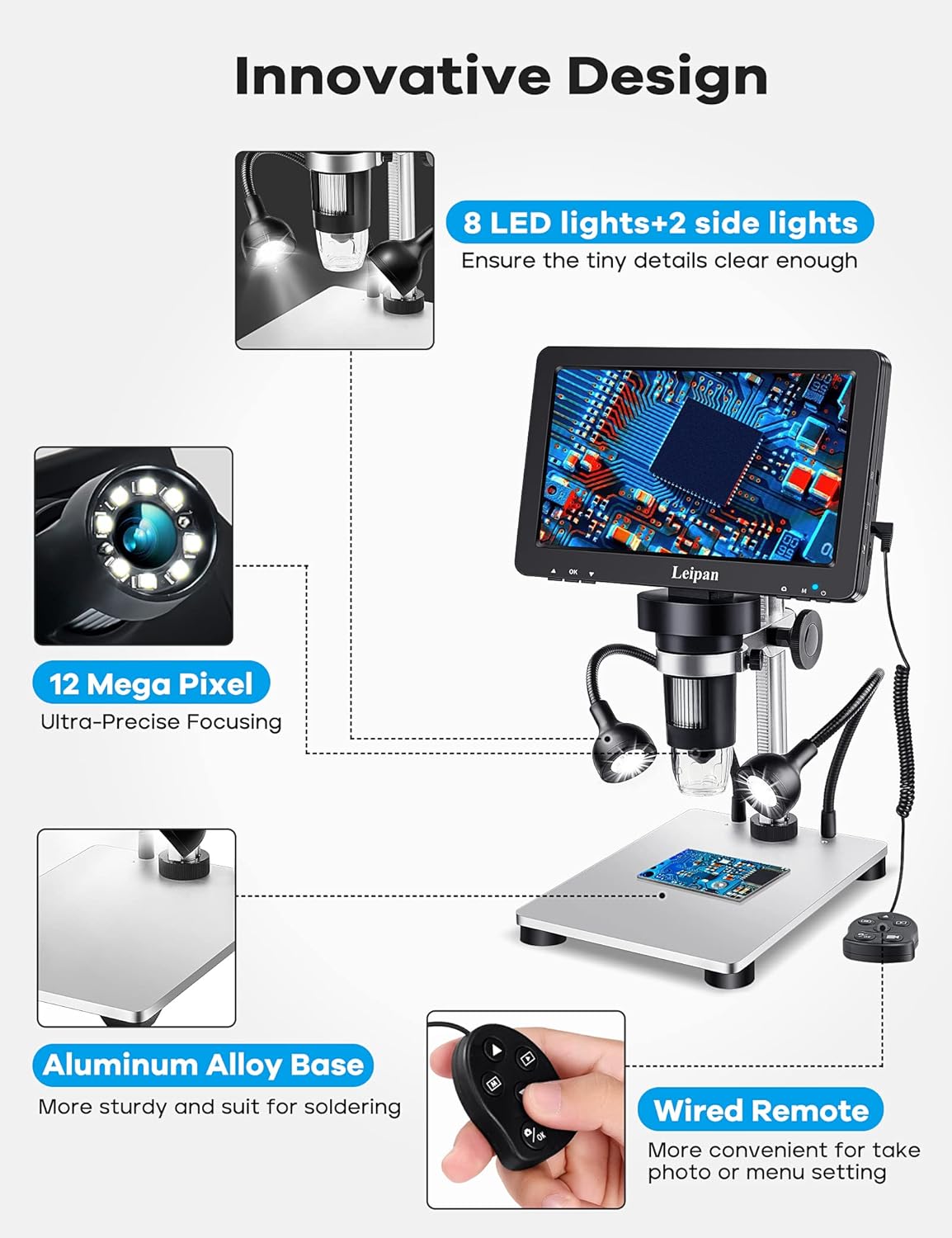
Figure 2.1: Component overview and innovative design features.
2.2 Включение и первоначальное подключение
Connect the microscope to a power source using the provided USB cable. The device can be powered via a standard USB adapter or a computer USB port. Press the power button to turn on the microscope.
Video 2.2: Demonstrates how to charge and power on the Leipan DM9 microscope.
2.3 Connecting to a PC (Windows/Mac OS)
К view images on a larger screen, connect the microscope to your PC or laptop using a data cable. No additional software download is required. For Windows 10, use the default "Windows Camera" application. For iMac/MacBook, use "Photo Booth."
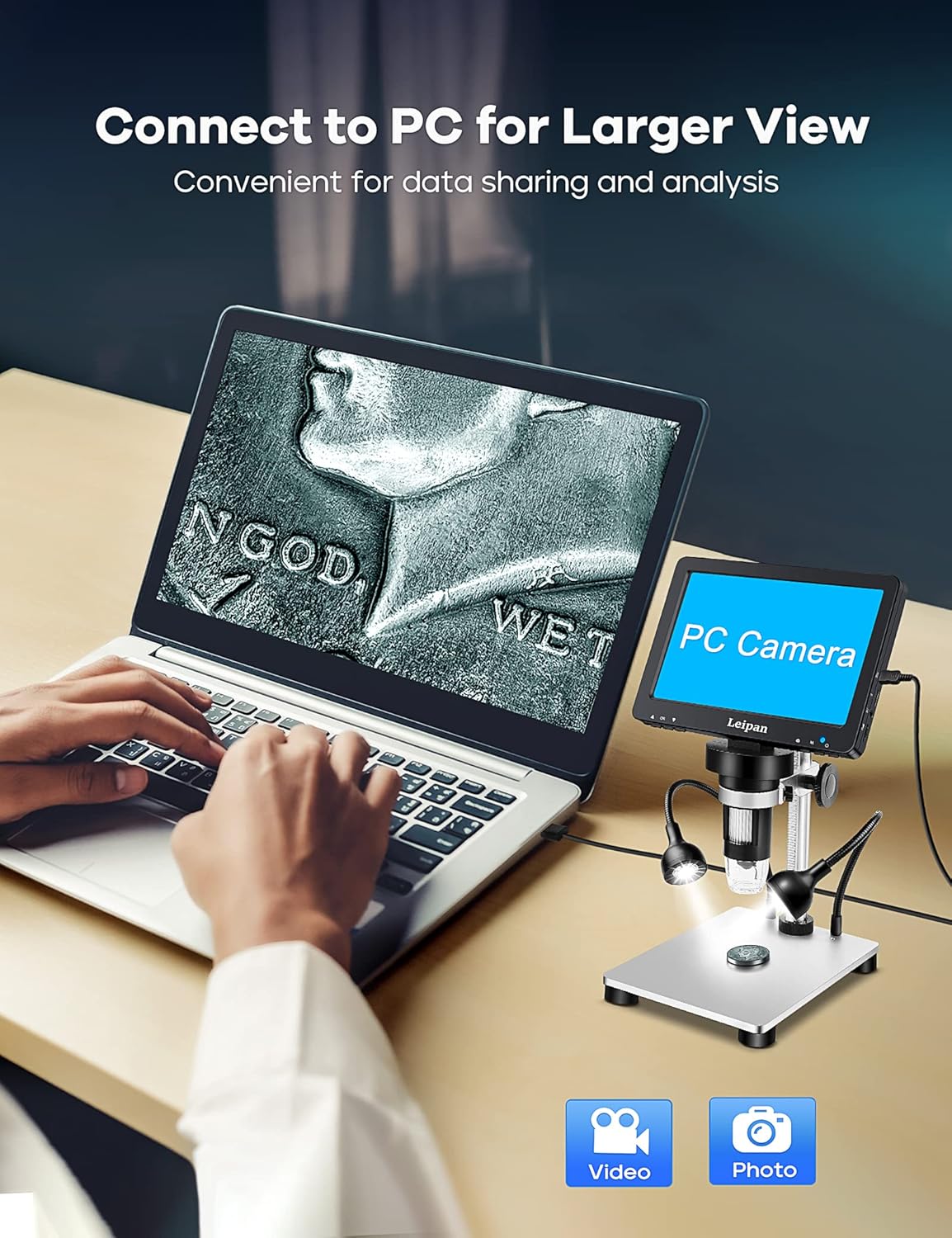
Рисунок 2.3: Подключение микроскопа к ПК для получения более крупного изображения. view.
Video 2.4: Instructions on how to connect the Leipan DM9 to a computer and use it as a PC camera.
3. Инструкция по эксплуатации
3.1 Регулировка увеличения и фокусировки
The microscope offers continuous magnification from 10X to 1200X. Rotate the focus wheel on the main unit to achieve a clear image. The actual magnification observed will vary based on the screen size and the distance between the camera and the object.

Рисунок 3.1: Examples of magnification levels from 10X to 1200X.
3.2 Управление освещением
The microscope is equipped with 8 adjustable LED illuminators and 2 flexible side lights. Adjust the brightness and position of the side lights to ensure all parts of your specimen are clearly illuminated, especially for objects with complex surfaces.
Video 3.2: Guide on how to turn on and adjust the side lights for optimal viewинж.
3.3 Фото- и видеосъемка
Capture 12MP photos (4023*3024) and record 1080FHD videos (1920*1080 at 30fps). You can take photos and videos by pressing the button on the main unit or by using the wired remote control. Using the wired remote is recommended to minimize camera shake and achieve clearer results.

Figure 3.3: The microscope's capability to capture high-quality photos and videos.
Видео 3.4: Оверview of the Leipan 7-inch digital microscope's features and operational aspects.
3.4 Screen and Stand Adjustment
The 7-inch screen is rotatable up to 90 degrees, allowing you to find the most comfortable viewing angle and reduce eye and neck strain during prolonged use. The robust metal stand is height-adjustable, providing flexibility for various object sizes and observation needs.
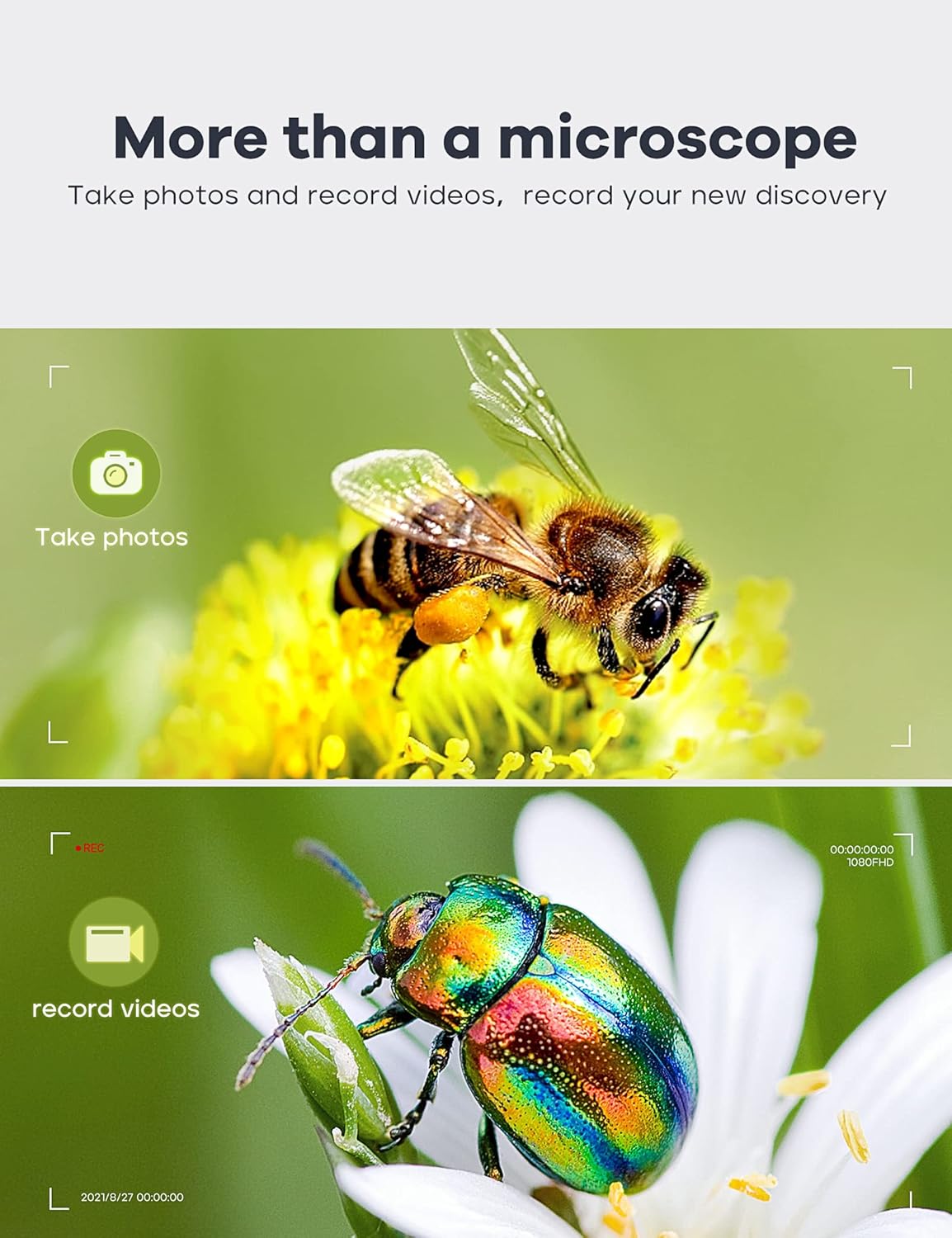
Figure 3.5: Adjustable stand and screen for ergonomic viewинж.
4. Техническое обслуживание
4.1 Очистка
To maintain optimal performance, regularly clean the microscope's lens and screen. Use a soft, lint-free cloth for the screen. For the lens, use a specialized lens cleaning solution and cloth to avoid scratches. Ensure the device is powered off and disconnected from power before cleaning.
4.2 Хранение
Store the microscope in a dry, dust-free environment when not in use. Avoid exposing it to extreme temperatures or direct sunlight. If storing for an extended period, ensure the battery is partially charged (around 50%) to prolong its lifespan.
4.3 Уход за аккумулятором
The microscope uses a Lithium Ion battery. For long-term usage exceeding 30 minutes, it is recommended to keep the power connection plugged in. Avoid fully discharging the battery frequently to maintain its health.
5. Поиск Неисправностей
5.1 Нет питания/Устройство не включается
- Ensure the power cable is securely connected to both the microscope and the power source.
- Убедитесь, что источник питания активен.
- Allow the battery to charge for at least 30 minutes if it was completely depleted.
- Попробуйте другой USB-кабель или адаптер питания.
5.2 Blurred Image
- Adjust the focus wheel on the main unit until the image is clear.
- Ensure the object is placed directly under the lens and within the optimal working distance.
- Очистите линзы, если на них есть пятна или пыль.
5.3 PC Connection Issues
- Убедитесь, что USB-кабель правильно подключен как к микроскопу, так и к компьютеру.
- On the microscope screen, select "PC Camera" mode when prompted after connecting to the computer.
- Verify that your computer's camera application (e.g., "Windows Camera" or "Photo Booth") is open and selected the microscope as the input device.
- Попробуйте использовать другой порт USB на вашем компьютере.
6. Технические характеристики
| Особенность | Спецификация |
|---|---|
| Бренд | Лейпан |
| Номер модели | LP-DM9 |
| Размеры продукта | 9.5 x 8.2 x 3.3 дюйма (24.13 x 20.83 x 8.38 см) |
| Вес товара | 2.82 фунта (1.28 килограмма) |
| Размер экрана | 7 дюймов |
| Увеличение | 10X-1200X |
| Разрешение камеры | 12 МП (4023*3024) |
| Разрешение видео | 1080FHD (1920*1080 30fps) |
| Тип источника света | LED (8 main, 2 flexible side lights) |
| Материал | Metal (Aluminum Alloy Base) |
| Источник питания | 5 Volts (DC), 1 Lithium Ion battery required |
| Совместимые устройства | Laptop (Windows, Mac OS) |
7. Гарантия и поддержка
7.1 Информация о гарантии
Leipan digital microscopes are manufactured under strict quality standards. We provide a 3-year worry-free warranty from the date of purchase. This warranty covers manufacturing defects and issues arising from normal use.
7.2 Поддержка клиентов
For any issues, questions, or support needs, please do not hesitate to contact our customer service team. We offer 7*24 hours customer service and are committed to providing a satisfied solution.
Please refer to your purchase documentation or the Leipan official webсайт для получения конкретных контактных данных.
Ask a question about this manual
Ask about setup, troubleshooting, compatibility, parts, safety, or missing instructions. Manuals+ will review the question and use this page’s manual context to help answer it.