
1. Введение
The Ring Spotlight Cam Pro Plug-In is an advanced security camera designed to provide comprehensive surveillance for your home or business. It features 2K HDR video, color night vision, two-way talk with Audio+, and advanced 3D Motion Detection. This manual provides instructions for setting up, operating, and maintaining your device.
2. Что в коробке
Перед началом установки убедитесь, что все компоненты присутствуют:
- Камера прожектора Pro
- Монтажный кронштейн
- Installation Tools and Screws
- USB-C Power Adapter (19.7 feet long)
- Руководство пользователя (этот документ)
- Стикер безопасности
3. Настройка и установка
The average installation time for the Spotlight Cam Pro is 5-10 minutes. A vertical or horizontal surface is required for mounting.
- Загрузите приложение Ring: Download the Ring app from your device's app store. Create an account or log in if you already have one.
- Добавить устройство: In the Ring app, tap 'Set Up a Device' and follow the on-screen instructions to add your Spotlight Cam Pro.
- Монтаж: Secure the mounting bracket to your desired location using the provided tools and screws. Ensure the location provides a clear view and access to a standard power outlet.
- Прикрепить камеру: Attach the Spotlight Cam Pro to the mounting bracket.
- Подключите питание: Plug the USB-C Power Adapter into the camera and then into a standard power outlet.
- Регулировать View: Adjust the camera's angle to cover your desired area.

Figure 3.1: Easy DIY Installation of the Ring Spotlight Cam Pro.
4. Инструкция по эксплуатации
The Ring Spotlight Cam Pro offers several features to enhance your security.
4.1 Видеонаблюдение
The camera provides 2K HDR video with a 140° horizontal and 80° vertical field of view. It also features Color Night Vision, allowing you to see clear, full-color video even in low-light conditions.

Figure 4.1: Retinal 2K Video with Color Night Vision displayed on a mobile device.
4.2 Обнаружение движения
Utilize 3D Motion Detection with Bird's Eye Zones and Bird's Eye View for precise motion alerts. You can customize motion zones within the Ring app to focus on specific areas and reduce unwanted notifications.

Figure 4.2: Visual representation of 3D Motion Detection.

Figure 4.3: Customizing Motion Zones in the Ring App.
4.3 Two-Way Talk with Audio+
Communicate with visitors or deter intruders using the built-in microphone and speaker. Audio+ provides advanced noise cancellation for clearer communication.
4.4 Integrated Spotlights and Siren
The camera features two 3000° Kelvin spotlights that can be activated manually or automatically upon motion detection. A remote-activated security siren is also included to alert others and deter unwanted activity.
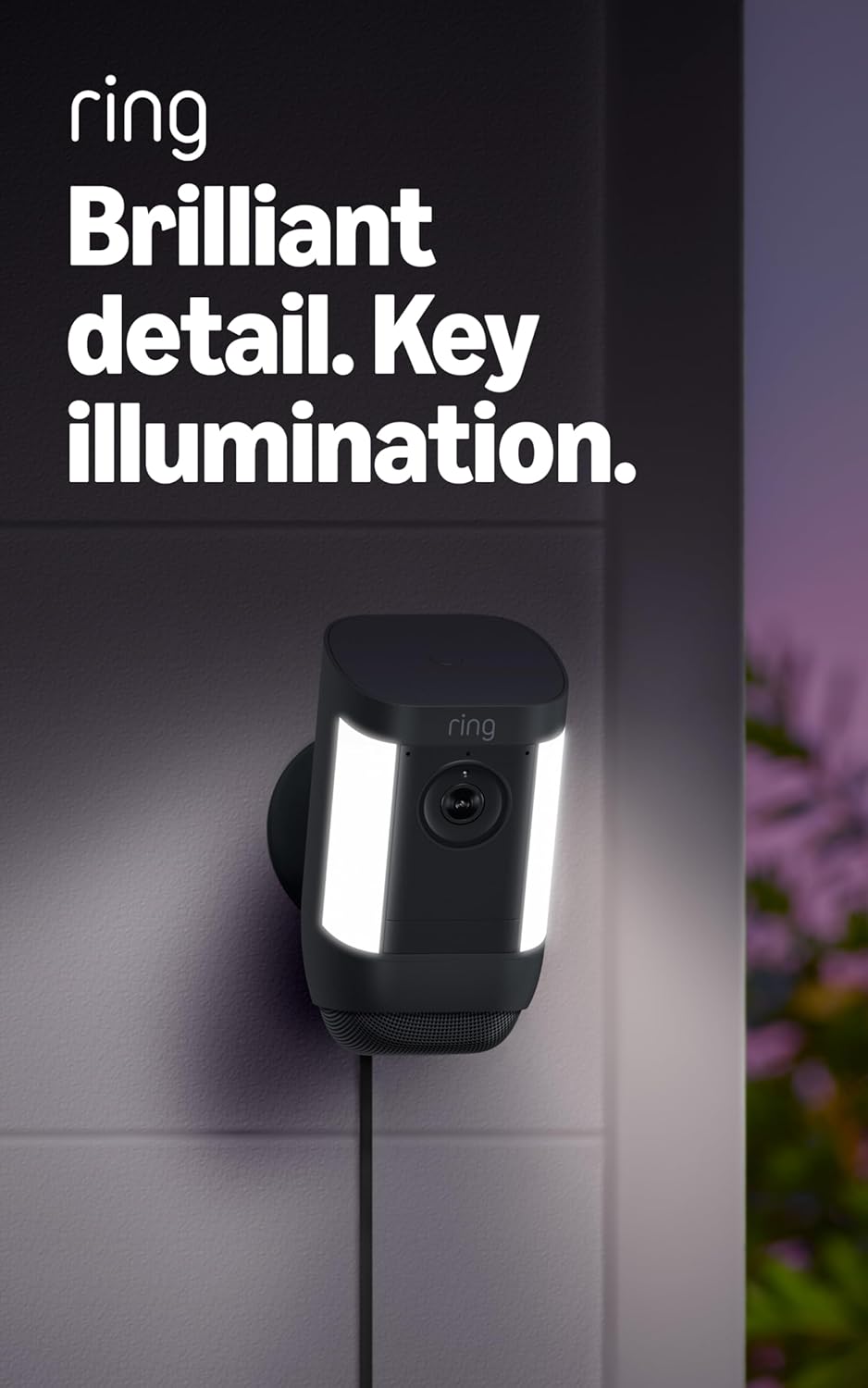
Figure 4.4: Spotlight Cam Pro with activated illumination.
4.5 Интеграция с Alexa
The Spotlight Cam Pro works with Alexa. You can receive announcements on Echo devices when motion is detected and use select Echo and Fire TV devices to see, hear, and speak to people on camera.
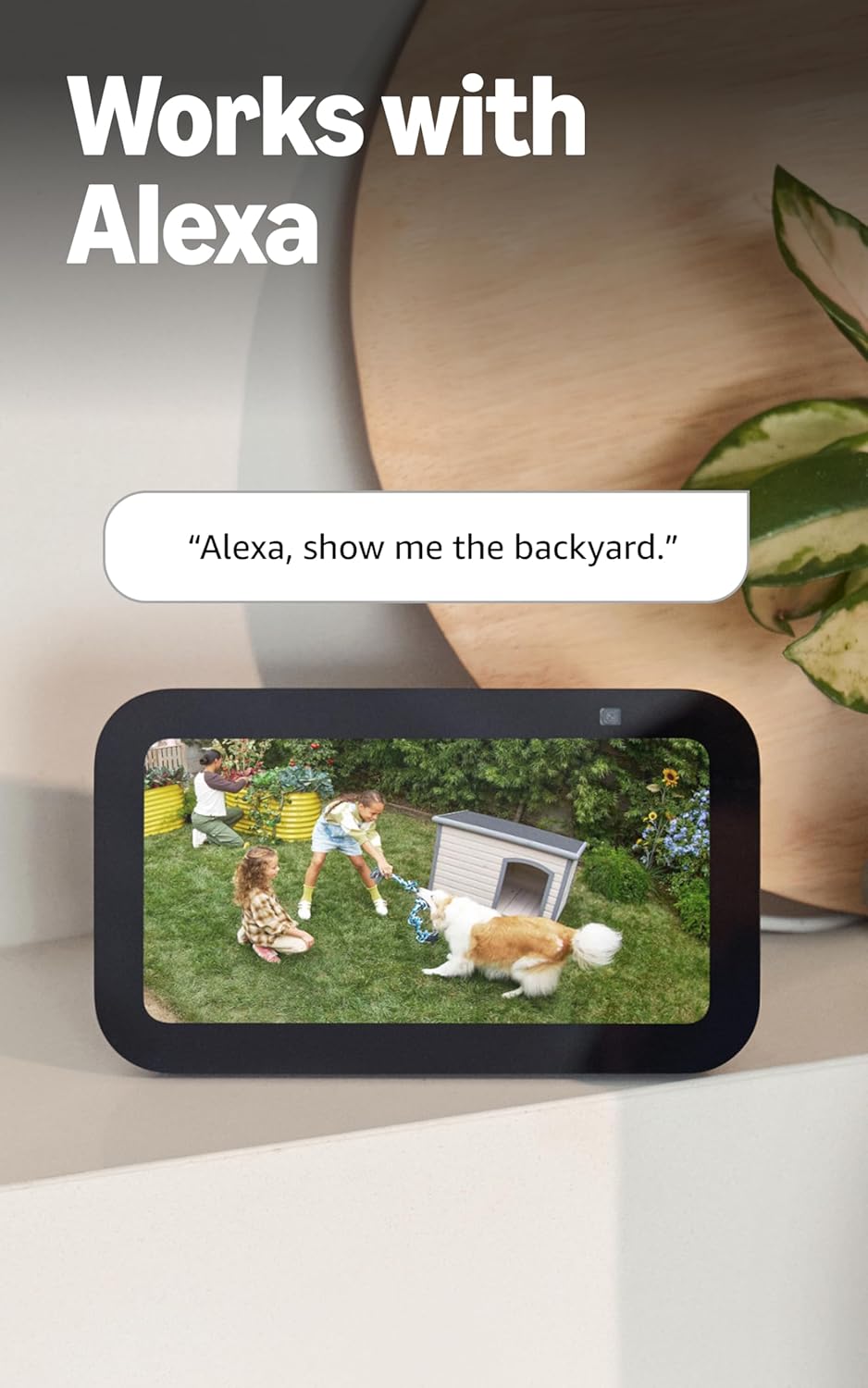
Figure 4.5: Ring Spotlight Cam Pro integration with Alexa.
5. Техническое обслуживание
To ensure optimal performance and longevity of your Ring Spotlight Cam Pro, follow these maintenance guidelines:
- Уборка: Периодически протирайте объектив и корпус камеры мягкой тряпкой.amp ткань для удаления пыли и грязи. Избегайте использования агрессивных химикатов или абразивных материалов.
- Обновления прошивки: Ensure your device's firmware is always up to date through the Ring app to benefit from the latest features and security enhancements.
- Подключение питания: Regularly check the USB-C power adapter and cable for any signs of damage.
6. Поиск Неисправностей
If you encounter issues with your Ring Spotlight Cam Pro, consider the following common solutions:
- Нет питания: Ensure the USB-C power adapter is securely plugged into both the camera and a working power outlet.
- Плохое качество видео: Check your internet connection. A recommended minimum upload speed of 4.5 Mbps is required for optimal performance. Video resolution may vary with bandwidth.
- Проблемы с обнаружением движения: Verify that motion zones are correctly configured in the Ring app. Ensure there are no obstructions blocking the camera's view.
- Проблемы с подключением: Confirm your Wi-Fi network is operational. The camera supports 802.11 b/g/n/ac Wi-Fi @2.4GHz and 5.0GHz. Try restarting your router.
- Приложение не отвечает: Close and reopen the Ring app. If the issue persists, try reinstalling the app.
For further assistance, refer to the support section or contact Ring customer service.
7. Технические характеристики
| Среднее время установки | 5-10 минуты |
| Видео | 2K, HDR, Live View, Цветное ночное видение |
| Поле View | 140 ° по горизонтали, 80 ° по вертикали |
| Обнаружение движения | 3D Motion Detection with Bird's Eye Zones and Bird's Eye View |
| Аудио | Two-Way Talk with Audio+ and advanced noise cancellation |
| Сирена | Сирена безопасности с дистанционным управлением |
| Огни | Two 3000° Kelvin spotlights |
| Работает с Алексой | Illuminates and sends announcements to Echo devices whenever motion is detected, and lets you see, hear and speak to people on camera with select Echo and Fire TV devices. |
| Власть | Plug-In USB-C Power Adapter (19.7 feet long) |
| Двойной режим питания | Dynamic switching between plug-in and battery power modes (requires purchase of Quick Release Battery Pack) |
| Требования к Интернету | Recommended minimum upload speed of 4.5 Mbps for optimal performance. Video resolution may vary depending on internet bandwidth. |
| Связность | 802.11 b/g/n/ac Wi-Fi connection @2.4GHz and 5.0GHz |
| Условия эксплуатации | от -4°F до 120°F (от -20°C до 48.5°C), атмосферостойкий |
| Доступные цвета | Белый, Черный |
| Требования к установке | Vertical or horizontal surface for mounting. |
| Размеры | 3.1 дюйма x 3.2 дюйма x 5.7 дюймов (77.8 мм x 81.5 мм x 144.63 мм) |
8. Гарантия и поддержка
Your Ring Spotlight Cam Pro comes with a one-year limited warranty. Purchase and use of the product are subject to terms and conditions.
For additional information, troubleshooting guides, and customer service, please visit the official Ring support page. You can also find information regarding software security updates in the Ring Control Center.
Important Disclaimers:
- Ограничение: не более 10 устройств в одном месте. Несовместимо с некоторыми функциями.
- Записи временно хранятся в облаке до 14 дней. Эта функция зависит от качества сетевого соединения и других факторов.
- Ваши видеозаписи Ring в облаке хранятся временно, до 180 дней истории видеособытий. Изменение времени хранения видео повлияет только на те записи, которые были сделаны после изменения параметра времени хранения. Для получения дополнительной информации ознакомьтесь с тарифными планами Ring.
- Ring Home Premium subscription required, sold separately. For customers in Illinois & Texas: Ring Smart Video Search is not available on Ring devices due to specific state legislation. Feature only available in English.