
Введение
Thank you for choosing the GTRACING GT890MF Gaming Chair. This manual provides detailed instructions for the assembly, operation, maintenance, and troubleshooting of your new gaming chair. Please read this manual carefully before use to ensure proper function and longevity of the product. Keep this manual for future reference.
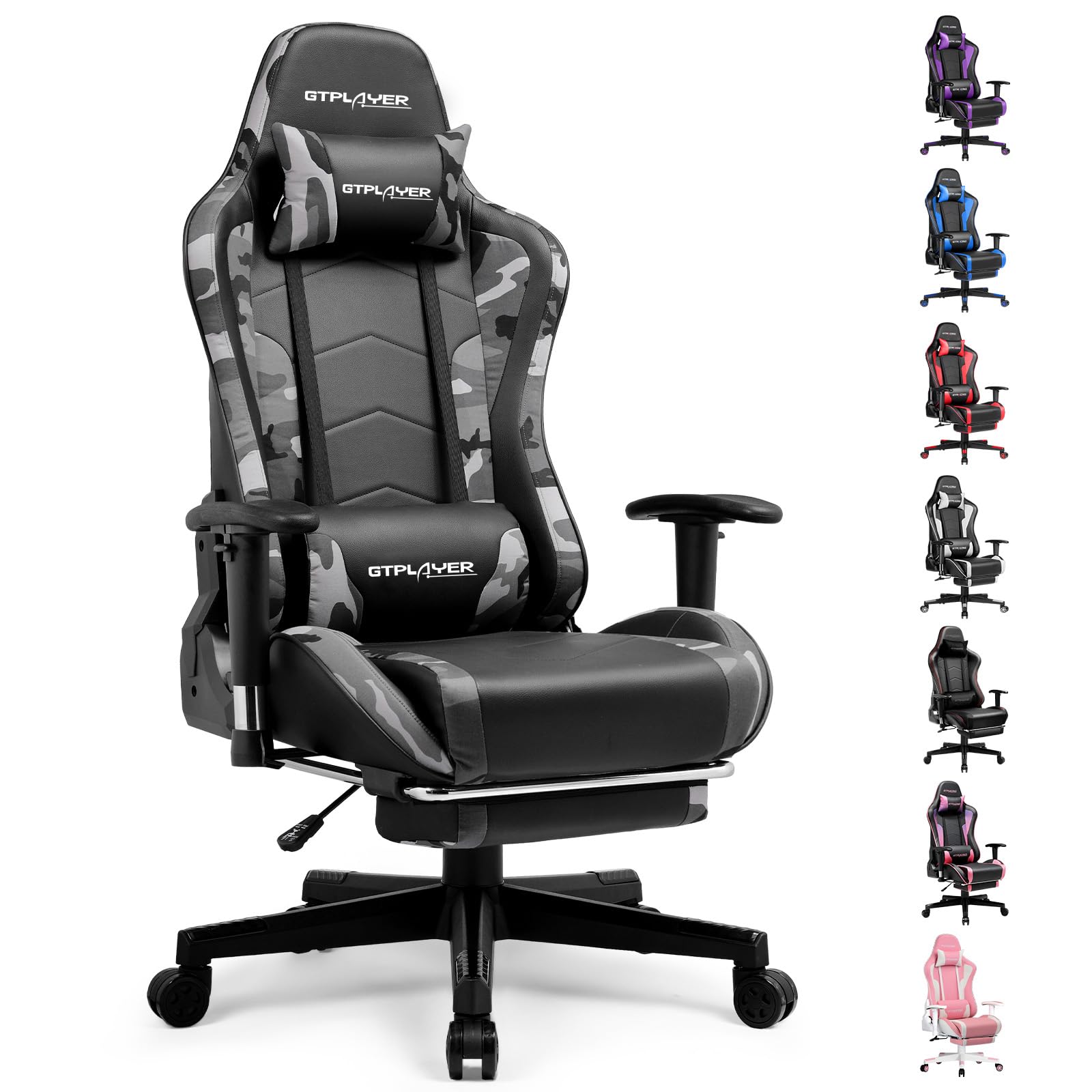
Image: The GTRACING GT890MF Gaming Chair, featuring a camouflage pattern, footrest, and integrated Bluetooth speakers, set up in a gaming environment.
Информация по безопасности
- Только для использования внутри помещений.
- Максимальная грузоподъемность: 300 фунтов. Не превышайте этот предел.
- Use caution when adjusting chair height and recline to prevent injury.
- Перед использованием убедитесь, что все винты и болты надежно затянуты, и периодически проверяйте их на предмет ослабления.
- Во время регулировок держите руки и пальцы подальше от движущихся частей.
- Не вставайте на стул.
Настройка и сборка
Assembly is required for this chair. Please follow the steps below carefully. It is recommended to have two people for assembly.
Содержимое упаковки

Image: An exploded diagram showing all components of the GTRACING GT890MF Gaming Chair, including the backrest, seat, armrests, base, wheels, gas lift, and footrest.
Этапы сборки
- Прикрепите подлокотники: Securely fasten the armrests to the seat base using the provided screws. Ensure they are oriented correctly.
- Соедините спинку с сиденьем: Align the backrest with the seat mechanism and attach it using the designated bolts.
- Установите подставку для ног: Slide the footrest into its designated slots under the seat.
- Соберите основу: Insert the casters (wheels) into the star base. Place the gas lift cylinder into the center hole of the star base.
- Прикрепите сиденье к основанию: Аккуратно установите собранное сиденье и спинку на газовый амортизатор, убедившись, что они надежно зафиксированы.
- Прикрепите подголовник и поясничные подушки: Position the headrest and lumbar support pillows as desired.
Инструкция по эксплуатации
Регулировка кресла
- Регулировка высоты сиденья: Pull the lever located under the right side of the seat upwards to raise or lower the seat. Release the lever at the desired height.
- Откидывание спинки: Pull the lever on the right side of the chair upwards to recline the backrest. Lean back to the desired angle (90 to 160 degrees) and release the lever to lock it in place.
- Регулировка подлокотника: The armrests are multi-directional. Use the buttons or levers on the armrests to adjust their height, pivot, and slide forward/backward.
- Удлинение подставки для ног: При необходимости выдвигайте подставку для ног из-под сиденья. Когда она не используется, задвигайте её обратно.
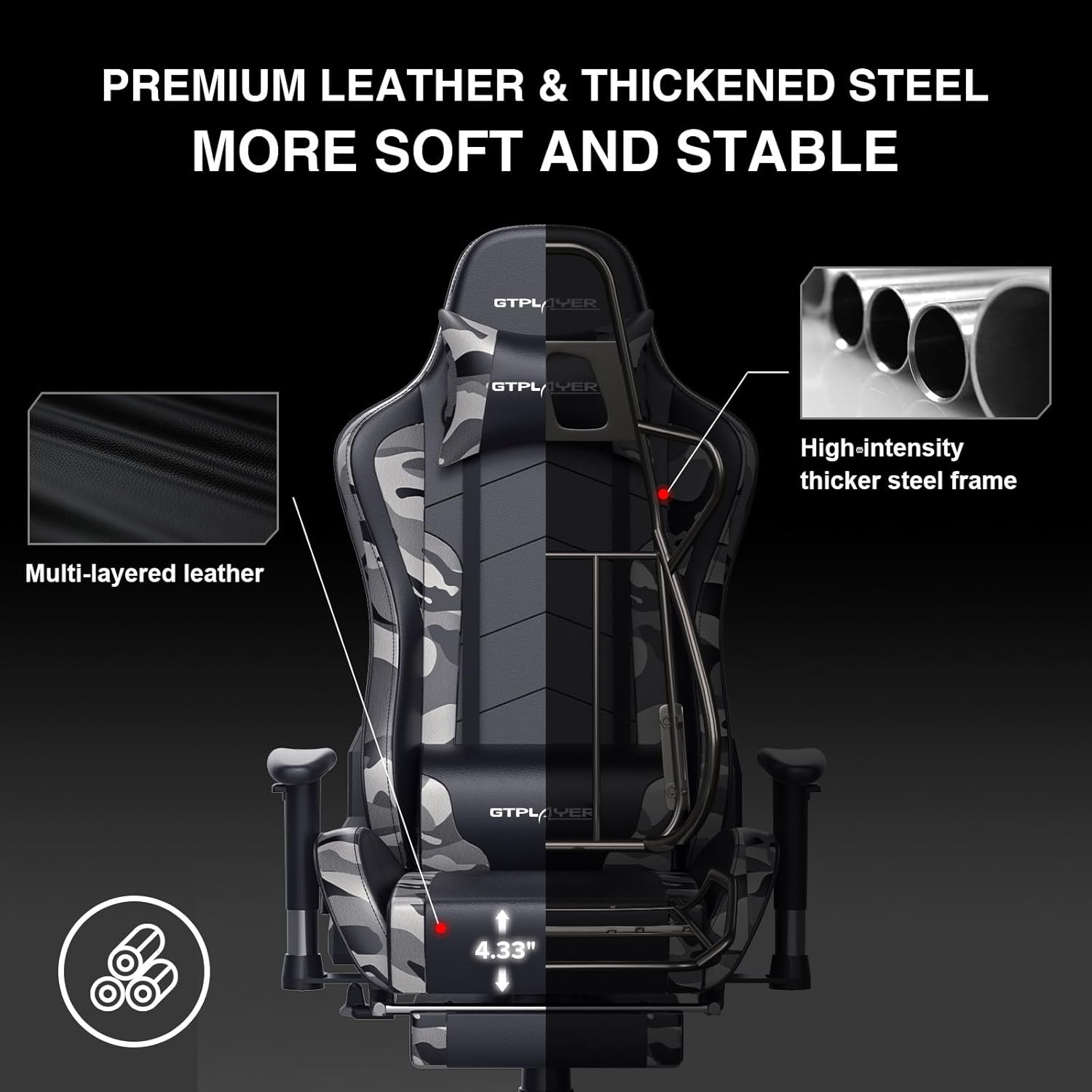
Image: The GTRACING GT890MF Gaming Chair demonstrating its backrest recline function, adjustable from 90 degrees for work to 155 degrees for resting.

Изображение: крупный план view of the GTRACING GT890MF Gaming Chair's adjustable multi-directional armrests, highlighting their ability to move up, down, and pivot for optimal positioning.
Эксплуатация Bluetooth-динамика
Your GTRACING GT890MF chair is equipped with dual Bluetooth 5.1 speakers for an immersive audio experience.
- Включение питания: Locate the power button for the Bluetooth speakers, typically on the side or back of the chair. Press and hold to power on. A sound or indicator light will confirm activation.
- Режим сопряжения: The speakers will automatically enter pairing mode when powered on for the first time, or if no device is connected. An indicator light will usually flash.
- Подключить устройство: On your smartphone, tablet, or other Bluetooth-enabled device, go to Bluetooth settings and search for available devices. Select "GTPLAYER" or a similar name to connect.
- Воспроизведение аудио: Once connected, audio from your device will play through the chair's speakers. Adjust volume from your connected device.
- Выключение: Press and hold the power button again to turn off the speakers.

Image: The GTRACING GT890MF Gaming Chair with a visual representation of sound waves emanating from the integrated Bluetooth speakers in the headrest area.

Image: A detailed diagram illustrating the dual Bluetooth 5.1 speakers within the GTRACING GT890MF Gaming Chair, highlighting features like clear treble, stereo sound, HiFi audio, and dust prevention.

Image: A user seated in the GTRACING GT890MF Gaming Chair, with an illustration showing how the chair's Bluetooth speakers can connect to various devices like PC/TV, PS4/PS5/XBOX, and other Bluetooth 5.1 enabled devices. A separate USB Bluetooth transmitter is shown as an option for non-Bluetooth devices.
Обслуживание
- Уборка: Протирать с помощью рекламыamp Ткань. Избегайте использования агрессивных химикатов или абразивных чистящих средств, которые могут повредить обивку из искусственной кожи.
- Инспекция: Периодически проверяйте все болты и винты, чтобы убедиться в их надежной фиксации. При необходимости подтяните их.
- Уход за роликами: Чтобы обеспечить плавное движение, следите за тем, чтобы на колесиках не было волос и мусора.
- Хранилище: Store the chair in a dry, cool place away from direct sunlight to prevent material degradation.
Поиск неисправностей
| Проблема | Возможная причина | Решение |
|---|---|---|
| Стул не регулируется по высоте. | Gas lift lever not engaged or gas lift faulty. | Ensure the lever is fully pulled. If issue persists, contact support for gas lift replacement. |
| Backrest does not recline/lock | Recline lever not engaged or mechanism obstructed. | Ensure the recline lever is fully pulled/released. Check for obstructions in the recline mechanism. |
| Bluetooth speakers not pairing | Speakers not powered on, out of range, or already paired to another device. | Ensure speakers are charged and powered on. Move device closer to chair. Disconnect from other devices. Try restarting both chair speakers and your device. |
| Стул шатается | Ослабленные болты или некачественная сборка. | Проверьте и затяните все крепежные болты. Убедитесь, что стул стоит на ровной, плоской поверхности. |
Технические характеристики
- Название модели: GT890MF
- Бренд: GTRACING
- Цвет: Камуфляж
- Материал: Faux Leather, Foam Fill, Steel Frame
- Размеры изделия (Д x Ш x В): 20.87" x 21.65" x 53.15"
- Высота сиденья: Adjustable, up to 22.04 inches
- Глубина сиденья: 20.87 дюймов
- Вес товара: 47 фунта
- Максимальный вес Рекомендации: 300 фунта
- Стиль спинки: Solid Back, Reclining (90 to 160 degrees)
- Особые характеристики: Adjustable Height, Adjustable Lumbar, Ergonomic Design, Foot Rest, Rolling Casters, Dual Bluetooth 5.1 Speakers
- Сборка: Необходимый

Image: A diagram illustrating the key dimensions of the GTRACING GT890MF Gaming Chair, including overall height, width, and depth.

Image: A detailed diagram showing various dimensions of the GTRACING GT890MF Gaming Chair, including seat height, armrest height, and backrest height, along with maximum load capacity (330 lbs) and recommended user height (6.2 ft).
Гарантия и поддержка
GTRACING offers a worry-free purchase experience for your gaming chair.
- 30-дневная политика: Бесплатная замена или возврат средств в течение 30 дней с момента покупки.
- Гарантия 1 года: Free replacement or repair within 1 year of purchase for manufacturing defects.
For any questions, suggestions, or support needs, please feel free to contact our customer service team. We are dedicated to ensuring customer satisfaction.

Image: A group of customer service representatives wearing headsets, symbolizing available support.


