
Apple AirPods Pro
Apple AirPods Pro Wireless Earbuds User Manual
Введение
Welcome to your Apple AirPods Pro. These advanced wireless earbuds offer Active Noise Cancellation, Transparency Mode, and adaptive equalization for an immersive audio experience. This manual provides essential information for setting up, operating, maintaining, and troubleshooting your device.
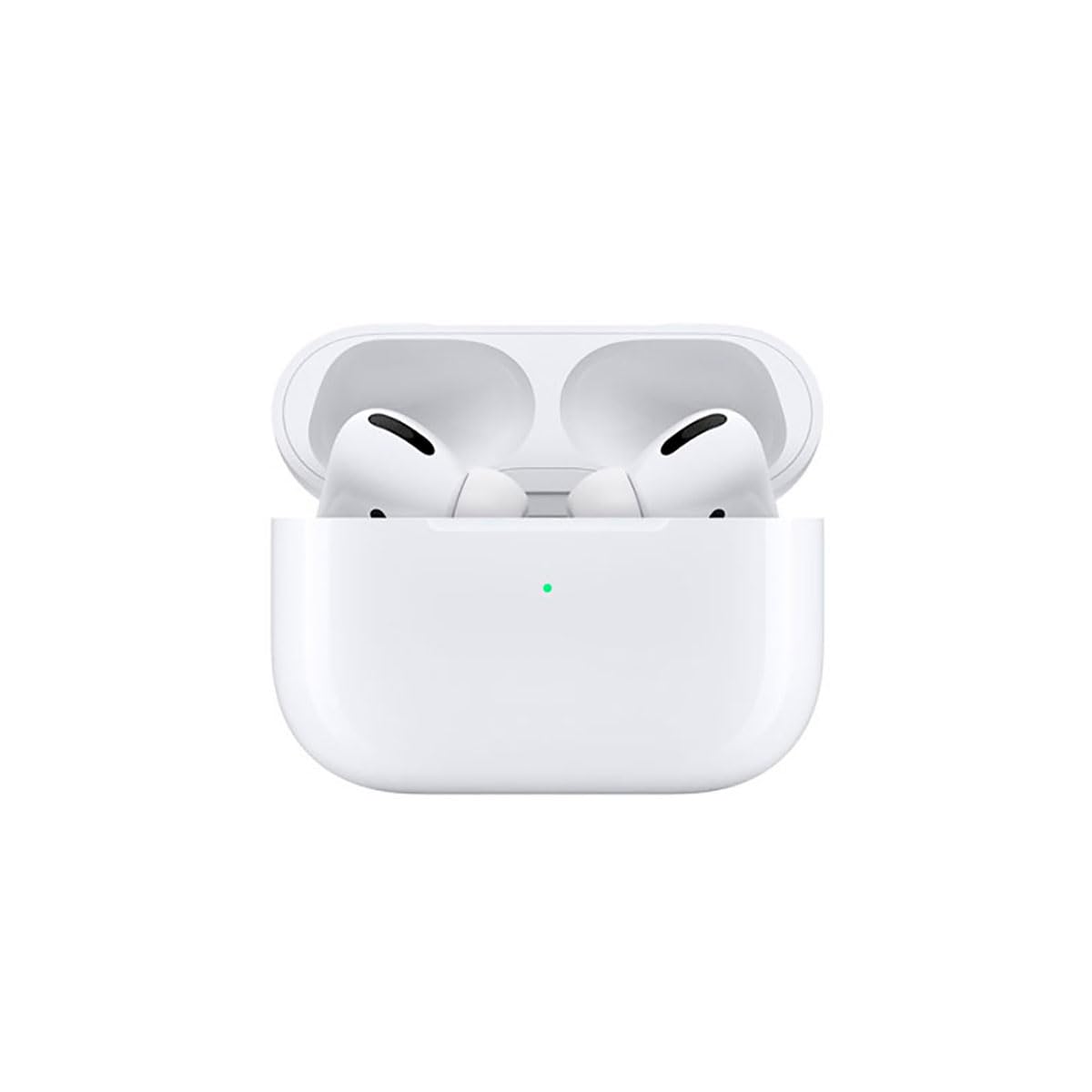
Image: A person wearing Apple AirPods Pro earbuds, demonstrating their use in a daily setting.
1. Начало работы
1.1 Распаковка и зарядка
Your AirPods Pro come with a Wireless Charging Case, silicone ear tips in three sizes, and a Lightning to USB-C cable.
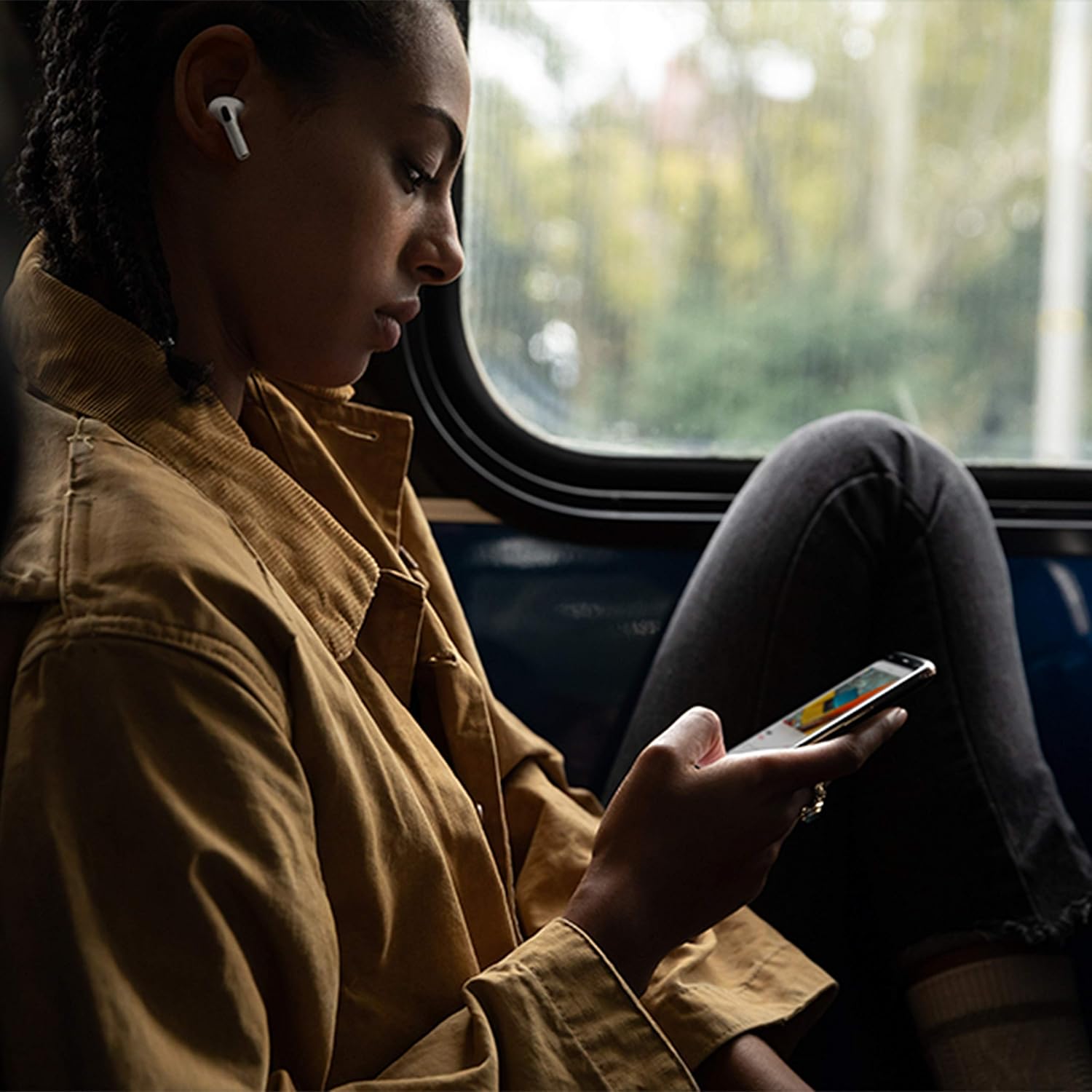
Image: Apple AirPods Pro earbuds inside their wireless charging case, with the status indicator light visible.
Before first use, ensure your AirPods Pro and their charging case are fully charged. Connect the Lightning to USB-C cable to the charging case and a power adapter, or place the case on a Qi-certified wireless charging mat.
1.2 Сопряжение с вашим устройством
To pair your AirPods Pro with an Apple device:
- Ensure your Apple device (iPhone, iPad, or iPod touch) is running the latest iOS version.
- Разблокируйте устройство и перейдите на главный экран.
- Open the charging case lid with your AirPods Pro inside, and hold it near your device.
- На экране вашего устройства появится анимация настройки. Следуйте инструкциям на экране.
- После подключения ваши AirPods Pro автоматически сопрягутся со всеми поддерживаемыми устройствами, вошедшими в вашу учетную запись iCloud.
To pair with a non-Apple device (e.g., Android phone):
- Поместите AirPods Pro в зарядный футляр и откройте крышку.
- Нажмите и удерживайте кнопку настройки на задней стороне корпуса, пока индикатор состояния не замигает белым.
- On your device, go to Bluetooth settings and select "AirPods Pro" from the list of available devices.
1.3 Finding Your Best Fit
Achieving the right fit is crucial for optimal sound quality and Active Noise Cancellation. Your AirPods Pro come with small, medium, and large silicone ear tips.

Изображение: Крупный план view of two individual Apple AirPods Pro earbuds, highlighting the silicone ear tips.
- Try each size of ear tip to find the ones that provide the best seal and comfort.
- На вашем iPhone перейдите в Настройки > Bluetooth, tap the "i" icon next to your AirPods Pro, then tap "Ear Tip Fit Test." Follow the on-screen instructions to check the seal.
2. Using Your AirPods Pro
2.1 Элементы управления
The force sensor on the stem of each AirPod Pro allows you to control audio playback and calls.
- Нажмите один раз: Воспроизвести, поставить на паузу или ответить на телефонный звонок.
- Нажмите дважды: Перейти вперед.
- Нажмите три раза: Пропустить назад.
- Нажмите и удерживайте: Переключение между активным шумоподавлением и режимом прозрачности.
2.2 Active Noise Cancellation and Transparency Mode
Your AirPods Pro offer two primary listening modes:
- Активное шумоподавление (ANC): Блокирует внешние звуки, позволяя вам сосредоточиться на прослушивании музыки.
- Режим прозрачности: Позволяет слышать окружающую обстановку во время прослушивания аудио, что полезно для повышения осведомленности в людных местах.
Switch between these modes by pressing and holding the force sensor on an AirPod stem, or via Control Center on your Apple device.
2.3 Siri Activation
Activate Siri by saying "Hey Siri" or by pressing and holding the force sensor on an AirPod stem (if configured in settings).
2.4 Устойчивость к воде и поту
AirPods Pro are sweat and water resistant for non-water sports and exercise. They are not waterproof and should not be submerged in water. Resistance may decrease as a result of normal wear.
3. Уход и обслуживание
3.1 Cleaning Your AirPods Pro and Case
Regularly clean your AirPods Pro and their charging case to maintain performance and hygiene.
- Wipe the AirPods and case with a soft, dry, lint-free cloth.
- Do not use abrasive materials, sprays, or solvents.
- For ear tips, remove them from the AirPods and rinse with water. Dry thoroughly before reattaching.
3.2 Информация об аккумуляторе
The AirPods Pro and charging case contain rechargeable batteries. Battery life is dependent on usage and settings. Over time, the capacity of all rechargeable batteries diminishes. To maximize battery lifespan:
- Избегайте экстремальных температур.
- Если не используете, храните в сухом и прохладном месте.
- Charge regularly, but avoid leaving them fully charged or fully depleted for extended periods.
4. Устранение распространенных неполадок
4.1 Проблемы с подключением
If your AirPods Pro are not connecting:
- Убедитесь, что на вашем устройстве включен Bluetooth.
- Place AirPods Pro in the charging case, close the lid, wait 15 seconds, then open the lid.
- If issues persist, try resetting your AirPods Pro: With the lid open, press and hold the setup button on the back of the case for about 15 seconds until the status light flashes amber, then white. Re-pair them with your device.
4.2 Проблемы с качеством звука
If you experience poor sound quality or ineffective noise cancellation:
- Ensure ear tips are clean and properly fitted. Perform the Ear Tip Fit Test.
- Check for debris in the speaker mesh.
- Ensure your device's volume is adjusted correctly.
4.3 Проблемы с зарядкой
If your AirPods Pro or case are not charging:
- Verify the Lightning cable is securely connected to both the case and the power adapter.
- If using wireless charging, ensure the case is correctly positioned on the charging mat.
- Очистите порт зарядки на корпусе.
5. Технические характеристики продукта
| Особенность | Деталь |
|---|---|
| Бренд | Яблоко |
| Название модели | Apple AirPods Pro |
| Форм-фактор | Внутриканальные наушники |
| Контроль шума | Активное шумоподавление |
| Технология связи | Bluetooth |
| Технология беспроводной связи | Bluetooth |
| Цвет | Белый |
| Возрастной диапазон (Описание) | Взрослый |
5.1 Что в коробке
- AirPods Pro
- Чехол для беспроводной зарядки
- Silicone Ear Tips (three sizes)
- Кабель Lightning-USB-C
- Документация
6. Гарантия и поддержка
6.1 Информация о гарантии
Apple AirPods Pro come with a standard limited warranty. For detailed warranty terms and conditions, please refer to the documentation included with your product or visit the official Apple support webсайт.
6.2 Поддержка клиентов
Для получения дополнительной помощи, технической поддержки или сервисного обслуживания посетите официальный сайт поддержки Apple. webсайт или свяжитесь напрямую со службой поддержки клиентов Apple.
Ask a question about this manual
Ask about setup, troubleshooting, compatibility, parts, safety, or missing instructions. Manuals+ will review the question and use this page’s manual context to help answer it.