
1. Введение и окончаниеview
The SMARTDEVIL Small Mini USB Desk Fan is designed for maximum convenience and efficient personal cooling. Weighing only 6 oz, its compact and lightweight design makes it perfect for various settings. It provides cooling air circulation in any desired direction with its 360-degree tilt rotation.
This fan is ideal for use in homes, cars, offices, desktops, camping, or travel, offering quiet operation and energy-saving features.
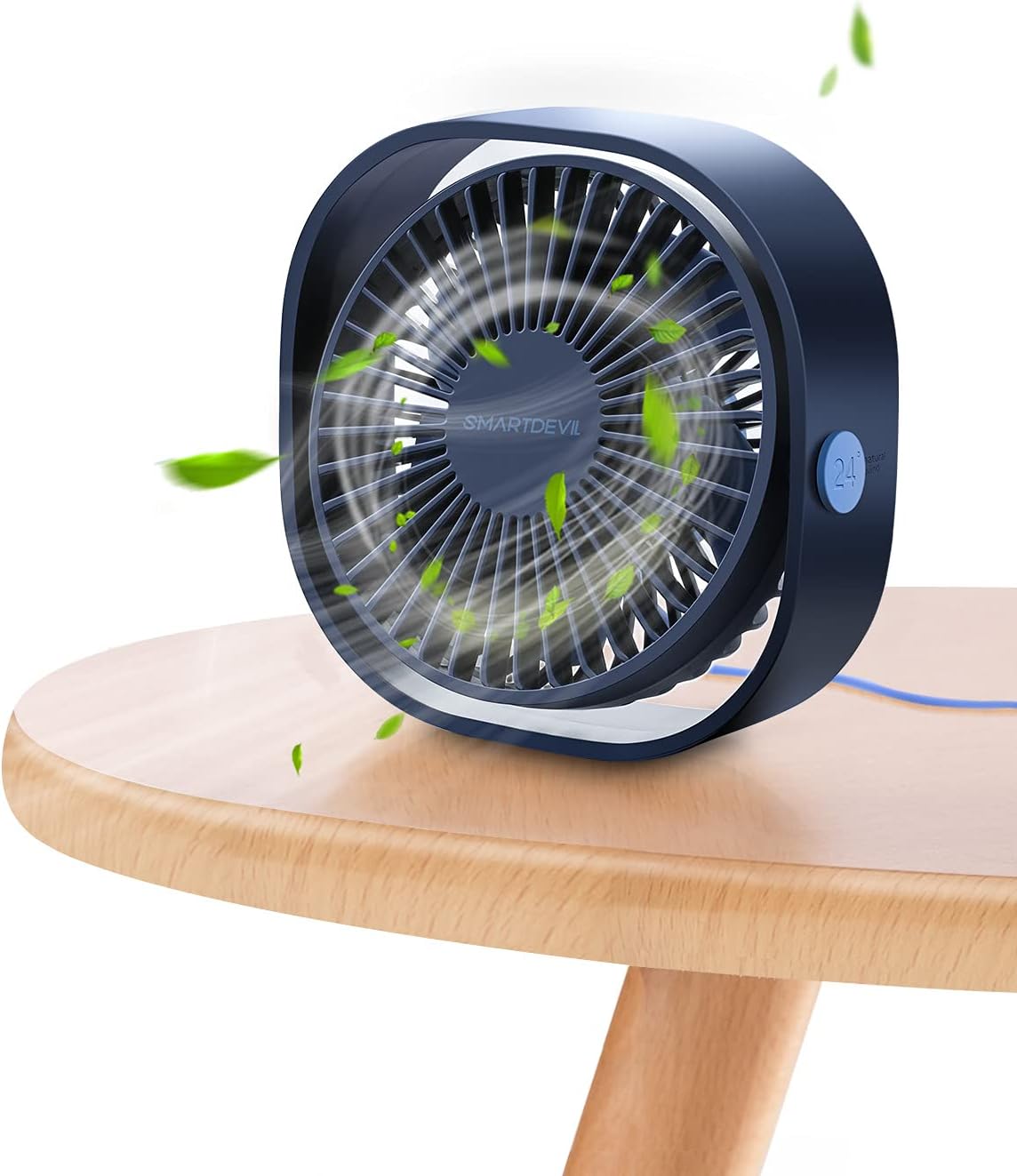
Figure 1: SMARTDEVIL Small Mini USB Desk Fan in Navy Blue.
2. Особенности продукта
- Компактный и портативный: Weighing only 6 ounces and with dimensions of 4.72"D x 4.72"W x 1.97"H, this fan is incredibly easy to carry and fits into small spaces.
- 360-Degree Adjustable Tilt: The fan head can be freely rotated 360 degrees, allowing you to direct airflow precisely where needed.
- Три уровня скорости: Choose from low (3.9m/s), medium (4.9m/s), and high (5.9m/s) settings to customize your cooling experience.
- Ультра-тихая работа: Designed for quiet performance, with a noise level of 25 dB, making it suitable for bedrooms, offices, and libraries without disturbance.
- Питание от USB: Conveniently powered via USB, compatible with various devices such as computers, power banks, USB chargers, and hubs.
- Прочная конструкция: Made with PC material for enhanced durability.

Figure 2: Compact dimensions of the fan.

Figure 3: Visual representation of the three speed levels.
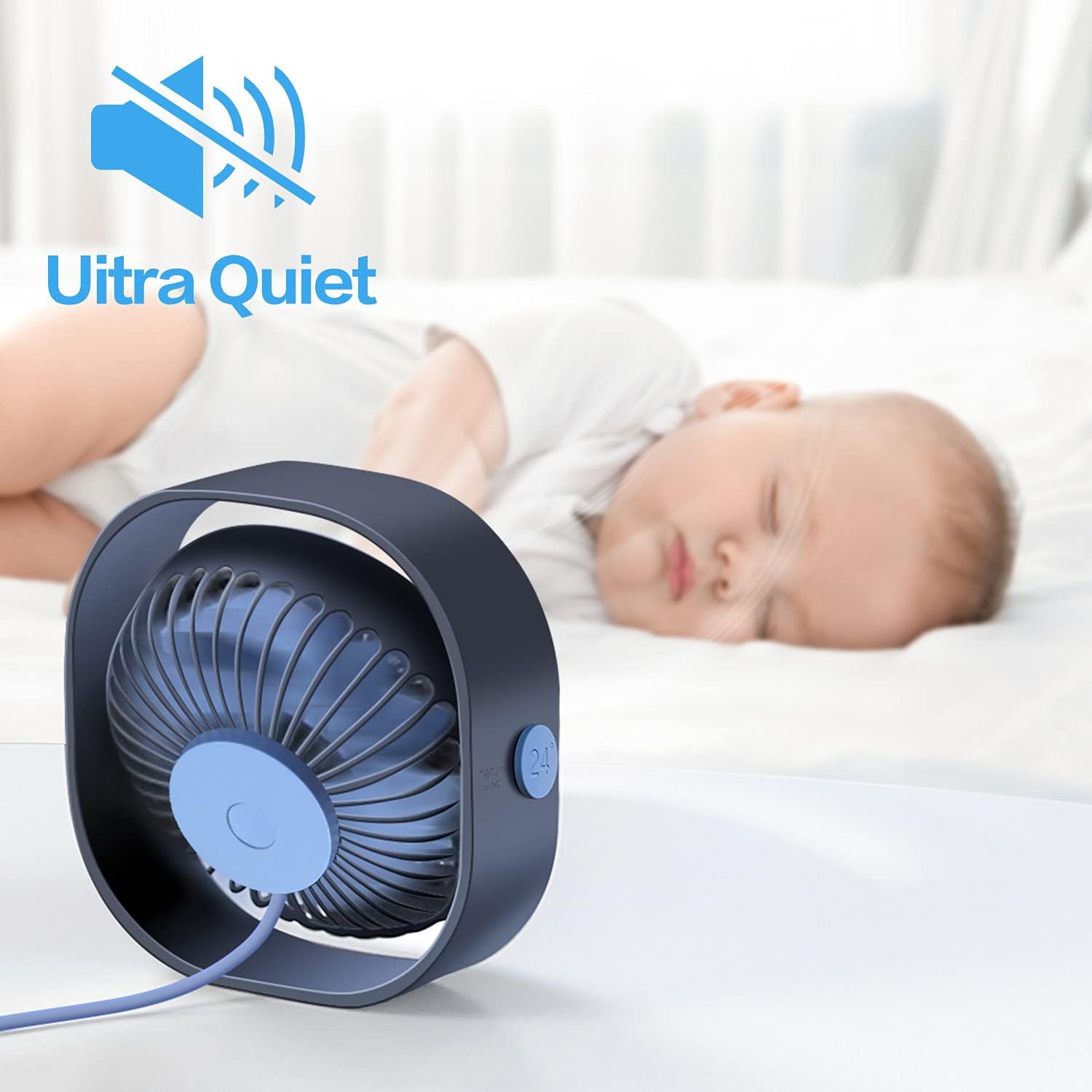
Figure 4: The fan's ultra-quiet operation, suitable for sleeping environments.
3. Что в коробке
Your SMARTDEVIL Small Mini USB Desk Fan package includes:
- 1 x SMARTDEVIL Small Mini USB Desk Fan (Navy Blue)
- 1 x Integrated USB Power Cord (3.9 Feet)

Figure 5: The fan as packaged in its retail box.
4. Настройка
Setting up your SMARTDEVIL fan is quick and easy:
- Распаковать: Осторожно извлеките вентилятор из упаковки.
- Позиция: Установите вентилятор на устойчивую ровную поверхность в том месте, где вам необходим поток воздуха.
- Подключите питание: Plug the integrated USB power cord into any compatible USB power source (e.g., computer USB port, USB wall adapter, power bank, USB hub).
- Отрегулируйте угол: Tilt the fan head to your preferred angle for optimal air direction. The 360-degree rotation allows for versatile positioning.
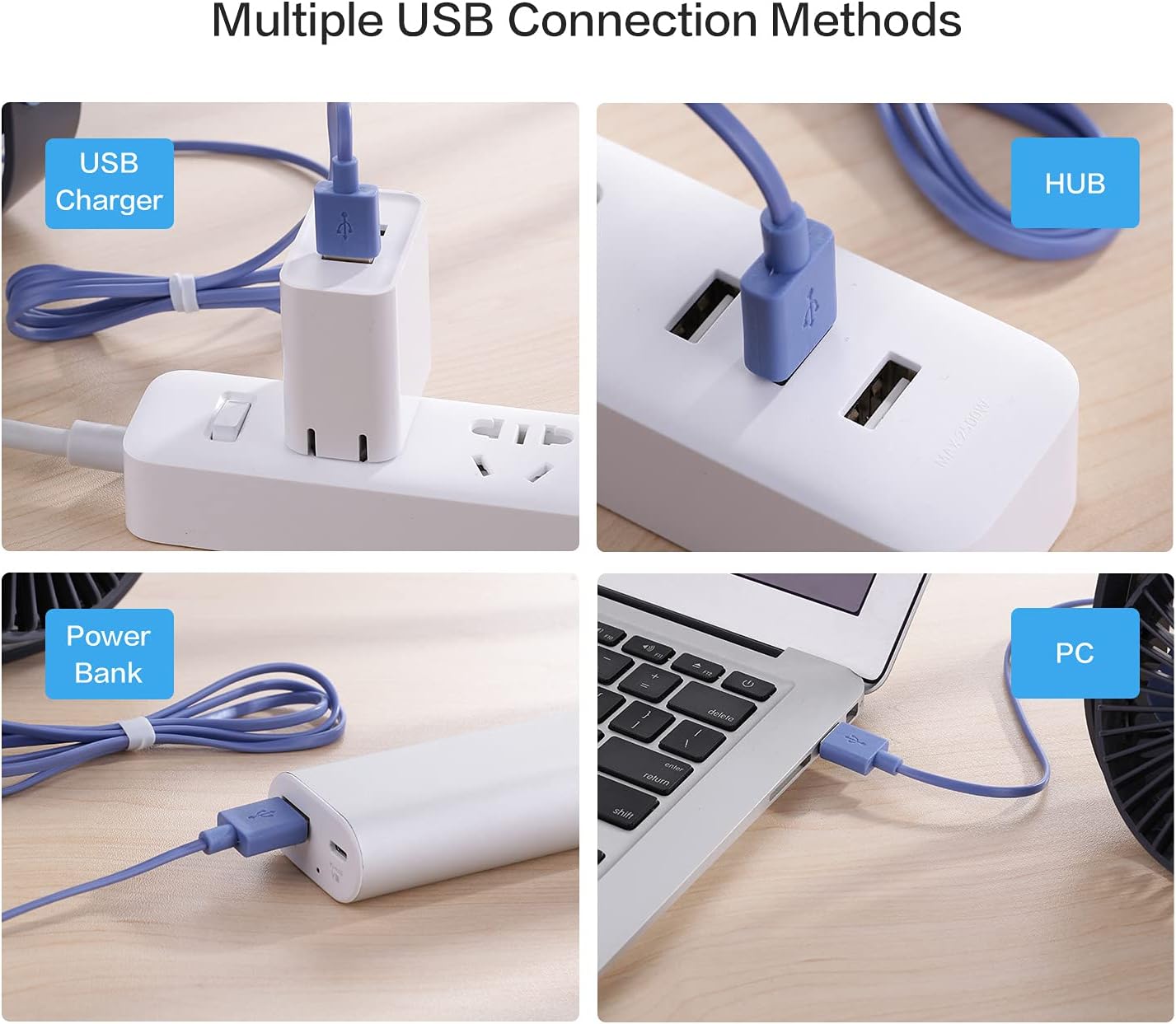
Figure 6: Multiple ways to power your SMARTDEVIL fan via USB.

Figure 7: The fan's 360-degree adjustable head allows for precise airflow direction.
Видео-демонстрация настройки
Video 1: Digital David's unboxing and reviewДемонстрация настройки и функций.
5. Инструкция по эксплуатации
The fan features a simple one-button control for all functions:
- Включение питания (низкая скорость): Press the power button once to turn on the fan at the lowest speed setting (3.9m/s).
- Средняя скорость: Press the power button a second time to switch to the medium speed setting (4.9m/s).
- Высокоскоростной: Press the power button a third time to activate the highest speed setting (5.9m/s).
- Выключение: Нажмите кнопку питания в четвертый раз, чтобы выключить вентилятор.

Figure 8: The single power button for controlling speeds and power.
Демонстрационное видео операции
Video 2: Demonstration of the fan's three speed levels.
6. Техническое обслуживание
To ensure optimal performance and longevity of your SMARTDEVIL fan, follow these simple maintenance guidelines:
- Уборка: Regularly wipe the exterior of the fan with a soft, dry cloth to remove dust. For deeper cleaning, ensure the fan is unplugged and gently clean the fan blades and grille with a soft brush or compressed air. Do not use harsh chemicals or abrasive materials.
- Хранилище: В периоды, когда вентилятор не используется, храните его в прохладном, сухом месте, вдали от прямых солнечных лучей и экстремальных температур.
7. Поиск Неисправностей
If you encounter any issues with your SMARTDEVIL fan, please refer to the following common problems and solutions:
| Проблема | Возможная причина | Решение |
|---|---|---|
| Вентилятор не включается. | Нет питания или плохое соединение. | Ensure the USB cable is securely plugged into both the fan and a working USB power source. Try a different USB port or adapter. |
| Слабый поток воздуха или его отсутствие. | Fan blades are obstructed or dust buildup. Incorrect speed setting. | Check for any obstructions around the fan blades. Clean the fan blades and grille. Increase the speed setting by pressing the power button. |
| Необычный шум во время работы. | Dust buildup or fan not on a stable surface. | Ensure the fan is placed on a flat, stable surface. Clean any dust from the fan blades. |
8. Технические характеристики
| Особенность | Деталь |
|---|---|
| Бренд | УМНЫЙДЬЯВОЛ |
| Название модели | Small Personal USB Desk Fan |
| Номер модели товара | 8541623328 |
| Цвет | Темно-синий |
| Размеры продукта (ДxШxВ) | 4.72" x 4.72" x 1.97" |
| Вес товара | 6 унций (169 г) |
| Источник питания | USB (5 В-1 А) |
| Длина кабеля | 3.9 футов |
| Количество уровней мощности | 3 |
| Уровень шума | 25 дБ |
| Метод контроля | Сенсорное управление (нажатие кнопки) |
| Особые возможности | Portable, Space-Saving, Cooling Fan, Quiet Operation, Energy Saving |
9. Гарантия и поддержка
SMARTDEVIL products are designed for reliability and performance. For specific warranty information and customer support, please refer to the documentation included with your purchase or visit the official SMARTDEVIL website. Typically, SMARTDEVIL offers 12 months of hassle-free support and 7*24H professional support.
For any inquiries or assistance, please contact SMARTDEVIL customer service.