
TP-Link Deco X20
TP-Link Deco X20 AX1800 Whole Home Mesh Wi-Fi System User Manual
Модель: Deco X20
Введение
The TP-Link Deco X20 AX1800 Whole Home Mesh Wi-Fi System provides seamless Wi-Fi 6 coverage throughout your home. This system replaces traditional routers and Wi-Fi extenders, offering faster connections, increased capacity, and reduced latency for a superior online experience. It includes features like HomeCare for security and parental controls, and is compatible with Alexa for voice control.
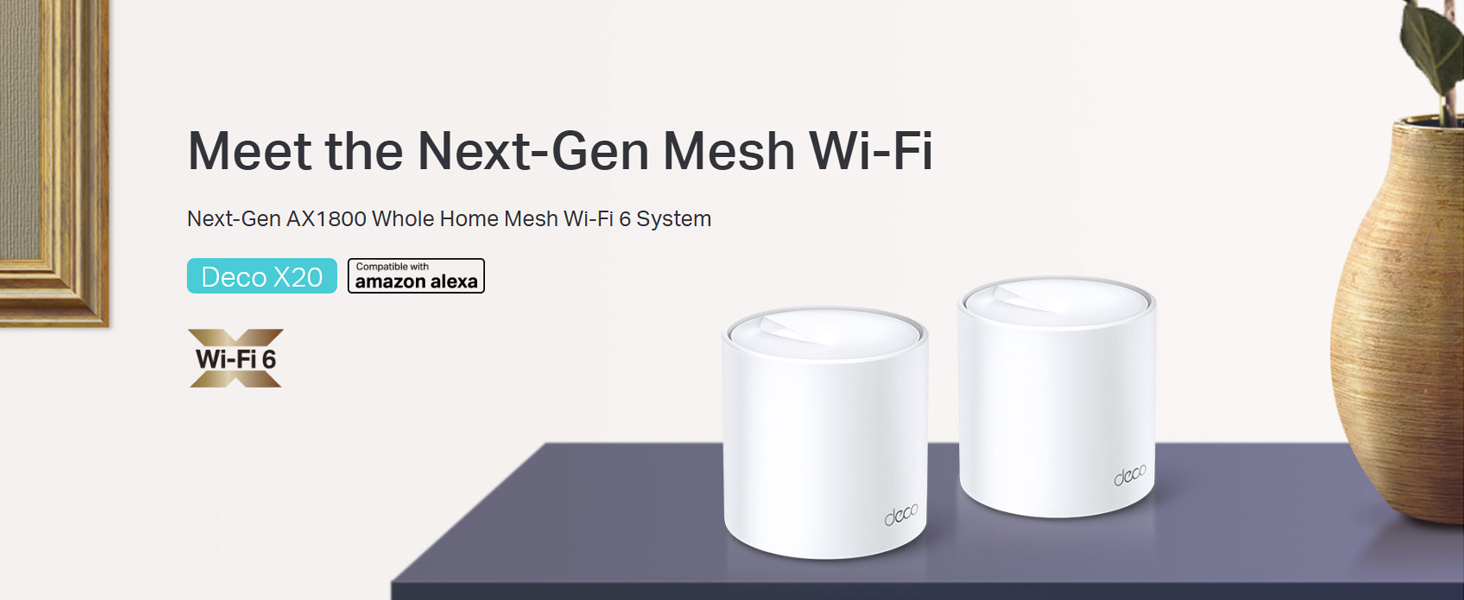
Image: Two TP-Link Deco X20 units on a table, showcasinг дизайн продукта.
Что в коробке?
The Deco X20 (2-Pack) system typically includes the following components:
- 2 x блока Deco X20
- 1 x Ethernet-кабель RJ45
- 2 х адаптеры питания
- 1 х Краткое руководство по установке

Image: The TP-Link Deco X20 (2-Pack) retail box, displaying the included items.
Руководство по настройке
Setting up your TP-Link Deco X20 system is designed to be straightforward using the Deco app. Follow these steps for initial installation:
- Загрузите приложение Deco: Искать "TP-Link Deco" in the App Store (iOS) or Google Play Store (Android) and install the application on your smartphone or tablet.
- Подключите основной декоративный блок:
- Выключите модем.
- Подключите одно устройство Deco к модему с помощью прилагаемого кабеля Ethernet.
- Включите модем, затем включите устройство Deco. Дождитесь, пока светодиод на устройстве Deco не замигает синим.
- Запустите приложение Deco: Open the Deco app and follow the on-screen instructions to create a TP-Link ID and set up your main Deco unit.
- Добавить дополнительные декоративные элементы: Once the main unit is configured, the app will guide you through adding the remaining Deco units. Place them strategically around your home for optimal coverage.
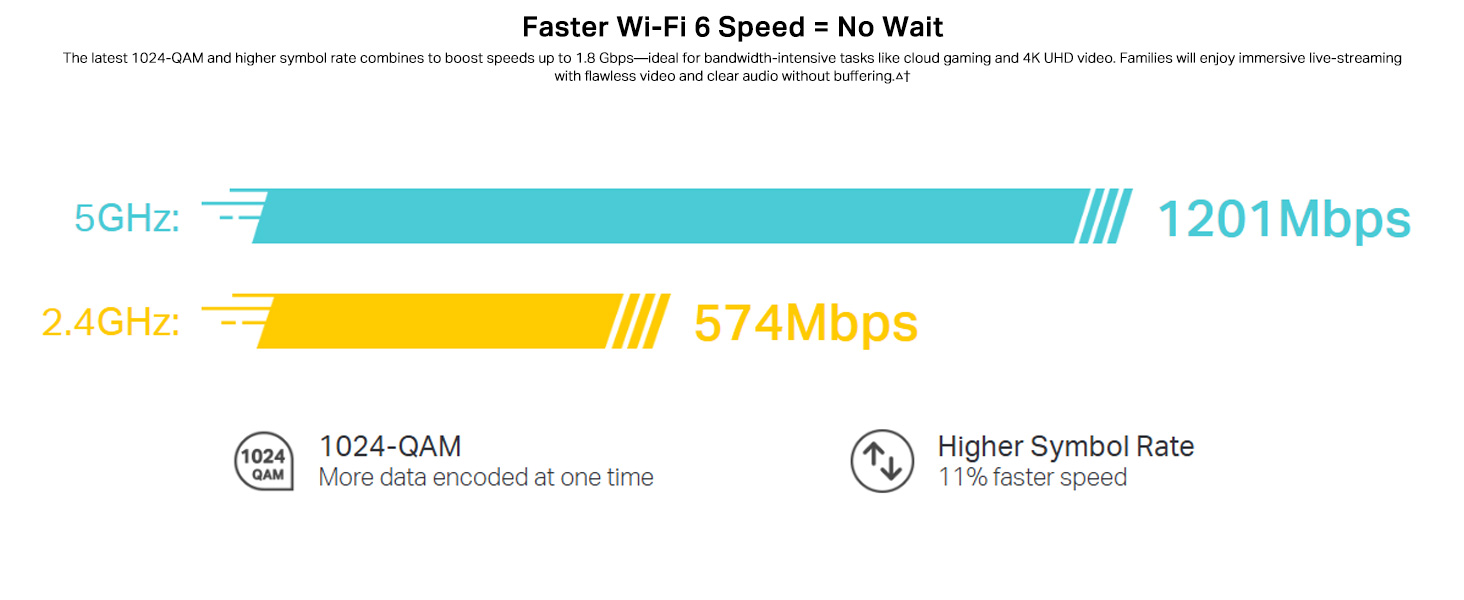
Image: Visual guide for setting up the Deco X20 system via the Deco mobile application.
Инструкция по эксплуатации
The TP-Link Deco X20 system operates as a unified network, providing seamless Wi-Fi coverage. Management is primarily done through the Deco mobile application.
Deco App Features:
- Управление сетью: View connected devices, prioritize network traffic (QoS), and manage guest networks.
- Родительский контроль: Set time limits, block inappropriate content, and monitor online activity for family members.
- Antivirus (HomeCare/HomeShield): Protect your network and connected devices from malicious threats.
- Обновления прошивки: The app facilitates easy firmware updates to ensure your system has the latest features and security enhancements.
- Голосовое управление: Integrate with Amazon Alexa for convenient voice commands to manage your Wi-Fi.

Изображение: Интерфейс приложения Deco, демонстрирующий различные функции управления и мониторинга.
Бесшовный роуминг:
The Deco system creates a single Wi-Fi network name (SSID) throughout your home. As you move, your devices automatically connect to the Deco unit with the strongest signal, ensuring an uninterrupted connection.
Image: Comparison of seamless roaming with Deco versus a traditional router and extender setup.
Основные характеристики
- Технология Wi-Fi 6 (802.11ax): Provides faster speeds up to 1800 Mbps (1201 Mbps on 5GHz and 574 Mbps on 2.4GHz), increased capacity, and reduced network congestion.
- Whole Home Mesh Coverage: Eliminates Wi-Fi dead zones, covering up to 4000 sq ft with a 2-pack system.
- Подключите больше устройств: OFDMA and MU-MIMO technologies allow simultaneous data transmission to multiple devices, supporting over 150 connected devices without performance degradation.
- Сверхнизкая задержка: Enhances responsiveness for gaming and video calls.
- TP-Link HomeCare/HomeShield: Offers comprehensive network security, robust parental controls, and Quality of Service (QoS) for a safer and optimized online experience.
- Сетка, управляемая ИИ: The system intelligently learns your network environment and user behavior to optimize Wi-Fi performance continuously.
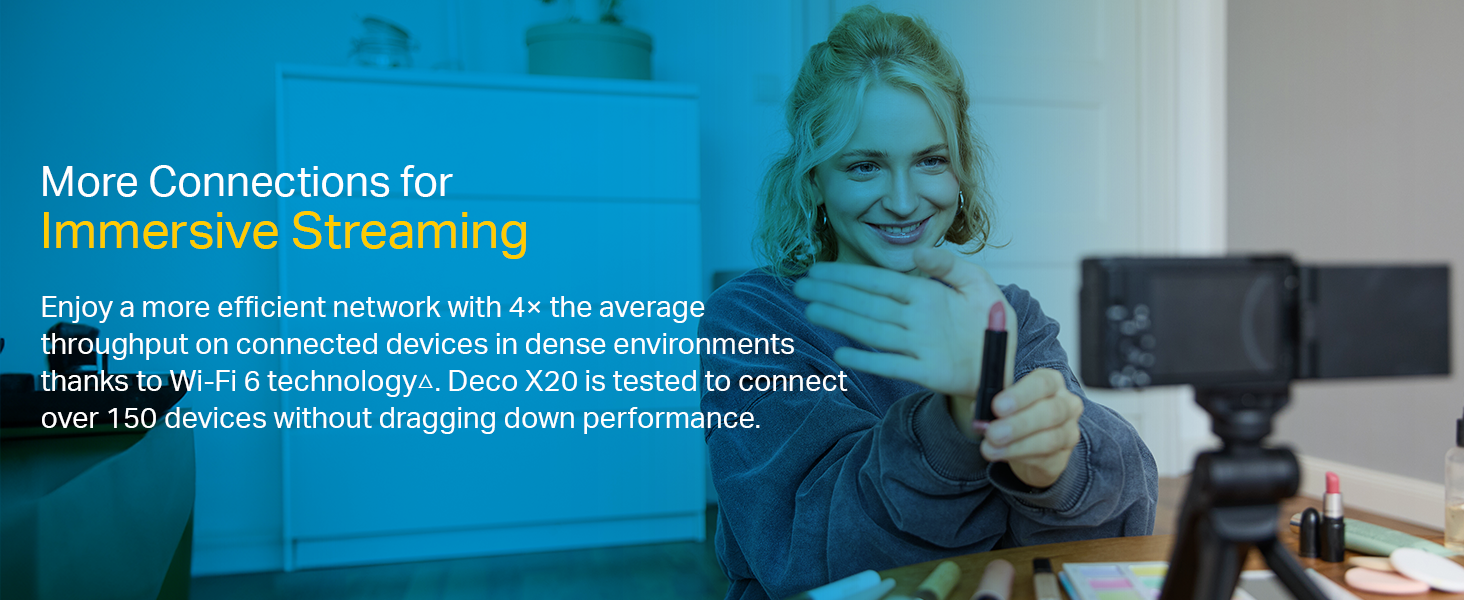
Image: Infographic highlighting the advantages of Wi-Fi 6, such as speed and efficiency.
Обслуживание
To ensure optimal performance and security of your Deco X20 system, consider the following maintenance practices:
- Регулярные обновления прошивки: Check the Deco app periodically for available firmware updates. Installing updates ensures you have the latest security patches and performance improvements.
- Оптимальное размещение: Ensure Deco units are placed in open areas, away from obstructions like large metal objects, thick walls, and other electronic devices that may cause interference.
- Чистота: Keep the Deco units clean and free from dust to prevent overheating and maintain proper airflow. Use a soft, dry cloth for cleaning.
- Мониторинг сети: Use the Deco app to monitor network activity and identify any unusual behavior or unauthorized devices.
Поиск неисправностей
Если у вас возникли проблемы с системой Deco X20, попробуйте выполнить следующие действия по устранению неполадок:
- Нет соединения с интернетом:
- Проверьте правильность работы вашего модема.
- Убедитесь, что кабель Ethernet между основным блоком Deco и модемом надежно подключен.
- Перезагрузите модем и основной блок Deco.
- Слабый сигнал Wi-Fi или мертвые зоны:
- Переместите блоки Deco ближе друг к другу или в зоны со слабым сигналом.
- Ensure there are no major physical obstructions (e.g., thick concrete walls) between Deco units.
- Consider adding another Deco unit if coverage is still insufficient.
- Deco Unit LED Status:
- Сплошной зеленый: Deco работает в обычном режиме.
- Пульсирующий синий: Deco готов к установке.
- Сплошной красный: У Deco возникла проблема (например, нет подключения к Интернету).
- Пульсирующий красный: Deco is disconnected from the main unit.
- Cannot Connect to Deco App:
- Убедитесь, что ваш смартфон подключен к сети Wi-Fi Deco.
- Restart the Deco app.
- Reinstall the Deco app if the issue persists.
Для получения дополнительной помощи обратитесь в службу поддержки TP-Link. webсайт или свяжитесь со службой поддержки клиентов.
Технические характеристики
| Особенность | Деталь |
|---|---|
| Бренд | TP-Link |
| Название модели | Деко Х20 |
| Беспроводной стандарт | 802.11ax (Wi-Fi 6) |
| Класс диапазона частот | Двухдиапазонный (2.4 ГГц и 5 ГГц) |
| Скорость передачи данных (макс.) | 1800 Mbps (1201 Mbps on 5GHz, 574 Mbps on 2.4GHz) |
| Покрытие | Up to 4000 sq ft (2-pack) |
| Количество портов | 2 Gigabit Ethernet ports per Deco unit |
| Протокол безопасности | WPA-PSK, WPA2-PSK, WPA3 |
| Метод контроля | Deco App, Amazon Alexa |
| Размеры (Д x Ш x В) | 11Д x 11Ш x 11.4В сантиметров |
| Операционная система | RouterOS (internal) |
| Установленная оперативная память | 16 ГБ (Note: This value is from the provided product data and may refer to flash storage or a specific component, as typical router RAM is lower.) |
Гарантия и поддержка
Информация о гарантии:
The TP-Link Deco X20 comes with a Гарантия 3 год. For any product quality related issues, it is recommended to reach out to TP-Link's customer service support for resolution.
Служба поддержки клиентов:
For technical support, warranty claims, or general inquiries, please contact TP-Link customer service:
- Бесплатный номер: 1800-209-4168
- Электронная почта: support.in@tp-link.com
- Адрес производителя: TP-Link Systems Inc. 10 Mauchly, Irvine, CA 92618, USA or TP-Link India Private Limited Office No.1, Tower 2, Level 2, Raiaskaran Tech Park, Andheri Kurla Road, M.V Road, Andheri East-400072
Please retain your proof of purchase for warranty services.
Важная информация по безопасности
- Не подвергайте устройство воздействию воды или влажности.
- Не пытайтесь самостоятельно разобрать или отремонтировать устройство.
- Используйте только прилагаемые адаптеры питания.
- Ensure proper ventilation around the Deco units to prevent overheating.
Связанные документыДеко Х20


Ask a question about this manual
Ask about setup, troubleshooting, compatibility, parts, safety, or missing instructions. Manuals+ will review the question and use this page’s manual context to help answer it.