
Введение
This manual provides detailed instructions for the setup, operation, and maintenance of your Youshiko YK YC8025-B Radio Controlled Wall Clock. This clock is designed for precise timekeeping, automatically adjusting for seasonal changes and receiving time signals specific to the UK and Ireland (MSF).
The clock features a large LCD display showing time in 12/24 hour format, date, month, day of the week, indoor temperature (Celsius or Fahrenheit), and moon phase. It also includes an alarm with a snooze function.

Рисунок 1: Передний view of the Youshiko YK YC8025-B Radio Controlled Wall Clock. The large LCD screen displays the current time, date, day of the week, indoor temperature, and moon phase.
Настраивать
1. Установка аккумулятора
- Найдите крышку батарейного отсека на задней панели часов.
- Снимите крышку.
- Insert the required batteries (not included) according to the polarity markings (+ and -) inside the compartment.
- Установите на место крышку батарейного отсека.

Рисунок 2: Задний view of the clock, showing the battery compartment and control buttons (SET, ALARM, UP, DOWN, SNOOZE, WAVE).
2. Initial Signal Reception
After battery installation, the clock will automatically begin searching for the radio time signal. This clock is designed for the UK and Ireland (MSF signal).
- Place the clock near a window or in an open area to optimize signal reception.
- The signal reception icon (often a tower with waves) on the display will flash during the search.
- Once the signal is successfully received, the clock will automatically set the correct time, date, and day, and the signal icon will become solid. This process may take several minutes.
Note: For optimal signal reception, avoid placing the clock near electronic devices that may cause interference.
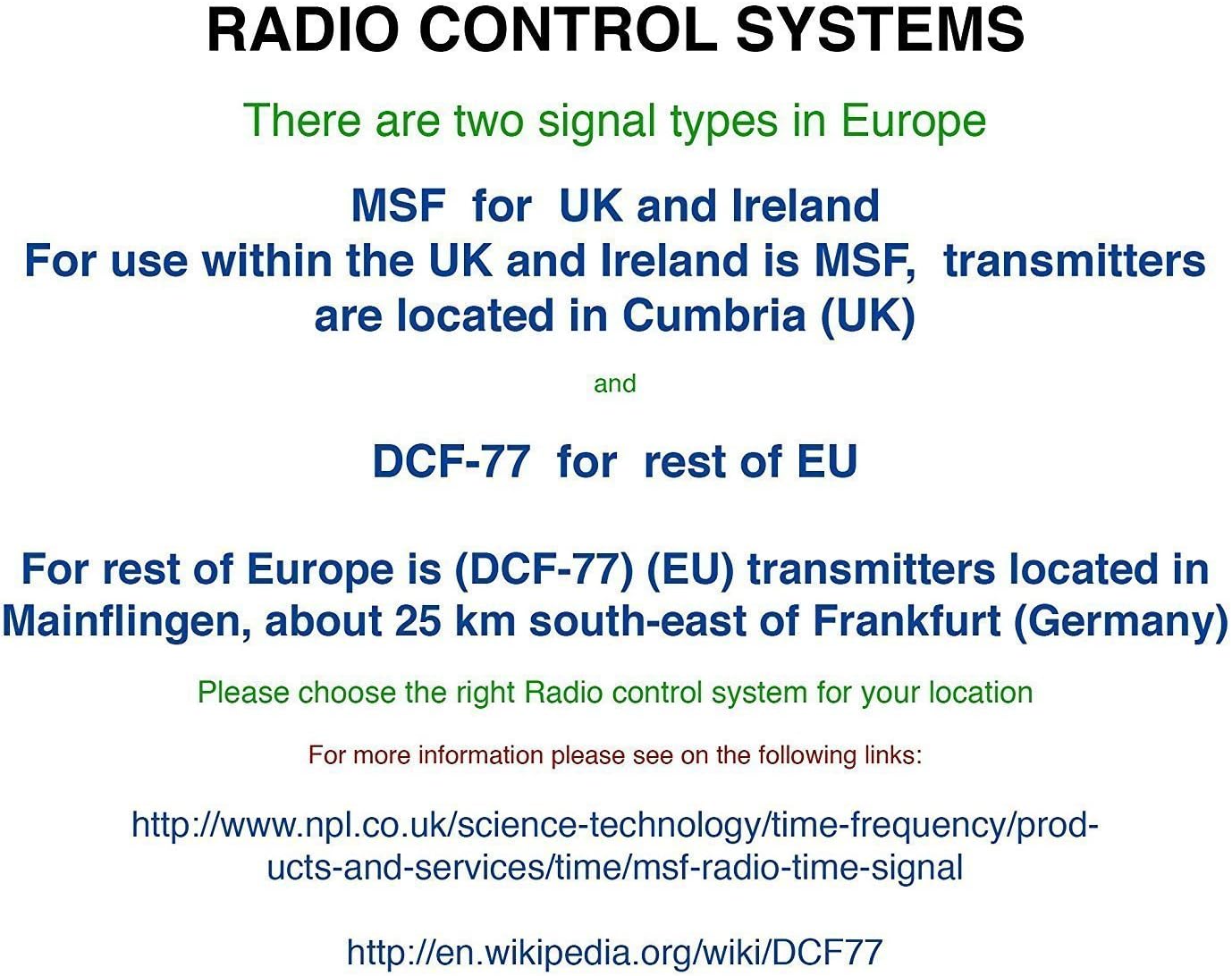
Рисунок 3: Explanation of radio control systems. The Youshiko YK YC8025-B uses the MSF signal for the UK and Ireland.
Инструкция по эксплуатации
1. Отображение информации
Большой ЖК-дисплей отображает следующую информацию:
- Время: Current time in 12-hour (with AM/PM indicator) or 24-hour format.
- Дата: День и месяц.
- День недели: Abbreviated day name.
- Температура в помещении: Measured in Celsius (°C) or Fahrenheit (°F).
- Фаза луны: Графическое представление текущей фазы Луны.
- Значок сигнала: Indicates radio signal reception status.
- Значок будильника: Указывает, активна ли сигнализация.
2. Setting Time and Date Manually (if needed)
While the clock is radio-controlled, manual adjustments may be necessary in certain situations (e.g., outside signal range).
- Нажмите и удерживайте НАБОР кнопку, пока дисплей не начнет мигать.
- Используйте UP or ВНИЗ кнопки для регулировки значения мигания (например, час, минута, год, месяц, день).
- Нажимать НАБОР Ещё раз подтвердите настройку и перейдите к следующему регулируемому параметру.
- Repeat until all desired settings are configured. The clock will exit setup mode automatically after a period of inactivity or by pressing НАБОР repeatedly until the normal display returns.
3. 12/24 Hour Format and Temperature Unit
- To switch between 12-hour and 24-hour time format, press the UP button during normal time display.
- To switch between Celsius (°C) and Fahrenheit (°F) for temperature display, press the ВНИЗ button during normal time display.
4. Установка будильника и функция повтора сигнала.
- Нажмите ТРЕВОГА Нажмите кнопку один раз, чтобы отобразить текущее время будильника.
- Нажмите и удерживайте ТРЕВОГА Нажимайте кнопку до тех пор, пока не начнет мигать время будильника.
- Используйте UP or ВНИЗ buttons to adjust the alarm hour and then the alarm minute.
- Нажимать ТРЕВОГА again to confirm and activate the alarm. The alarm icon will appear on the display.
- Когда прозвучит сигнал будильника, нажмите кнопку SNOOZE Кнопка для временного отключения звука. Сигнал тревоги снова прозвучит через несколько минут.
- To turn off the alarm completely, press any other button (e.g., ТРЕВОГА, НАБОР) when it is sounding or when the snooze is active.
5. Manual Signal Search
If the clock fails to receive the radio signal automatically, you can initiate a manual search.
- Нажмите ВОЛНА кнопка.
- The signal icon will flash, indicating the clock is searching for the radio signal.
- Allow several minutes for the clock to attempt synchronization.
Обслуживание
1. Замена батареи
Когда дисплей тускнеет или часы перестают работать, пора заменить батарейки.
- Откройте батарейный отсек на задней стороне часов.
- Извлеките старые батареи.
- Вставьте новые батарейки, соблюдая полярность.
- Close the battery compartment. The clock will then attempt to re-synchronize with the radio signal.
2. Уборка
- Протрите поверхность часов мягкой сухой тканью.
- Do not use abrasive cleaners or chemical solvents, as these can damage the display or casing.
Поиск неисправностей
- No Time Display / Incorrect Time:
- Убедитесь, что батарейки установлены правильно и не разряжены. При необходимости замените.
- Check signal reception. Move the clock to a location with better reception, away from electronic interference.
- Initiate a manual signal search by pressing the ВОЛНА кнопка.
- Verify that you are within the MSF signal range (UK and Ireland).
- Тусклый дисплей:
- Замените батареи новыми.
- Будильник не звучит:
- Убедитесь, что сигнализация активирована (значок тревоги виден на дисплее).
- Check that the alarm time is set correctly.
Технические характеристики
| Бренд | Юшико |
| Номер модели | YK YC8025-B |
| Цвет | Черный |
| Размеры (Д x Ш x В) | 23 х 16 х 3 см |
| Масса | 30 грамм |
| Материал | Пластик, Стекло |
| Тип дисплея | Цифровой |
| Особые возможности | Temperature Display, Alarm, Moon Phase, Radio Controlled |
| Источник питания | Питание от батареек (батарейки в комплект не входят) |

Рисунок 4: Dimensions of the Youshiko YK YC8025-B Radio Controlled Wall Clock.